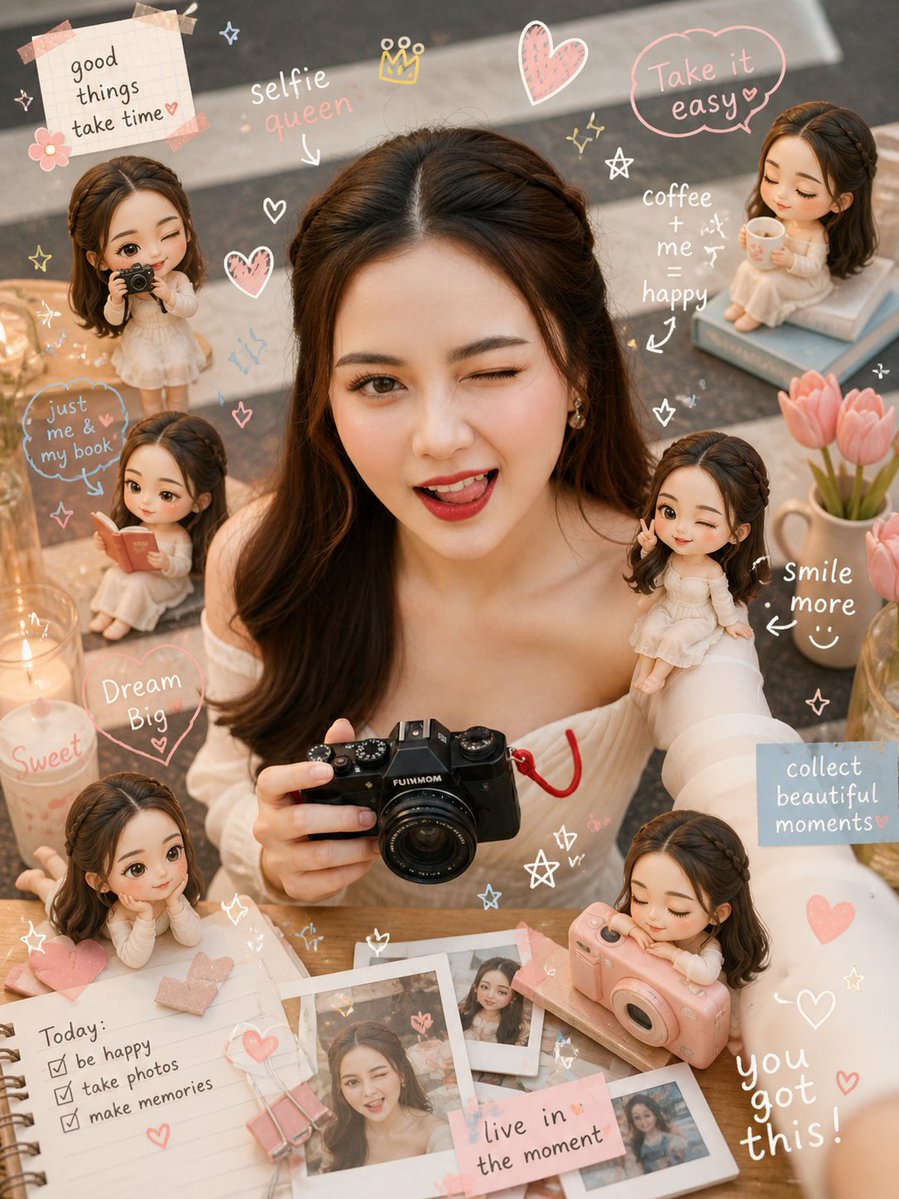
Cozy Scrapbook Photo Transformation
A creative prompt to turn a reference portrait into a dreamy scrapbook-style edit featuring doodles, pastel colors, and miniature versions of the subject.
This is a gpt-image-2 prompt case for 人像角色. Use the copy-ready prompt below to generate similar visuals, and review Awesome Seedance 2.0 Video Prompts attribution plus commercial-use rights before reuse.

Prompt
Copy-ready prompt
Transform the reference image into a {argument name="style" default="cozy scrapbook-style edit"} while preserving the same subject, pose, lighting, and background. Add small {argument name="miniature style" default="chibi mini versions"} of the person around the scene (on shoulder, table, etc.), matching face, outfit, and vibe, doing activities like reading, posing, taking photos, relaxing. Overlay cute handwritten doodles (hearts, stars, arrows, sparkles) and short captions. Use a {argument name="color palette" default="soft pastel palette (white, pink, peach, blue)"} with a clean but visually rich layout.
Style: warm, dreamy, cozy Instagram aesthetic, soft depth of field, detailed and playful.
Final image must look like the same original photo enhanced not changed.
Prompt variables
Editable argument placeholders found in the prompt, with their default values.
More cases in this category
Prioritized by category, input mode compatibility, quality, and lower risk.






Reuse and source notes
Use this prompt safely after previewing the case.
- 1.Copy the prompt or open it directly in Dovoo with the generation button.
- 2.Adjust variables, aspect ratio, and reference images for your own use case.
- 3.Before publishing or paid usage, verify source rights, attribution requirements, and brand or likeness risks.
Can I use this prompt commercially?
Commercial-use status is restricted. Review the original source, license, brand constraints, and legal requirements before paid usage.
Where does this case come from?
This case is imported from Awesome Seedance 2.0 Video Prompts; keep attribution visible and check the source URL before reuse.