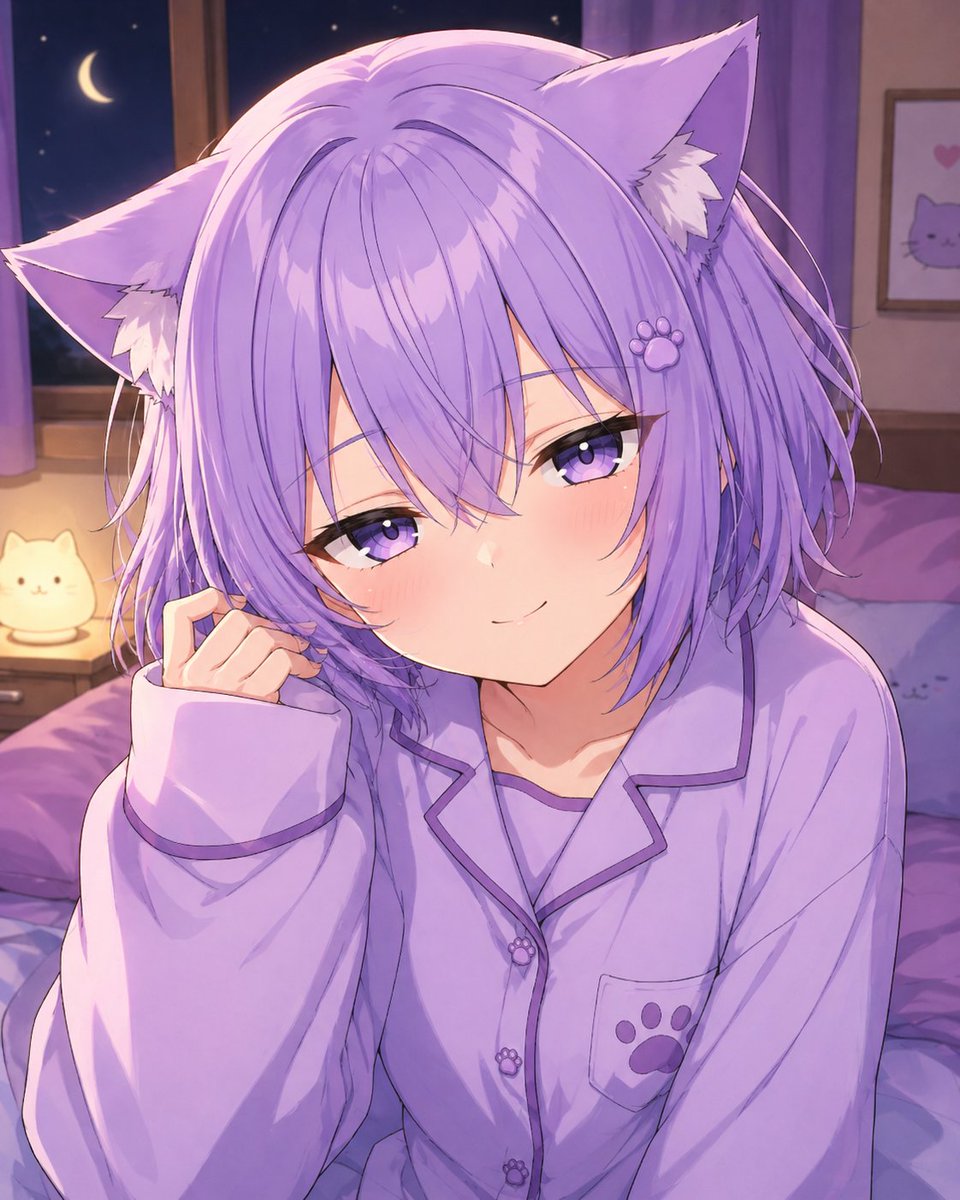
Cozy Catgirl Pajama Night Portrait
This prompt generates a cute anime catgirl in lavender pajamas sitting on a bed in a softly lit bedroom at night, ideal for VTuber-inspired fan art or cozy character illustrations.
This is a GPT Image 2 prompt case for Portrait & Character. Use the copy-ready prompt below to generate similar visuals, and review Awesome GPT Image 2 Prompts attribution plus commercial-use rights before reuse.
Free 1K preview
Generate one preview image instantly, no sign-up required.
Prompt
Copy-ready prompt
A soft anime-style bedroom portrait of {argument name="character name" default="Nekomata Okayu"}, shown from the chest up sitting on a bed at night, centered in the frame. She has short fluffy {argument name="hair color" default="lavender"} hair with layered bangs partially covering one eye, large cat ears on top of her head with white inner fur, and a cute sleepy catgirl appearance. Her expression is gentle and relaxed, with one hand raised near her cheek in a shy, cozy pose. She wears oversized {argument name="pajama color" default="light lavender"} button-up pajamas with dark purple piping, a small chest pocket, and paw-print shaped buttons and paw-print decoration on the pocket. The room is lit with dreamy purple ambient lighting. In the background, show a nighttime window with a crescent moon and stars visible outside, soft curtains, a bedside table with a glowing cat-shaped lamp, a neatly rumpled bed with pillows and blankets in matching purple tones, and a small framed wall picture featuring a simple cat face and hearts. Use a cute pastel palette, soft shading, polished digital anime rendering, subtle highlights in the hair, intimate cozy composition, and a calm bedtime atmosphere.Prompt variables
Editable argument placeholders found in the prompt, with their default values.
Best for
- - Portrait & Character visual exploration
- - Image generation and reference-image edits
- - Reusable briefs that keep source attribution visible
Change these parts
- - Subject, product, character, or scene
- - Aspect ratio, camera, lighting, and background
- - Brand, text, color, and output constraints
Recommended model and settings
- - Model: gpt-image-2
- - Input mode: Text to Image
- - Aspect ratio: source
- - Commercial status: review original source
How to use this prompt
- 1. Copy the prompt and preserve its structure for the first test.
- 2. Replace the subject, context, and publishing channel.
- 3. Change one camera, lighting, or style variable per iteration.
- 4. Inspect the output, source, text, and rights before reuse.
Limitations, source, and reuse cautions
- - Generated output is an editable draft, not factual, legal, or rights evidence.
- - Review the linked source, people, brands, logos, text, and third-party media before commercial use.
More cases in this category
Prioritized by category, input mode compatibility, quality, and lower risk.
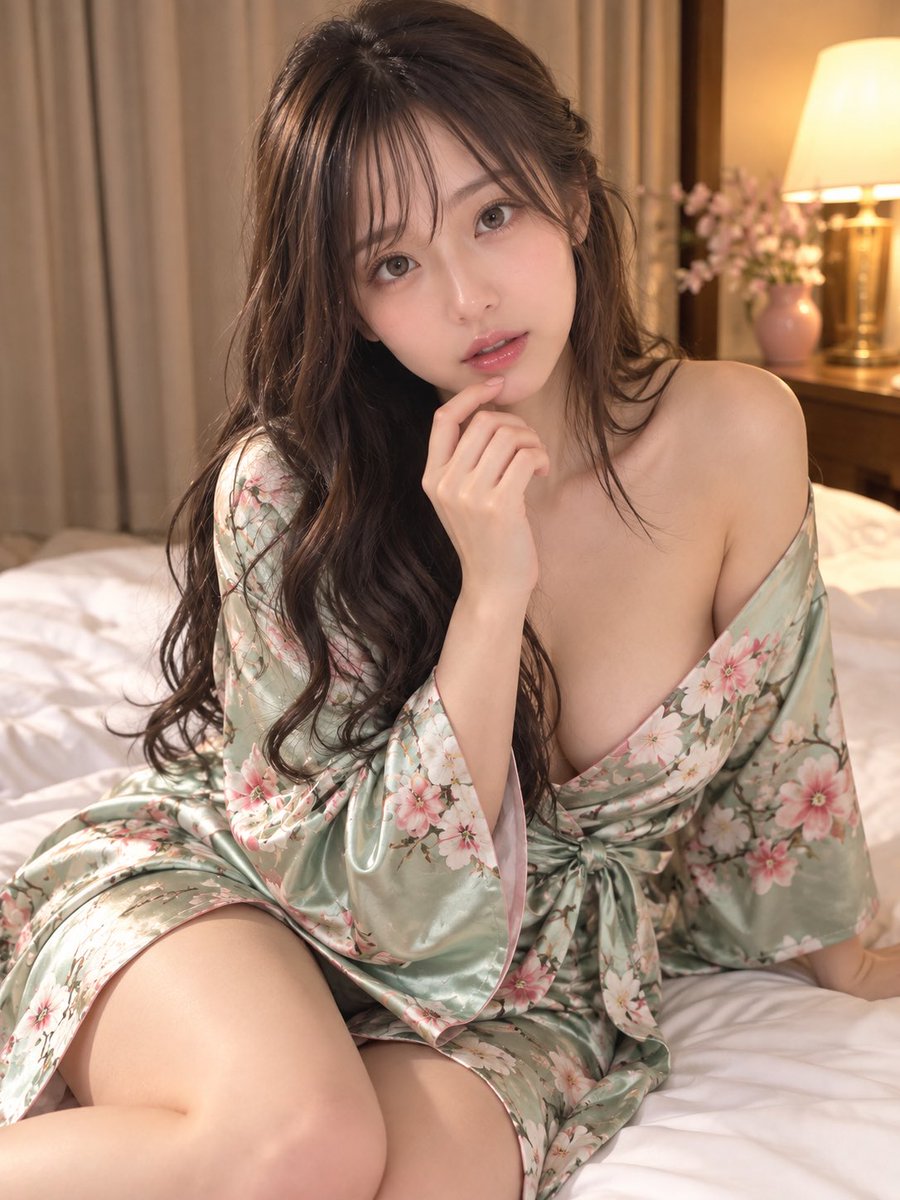
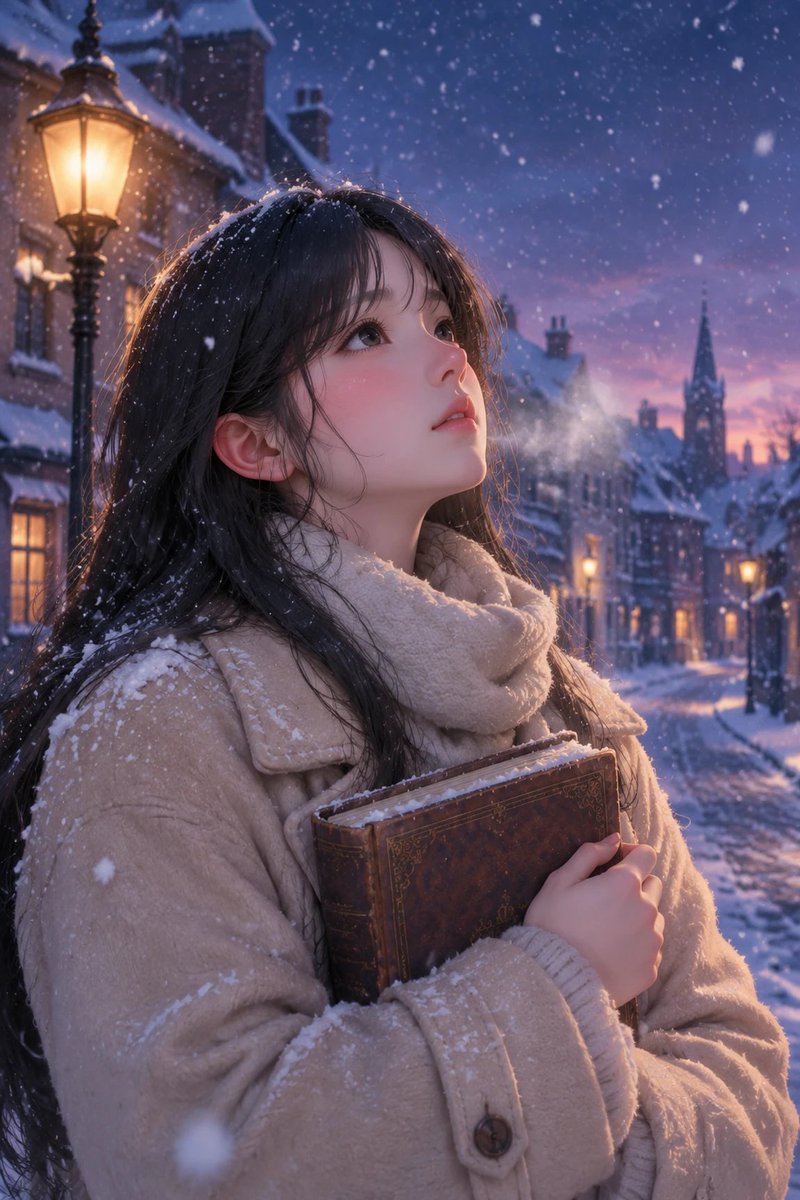
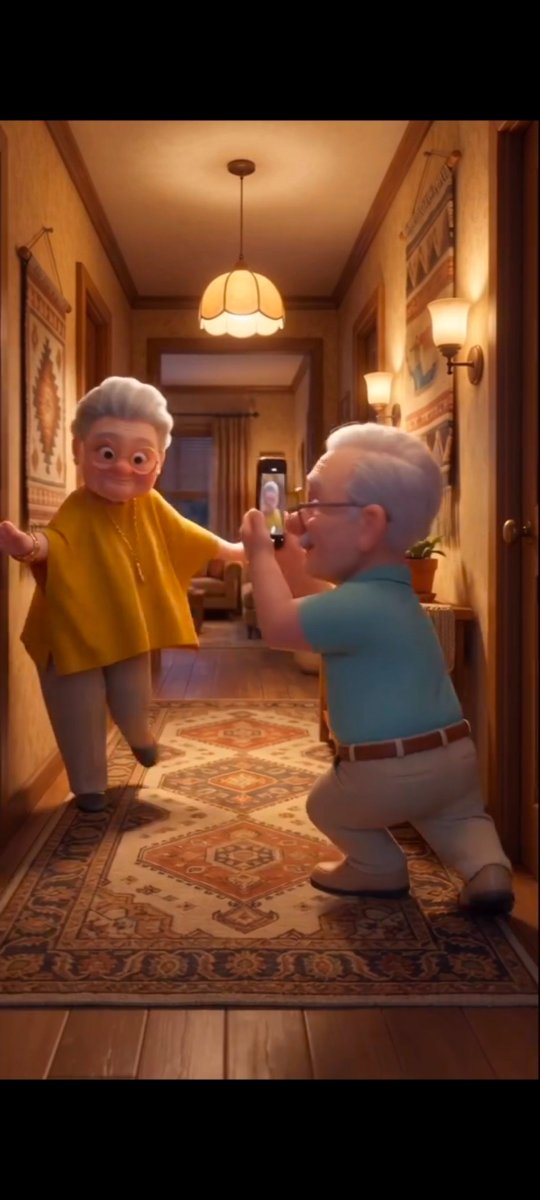

Reuse and source notes
Use this prompt safely after previewing the case.
- 1.Copy the prompt or open it directly in Dovoo with the generation button.
- 2.Adjust variables, aspect ratio, and reference images for your own use case.
- 3.Before publishing or paid usage, verify source rights, attribution requirements, and brand or likeness risks.
Can I use this prompt commercially?
Commercial-use status is allowed. Review the original source, license, brand constraints, and legal requirements before paid usage.
Where does this case come from?
This case is imported from Awesome GPT Image 2 Prompts; keep attribution visible and check the source URL before reuse.