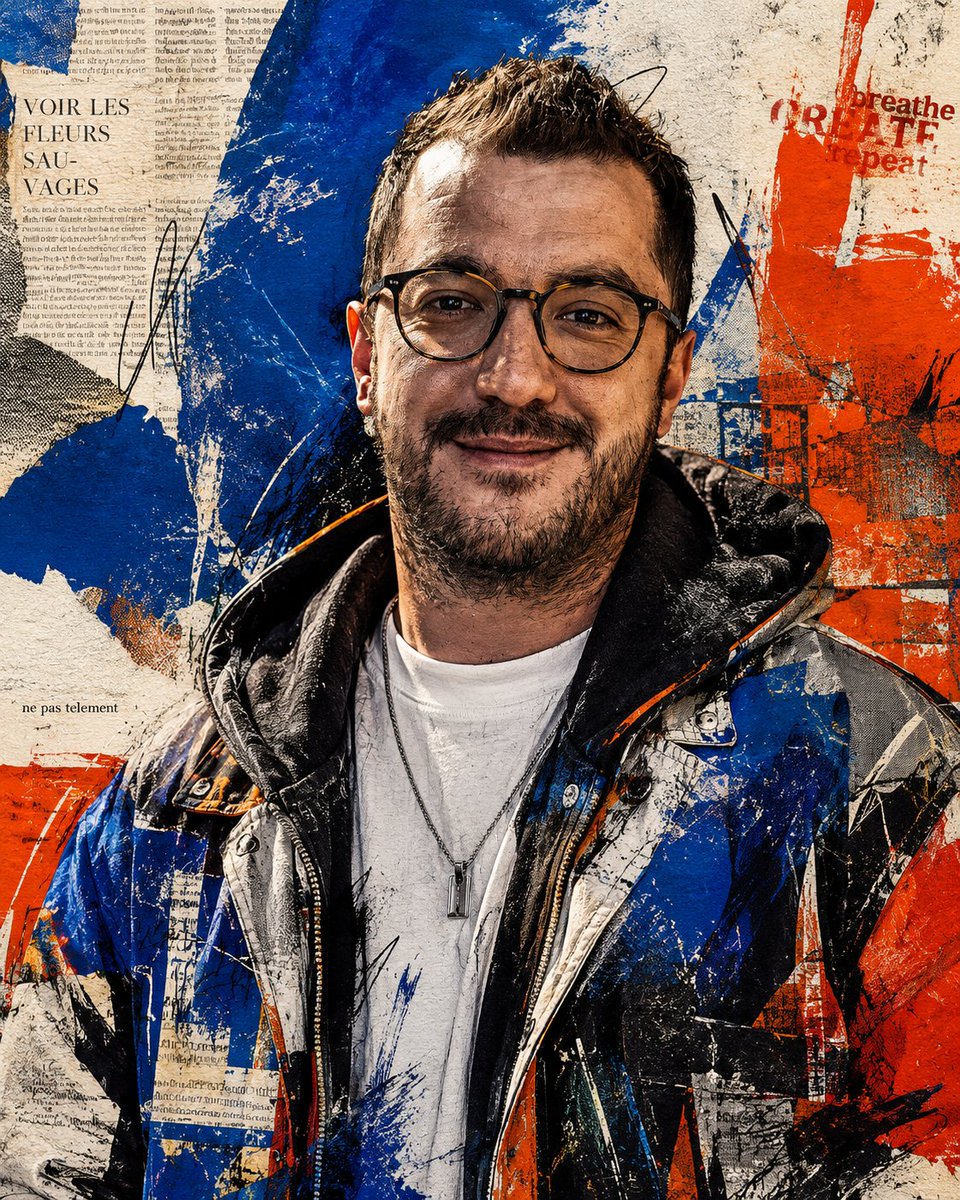
Censored Urban Collage Portrait
A gritty mixed-media streetwear portrait with an opaque face censor block, distressed typography, and bold blue-orange poster collage styling.
This is a GPT Image 2 prompt case for Graphic & Poster. Use the copy-ready prompt below to generate similar visuals, and review Awesome GPT Image 2 Prompts attribution plus commercial-use rights before reuse.
Free 1K preview
Generate one preview image instantly, no sign-up required.
Prompt
Copy-ready prompt
Create a square mixed-media urban poster portrait of {argument name="subject" default="an adult man"} shown from mid-torso up, centered and facing forward, Show every face clearly with natural, detailed facial features, nose, and mouth. The subject has short dark hair visible above the block and a short beard visible below it, wearing a layered streetwear outfit: a white T-shirt, thin silver chain necklace with a small vertical pendant, a black hooded sweatshirt, and a glossy blue-black-white-orange puffer jacket with sharp collage-like panels. The background is a distressed paper wall collage with torn newspaper fragments, faded handwritten notes, black ink scribbles, and heavy abstract brush strokes in {argument name="main colors" default="cobalt blue, red-orange, off-white, black, and beige"}. Include legible poster-style fragments: “VOIR LES FLEURS SAU-VAGES” on the upper left, “breathe repeat” and partial red block lettering near the upper right, and “ne pas telement” in small type on the left. Use gritty high-contrast textures, screen-print halftone, paint splatter, scratches, tape-like edges, and torn-paper overlays across both the clothing and background, blending photography with punk zine collage and expressive street art. Keep the composition tightly cropped, square 4:5-feeling poster framing, dramatic detail in the jacket and textures, no clean studio background, no extra people, no watermark.Prompt variables
Editable argument placeholders found in the prompt, with their default values.
Best for
- - Graphic & Poster visual exploration
- - Image generation and reference-image edits
- - Reusable briefs that keep source attribution visible
Change these parts
- - Subject, product, character, or scene
- - Aspect ratio, camera, lighting, and background
- - Brand, text, color, and output constraints
Recommended model and settings
- - Model: gpt-image-2
- - Input mode: Text to Image
- - Aspect ratio: source
- - Commercial status: review original source
How to use this prompt
- 1. Copy the prompt and preserve its structure for the first test.
- 2. Replace the subject, context, and publishing channel.
- 3. Change one camera, lighting, or style variable per iteration.
- 4. Inspect the output, source, text, and rights before reuse.
Limitations, source, and reuse cautions
- - Generated output is an editable draft, not factual, legal, or rights evidence.
- - Review the linked source, people, brands, logos, text, and third-party media before commercial use.
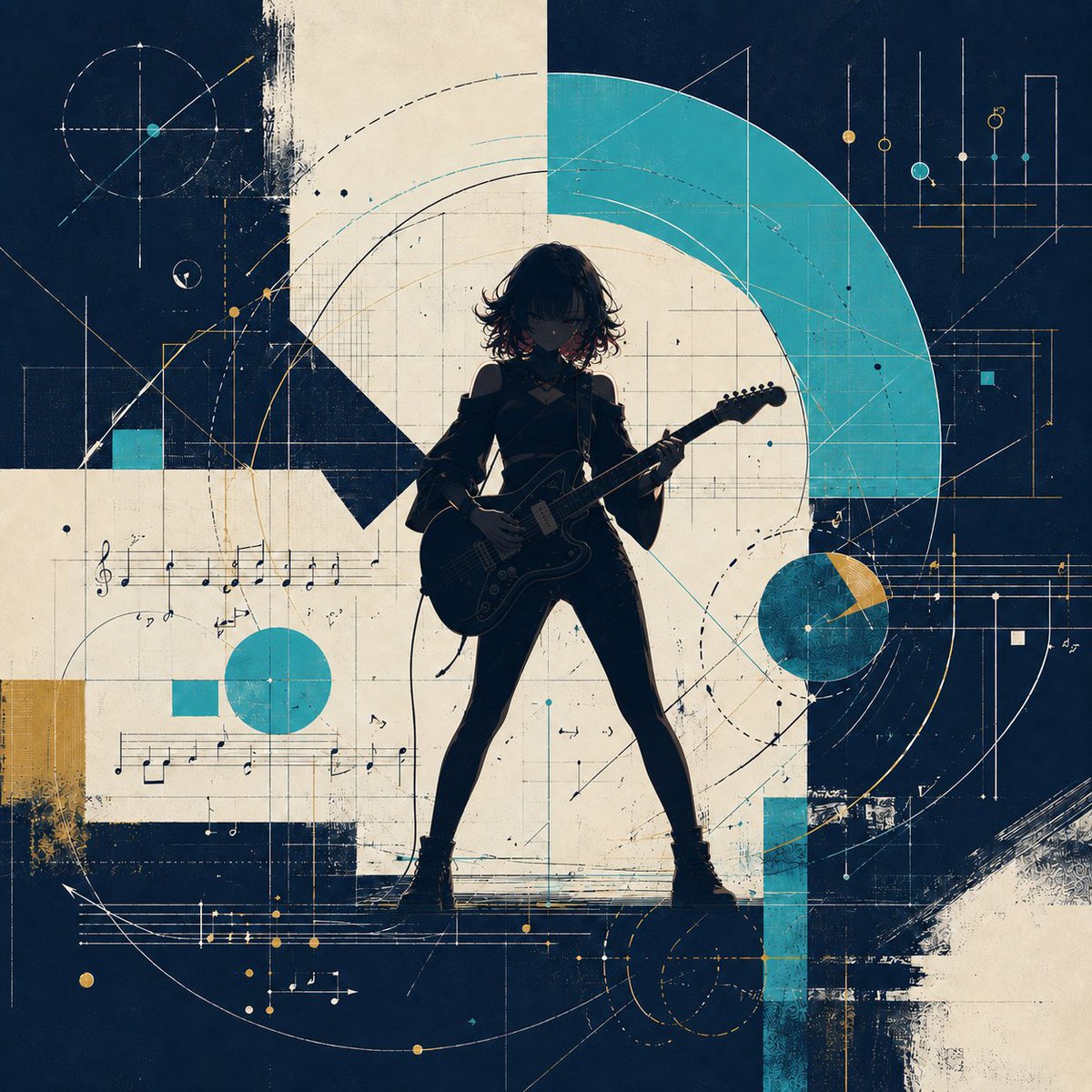
More cases in this category
Prioritized by category, input mode compatibility, quality, and lower risk.





Reuse and source notes
Use this prompt safely after previewing the case.
- 1.Copy the prompt or open it directly in Dovoo with the generation button.
- 2.Adjust variables, aspect ratio, and reference images for your own use case.
- 3.Before publishing or paid usage, verify source rights, attribution requirements, and brand or likeness risks.
Can I use this prompt commercially?
Commercial-use status is allowed. Review the original source, license, brand constraints, and legal requirements before paid usage.
Where does this case come from?
This case is imported from Awesome GPT Image 2 Prompts; keep attribution visible and check the source URL before reuse.