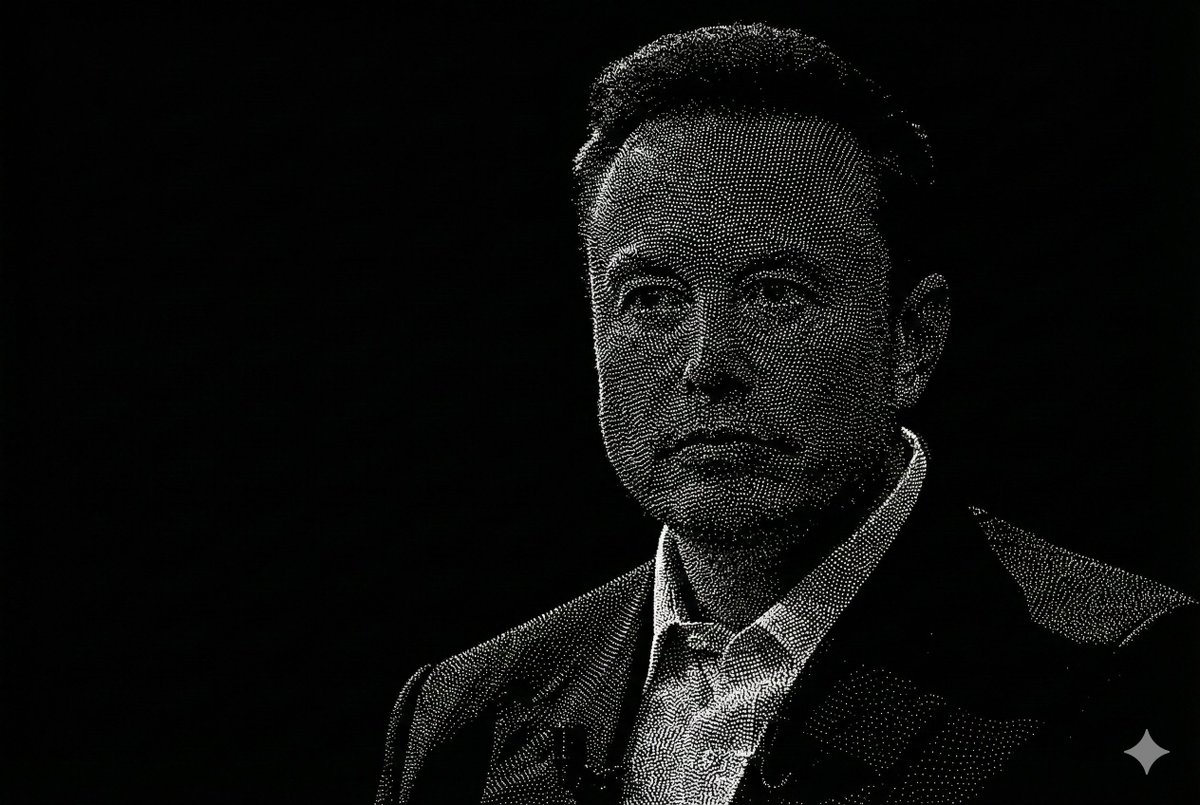
Censored Point-Cloud Portrait
This prompt generates a stark black-and-white lidar-style portrait of a suited man built from dense white particles, ideal for editorial tech visuals, privacy themes, or futuristic identity imagery.
This is a GPT Image 2 prompt case for Portrait & Character. Use the copy-ready prompt below to generate similar visuals, and review Awesome GPT Image 2 Prompts attribution plus commercial-use rights before reuse.
Free 1K preview
Generate one preview image instantly, no sign-up required.
Prompt
Copy-ready prompt
A minimalist monochrome portrait made entirely from millions of tiny white point-cloud dots on a pitch-black background, showing 1 adult man from the chest up in a formal dark blazer and light collared dress shirt. The subject is centered slightly to the right, facing forward with a subtle three-quarter turn, with neatly combed short hair and one visible ear sharply defined by dense lidar-like particles. Render the figure as raw 3D scan data mixed with topological contour logic: ultra-dense stippling, precise geometric dot placement, faint isoline structure, and clean depth shaping across the hair, jacket lapels, collar, neck, and shoulders. Show every face clearly with natural, detailed facial features, perfectly centered over the facial area from forehead to below the nose, creating a stark privacy-mask effect. Use matte texture, crisp edges, sharp focus, high contrast, no glow, no bloom, no neon, no fog, no motion blur, no chromatic aberration, no painterly strokes. Add 1 small four-point sparkle icon in light gray in the bottom-right corner. The overall image should feel mathematical, forensic, and futuristic, like a high-resolution lidar scan portrait in 8k.
Best for
- - Portrait & Character visual exploration
- - Image generation and reference-image edits
- - Reusable briefs that keep source attribution visible
Change these parts
- - Subject, product, character, or scene
- - Aspect ratio, camera, lighting, and background
- - Brand, text, color, and output constraints
Recommended model and settings
- - Model: gpt-image-2
- - Input mode: Text to Image
- - Aspect ratio: source
- - Commercial status: review original source
How to use this prompt
- 1. Copy the prompt and preserve its structure for the first test.
- 2. Replace the subject, context, and publishing channel.
- 3. Change one camera, lighting, or style variable per iteration.
- 4. Inspect the output, source, text, and rights before reuse.
Limitations, source, and reuse cautions
- - Generated output is an editable draft, not factual, legal, or rights evidence.
- - Review the linked source, people, brands, logos, text, and third-party media before commercial use.
More cases in this category
Prioritized by category, input mode compatibility, quality, and lower risk.



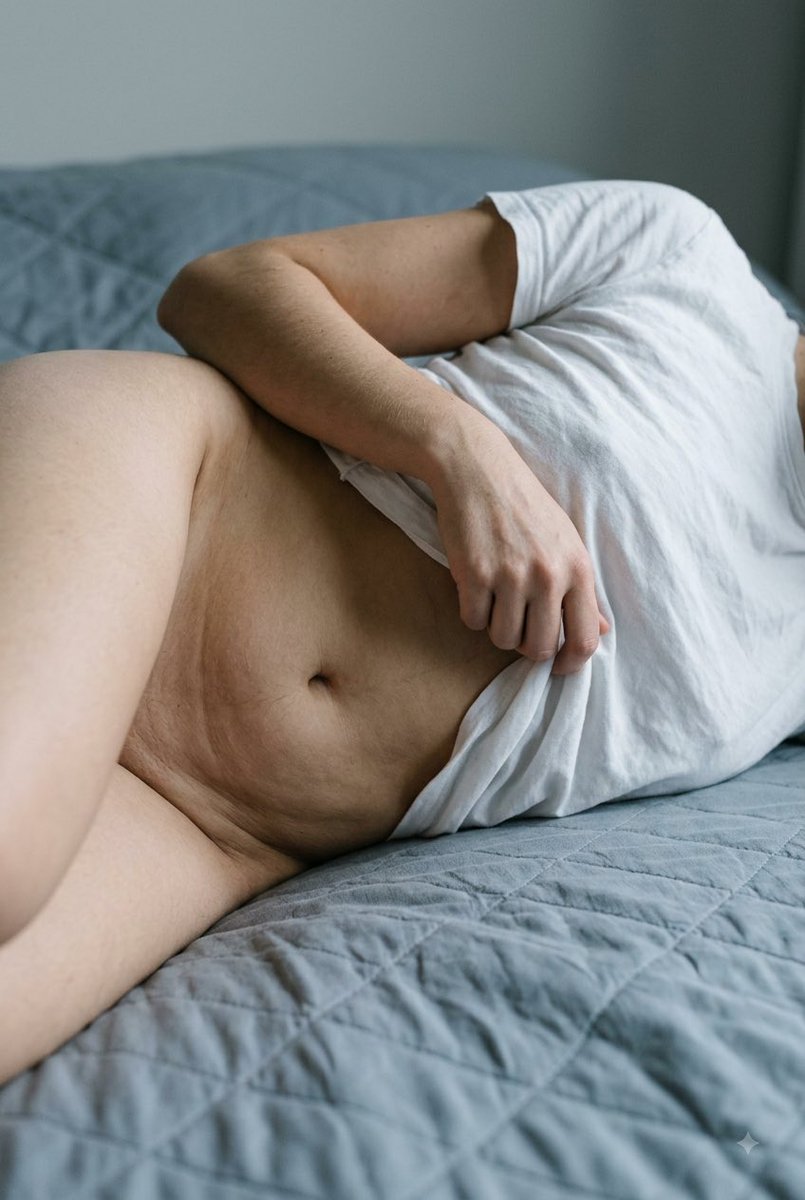

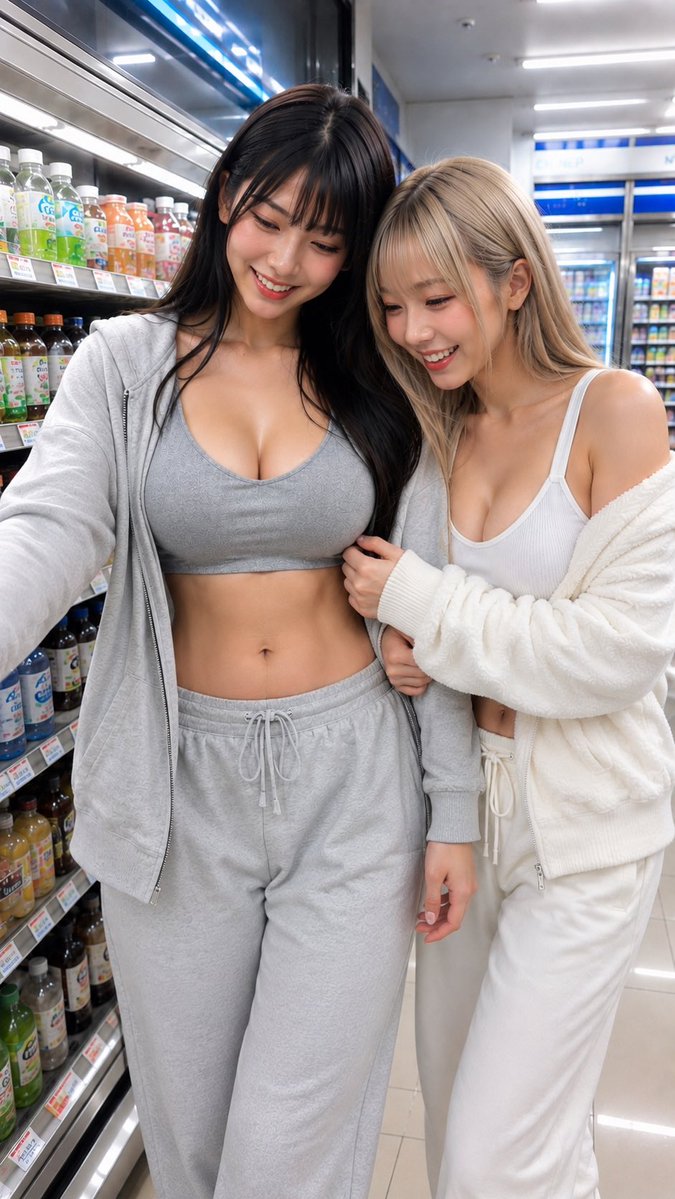
Reuse and source notes
Use this prompt safely after previewing the case.
- 1.Copy the prompt or open it directly in Dovoo with the generation button.
- 2.Adjust variables, aspect ratio, and reference images for your own use case.
- 3.Before publishing or paid usage, verify source rights, attribution requirements, and brand or likeness risks.
Can I use this prompt commercially?
Commercial-use status is allowed. Review the original source, license, brand constraints, and legal requirements before paid usage.
Where does this case come from?
This case is imported from Awesome GPT Image 2 Prompts; keep attribution visible and check the source URL before reuse.