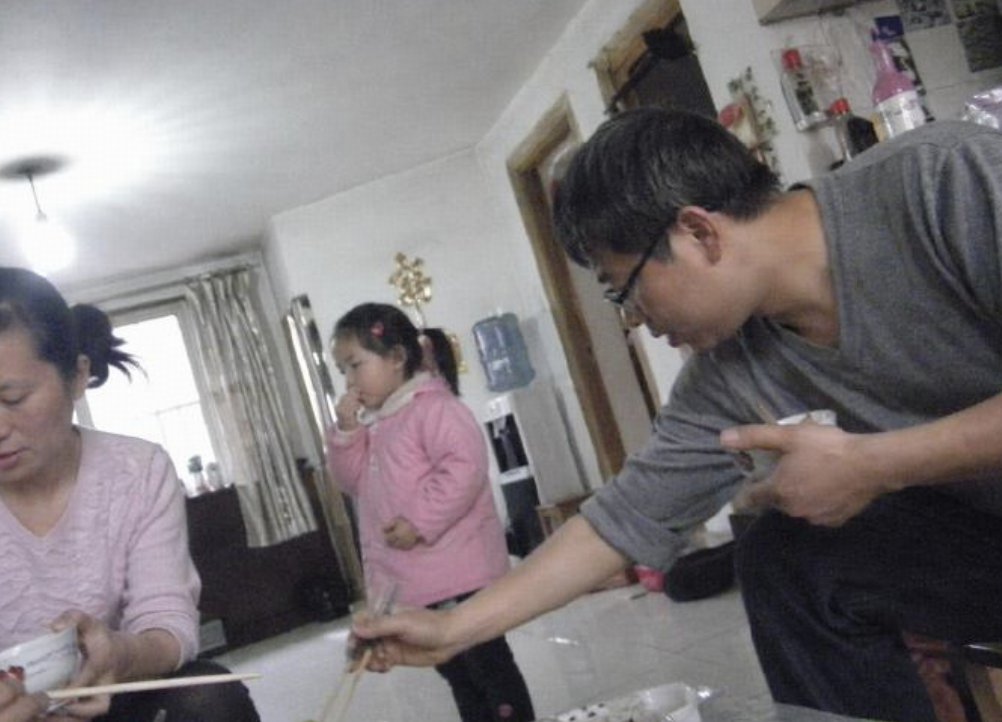
Censored Family Snapshot
Generates a tilted low-resolution candid apartment photo with three people whose faces are obscured by censor blocks, useful for uncanny realistic AI-image demonstrations.
This is a GPT Image 2 prompt case for Portrait & Character. Use the copy-ready prompt below to generate similar visuals, and review Awesome GPT Image 2 Prompts attribution plus commercial-use rights before reuse.
Free 1K preview
Generate one preview image instantly, no sign-up required.
Prompt
Copy-ready prompt
Create a low-resolution, candid indoor family snapshot with an unsettling hyper-realistic AI-photo feel, shot at a slight clockwise tilt with a wide-angle phone camera and harsh ceiling-light glare. The scene is a cramped apartment dining/living room with glossy white tile floor, white walls, a bright window with beige curtains in the back left, a dark sofa or cabinet near the window, a wall-mounted water dispenser in the center background, shelves and bottles cluttered in the upper right, and everyday household objects scattered around. Show exactly 3 people: on the left, a seated adult woman in a pale pink long-sleeve top holding a white bowl and chopsticks near the bottom edge; in the center background, a standing child wearing a puffy pink jacket and dark pants, holding something near the mouth; on the right foreground, a leaning adult man in a gray long-sleeve shirt and dark pants, reaching diagonally downward with chopsticks while pointing with his other hand. Cover all 3 faces with opaque rectangular pixelated blur censor blocks in muted brown-gray tones: one tall block over the woman’s face at the far left edge, one smaller block over the child’s face, and one large block over the man’s face. Keep the composition awkward and accidental, with motion blur, compression artifacts, soft focus, noisy shadows, washed-out colors, uneven exposure, and the feeling of an old compressed family photo. Use {argument name="room type" default="small Chinese apartment dining room"}, {argument name="number of people" default="3"}, {argument name="censor style" default="opaque rectangular pixelated blur blocks"}, {argument name="main clothing color" default="pink and gray"}, and {argument name="camera style" default="tilted low-resolution phone snapshot"}. Do not add readable text, logos, watermarks, or extra people.Prompt variables
Editable argument placeholders found in the prompt, with their default values.
Best for
- - Portrait & Character visual exploration
- - Image generation and reference-image edits
- - Reusable briefs that keep source attribution visible
Change these parts
- - Subject, product, character, or scene
- - Aspect ratio, camera, lighting, and background
- - Brand, text, color, and output constraints
Recommended model and settings
- - Model: gpt-image-2
- - Input mode: Text to Image
- - Aspect ratio: source
- - Commercial status: review original source
How to use this prompt
- 1. Copy the prompt and preserve its structure for the first test.
- 2. Replace the subject, context, and publishing channel.
- 3. Change one camera, lighting, or style variable per iteration.
- 4. Inspect the output, source, text, and rights before reuse.
Limitations, source, and reuse cautions
- - Generated output is an editable draft, not factual, legal, or rights evidence.
- - Review the linked source, people, brands, logos, text, and third-party media before commercial use.
More cases in this category
Prioritized by category, input mode compatibility, quality, and lower risk.
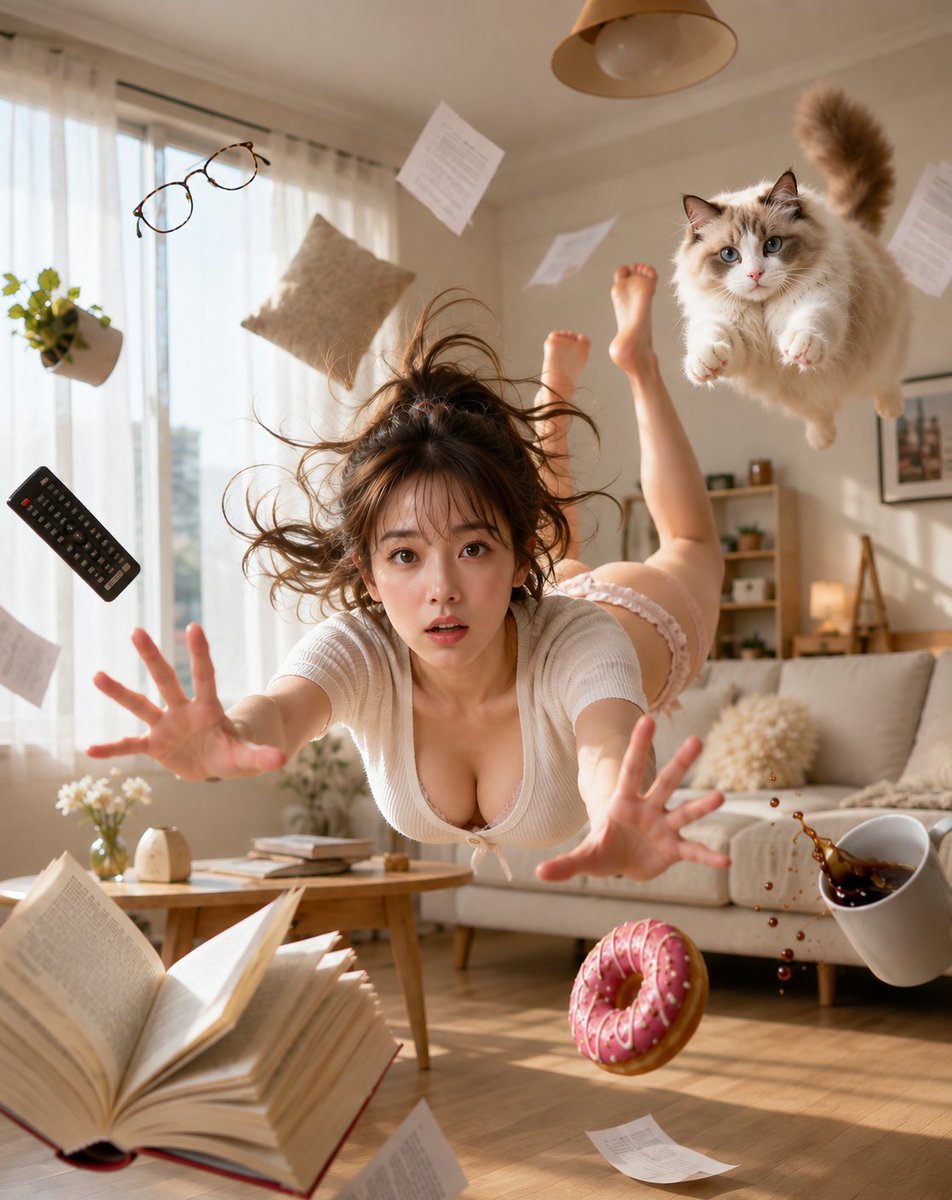

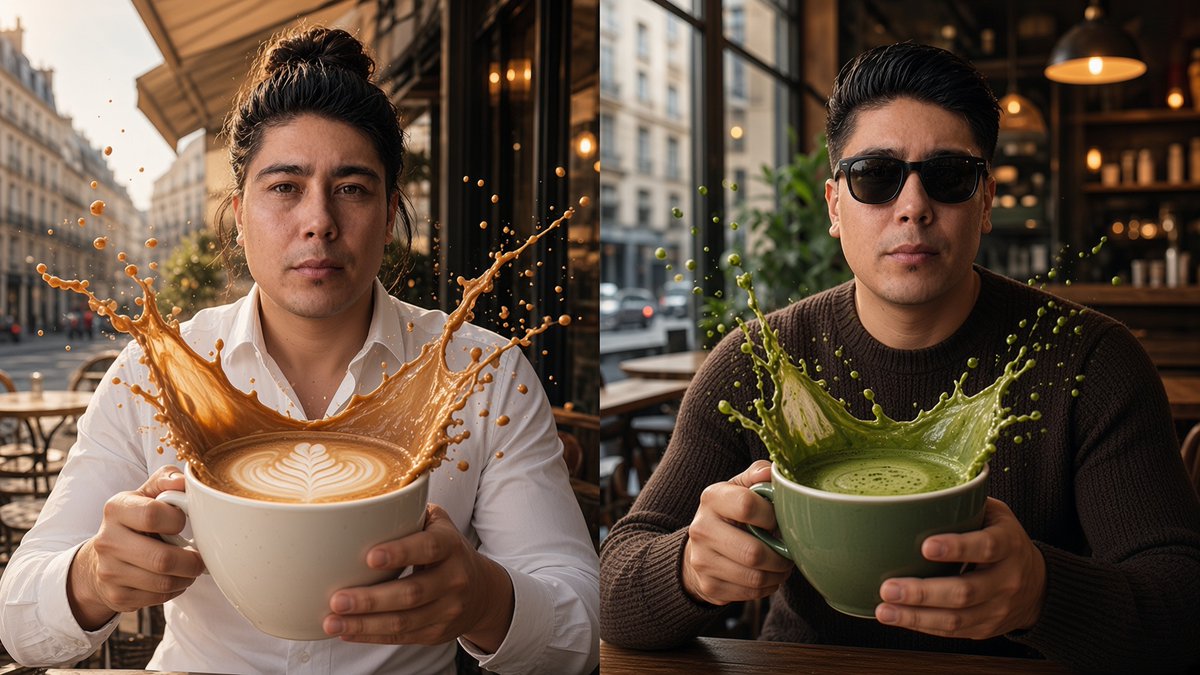



Reuse and source notes
Use this prompt safely after previewing the case.
- 1.Copy the prompt or open it directly in Dovoo with the generation button.
- 2.Adjust variables, aspect ratio, and reference images for your own use case.
- 3.Before publishing or paid usage, verify source rights, attribution requirements, and brand or likeness risks.
Can I use this prompt commercially?
Commercial-use status is allowed. Review the original source, license, brand constraints, and legal requirements before paid usage.
Where does this case come from?
This case is imported from Awesome GPT Image 2 Prompts; keep attribution visible and check the source URL before reuse.