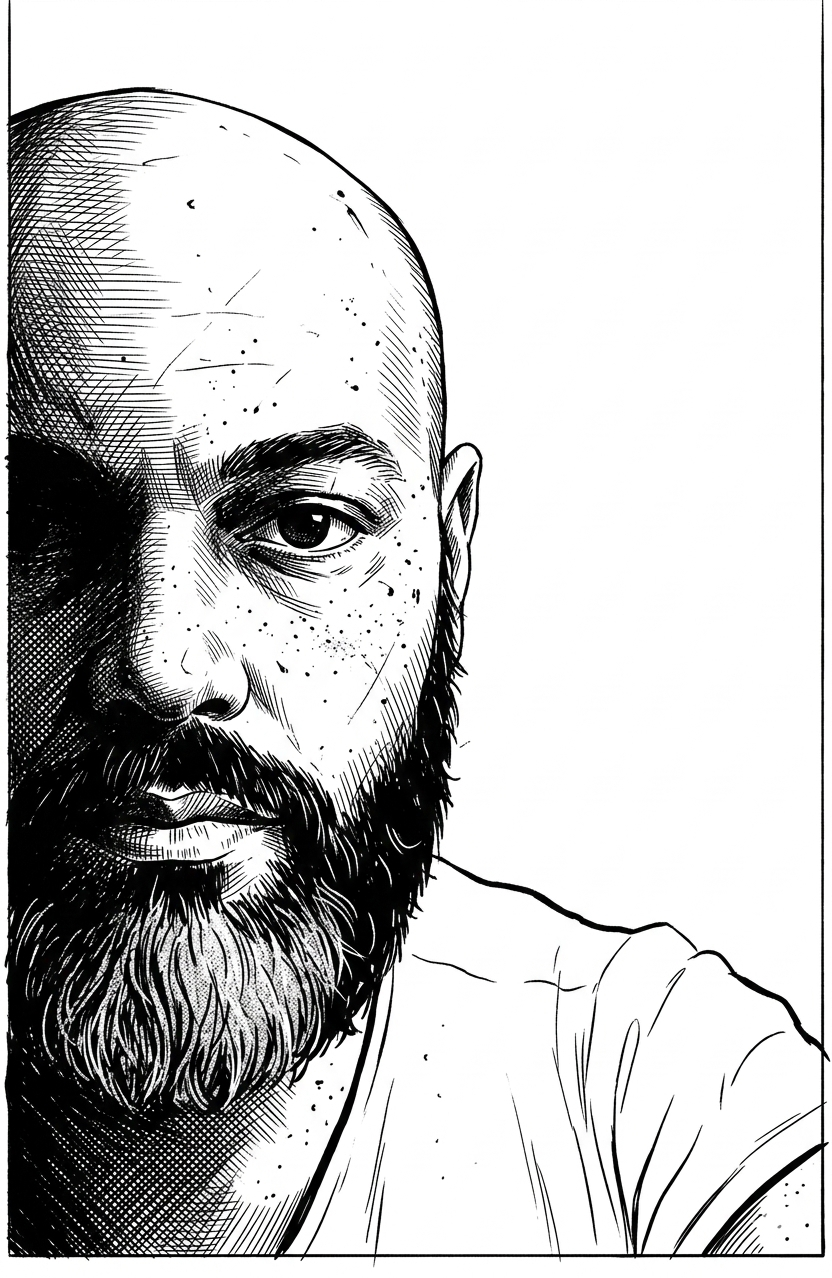
Cartoonize
Source-attributed Nano Banana Pro image prompt from the Awesome Nano Banana Pro Prompts repository with preview image and reuse review notes.
This is a Nano Banana Pro prompt case for Portrait & Character. Use the copy-ready prompt below to generate similar visuals, and review Awesome Nano Banana Pro Prompts attribution plus commercial-use rights before reuse.
Need the full prompt set? Use the Portrait & Character topic hub for more related examples, or open the Nano Banana Pro prompt library for the full example index, reusable structures, and source attribution.
Prompt
Copy-ready prompt
Transform the uploaded photo into a high-contrast black and white ink illustration.

Style: detailed pen and ink drawing, graphic novel / vintage engraving style.
Use strong cross-hatching, line shading, and stippling for texture.

Composition:
The face appears only about three-quarters visible, cropped dramatically so that the subject sits on one side of the frame.
Place the subject at the edge of the image, leaving approximately one quarter of the canvas as clean negative space.
The visible face area should extend vertically from the top border to the bottom border of the image.
The empty space should remain minimal and clean.

Keep the facial structure and expression recognizable from the original photo.

Lighting: dramatic high contrast with one side of the face in deep shadow and the other side illuminated.

Lines: sharp, expressive, slightly rough like hand-drawn ink.

Hair illustrated with dynamic flowing strokes.
Skin texture includes subtle scratches, freckles, and ink speckles.

Background: pure white minimal background with strong negative space.

Mood: intense, cinematic, gritty
Best for
- - Portrait & Character visual exploration
- - Image generation and reference-image edits
- - Reusable briefs that keep source attribution visible
Change these parts
- - Subject, product, character, or scene
- - Aspect ratio, camera, lighting, and background
- - Brand, text, color, and output constraints
Recommended model and settings
- - Model: nano-banana-pro
- - Input mode: Image to Image
- - Aspect ratio: square
- - Commercial status: restricted
How to use this prompt
- 1. Copy the prompt and preserve its structure for the first test.
- 2. Replace the subject, context, and publishing channel.
- 3. Change one camera, lighting, or style variable per iteration.
- 4. Inspect the output, source, text, and rights before reuse.
Limitations, source, and reuse cautions
- - Generated output is an editable draft, not factual, legal, or rights evidence.
- - Review the linked source, people, brands, logos, text, and third-party media before commercial use.
Imported from Awesome Nano Banana Pro Prompts. Attribution is required. Commercial-use status is restricted; review source rights before paid usage.
More cases in this category
Prioritized by category, input mode compatibility, quality, and lower risk.
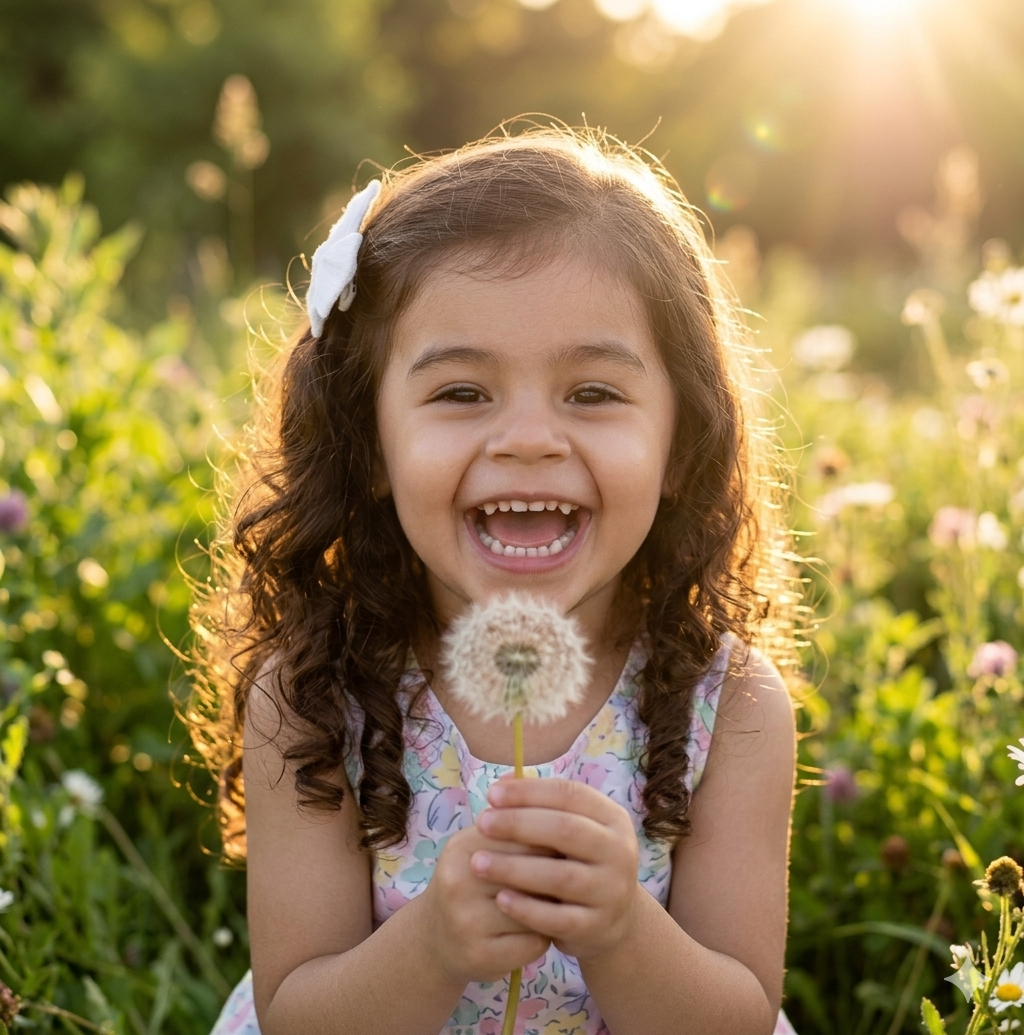
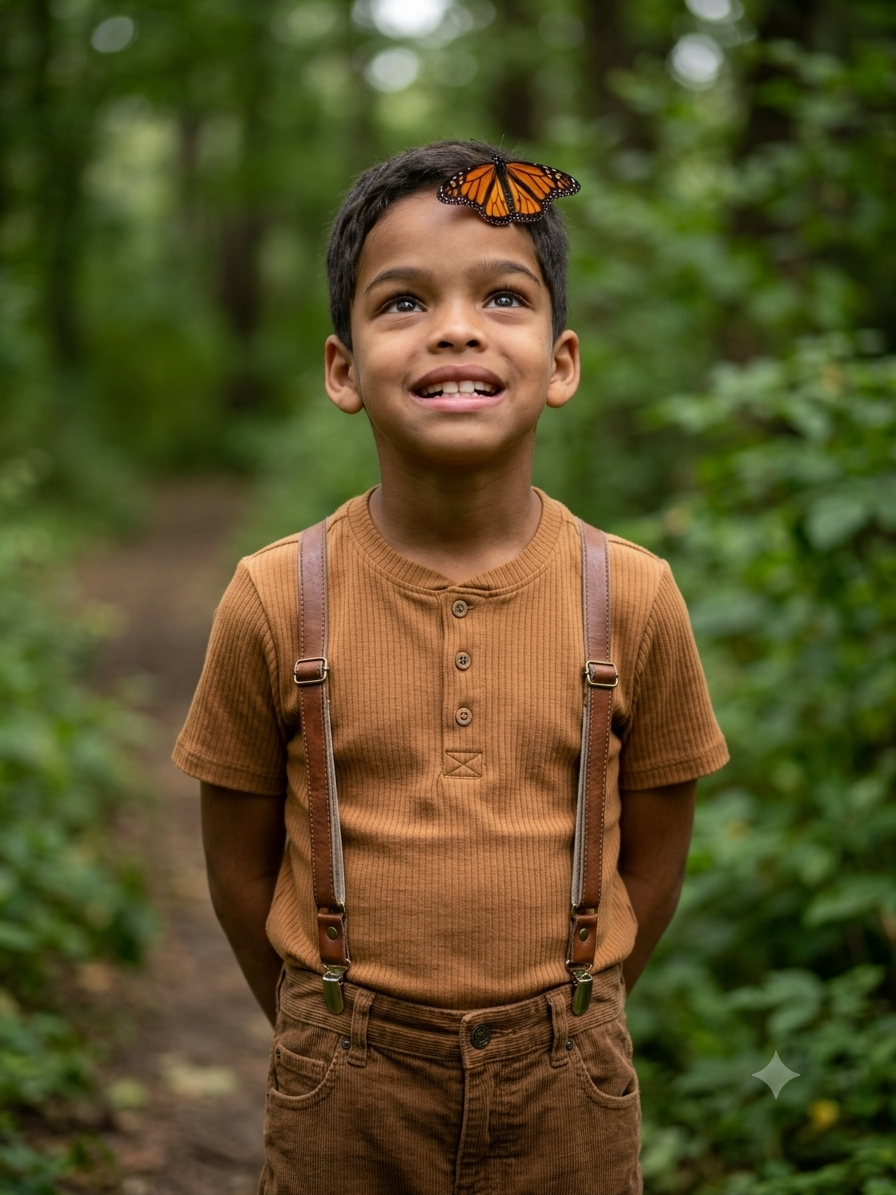
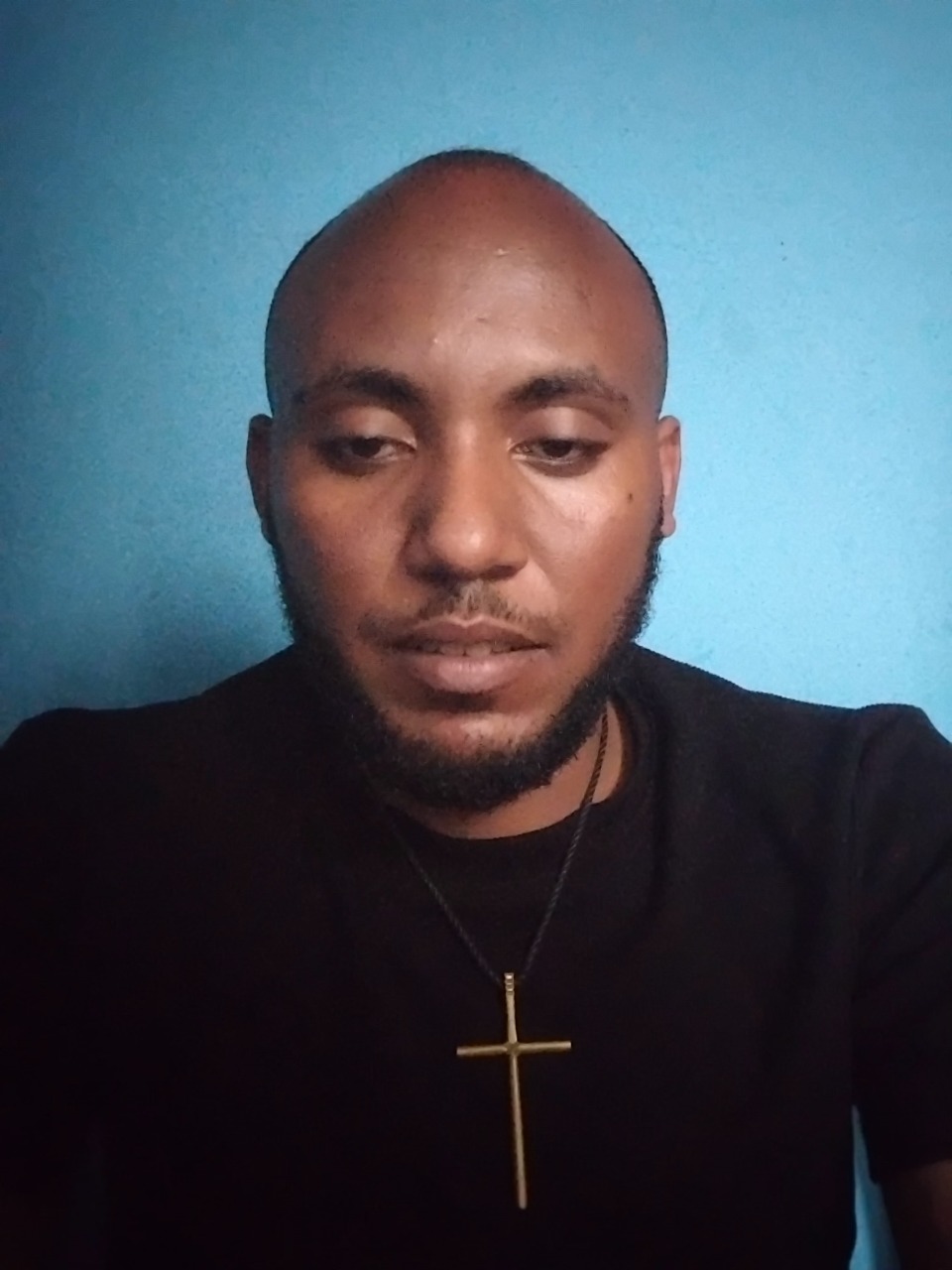
Reuse and source notes
Use this prompt safely after previewing the case.
- 1.Copy the prompt or open it directly in Dovoo with the generation button.
- 2.Adjust variables, aspect ratio, and reference images for your own use case.
- 3.Before publishing or paid usage, verify source rights, attribution requirements, and brand or likeness risks.
Can I use this prompt commercially?
Commercial-use status is restricted. Review the original source, license, brand constraints, and legal requirements before paid usage.
Where does this case come from?
This case is imported from Awesome Nano Banana Pro Prompts; keep attribution visible and check the source URL before reuse.