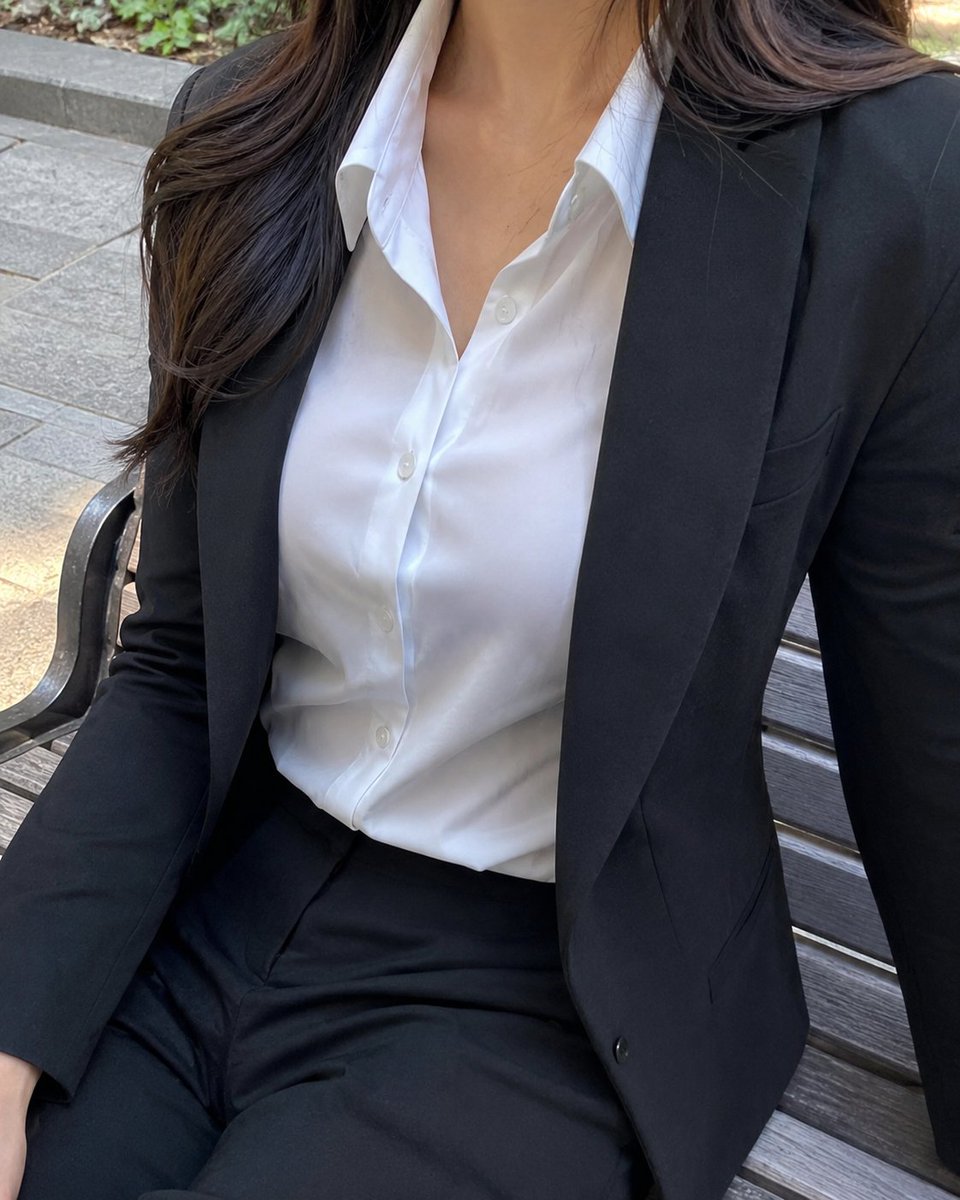
Cropped Business Suit Portrait
A photorealistic close-up lifestyle photo of a professional woman in a black suit seated on an outdoor bench.
This is a GPT Image 2 prompt case for 人像角色. Use the copy-ready prompt below to generate similar visuals, and review Awesome GPT Image 2 Prompts attribution plus commercial-use rights before reuse.
Need the full prompt set? Use the 人像角色 topic hub for more related examples, or open the GPT Image 2 prompt library for the full example index, reusable structures, and source attribution.
Prompt
Copy-ready prompt
创作一张写实的竖版手机风格照片,拍摄一位坐在户外木质长椅上的商务女性,裁剪范围从鼻尖下方至大腿上部,确保面部不可见。她身着剪裁合身的 {argument name="suit color" default="black"} 商务西装,搭配修身西装外套和配套长裤,内搭一件干练的 {argument name="shirt color" default="White"} 翻领衬衫,领口微敞,露出白色纽扣。她的 {argument name="hair color" default="Dark brown long hair"} 自然地垂在一侧肩头,带有柔和的波浪卷。姿态休闲而干练,一只手臂搭在长椅上,躯干微微转向镜头,呈现出时尚/生活方式的特写构图。背景为户外城市公园或广场,铺设灰色石板,配有带深色金属扶手的木条长椅,背景处有一小片绿植。采用自然日光,光影柔和,展现真实的织物纹理、衬衫与长裤的细微褶皱、精准的解剖结构,呈现出抓拍般的高分辨率摄影质感。保持画面优雅、专业且不浮夸,画面中不得出现任何文字、Logo、水印或无关人员。Prompt variables
Editable argument placeholders found in the prompt, with their default values.
Variable
suit color
Default
black
Variable
shirt color
Default
White
Variable
hair color
Default
Dark brown long hair
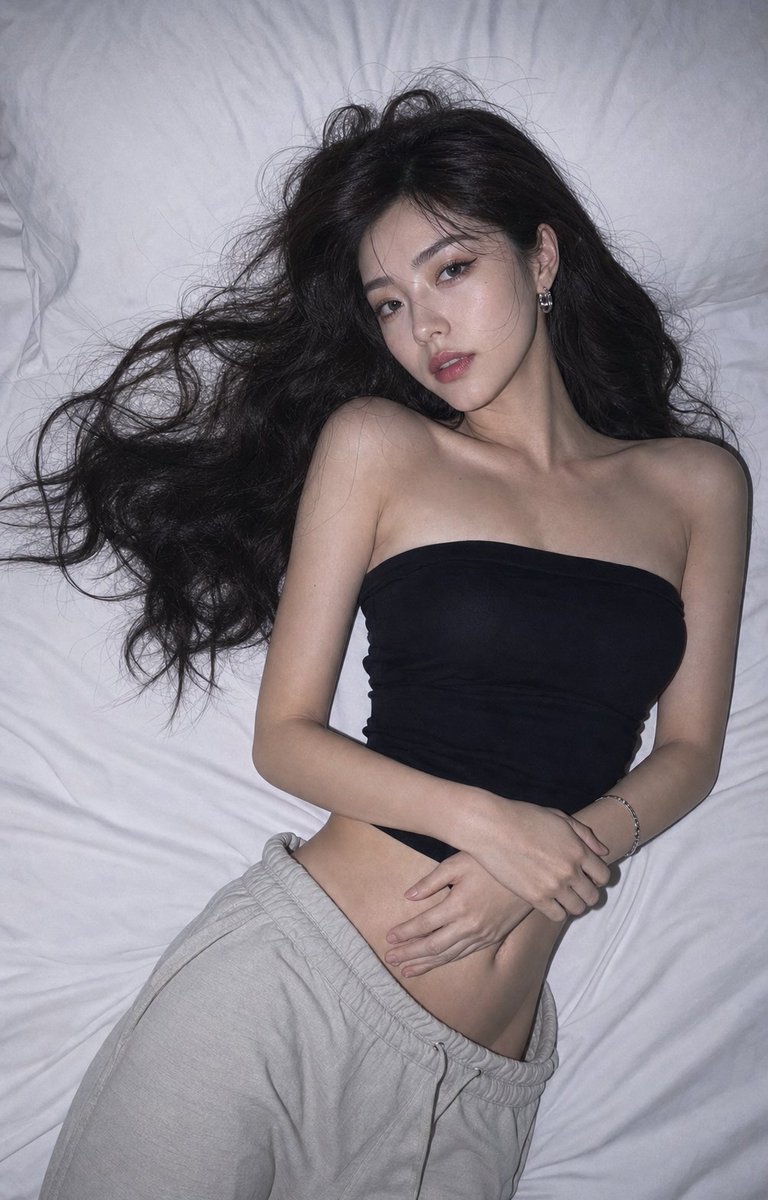
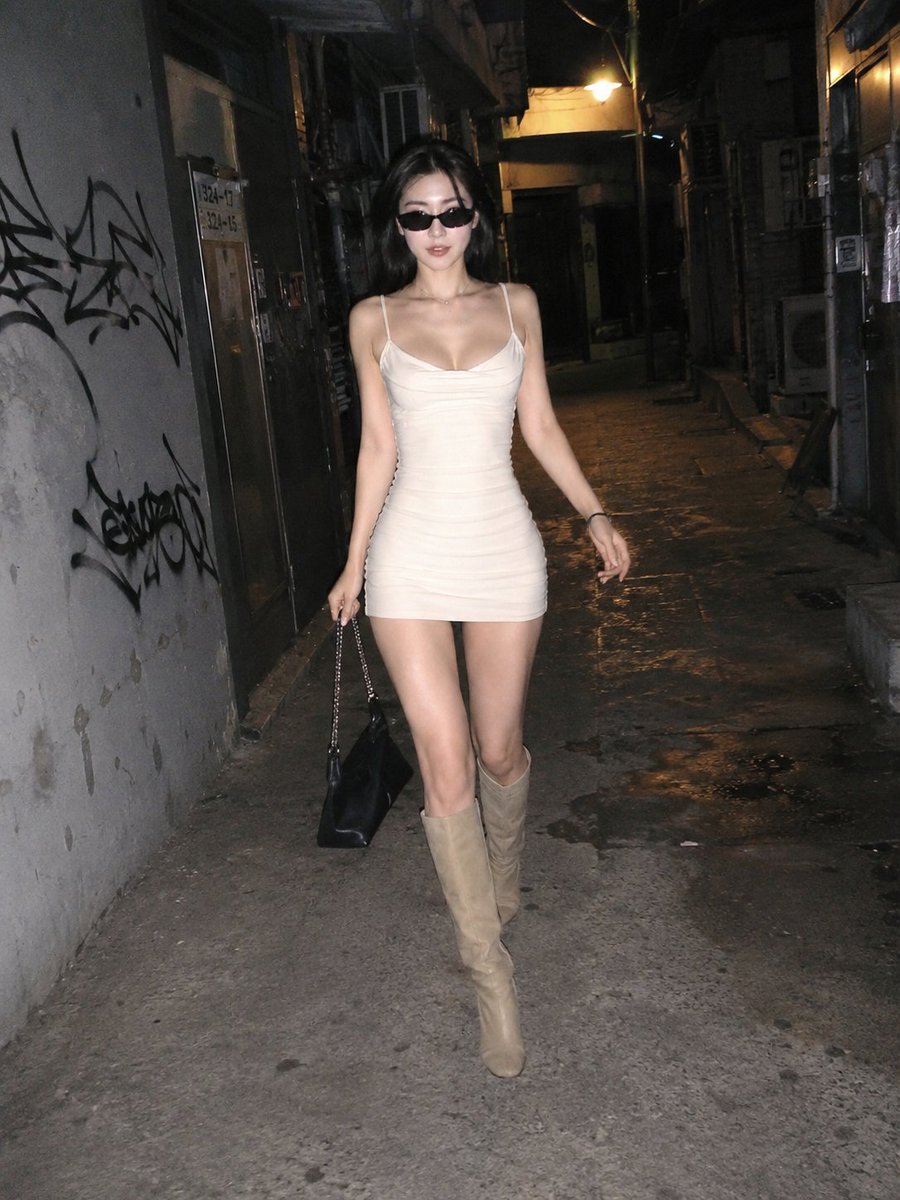
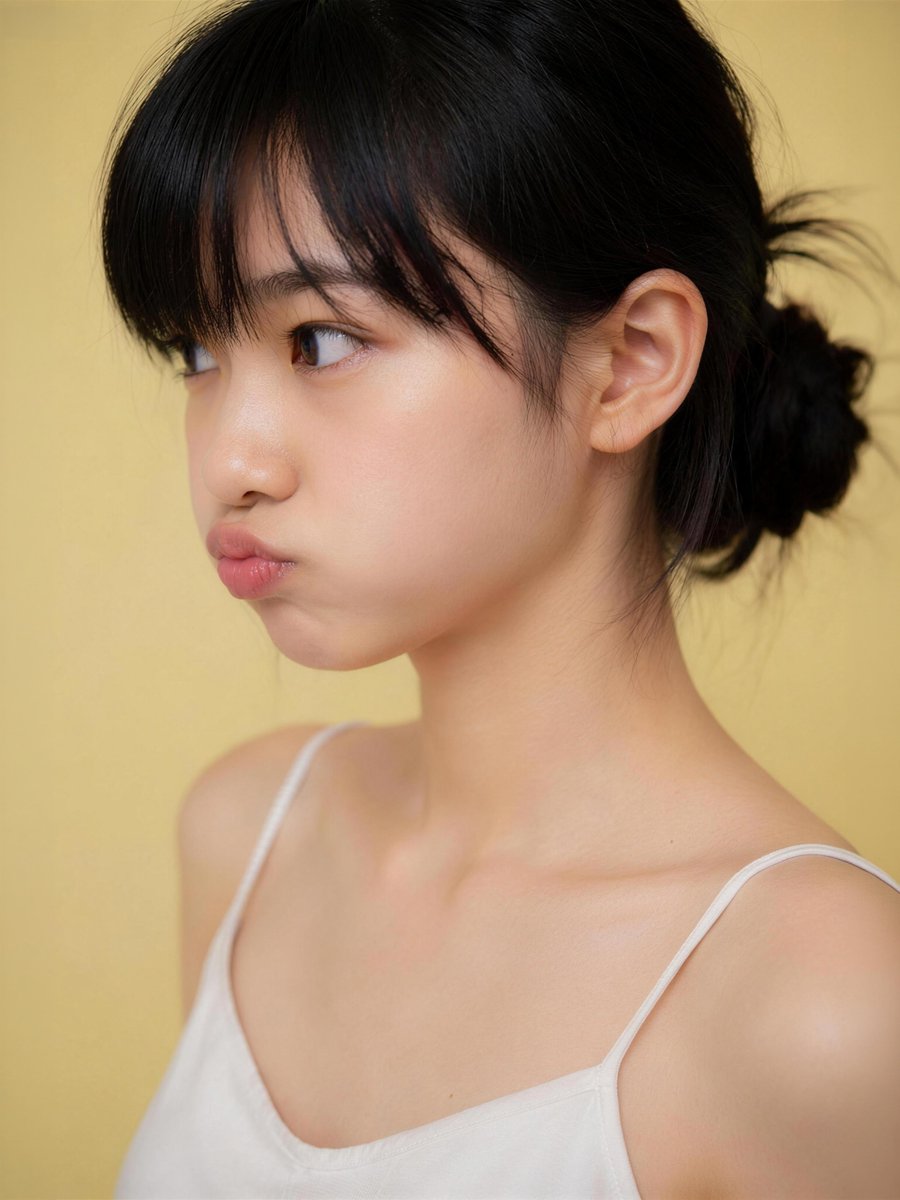
More cases in this category
Prioritized by category, input mode compatibility, quality, and lower risk.
Reuse and source notes
Use this prompt safely after previewing the case.
- 1.Copy the prompt or open it directly in Dovoo with the generation button.
- 2.Adjust variables, aspect ratio, and reference images for your own use case.
- 3.Before publishing or paid usage, verify source rights, attribution requirements, and brand or likeness risks.
Can I use this prompt commercially?
Commercial-use status is allowed. Review the original source, license, brand constraints, and legal requirements before paid usage.
Where does this case come from?
This case is imported from Awesome GPT Image 2 Prompts; keep attribution visible and check the source URL before reuse.