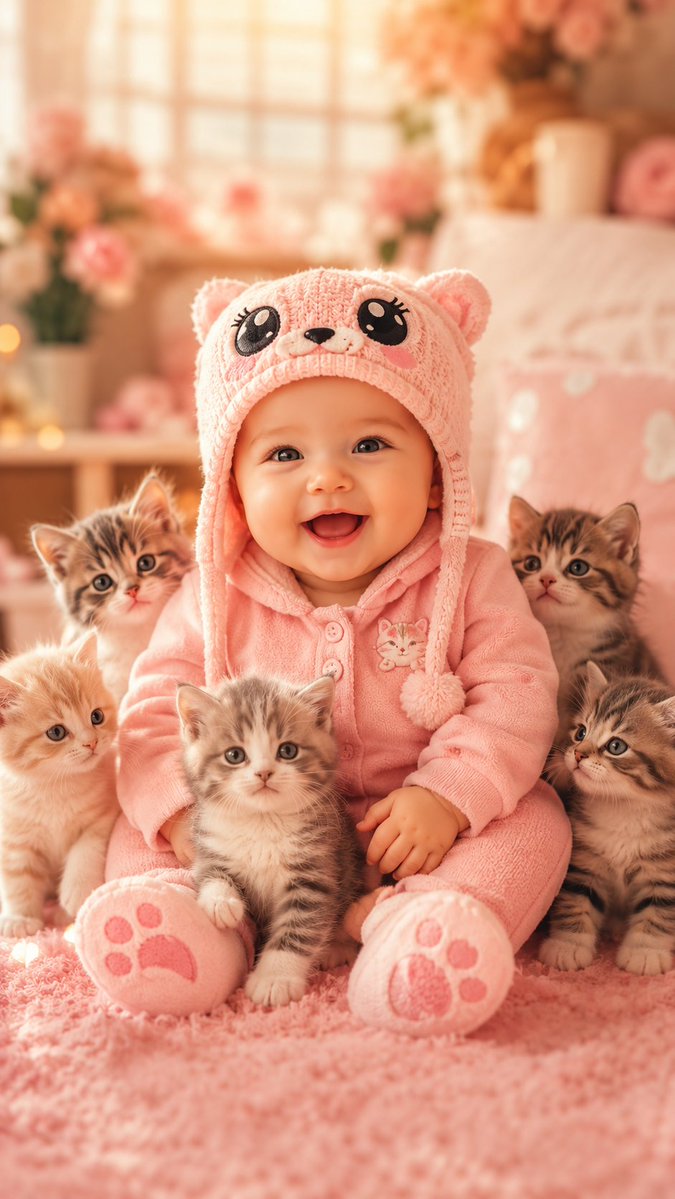
Smiling Baby With Five Kittens
A vertical cute pet wallpaper scene featuring a happy baby in pink animal pajamas surrounded by five fluffy kittens in a warm pastel nursery.
This is a GPT Image 2 prompt case for Portrait & Character. Use the copy-ready prompt below to generate similar visuals, and review Awesome GPT Image 2 Prompts attribution plus commercial-use rights before reuse.
Free 1K preview
Generate one preview image instantly, no sign-up required.
Prompt
Copy-ready prompt
Create a vertical 9:16 ultra-cute photorealistic baby-and-kittens wallpaper. Center a smiling baby with full body visible, sitting on a fluffy pink rug in a cozy pastel-pink nursery bedroom. The baby wears {argument name="baby outfit color" default="soft pink"} fleece pajamas and a matching knitted animal hat with ear flaps, round bear ears, pom-poms, a cute embroidered animal face, oversized black cartoon eyes, and blush cheeks. The baby has big bright eyes, rosy cheeks, and an open happy smile, looking directly at the camera. Surround the baby with exactly 5 kittens: one cream kitten at the lower left, one gray tabby kitten sitting in front center between the baby’s legs, one brown tabby kitten behind the baby’s left shoulder, one brown tabby kitten behind the baby’s right shoulder, and one striped tabby kitten at the lower right. Keep all kittens fluffy, tiny, wide-eyed, and facing generally toward the camera. Use warm golden window light, soft peach-pink color grading, shallow depth of field, creamy bokeh, and a dreamy cute pet wallpaper aesthetic. Background: softly blurred nursery with a large glowing window, pink flowers in vases, warm fairy-light dots, a pale bed with pink bedding, and plush decor. Composition should feel symmetrical and tender, with the baby as the central subject and kittens clustered around the legs and shoulders. High detail on the baby’s face, hat texture, fleece fabric, kitten fur, and paw-print soles on the baby’s feet. No text, no watermark, no extra people, no distorted limbs, no scary expressions.Prompt variables
Editable argument placeholders found in the prompt, with their default values.
Best for
- - Portrait & Character visual exploration
- - Image generation and reference-image edits
- - Reusable briefs that keep source attribution visible
Change these parts
- - Subject, product, character, or scene
- - Aspect ratio, camera, lighting, and background
- - Brand, text, color, and output constraints
Recommended model and settings
- - Model: gpt-image-2
- - Input mode: Text to Image
- - Aspect ratio: source
- - Commercial status: review original source
How to use this prompt
- 1. Copy the prompt and preserve its structure for the first test.
- 2. Replace the subject, context, and publishing channel.
- 3. Change one camera, lighting, or style variable per iteration.
- 4. Inspect the output, source, text, and rights before reuse.
Limitations, source, and reuse cautions
- - Generated output is an editable draft, not factual, legal, or rights evidence.
- - Review the linked source, people, brands, logos, text, and third-party media before commercial use.
More cases in this category
Prioritized by category, input mode compatibility, quality, and lower risk.
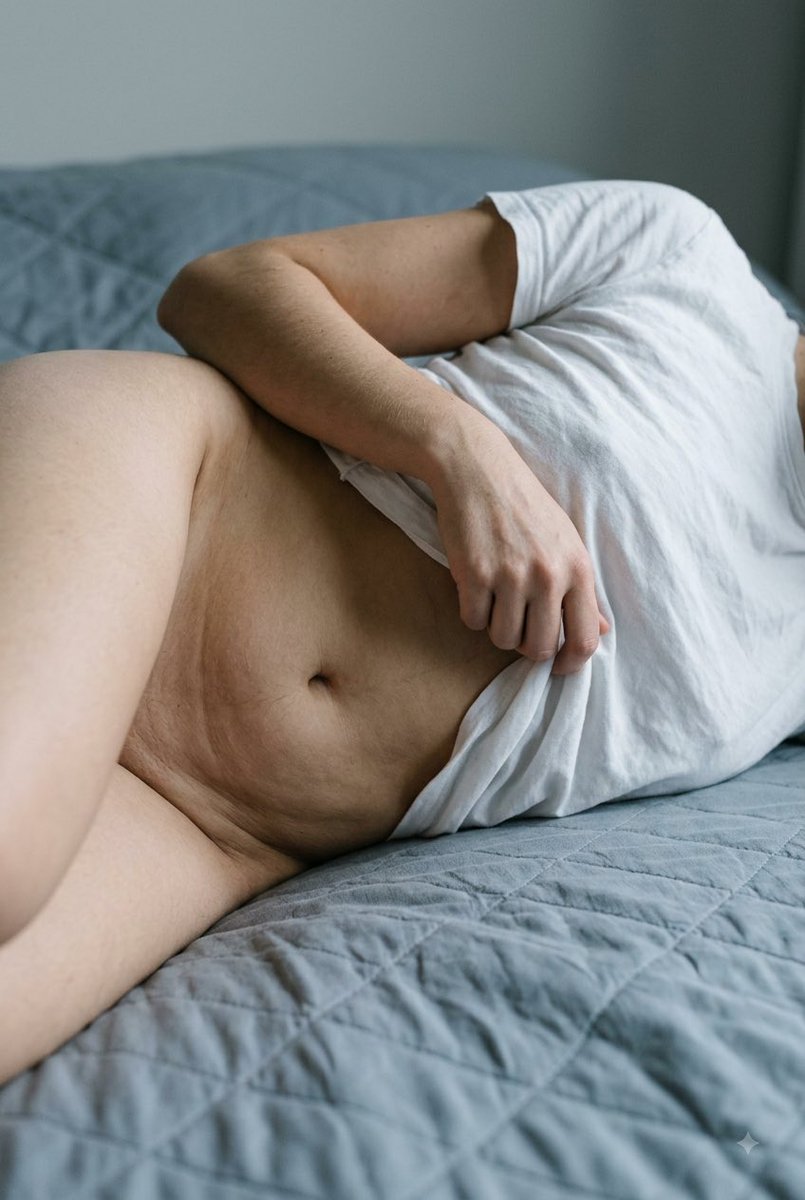


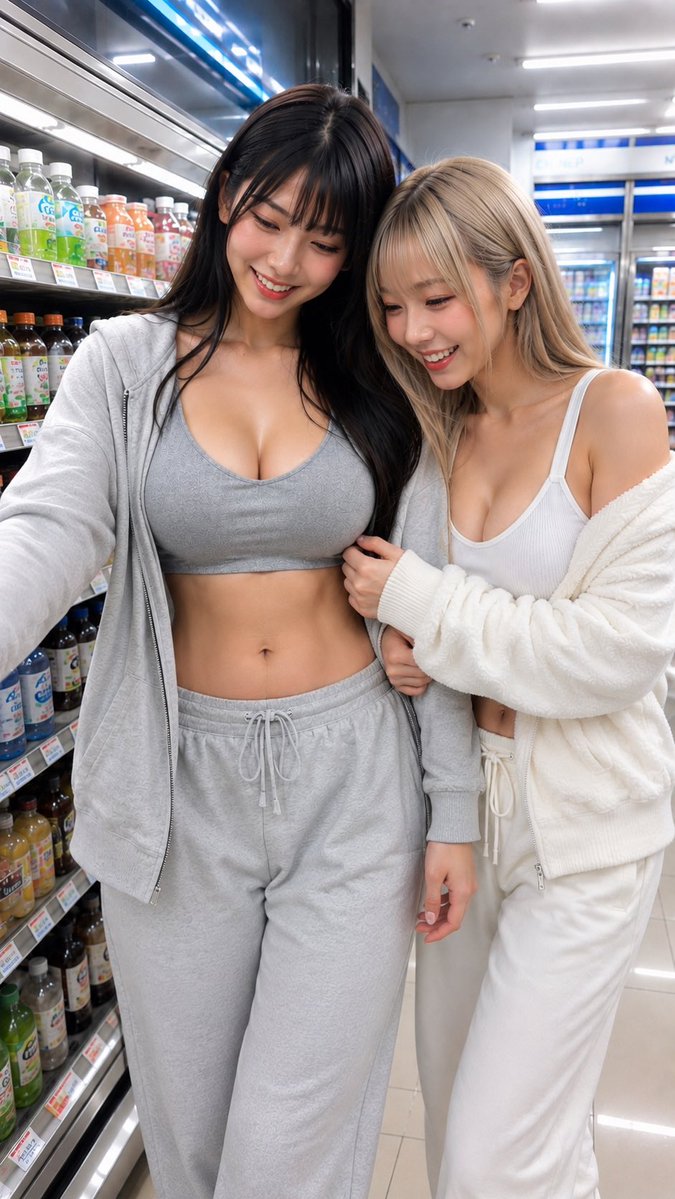

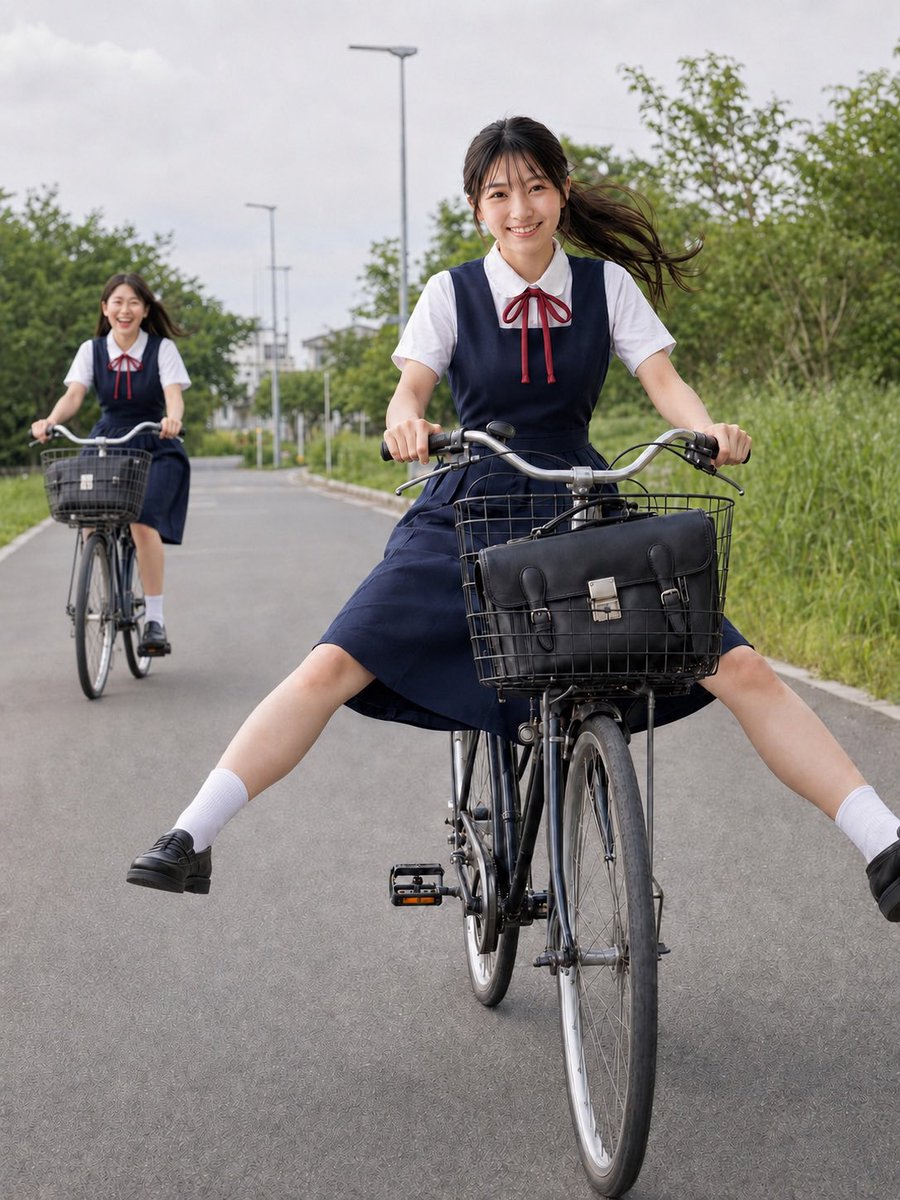
Reuse and source notes
Use this prompt safely after previewing the case.
- 1.Copy the prompt or open it directly in Dovoo with the generation button.
- 2.Adjust variables, aspect ratio, and reference images for your own use case.
- 3.Before publishing or paid usage, verify source rights, attribution requirements, and brand or likeness risks.
Can I use this prompt commercially?
Commercial-use status is allowed. Review the original source, license, brand constraints, and legal requirements before paid usage.
Where does this case come from?
This case is imported from Awesome GPT Image 2 Prompts; keep attribution visible and check the source URL before reuse.