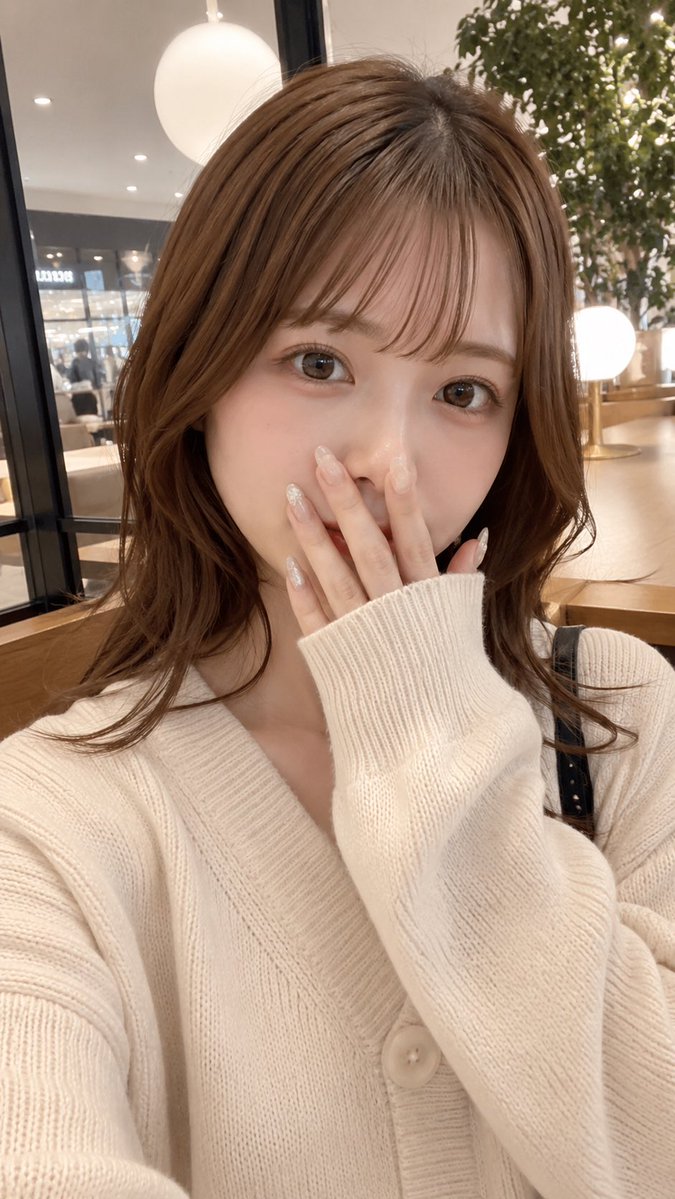
Cafe Selfie With Privacy Block
Generates a photorealistic vertical cafe selfie of a stylish young woman with her face hidden by a privacy rectangle, useful for anonymous social-media-style portraits.
This is a GPT Image 2 prompt case for 人像角色. Use the copy-ready prompt below to generate similar visuals, and review Awesome GPT Image 2 Prompts attribution plus commercial-use rights before reuse.
Prompt
Copy-ready prompt
创作一张超写实的竖版智能手机自拍,画面中是一位可爱的年轻日本女性,正坐在温馨现代的咖啡馆里。她留着 {argument name="hair color" default="Light chestnut brown"} 的中长款柔和层次波浪卷发,配有空气刘海,发质光泽自然,松散的卷发垂落在肩头。她的面部被一个位于中心的不透明矩形隐私遮挡块遮住,颜色为暖棕肤色,完全遮盖了五官。她穿着一件超大款 {argument name="sweater color" default="Creamy white"} 罗纹针织开衫,带有大纽扣和深 V 领,一只长袖拉至嘴边,姿态羞涩,一侧肩膀可见细黑色的单肩包带。构图为胸部以上的近景自拍,略带高角度,姿态自然随性,身体比例真实,室内柔光,浅景深,呈现高端手机摄像头的写实感。背景是时尚的咖啡馆内部,有木桌、玻璃隔断、圆形发光吊灯、模糊的店面灯光,右侧摆放着一盆室内绿植。采用暖米色调,氛围温馨,呈现随手拍摄的社交媒体快照美感,皮肤和织物细节写实,非插画风格,无文字,9:16 竖版构图。Prompt variables
Editable argument placeholders found in the prompt, with their default values.
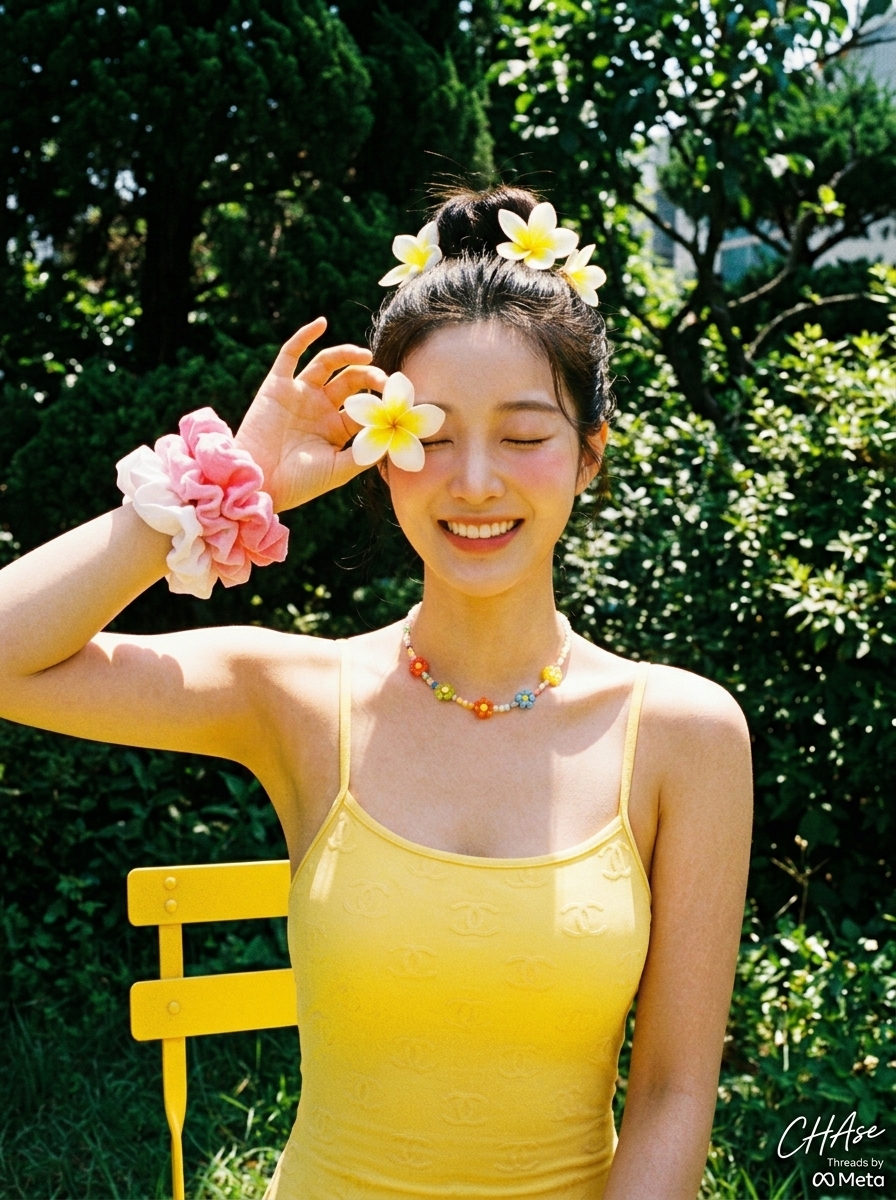
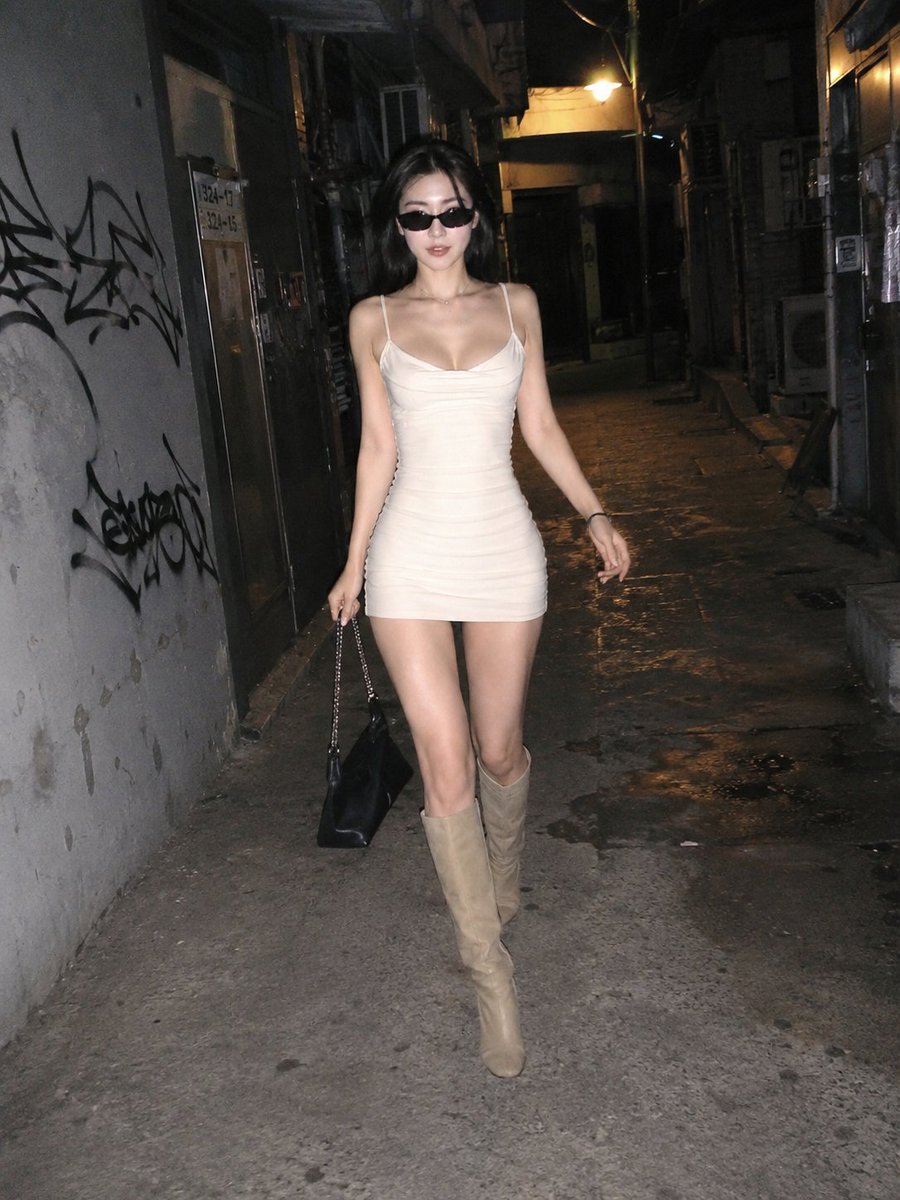
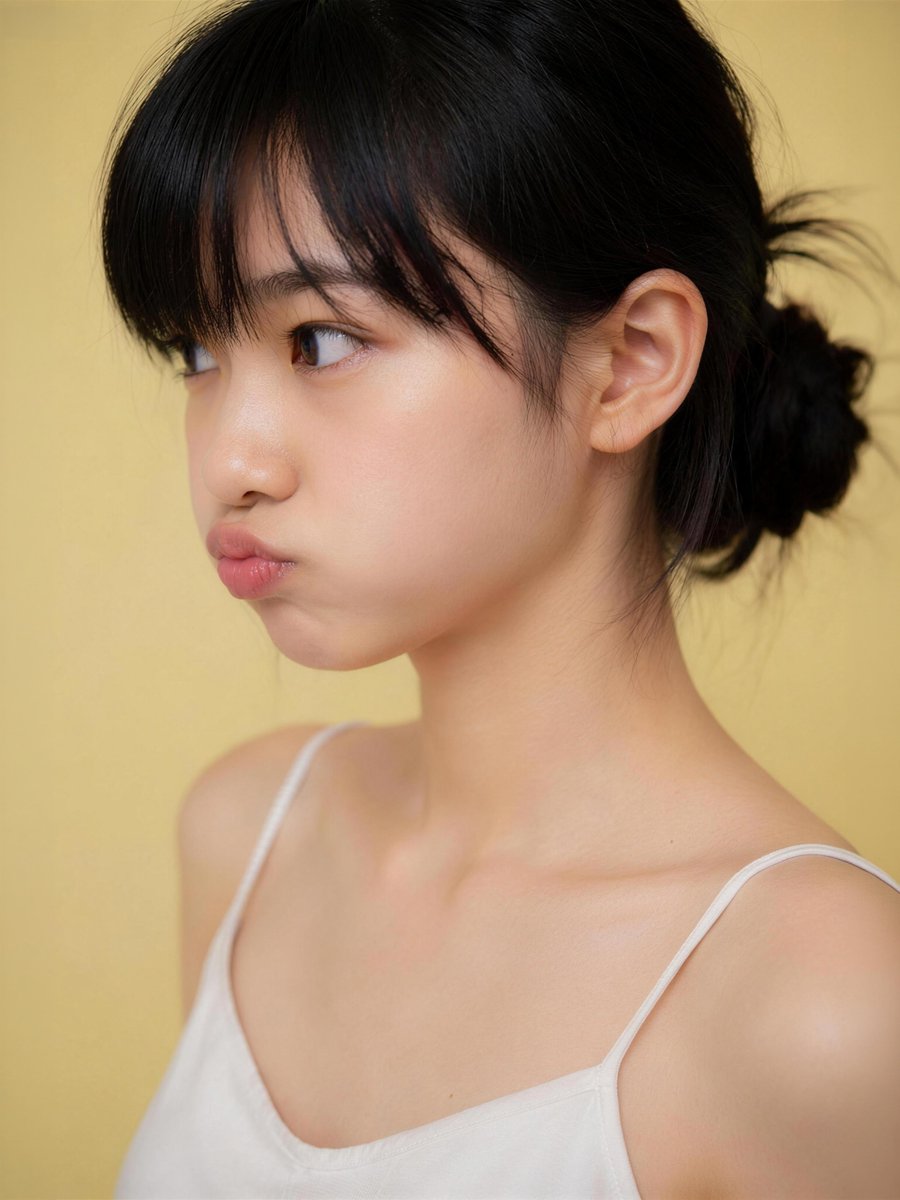
More cases in this category
Prioritized by category, input mode compatibility, quality, and lower risk.

Reuse and source notes
Use this prompt safely after previewing the case.
- 1.Copy the prompt or open it directly in Dovoo with the generation button.
- 2.Adjust variables, aspect ratio, and reference images for your own use case.
- 3.Before publishing or paid usage, verify source rights, attribution requirements, and brand or likeness risks.
Can I use this prompt commercially?
Commercial-use status is allowed. Review the original source, license, brand constraints, and legal requirements before paid usage.
Where does this case come from?
This case is imported from Awesome GPT Image 2 Prompts; keep attribution visible and check the source URL before reuse.