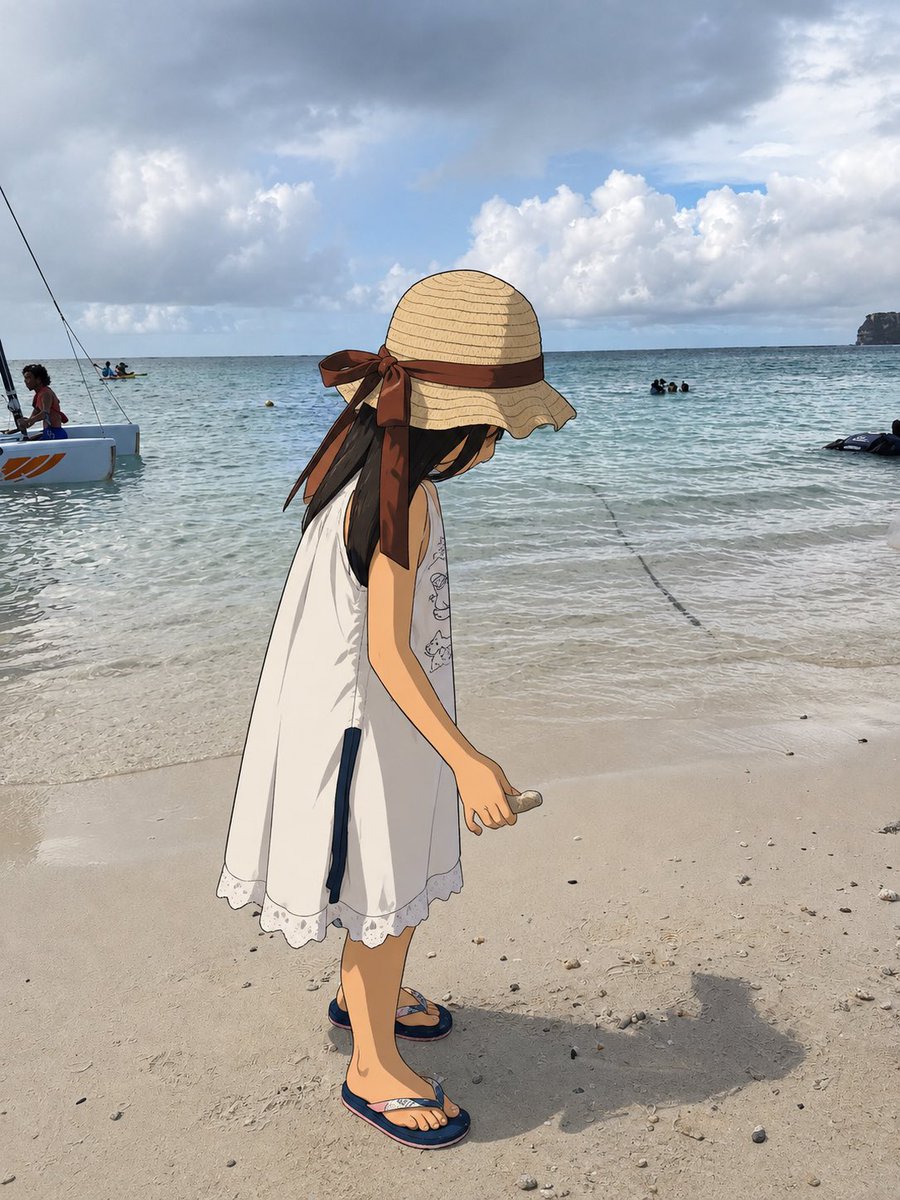
One Anime Girl in Real Beach Photo
Generates a photorealistic beach snapshot with a single cel-shaded anime girl inserted for a subtle mixed-reality effect.
This is a GPT Image 2 prompt case for Portrait & Character. Use the copy-ready prompt below to generate similar visuals, and review Awesome GPT Image 2 Prompts attribution plus commercial-use rights before reuse.
Need the full prompt set? Use the Portrait & Character topic hub for more related examples, or open the GPT Image 2 prompt library for the full example index, reusable structures, and source attribution.
Free 1K preview
Generate one preview image instantly, no sign-up required.
1448/4000
Prompt
Copy-ready prompt
Create a realistic vacation beach photograph where exactly one element has accidentally become a 2D anime character while the rest of the world remains completely photorealistic. Show a sunny tropical shoreline with pale sand, shallow turquoise water, gentle waves, cloudy blue sky, distant swimmers, a small sailboat/catamaran at the far left, and a rocky headland on the far right horizon. In the foreground, place one full-body anime girl, about child height, standing in profile and looking downward at the sand. She wears a wide straw sunhat with a large brown ribbon tied in a bow at the back, long dark hair falling from under the hat, a loose sleeveless white summer dress with lace trim and small subtle line drawings on the front, and navy flip-flops. Her right arm hangs down holding one small seashell or pebble near the sand. The anime figure should be clean cel-shaded 2D with crisp black outlines, flat colors, and hand-drawn texture, but she must be integrated into the real photo with correct scale, placement, lighting direction, contact shadows, and a believable cast shadow on the sand. Keep all background people, water, boat, sand texture, clouds, and horizon photographic and unaltered. Do not anime-convert the whole image; only the single foreground girl is illustrated. Natural smartphone photo composition, vertical 4:5 aspect ratio, candid travel snapshot, subtle surreal mismatch between real beach and one 2D presence.
Best for
- - Portrait & Character visual exploration
- - Image generation and reference-image edits
- - Reusable briefs that keep source attribution visible
Change these parts
- - Subject, product, character, or scene
- - Aspect ratio, camera, lighting, and background
- - Brand, text, color, and output constraints
Recommended model and settings
- - Model: gpt-image-2
- - Input mode: Text to Image
- - Aspect ratio: source
- - Commercial status: review original source
How to use this prompt
- 1. Copy the prompt and preserve its structure for the first test.
- 2. Replace the subject, context, and publishing channel.
- 3. Change one camera, lighting, or style variable per iteration.
- 4. Inspect the output, source, text, and rights before reuse.
Limitations, source, and reuse cautions
- - Generated output is an editable draft, not factual, legal, or rights evidence.
- - Review the linked source, people, brands, logos, text, and third-party media before commercial use.
Imported from Awesome GPT Image 2 Prompts. Attribution is required. Commercial-use status is allowed; review source rights before paid usage.
More cases in this category
Prioritized by category, input mode compatibility, quality, and lower risk.
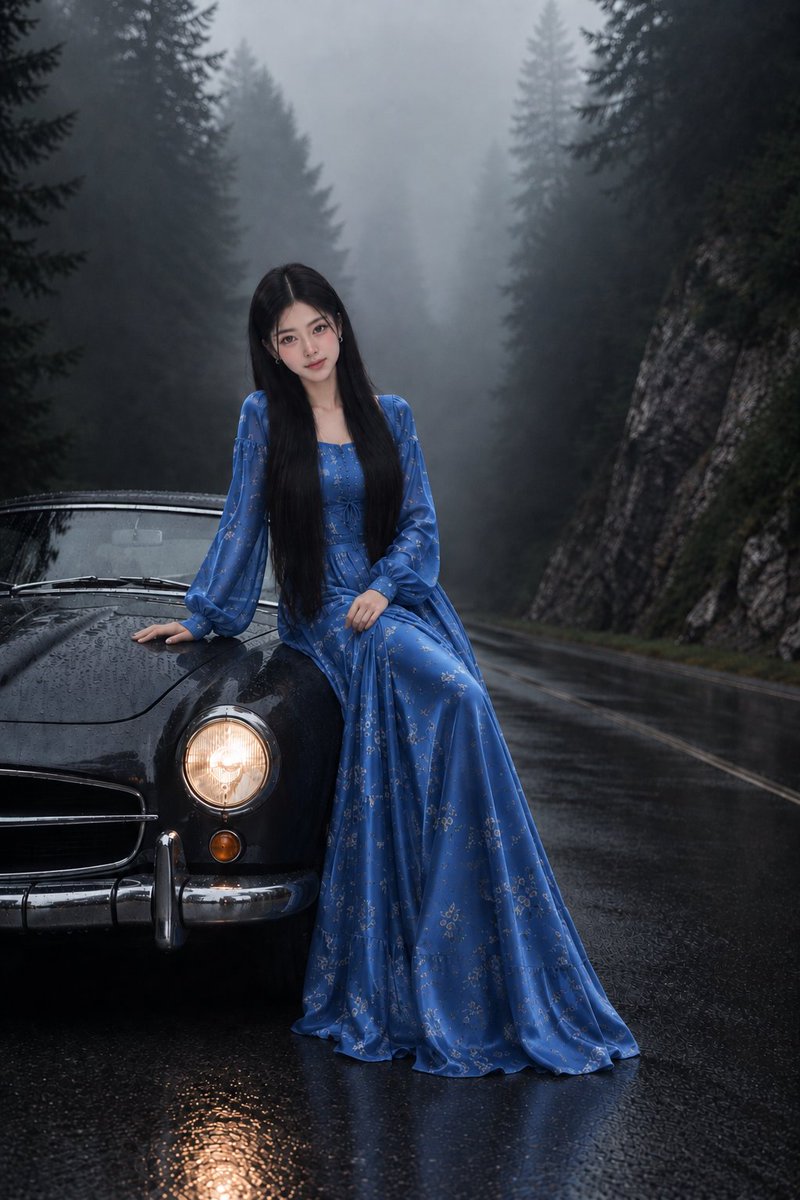
Korean Girl on Vintage Car in Misty Mountains
Text to Image

Rain and Fire Warrior Portrait
Text to Image
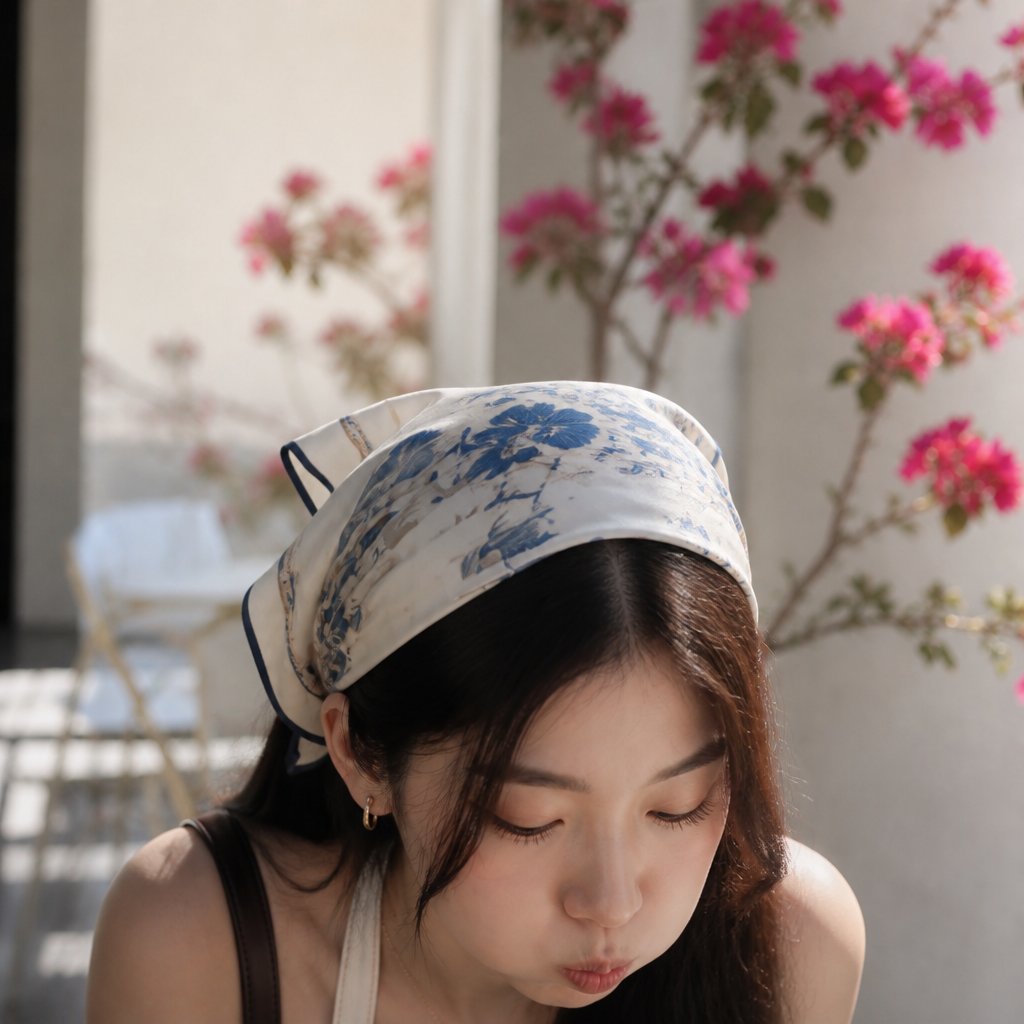
Serene Portrait with Silk Headscarf
Text to Image

Realistic Street Portrait with GPT Image 2
Text to Image
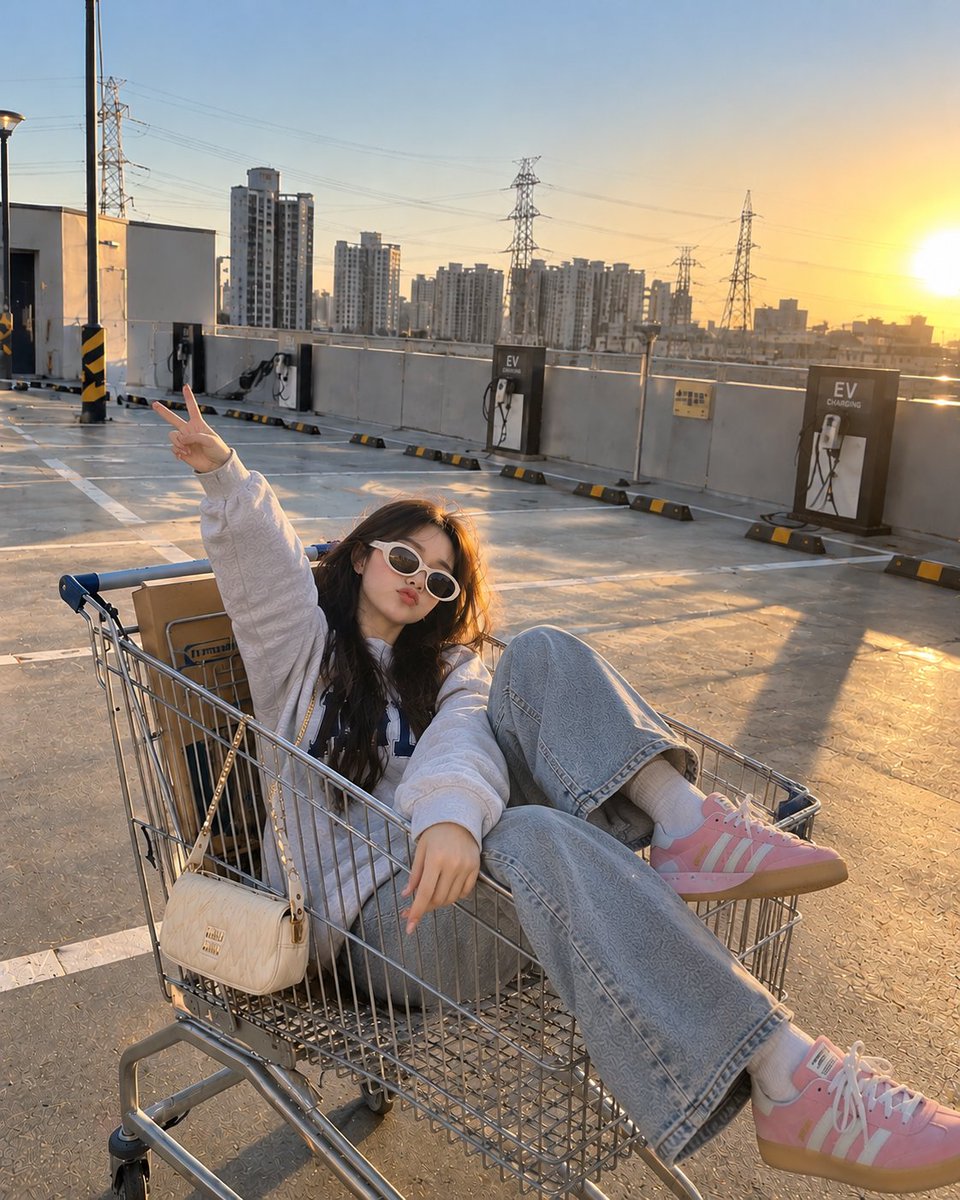
Shopping Cart Parking Garage Lifestyle
Text to Image
Convenience Store Cinematic Portrait
Text to Image
Reuse and source notes
Use this prompt safely after previewing the case.
- 1.Copy the prompt or open it directly in Dovoo with the generation button.
- 2.Adjust variables, aspect ratio, and reference images for your own use case.
- 3.Before publishing or paid usage, verify source rights, attribution requirements, and brand or likeness risks.
Can I use this prompt commercially?
Commercial-use status is allowed. Review the original source, license, brand constraints, and legal requirements before paid usage.
Where does this case come from?
This case is imported from Awesome GPT Image 2 Prompts; keep attribution visible and check the source URL before reuse.