IP
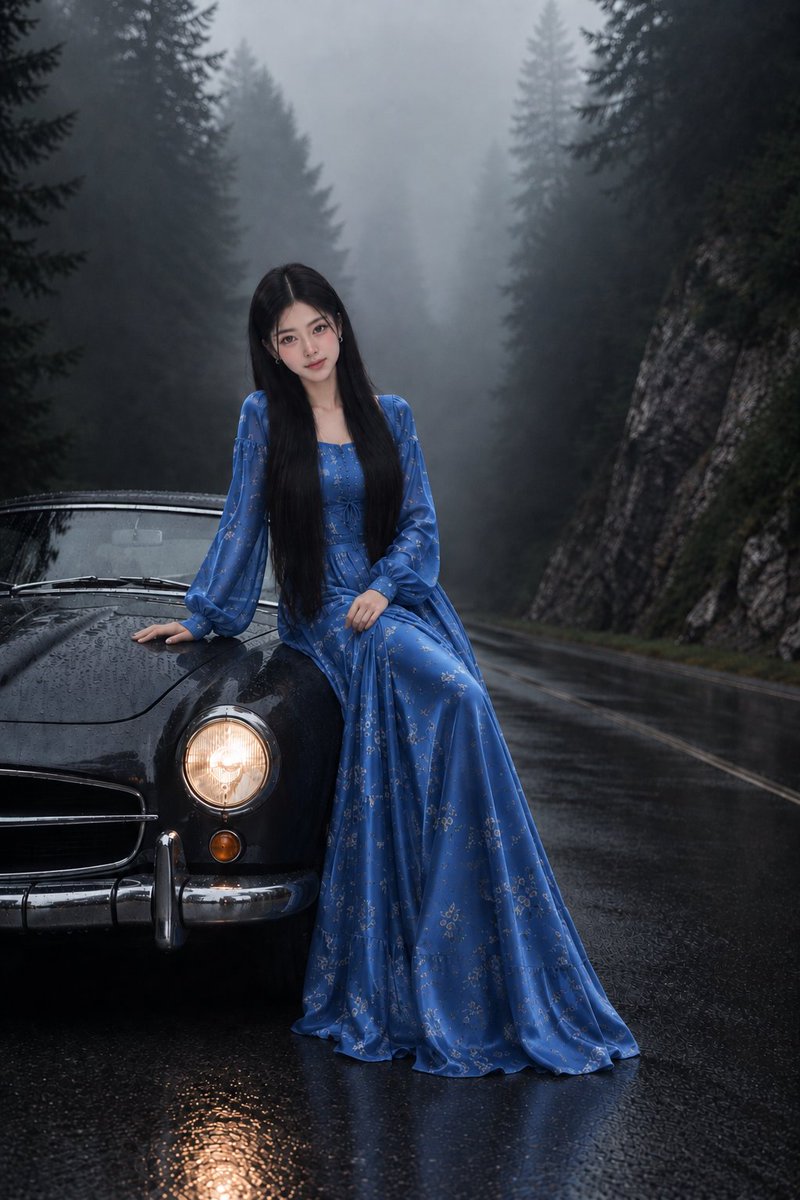
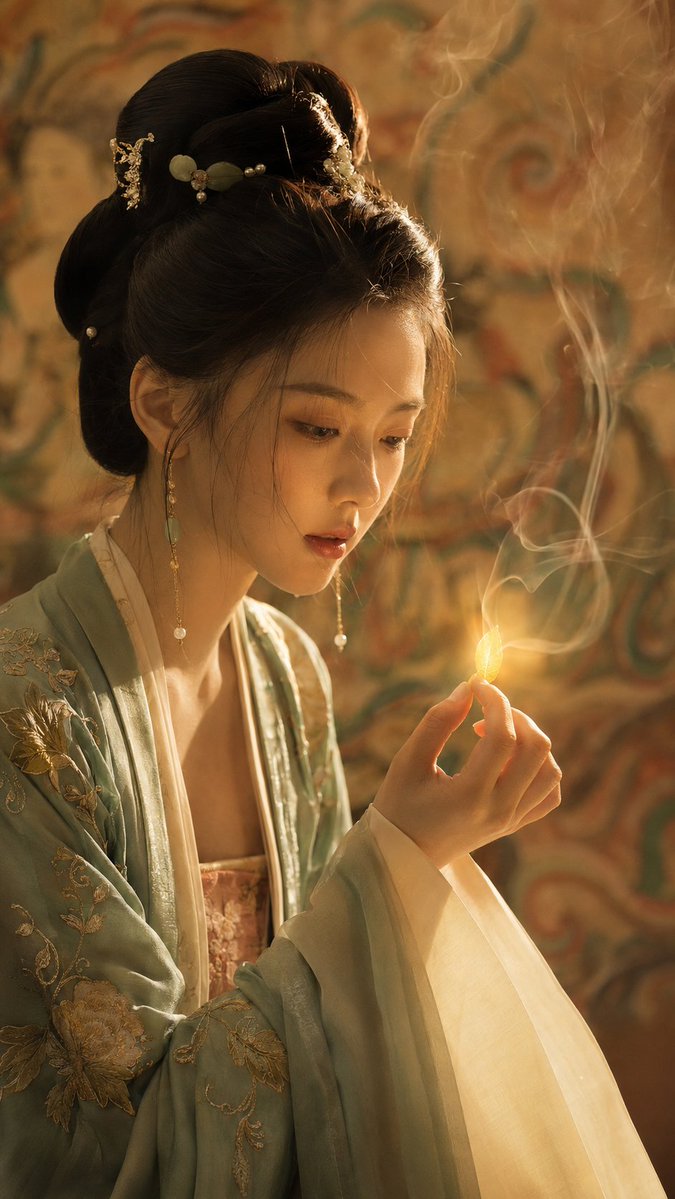
Ancient Chinese Cinematic Still preview image
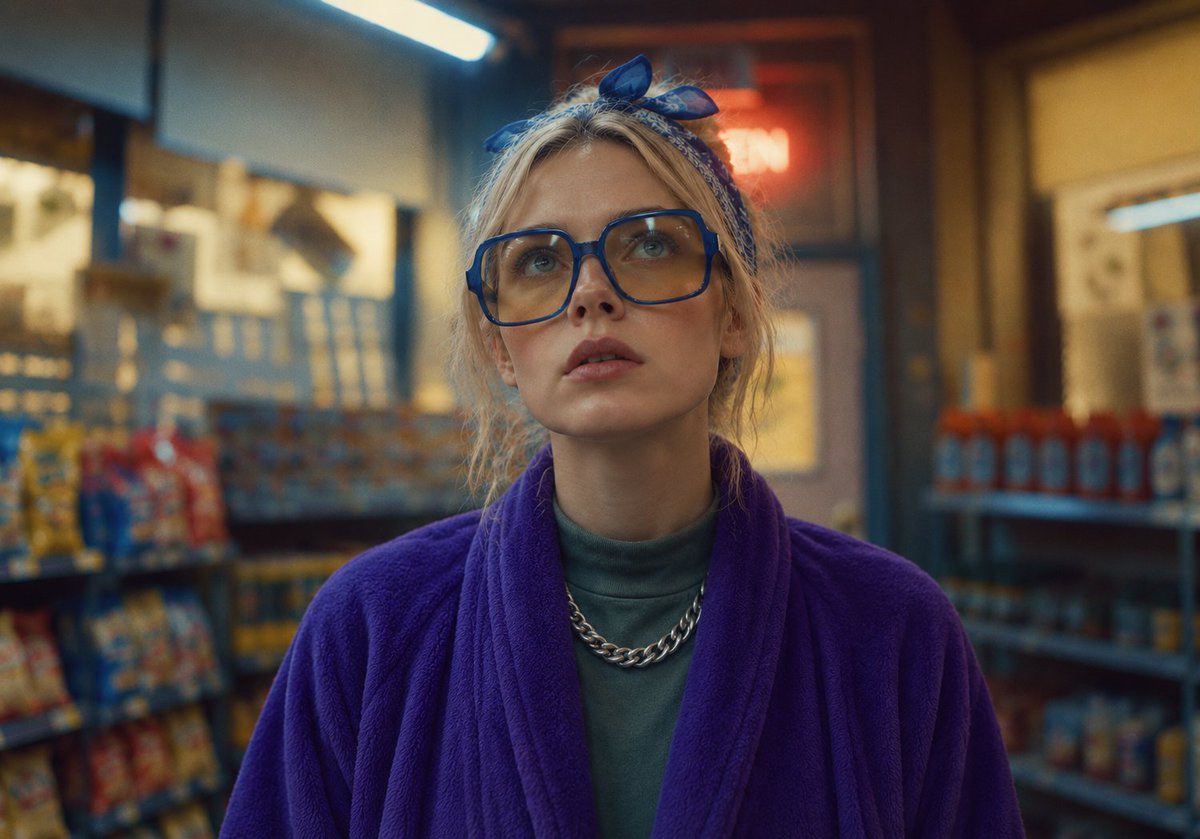
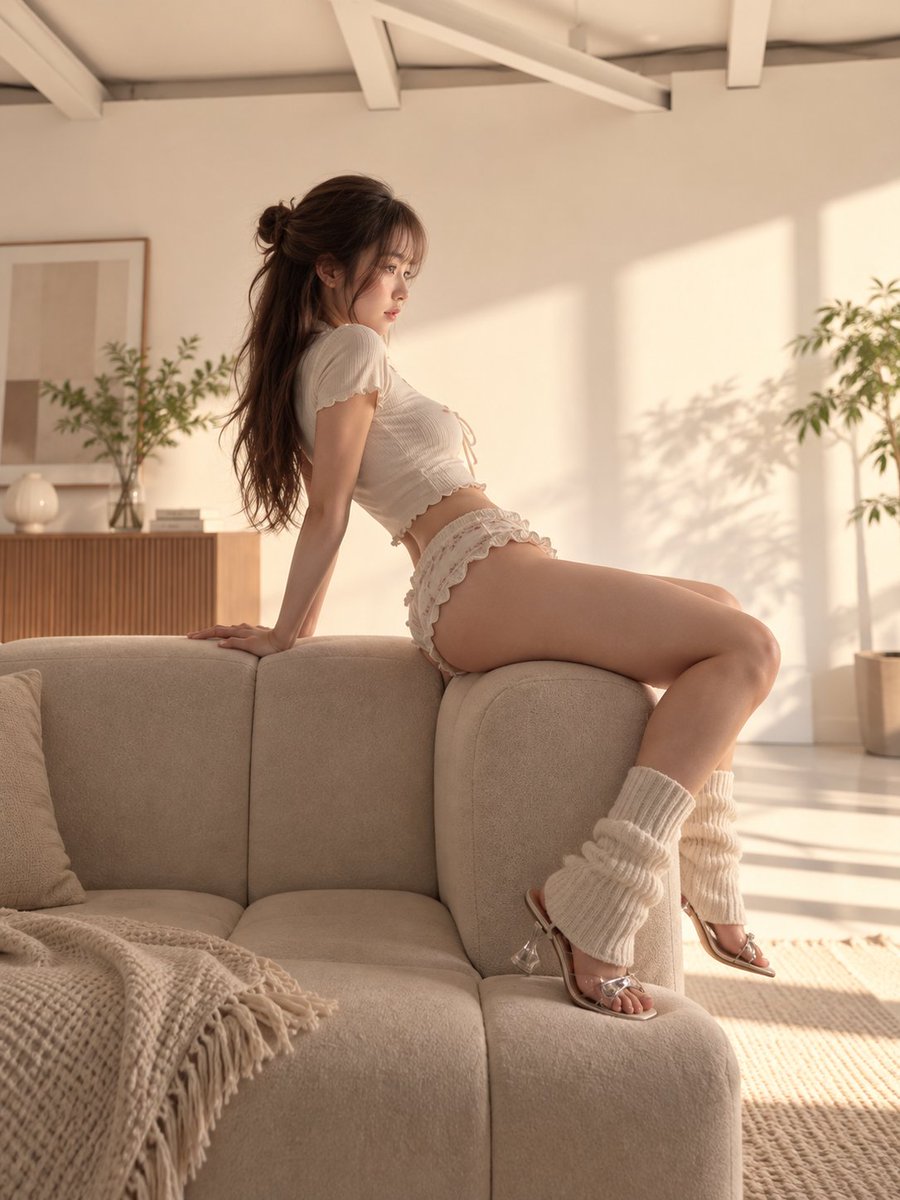
Primary reference image

Ancient Chinese Cinematic Still

A complex image-to-image prompt for transforming personal portraits into cinematic stills from an Eastern wuxia film.

This is a GPT Image 2 prompt case for Portrait & Character. Use the copy-ready prompt below to generate similar visuals, and review Awesome GPT Image 2 Prompts attribution plus commercial-use rights before reuse.

Need the full prompt set? Use the Portrait & Character topic hub for more related examples, or open the GPT Image 2 prompt library for the full example index, reusable structures, and source attribution.

Free 1K preview

Generate one preview image instantly, no sign-up required.

Free text preview doesn’t preserve reference-image consistency.

2555/4000
Continue on Dovoo

Prompt

Copy-ready prompt

Use my uploaded portrait photo as the only identity reference. Preserve only my real facial features, face shape, skin tone, hairstyle, hairline, and overall personal vibe. Do not use the face of the person in the reference image. All other elements — including visual style, clothing, scene, composition, lighting, and mood — should follow the reference photo.

Generate an ultra-realistic cinematic vertical portrait. The subject is standing in a {argument name="setting" default="traditional Chinese palace courtyard"}, photographed from a low angle, in a half-body close-up. The person is slightly turned to the side, with the head naturally facing off to one side, not looking at the camera, showing a calm, restrained, story-driven expression. The background features ancient palace eaves, red walls, stone railings, and traditional roof structures, creating a sense of historical Chinese architecture.

The subject wears a {argument name="clothing" default="deep black traditional robe or black Chinese-style outer garment"}, with subtle fabric texture and an overall dark color palette. {argument name="lighting" default="Sunlight comes from the front-side direction"}, illuminating part of the face and creating strong light-and-shadow contrast, with one side of the face lit and the other side naturally falling into shadow. The hair is gently blown by the wind, with loose strands moving naturally, but it must still preserve the hairstyle characteristics of my uploaded portrait and should not be changed into someone else’s hairstyle.

The overall style should feel like a realistic cinematic still, with authentic photographic texture, shallow depth of field, slight film grain, muted colors, high-contrast lighting, and a subtle vintage tone. The skin must look real and natural, with normal skin texture. Do not over-smooth the skin. No plastic look, no anime look. The image should be clean and premium, with no text, no watermark, and no logo. Vertical 9:16, high detail.

Negative Prompt:

watermark, logo, text, Chinese characters, Doubao watermark, AI watermark, anime, cartoon, illustration, plastic skin, overly smooth skin, doll-like face, fake face, face swap look, distorted facial features, wrong identity, different person, bad eyes, unnatural hair, messy hair clumps, overexposed face, Show every face clearly with natural, detailed facial features, low quality, extra fingers, deformed hands, modern building, modern clothes, sci-fi style, fantasy armor, excessive beauty filter, unnatural lighting, pasted face, collage look

Prompt variables

Editable argument placeholders found in the prompt, with their default values.

3
Variable
setting
Default
traditional Chinese palace courtyard
Variable
clothing
Default
deep black traditional robe or black Chinese-style outer garment
Variable
lighting
Default
Sunlight comes from the front-side direction

Best for

  • - Portrait & Character visual exploration
  • - Image generation and reference-image edits
  • - Reusable briefs that keep source attribution visible

Change these parts

  • - Subject, product, character, or scene
  • - Aspect ratio, camera, lighting, and background
  • - Brand, text, color, and output constraints

Recommended model and settings

  • - Model: gpt-image-2
  • - Input mode: Image to Image
  • - Aspect ratio: source
  • - Commercial status: review original source

How to use this prompt

  1. 1. Copy the prompt and preserve its structure for the first test.
  2. 2. Replace the subject, context, and publishing channel.
  3. 3. Change one camera, lighting, or style variable per iteration.
  4. 4. Inspect the output, source, text, and rights before reuse.

Limitations, source, and reuse cautions

  • - Generated output is an editable draft, not factual, legal, or rights evidence.
  • - Review the linked source, people, brands, logos, text, and third-party media before commercial use.
Imported from Awesome GPT Image 2 Prompts. Attribution is required. Commercial-use status is allowed; review source rights before paid usage.

More cases in this category

Prioritized by category, input mode compatibility, quality, and lower risk.

6

Reuse and source notes

Use this prompt safely after previewing the case.

  1. 1.Copy the prompt or open it directly in Dovoo with the generation button.
  2. 2.Adjust variables, aspect ratio, and reference images for your own use case.
  3. 3.Before publishing or paid usage, verify source rights, attribution requirements, and brand or likeness risks.

Can I use this prompt commercially?

Commercial-use status is allowed. Review the original source, license, brand constraints, and legal requirements before paid usage.

Where does this case come from?

This case is imported from Awesome GPT Image 2 Prompts; keep attribution visible and check the source URL before reuse.