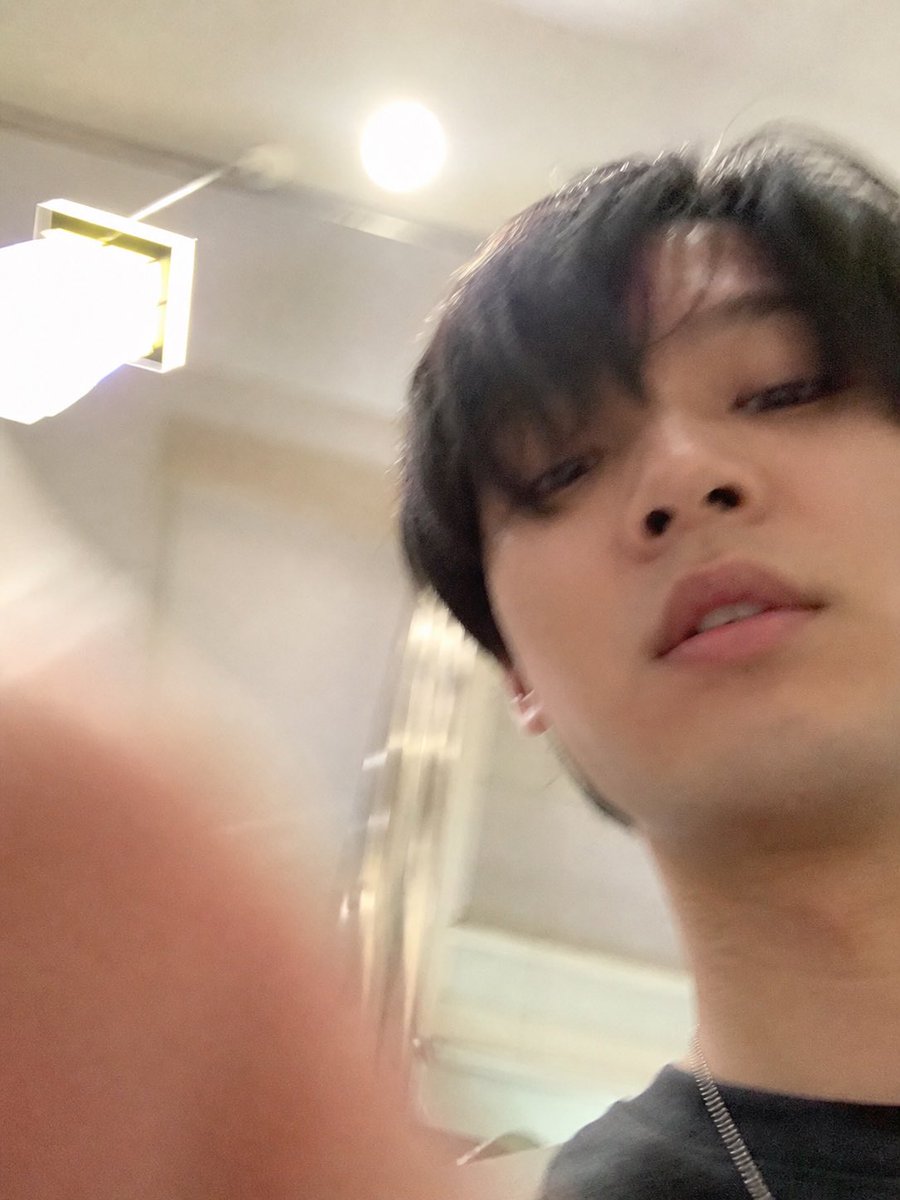
Accidental iPhone Selfie Extraction
Generates a standalone realistic failed selfie by extracting and extending the lower photo from a ChatGPT screenshot while removing all UI elements.
This is a GPT Image 2 prompt case for Portrait & Character. Use the copy-ready prompt below to generate similar visuals, and review Awesome GPT Image 2 Prompts attribution plus commercial-use rights before reuse.
Free 1K preview
Generate one preview image instantly, no sign-up required.
Free text preview doesn’t preserve reference-image consistency.
Prompt
Copy-ready prompt
Using REFERENCE_1 as the source, isolate the lower accidental selfie photo and turn it into the final standalone image: remove the ChatGPT interface, text bubble, download icon, and input bar completely, then uncrop/extend the snapshot so it fills the frame as a vertical iPhone-style photo. Follow the intent described in REFERENCE_0: make it look like an ordinary, slightly failed, unplanned selfie taken while pulling a phone from a pocket, with a careless low angle, messy composition, slight motion blur, uneven lighting, mild overexposure from the room lights, and a very realistic casual phone-camera feel. Keep the same indoor room, ceiling light, wall lamp, and subject from the lower photo, but show more of the face, neck, dark shirt, and a thin chain necklace, with a blurry finger partially covering the lower-left foreground. Avoid making it look posed, polished, cinematic, or intentionally composed.
Best for
- - Portrait & Character visual exploration
- - Image generation and reference-image edits
- - Reusable briefs that keep source attribution visible
Change these parts
- - Subject, product, character, or scene
- - Aspect ratio, camera, lighting, and background
- - Brand, text, color, and output constraints
Recommended model and settings
- - Model: gpt-image-2
- - Input mode: Image to Image
- - Aspect ratio: source
- - Commercial status: review original source
How to use this prompt
- 1. Copy the prompt and preserve its structure for the first test.
- 2. Replace the subject, context, and publishing channel.
- 3. Change one camera, lighting, or style variable per iteration.
- 4. Inspect the output, source, text, and rights before reuse.
Limitations, source, and reuse cautions
- - Generated output is an editable draft, not factual, legal, or rights evidence.
- - Review the linked source, people, brands, logos, text, and third-party media before commercial use.
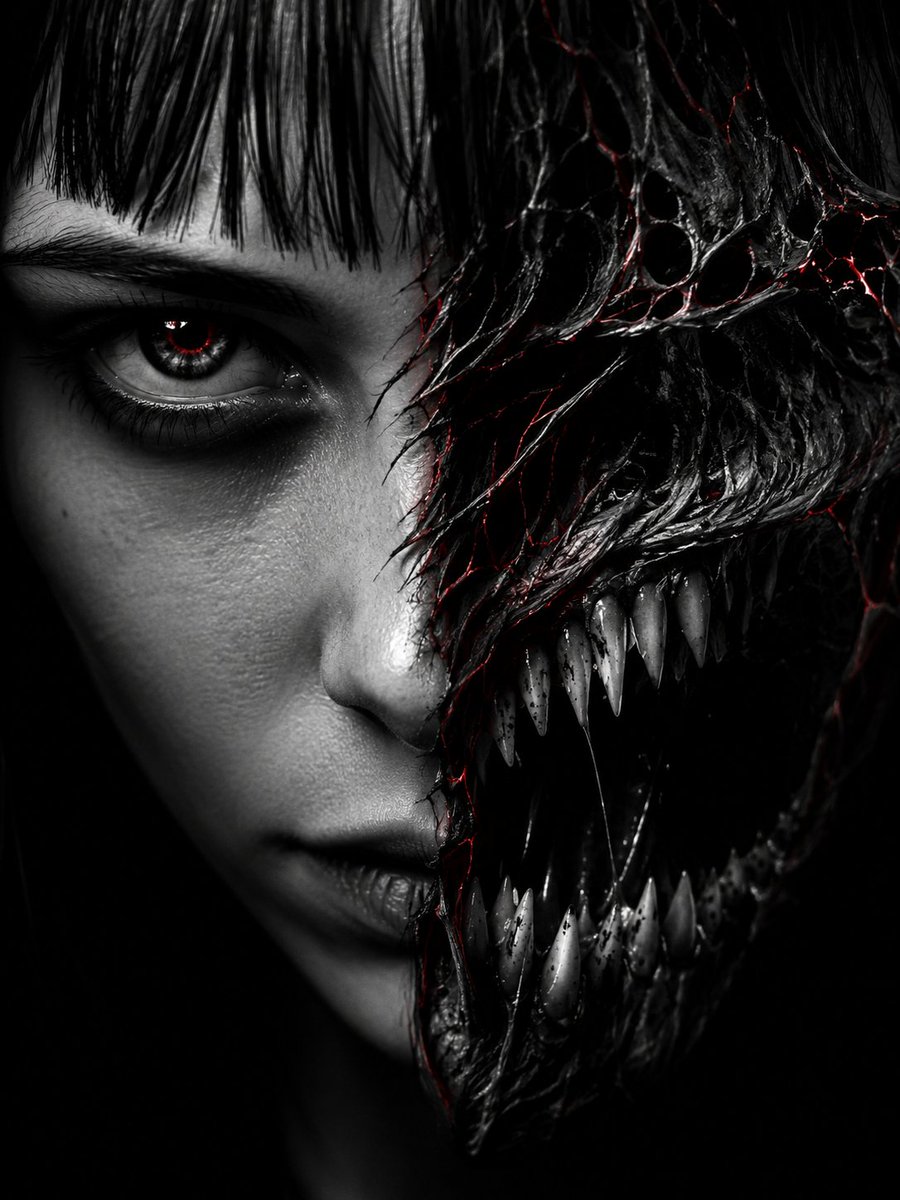
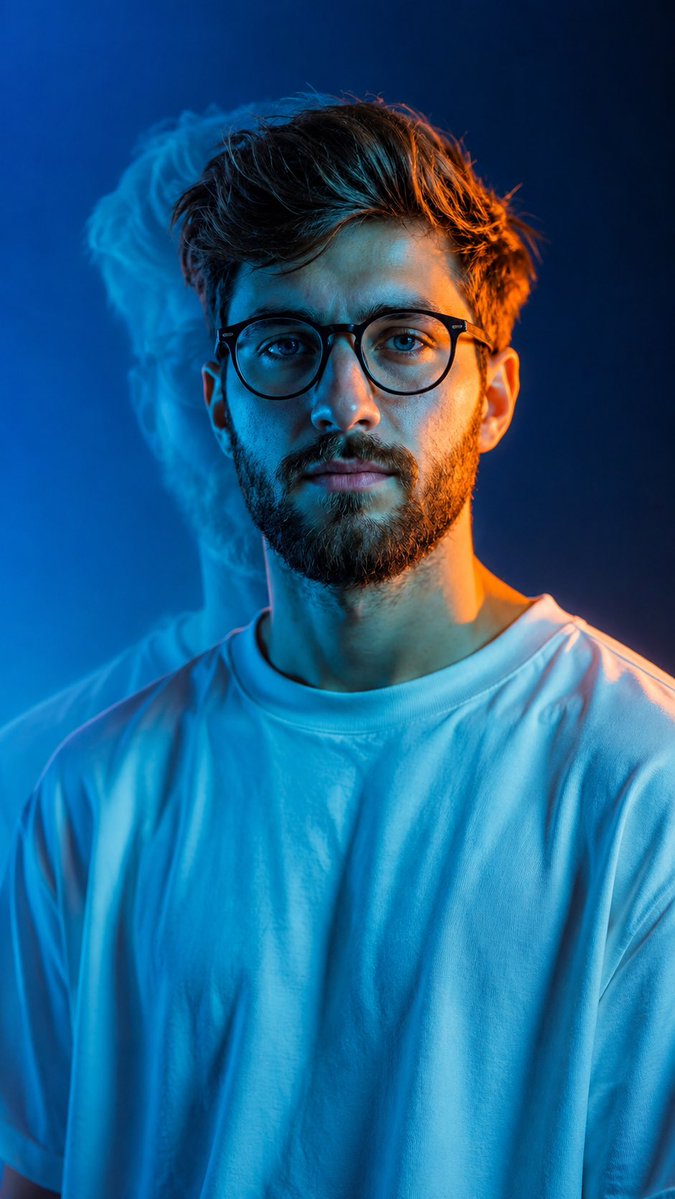
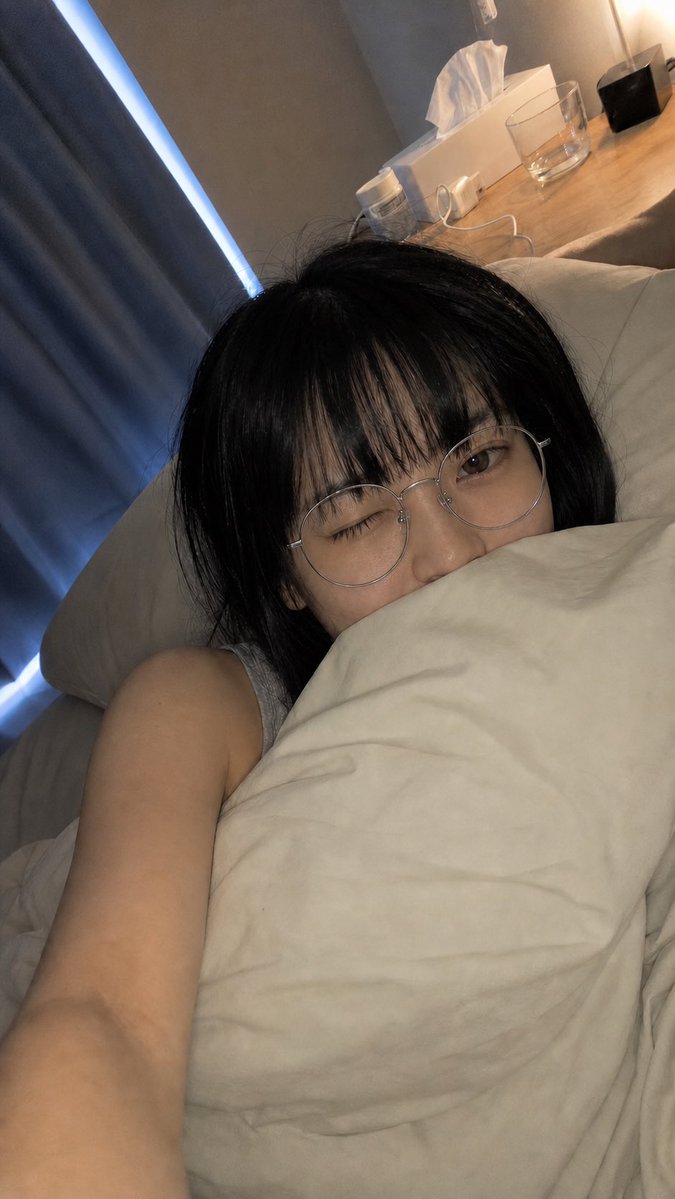
More cases in this category
Prioritized by category, input mode compatibility, quality, and lower risk.
Reuse and source notes
Use this prompt safely after previewing the case.
- 1.Copy the prompt or open it directly in Dovoo with the generation button.
- 2.Adjust variables, aspect ratio, and reference images for your own use case.
- 3.Before publishing or paid usage, verify source rights, attribution requirements, and brand or likeness risks.
Can I use this prompt commercially?
Commercial-use status is allowed. Review the original source, license, brand constraints, and legal requirements before paid usage.
Where does this case come from?
This case is imported from Awesome GPT Image 2 Prompts; keep attribution visible and check the source URL before reuse.