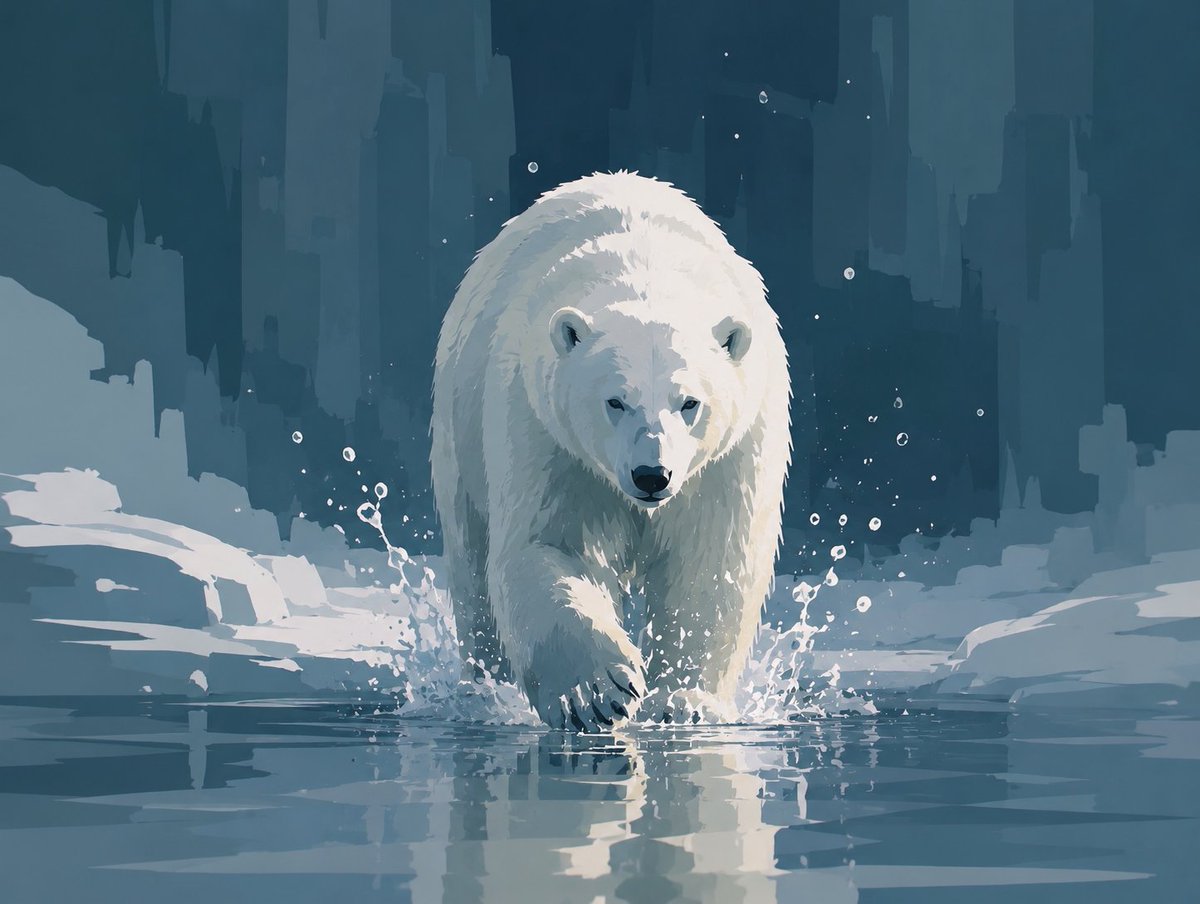
Abstract Polar Bear in Icy Water
A painterly arctic scene featuring a lone polar bear advancing through cold water, ideal for expressive wildlife concept art.
This is a GPT Image 2 prompt case for Illustration & Art. Use the copy-ready prompt below to generate similar visuals, and review Awesome GPT Image 2 Prompts attribution plus commercial-use rights before reuse.
Need the full prompt set? Use the Illustration & Art topic hub for more related examples, or open the GPT Image 2 prompt library for the full example index, reusable structures, and source attribution.
Free 1K preview
Generate one preview image instantly, no sign-up required.
1201/4000
Prompt
Copy-ready prompt
Create a stylized semi-abstract digital painting of a single polar bear walking directly toward the viewer through shallow icy water. The bear is centered, large, and imposing, with a lowered head, dark nose and eyes, rounded ears, thick white fur rendered with painterly angular brushstrokes, and one front paw stepping forward into the water. Show cold splashes around both front legs and a clear reflection of the bear on the water surface. The environment is an arctic ice landscape with flat snowbanks and broken ice shelves on both sides, using only color and shape to express coldness and silence rather than photorealism. In the background, create tall abstract vertical glacier or ice-cliff silhouettes like a frozen city skyline, in deep teal, blue-gray, and muted navy layers. Include exactly one polar bear, many small white droplets and specks around the splashing water, no other animals or humans, no text. Use a limited palette of icy whites, pale blue-gray, desaturated teal, and dark blue shadows; soft diffused lighting; high contrast on the bear; painterly concept-art style with broad geometric brush marks, crisp splash details, calm atmosphere, square-ish landscape composition.
Best for
- - Illustration & Art visual exploration
- - Image generation and reference-image edits
- - Reusable briefs that keep source attribution visible
Change these parts
- - Subject, product, character, or scene
- - Aspect ratio, camera, lighting, and background
- - Brand, text, color, and output constraints
Recommended model and settings
- - Model: gpt-image-2
- - Input mode: Text to Image
- - Aspect ratio: source
- - Commercial status: review original source
How to use this prompt
- 1. Copy the prompt and preserve its structure for the first test.
- 2. Replace the subject, context, and publishing channel.
- 3. Change one camera, lighting, or style variable per iteration.
- 4. Inspect the output, source, text, and rights before reuse.
Limitations, source, and reuse cautions
- - Generated output is an editable draft, not factual, legal, or rights evidence.
- - Review the linked source, people, brands, logos, text, and third-party media before commercial use.
Imported from Awesome GPT Image 2 Prompts. Attribution is required. Commercial-use status is allowed; review source rights before paid usage.
More cases in this category
Prioritized by category, input mode compatibility, quality, and lower risk.
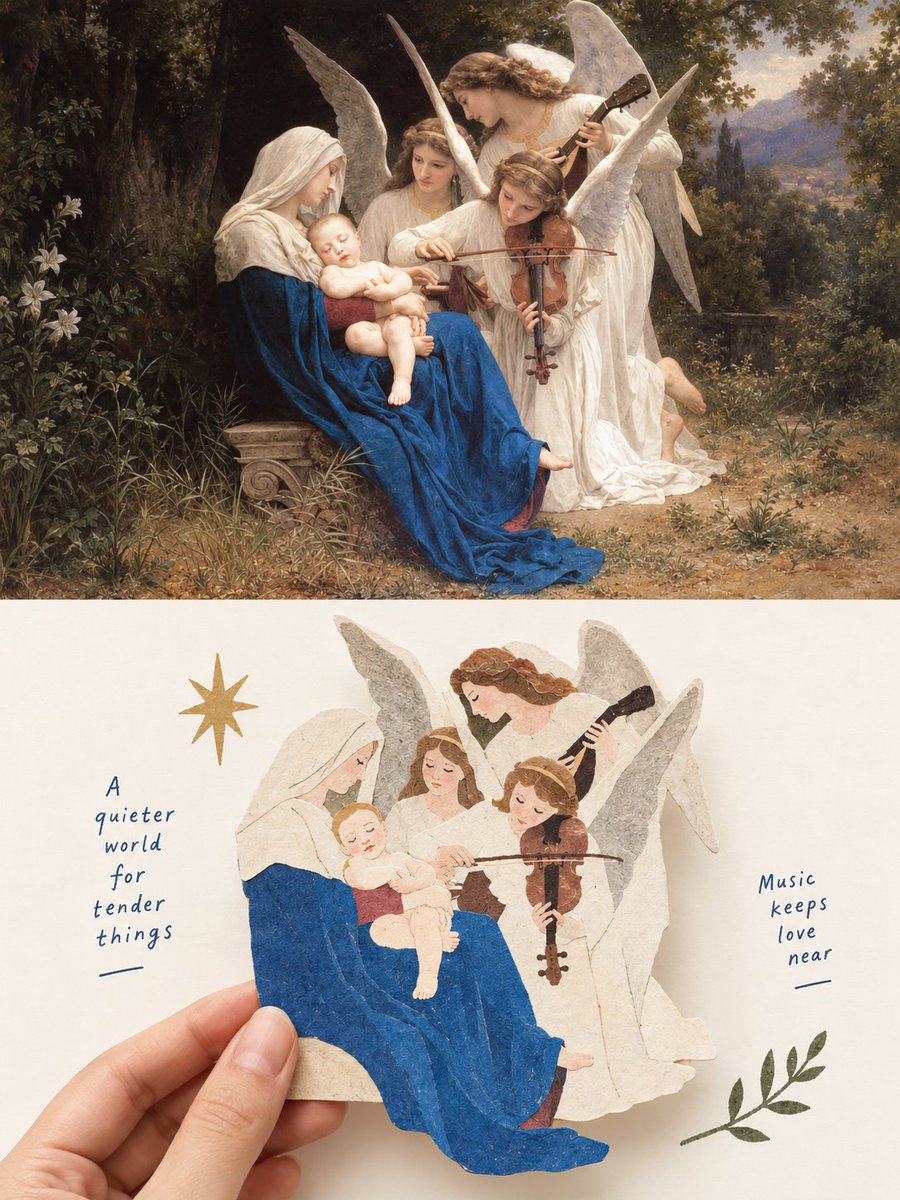
Madonna & Angels: Oil Painting Meets Paper Cutout
Text to Image
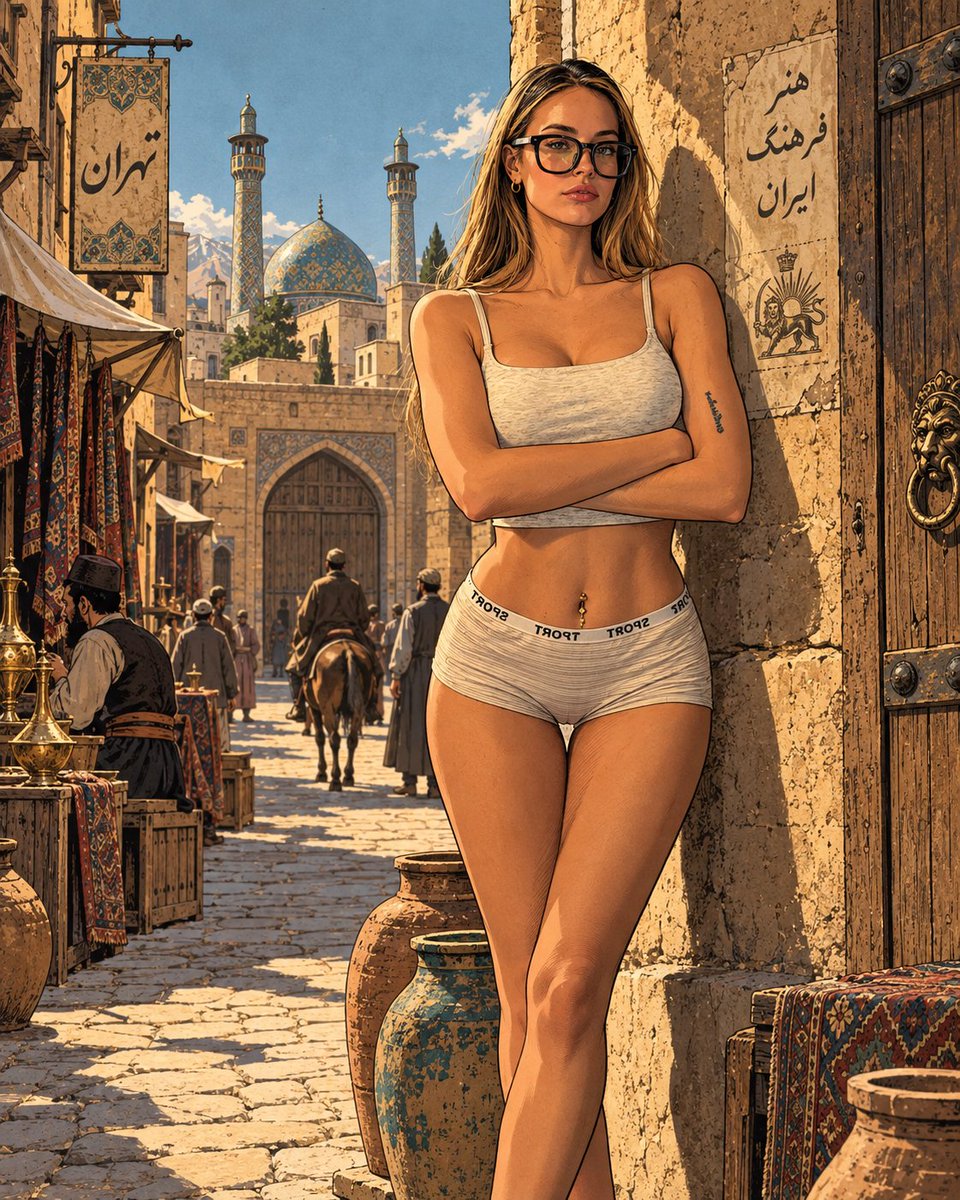
Tehran Old City Adventure Comic Illustration
Text to Image
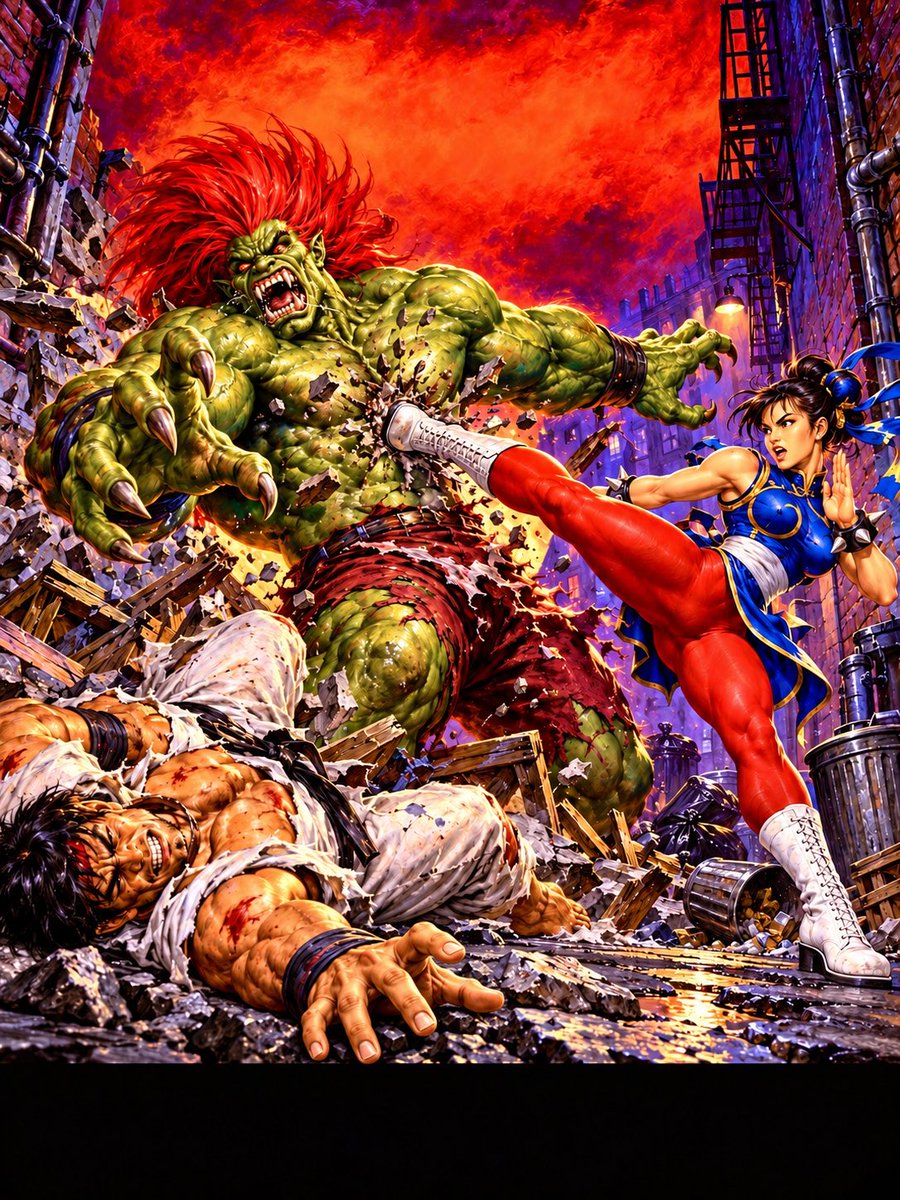
Chun-Li Kicks Giant Monster
Text to Image
Surreal Collage of Teens Walking Past Giant Toolbox
Text to Image
Psychedelic Sci-Fi Laboratory Screen Print
Text to Image

Cyberpunk Industrial Corridor Splash
Text to Image
Reuse and source notes
Use this prompt safely after previewing the case.
- 1.Copy the prompt or open it directly in Dovoo with the generation button.
- 2.Adjust variables, aspect ratio, and reference images for your own use case.
- 3.Before publishing or paid usage, verify source rights, attribution requirements, and brand or likeness risks.
Can I use this prompt commercially?
Commercial-use status is allowed. Review the original source, license, brand constraints, and legal requirements before paid usage.
Where does this case come from?
This case is imported from Awesome GPT Image 2 Prompts; keep attribution visible and check the source URL before reuse.