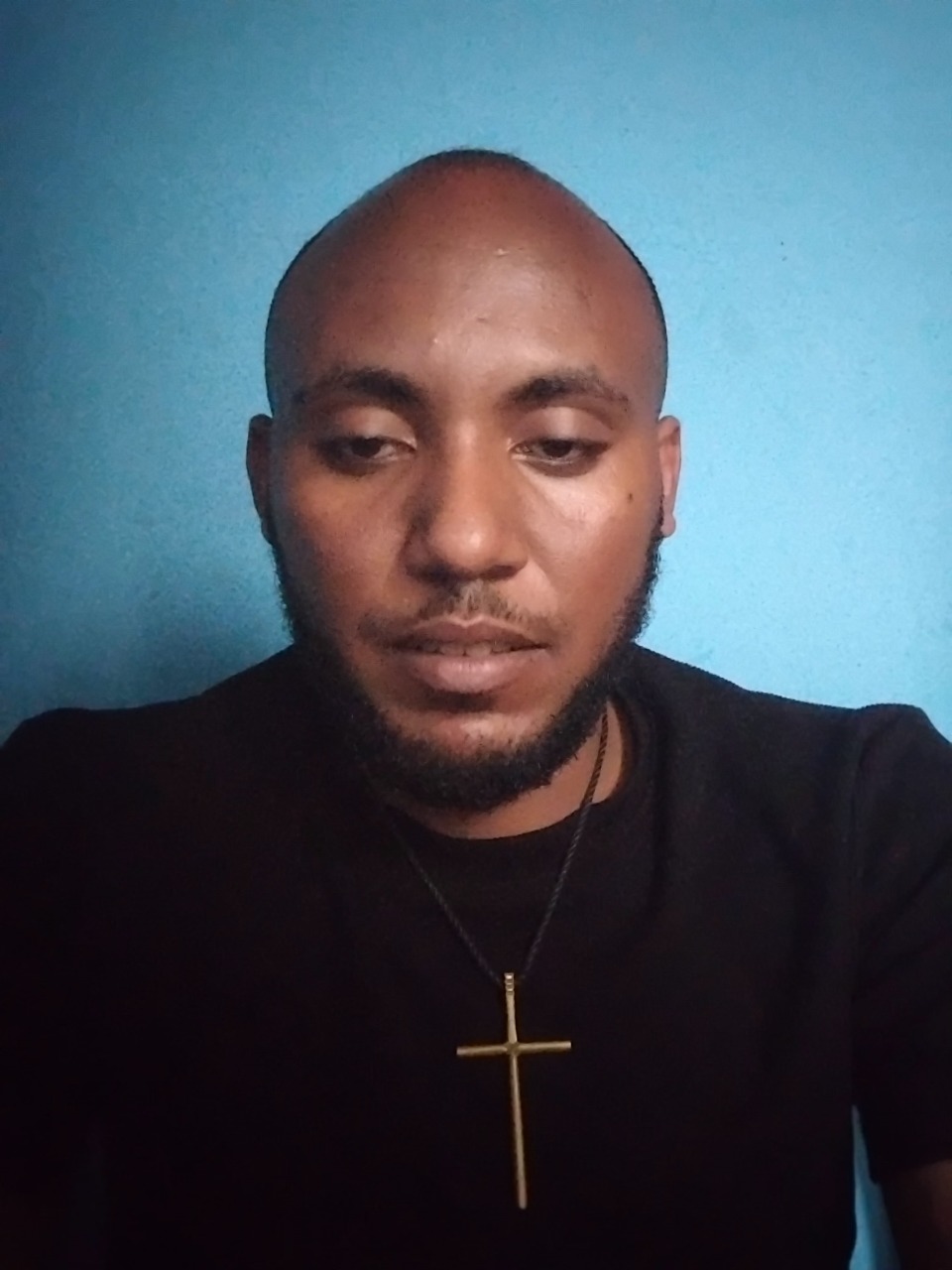
图片
来自 Awesome Nano Banana Pro Prompts 存储库的 Nano Banana Pro 图像提示,带有预览图像和重用审查说明。
这是一个用于 肖像与人物 的 Nano Banana Pro 提示词案例。你可以复制下方 prompt 生成相似图片;商用前请复核 Awesome Nano Banana Pro Prompts 来源归因和原始权利。
需要完整提示词集合?请使用 肖像与人物 主题页获取更多同类示例,或打开 Nano Banana Pro 提示词库 查看完整示例索引、可复用结构和来源归因。
提示词
可复制提示词
1. Professional Retouch

“ Professionally retouch this image while keeping the person’s identity, facial features, skin texture, body proportions, hairstyle, clothing, and overall appearance natural and recognizable. Improve the lighting, sharpness, colour balance, exposure, contrast, and overall image quality. Remove small distractions or imperfections only where necessary, but avoid making the skin look plastic, overly smooth, or obviously edited.”
2/ Remove Anything

“ Remove [OBJECT/PERSON] from this image completely and realistically reconstruct the area behind it. Match the original background, lighting, shadows, textures, reflections, depth, perspective, and surrounding details so the edited area blends naturally with the rest of the image. Make sure there are no strange gaps, duplicated objects, blurry patches, or obvious signs that something was removed.”
3. Change the Background

“Replace the current background with [NEW BACKGROUND] while keeping the main subject exactly the same. Preserve the person’s face, body, clothing, hairstyle, pose, proportions, and fine details. Blend the subject naturally into the new environment by matching the lighting direction, shadows, reflections, colour tones, depth of field, scale, and perspective so the final image looks like it was originally photographed there.”
4. Upgrade Image Quality to 8k

“ Enhance this image to 8k so it looks sharper, cleaner, clearer, and more professional while preserving the original composition and content. Improve fine details, lighting, exposure, colour accuracy, contrast, sharpness, and overall clarity. Reduce visible noise, blur, compression artifacts, or dull colours without changing the person’s face, objects, text, proportions, background, or natural appearance.”
5. Change the Outfit

“Replace the current outfit with [OUTFIT DESCRIPTION] while keeping the person’s identity completely unchanged. Preserve the face, hairstyle, body shape, pose, hands, skin tone, proportions, expression, and background. Make the new clothing fit naturally on the body with realistic fabric texture, folds, stitching, shadows, lighting, and movement so it looks like the person was genuinely wearing it in the original photo.”
6. Expand the Photo

“Expand this image beyond its current borders to [ASPECT RATIO/SIZE] while keeping everything inside the original image unchanged. Naturally continue the existing background, environment, floor, walls, sky, scenery, objects, lighting, textures, patterns, depth, and perspective into the new space. Make the expansion seamless so it looks like the wider image was captured that way originally.”
7. Recreate a Different Time of Day

“Change this scene from [CURRENT TIME OF DAY] to [SUNRISE / GOLDEN HOUR / SUNSET / NIGHT]. Adjust the sky, light direction, colour temperature, reflection
8. Fix Closed Eyes

“Correct the person’s closed or half-closed eyes so they look naturally open and consistent with their face, expression, gaze direction, lighting, and eye shape. Keep the edit subtle and realistic, without changing the person’s identity or
9. Fix Wrinkled Clothing

“Smooth out distracting wrinkles, creases, bunching, and uneven fabric in the clothing while keeping the material, fit, seams, texture, and natural folds realistic. Make the outfit look neat and well-presented without making it appear digitally painted.” overall expression.” and change tishrt meskel Ethiopia culture
Best for
- - 肖像与人物 方向的视觉探索
- - 图片生成与参考图改写
- - 需要保留来源归因的可复用 brief
可以替换这些部分
- - 主体、产品、角色或场景
- - 画幅、镜头、光线和背景
- - 品牌、文字、颜色和输出限制
推荐模型与设置
- - 模型:nano-banana-pro
- - 输入模式:图生图
- - 画幅:square
- - 商用状态:restricted
如何使用这个提示词
- 1. 复制提示词并先保留原始结构。
- 2. 替换主体、场景和输出渠道。
- 3. 每次只调整一个镜头、光线或风格变量。
- 4. 检查结果媒体、文字、来源和权利风险。
限制、来源与复用提醒
- - 生成结果是可编辑草稿,不是事实、法务或权利证明。
- - 商用前复核来源链接、人物、品牌、Logo、文字和第三方素材。
导入自 Awesome Nano Banana Pro Prompts。需要保留来源归因。商业使用状态:restricted;付费使用前请复核原始权利。
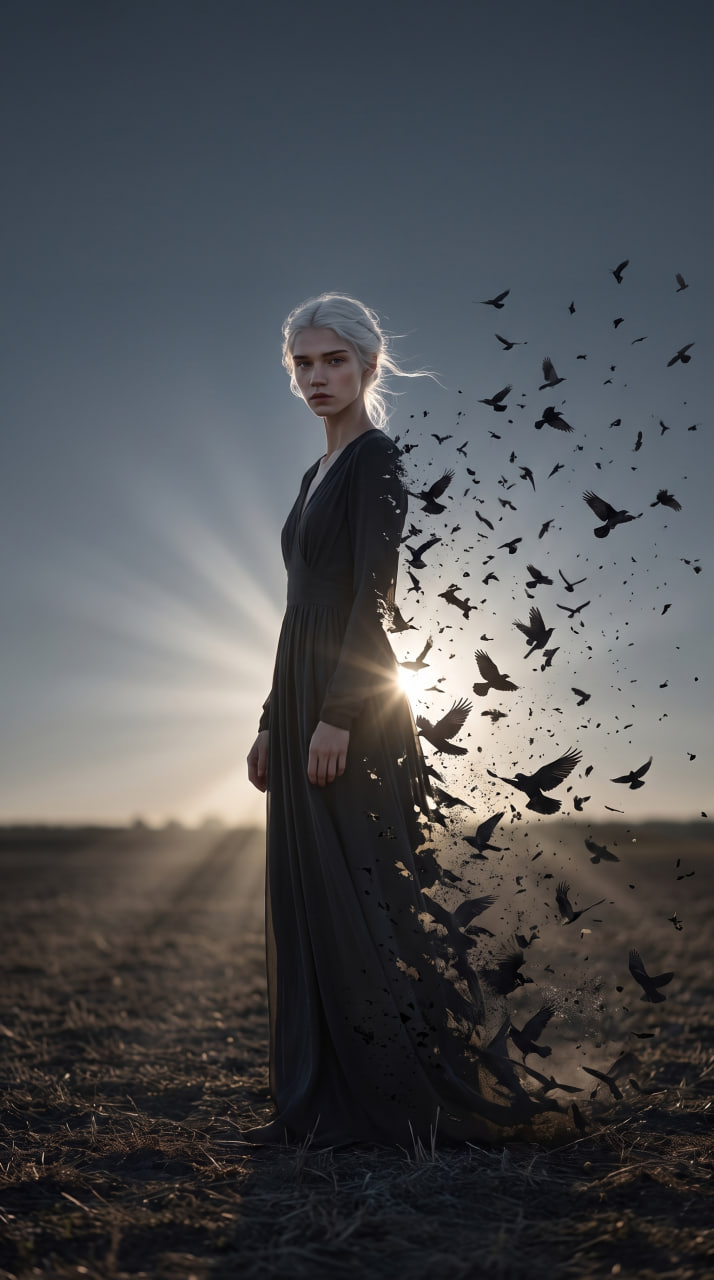
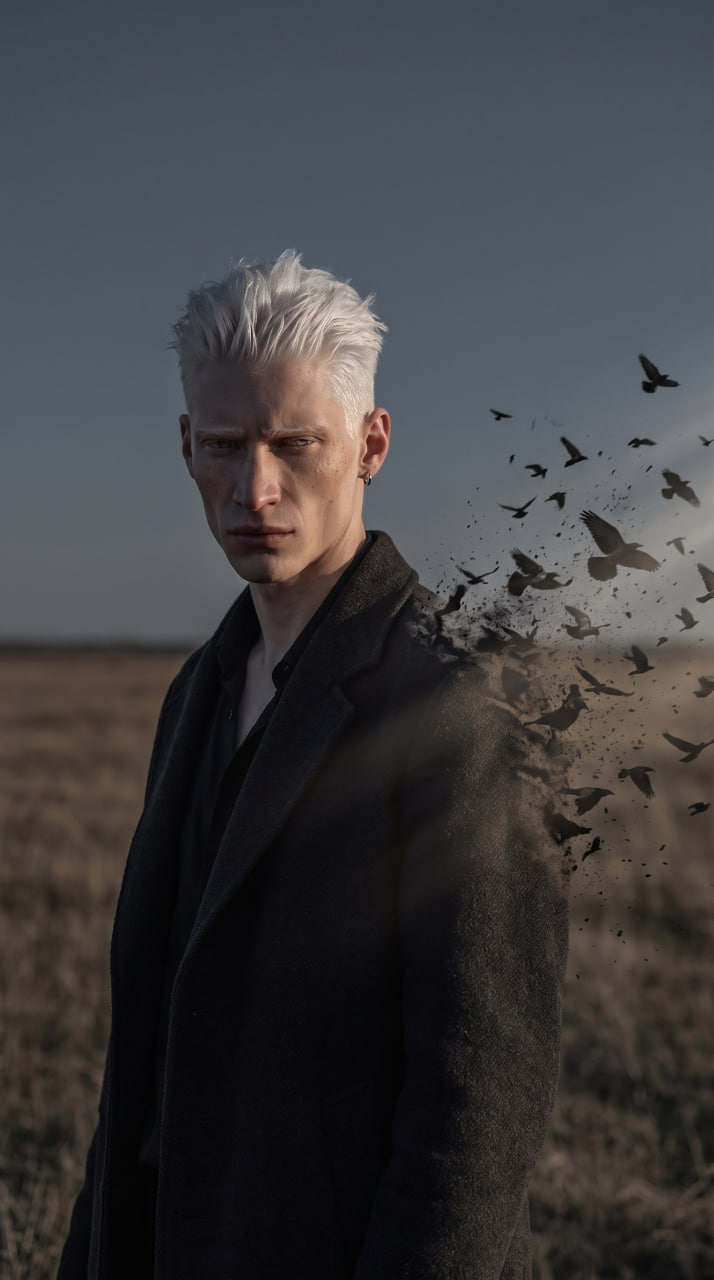
同分类案例
优先推荐同分类、同输入模式且风险更低的案例。
复用与来源说明
看完案例后,再安全复用这个提示词。
- 1.复制 prompt,或点击生成入口在 Dovoo 中直接打开。
- 2.按你的用途调整变量、画面比例和参考图。
- 3.发布或商用前,复核来源权利、归因要求以及品牌、肖像或版权风险。
这个提示词可以商用吗?
当前商业使用状态为 restricted。付费或公开使用前,请复核原始来源、许可、品牌限制和法务要求。
这个案例来自哪里?
该案例导入自 Awesome Nano Banana Pro Prompts;复用时请保留来源归因,并打开来源 URL 检查最新授权信息。