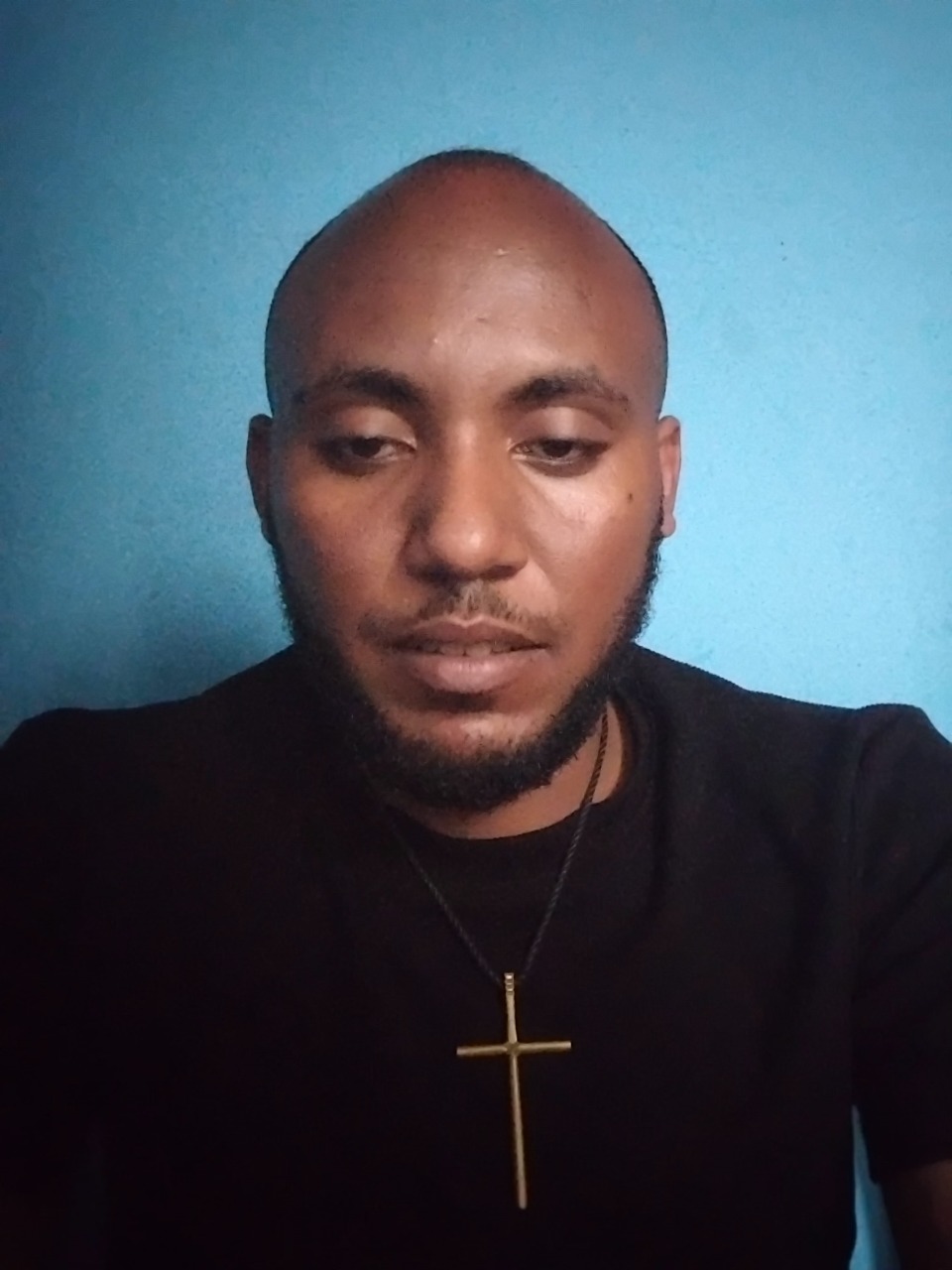
圖片
來自 Awesome Nano Banana Pro Prompts 存儲庫的 Nano Banana Pro 圖像提示,帶有預覽圖像和重用審查說明。
這是一個肖像與人物的Nano Banana Pro範例。請使用下方可直接使用的提示資訊產生類似的視覺素材,並在重複使用前查看Awesome Nano Banana Pro Prompts署名和商業用途授權資訊。
需要完整的提示符號集?請使用 肖像與人物 主題中心提供更多相關範例,或打開 Nano Banana Pro 提示庫 有關完整範例索引、可重複使用結構和來源歸屬的資訊。
提示詞
可直接複製的提示
1. Professional Retouch

“ Professionally retouch this image while keeping the person’s identity, facial features, skin texture, body proportions, hairstyle, clothing, and overall appearance natural and recognizable. Improve the lighting, sharpness, colour balance, exposure, contrast, and overall image quality. Remove small distractions or imperfections only where necessary, but avoid making the skin look plastic, overly smooth, or obviously edited.”
2/ Remove Anything

“ Remove [OBJECT/PERSON] from this image completely and realistically reconstruct the area behind it. Match the original background, lighting, shadows, textures, reflections, depth, perspective, and surrounding details so the edited area blends naturally with the rest of the image. Make sure there are no strange gaps, duplicated objects, blurry patches, or obvious signs that something was removed.”
3. Change the Background

“Replace the current background with [NEW BACKGROUND] while keeping the main subject exactly the same. Preserve the person’s face, body, clothing, hairstyle, pose, proportions, and fine details. Blend the subject naturally into the new environment by matching the lighting direction, shadows, reflections, colour tones, depth of field, scale, and perspective so the final image looks like it was originally photographed there.”
4. Upgrade Image Quality to 8k

“ Enhance this image to 8k so it looks sharper, cleaner, clearer, and more professional while preserving the original composition and content. Improve fine details, lighting, exposure, colour accuracy, contrast, sharpness, and overall clarity. Reduce visible noise, blur, compression artifacts, or dull colours without changing the person’s face, objects, text, proportions, background, or natural appearance.”
5. Change the Outfit

“Replace the current outfit with [OUTFIT DESCRIPTION] while keeping the person’s identity completely unchanged. Preserve the face, hairstyle, body shape, pose, hands, skin tone, proportions, expression, and background. Make the new clothing fit naturally on the body with realistic fabric texture, folds, stitching, shadows, lighting, and movement so it looks like the person was genuinely wearing it in the original photo.”
6. Expand the Photo

“Expand this image beyond its current borders to [ASPECT RATIO/SIZE] while keeping everything inside the original image unchanged. Naturally continue the existing background, environment, floor, walls, sky, scenery, objects, lighting, textures, patterns, depth, and perspective into the new space. Make the expansion seamless so it looks like the wider image was captured that way originally.”
7. Recreate a Different Time of Day

“Change this scene from [CURRENT TIME OF DAY] to [SUNRISE / GOLDEN HOUR / SUNSET / NIGHT]. Adjust the sky, light direction, colour temperature, reflection
8. Fix Closed Eyes

“Correct the person’s closed or half-closed eyes so they look naturally open and consistent with their face, expression, gaze direction, lighting, and eye shape. Keep the edit subtle and realistic, without changing the person’s identity or
9. Fix Wrinkled Clothing

“Smooth out distracting wrinkles, creases, bunching, and uneven fabric in the clothing while keeping the material, fit, seams, texture, and natural folds realistic. Make the outfit look neat and well-presented without making it appear digitally painted.” overall expression.” and change tishrt meskel Ethiopia culture
Best for
- - 肖像與人物 visual exploration
- - Image generation and reference-image edits
- - Reusable briefs that keep source attribution visible
Change these parts
- - Subject, product, character, or scene
- - Aspect ratio, camera, lighting, and background
- - Brand, text, color, and output constraints
Recommended model and settings
- - Model: nano-banana-pro
- - Input mode: 圖生圖
- - Aspect ratio: square
- - Commercial status: restricted
How to use this prompt
- 1. Copy the prompt and preserve its structure for the first test.
- 2. Replace the subject, context, and publishing channel.
- 3. Change one camera, lighting, or style variable per iteration.
- 4. Inspect the output, source, text, and rights before reuse.
Limitations, source, and reuse cautions
- - Generated output is an editable draft, not factual, legal, or rights evidence.
- - Review the linked source, people, brands, logos, text, and third-party media before commercial use.
內容來自Awesome Nano Banana Pro Prompts 。必須註明出處。商業用途狀態為restricted ;付費使用前請查看來源版權資訊。
此類案例更多
按類別、輸入模式相容性、品質和低風險進行優先排序。
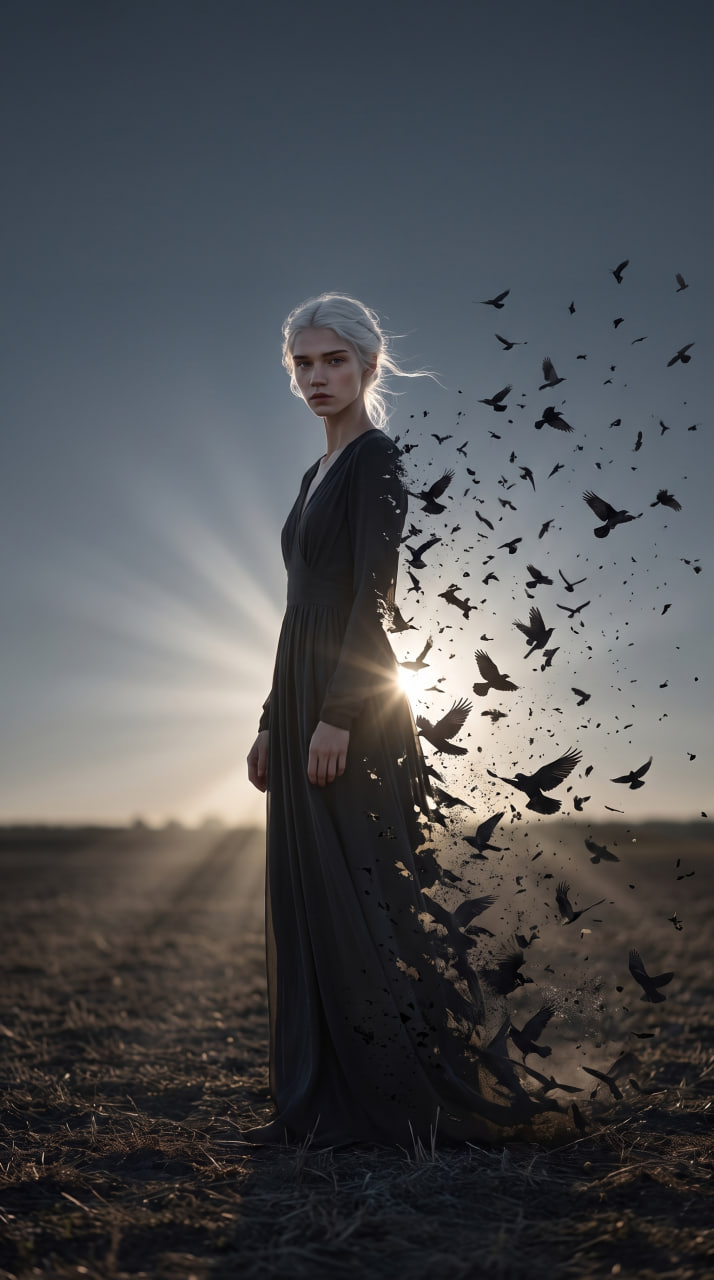
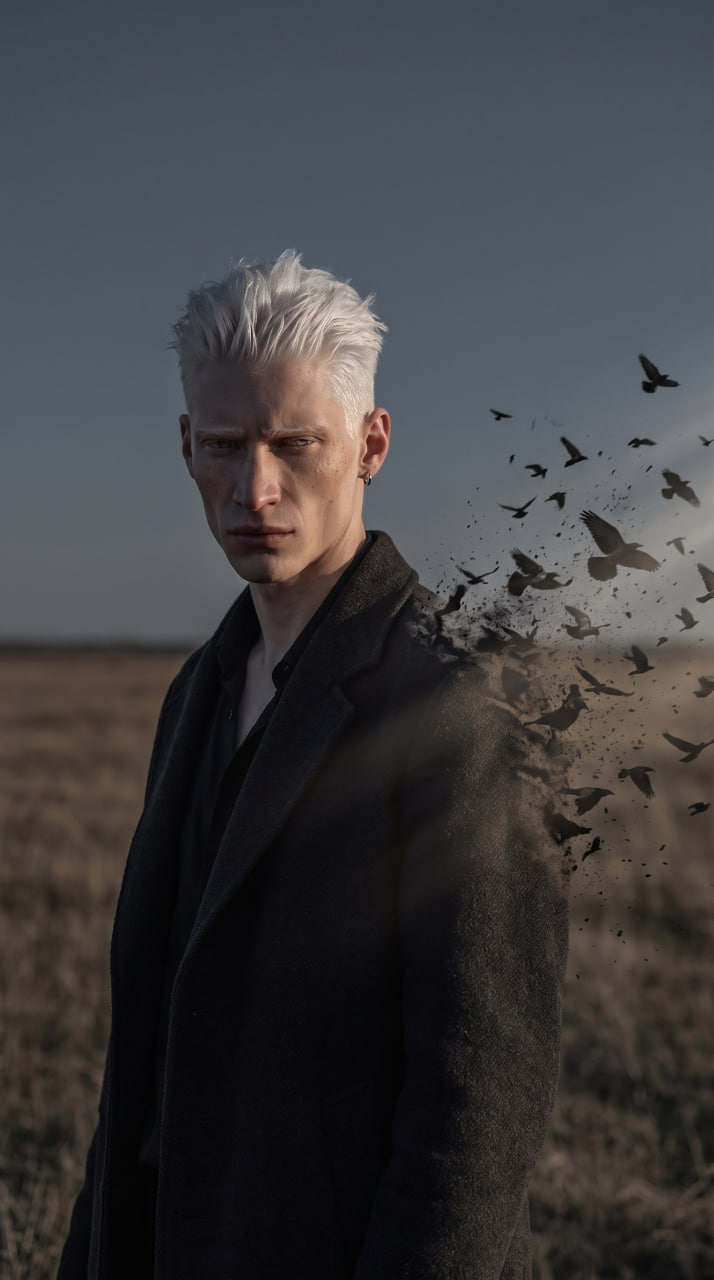
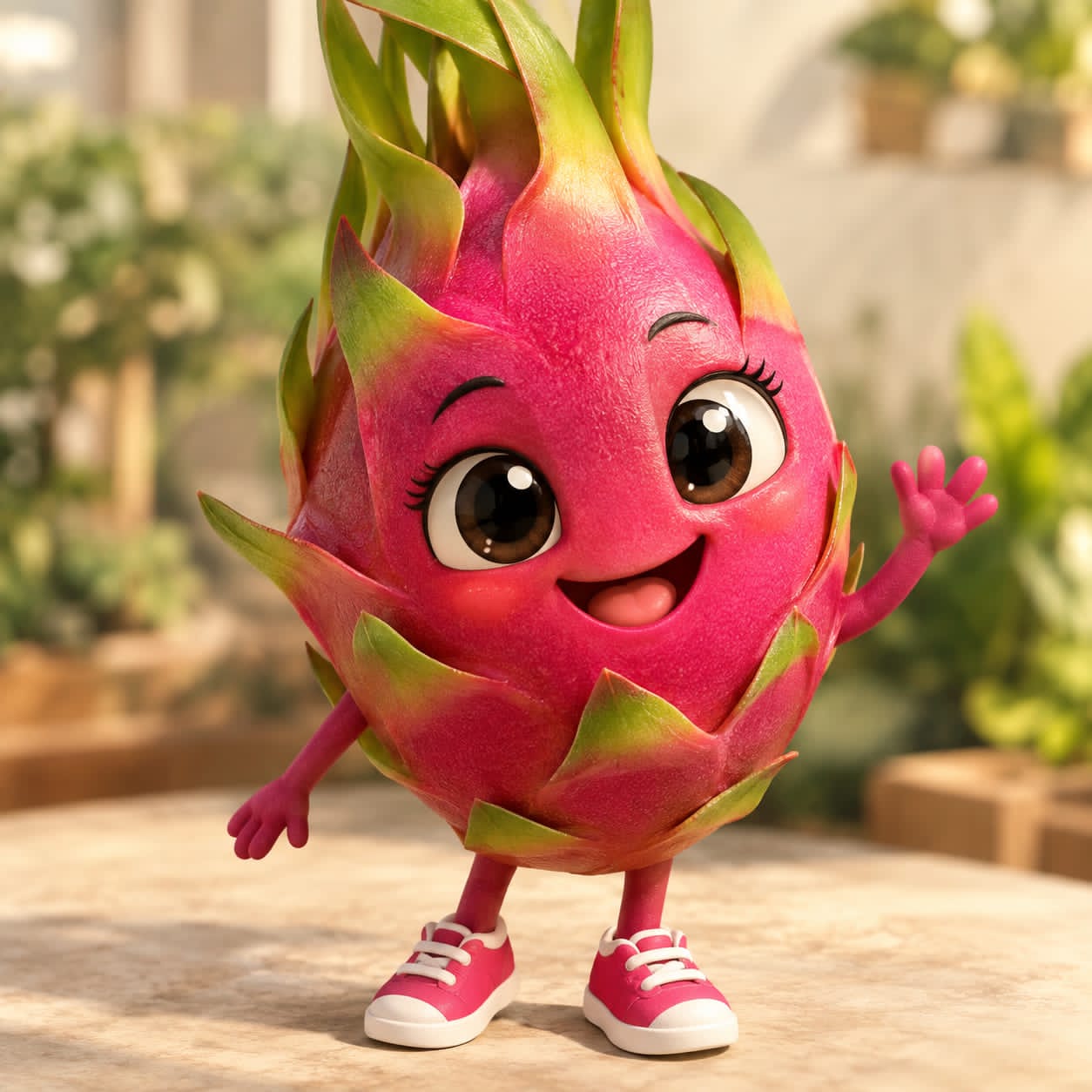
重用和來源註釋
預覽案例後,請謹慎使用此提示。
- 1.複製提示或直接在 Dovoo 中使用生成按鈕開啟提示。
- 2.根據您的實際使用情況調整變數、寬高比和參考影像。
- 3.發布或付費使用前,請確認版權、署名要求以及品牌或肖像權風險。