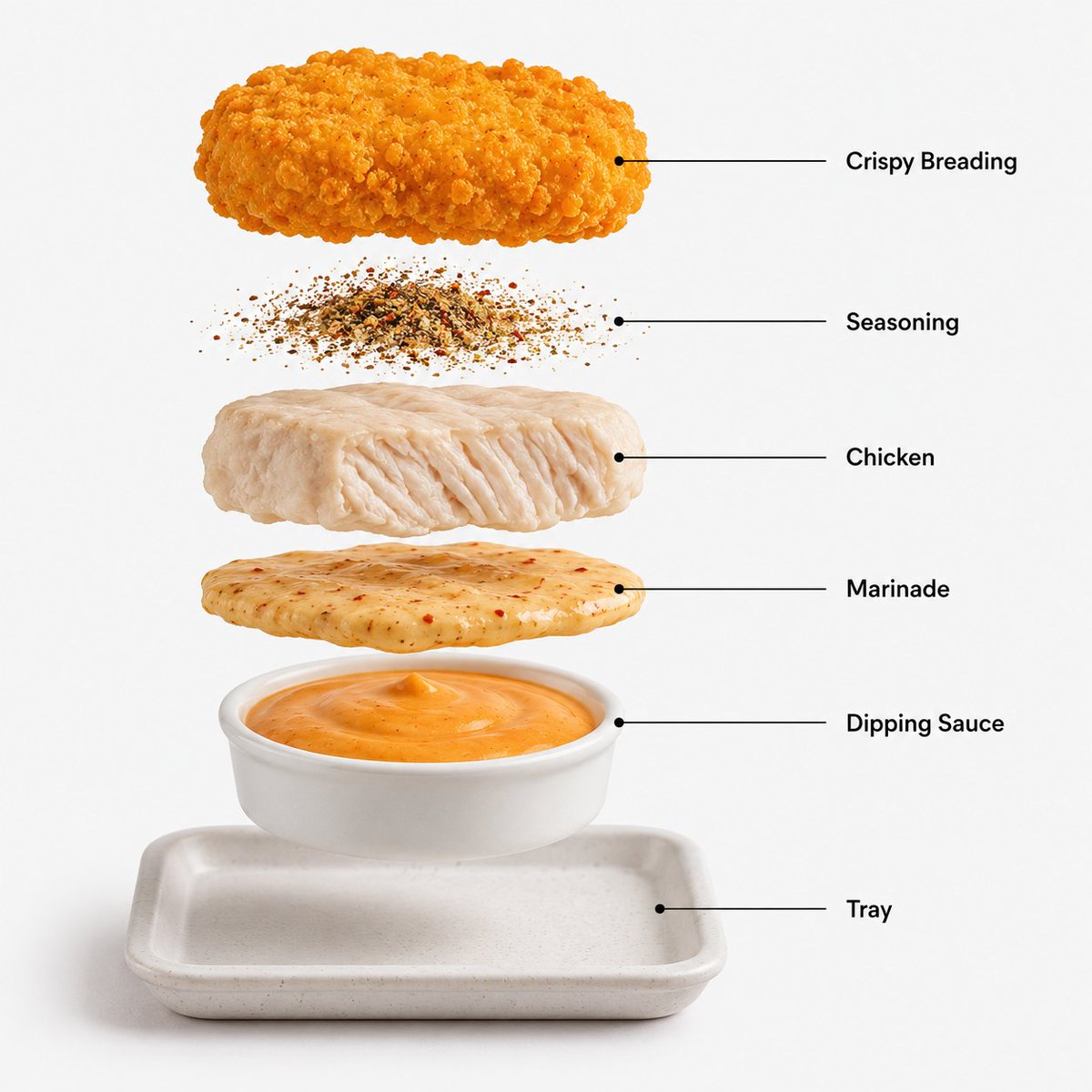
Image 2 Prompt: Create a hyper-realistic exploded
Image 2 Prompt: Create a hyper-realistic exploded example synchronized into Image Prompt Gallery with source attribution and a dedicated preview image.
Bu Yiyecek ve İçecek için bir GPT Image 2 örnek senaryosudur. Benzer görseller oluşturmak için aşağıdaki hazır metni kullanın ve yeniden kullanmadan önce Awesome GPT Image 2 Prompts atıfını ve ticari kullanım haklarını inceleyin.
Tüm komut istemi setine mi ihtiyacınız var? Şunu kullanın: Yiyecek ve İçecek Daha fazla ilgili örnek için konu merkezini ziyaret edin veya açın. GPT Image 2 istem kataloğu Tam örnek dizin, yeniden kullanılabilir yapılar ve kaynak atfı için.
Free 1K preview
Generate one preview image instantly, no sign-up required.
251/4000
İpucu
Kopyalamaya hazır istemi
Create a hyper-realistic exploded vertical infographic composition of premium crispy chicken nuggets.
Top → Bottom structure:
Crispy Breading
→ Seasoning
→ Chicken Fillet
→ Marinade Layer
→ Dipping Sauce
→ Serving Tray
Each layer must remain perfectly
Best for
- - Yiyecek ve İçecek visual exploration
- - Image generation and reference-image edits
- - Reusable briefs that keep source attribution visible
Change these parts
- - Subject, product, character, or scene
- - Aspect ratio, camera, lighting, and background
- - Brand, text, color, and output constraints
Recommended model and settings
- - Model: gpt-image-2
- - Input mode: Metinden görsele
- - Aspect ratio: source
- - Commercial status: review original source
How to use this prompt
- 1. Copy the prompt and preserve its structure for the first test.
- 2. Replace the subject, context, and publishing channel.
- 3. Change one camera, lighting, or style variable per iteration.
- 4. Inspect the output, source, text, and rights before reuse.
Limitations, source, and reuse cautions
- - Generated output is an editable draft, not factual, legal, or rights evidence.
- - Review the linked source, people, brands, logos, text, and third-party media before commercial use.
Awesome GPT Image 2 Prompts kaynağından içe aktarılmıştır. Kaynak belirtilmesi zorunludur. Ticari kullanım durumu allowed şeklindedir; ücretli kullanım öncesinde kaynak haklarını inceleyin.
Bu kategoride daha fazla vaka
Kategoriye, giriş modu uyumluluğuna, kaliteye ve düşük riske göre önceliklendirilmiştir.
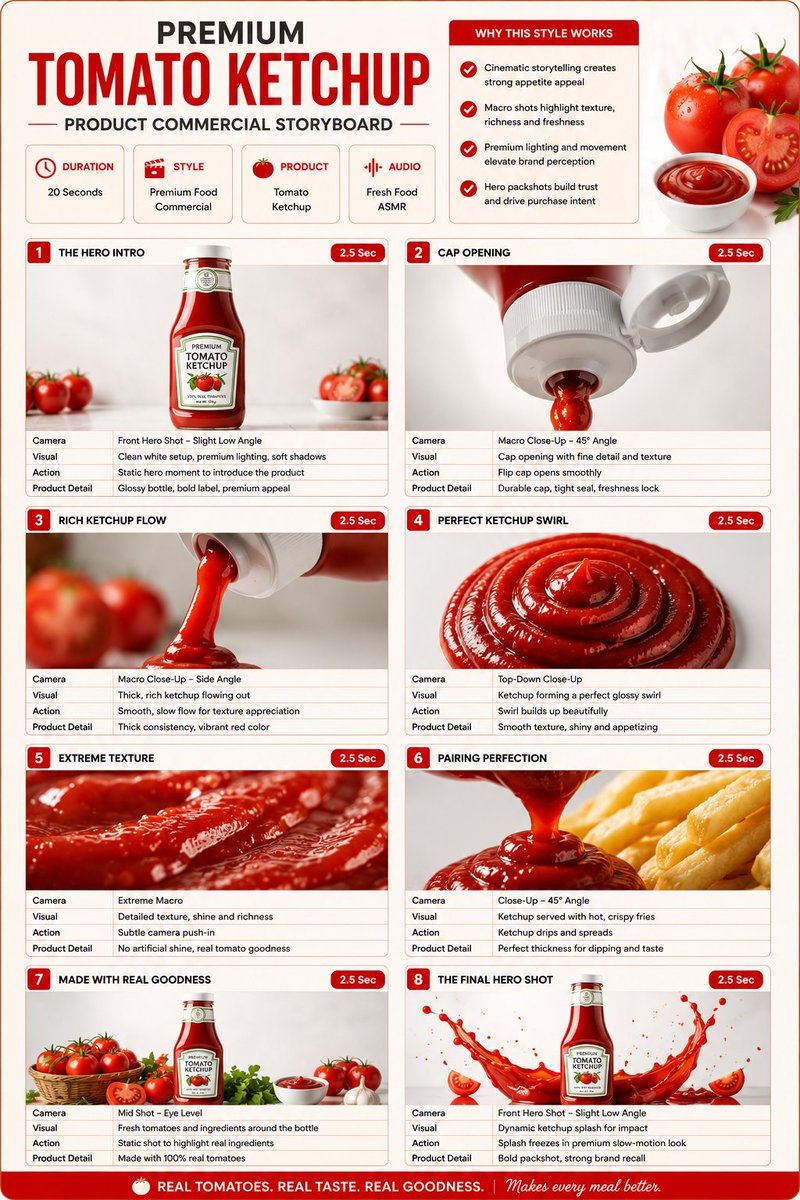
Premium Ketchup Commercial Storyboard
Metinden görsele

Luxury Brand Campaign Prompt Template
Metinden görsele
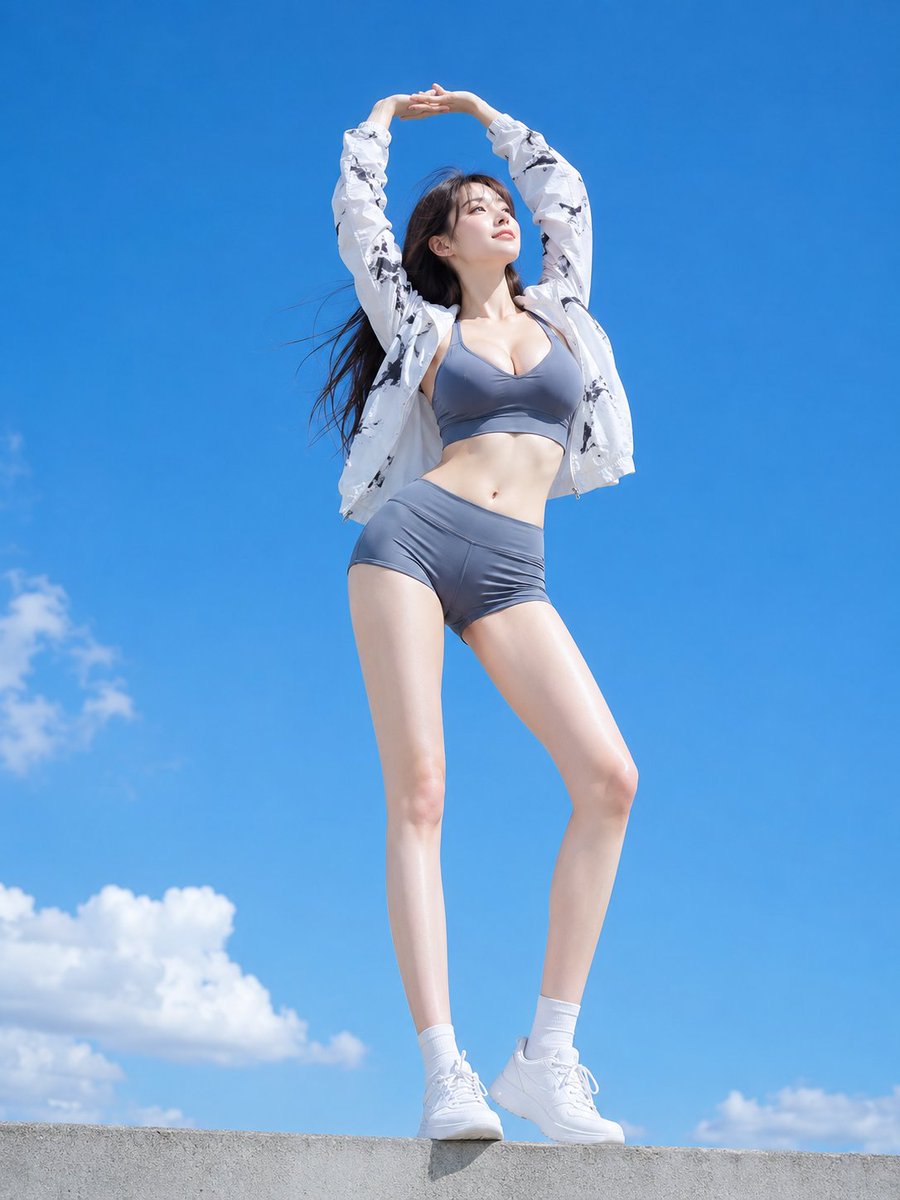
Low Angle Blue Sky Sports Outfit
Metinden görsele
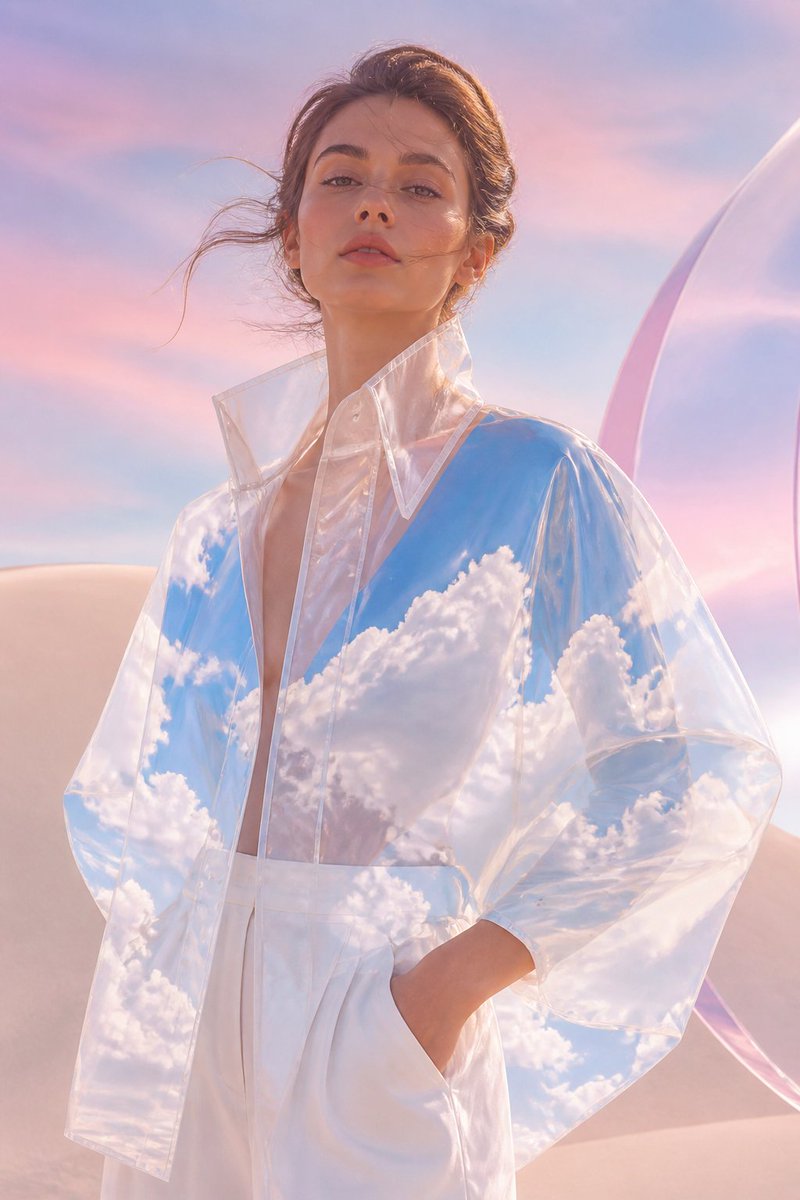
Transparent Sky Jacket Fashion
Metinden görsele
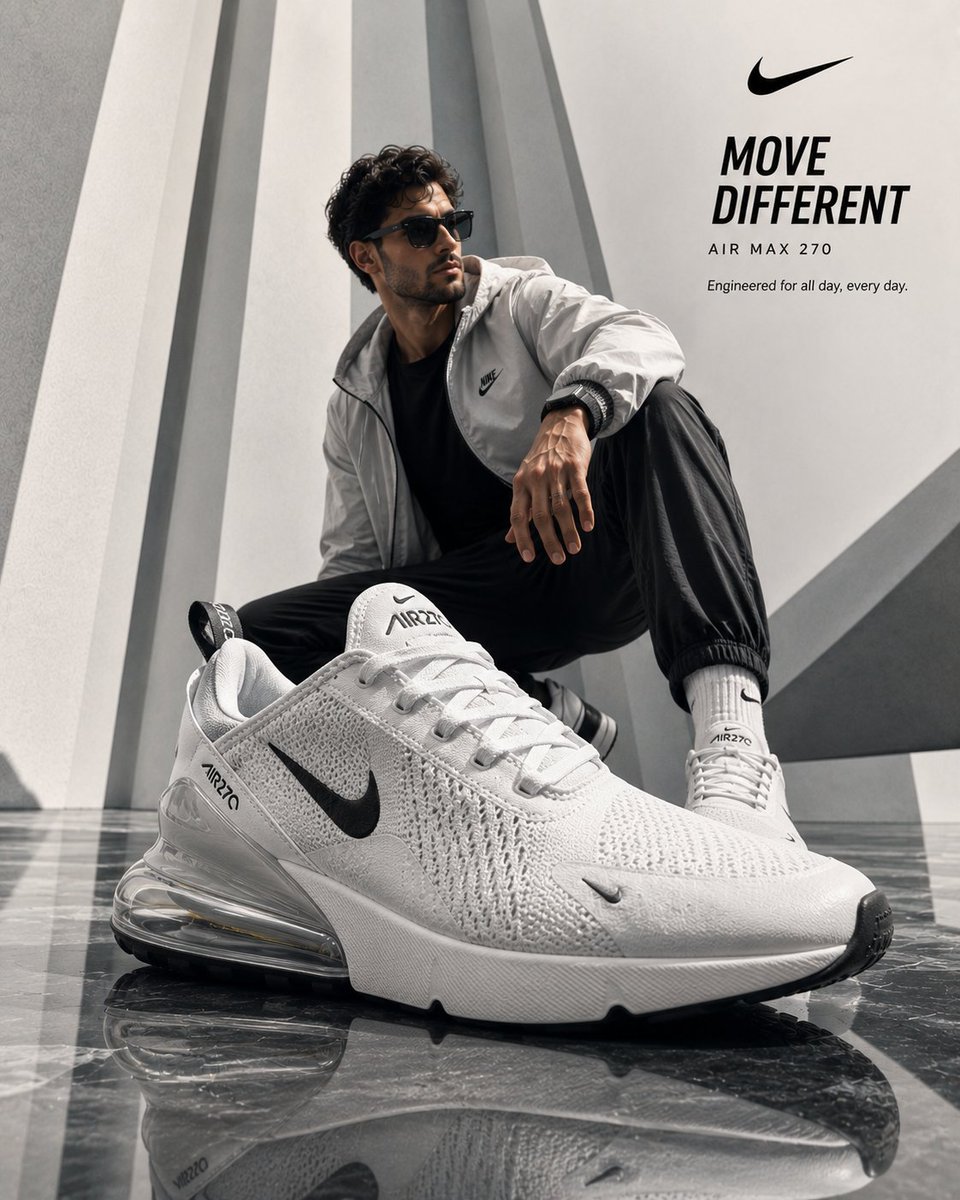
Luxury Product Ad Campaign Template
Metinden görsele
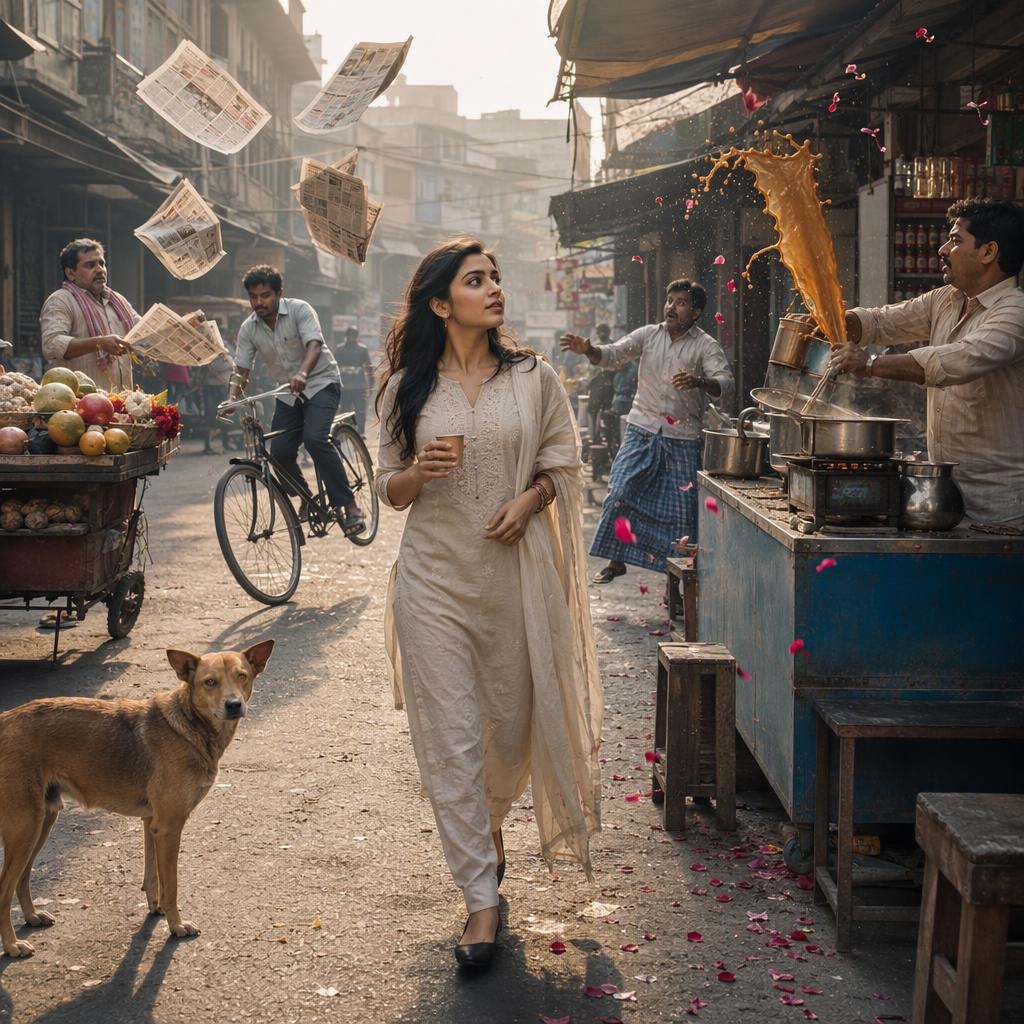
Indian Street Market Time-Freeze Photograph
Metinden görsele
Yeniden kullanım ve kaynak notları
Vaka önizlemesini yaptıktan sonra bu istemi güvenle kullanın.
- 1.Komut istemini kopyalayın veya oluşturma düğmesini kullanarak doğrudan Dovoo'da açın.
- 2.Değişkenleri, en boy oranını ve referans görselleri kendi kullanım durumunuza göre ayarlayın.
- 3.Yayınlamadan veya ücretli kullanımdan önce, kaynak haklarını, atıf gerekliliklerini ve marka veya benzerlik risklerini doğrulayın.