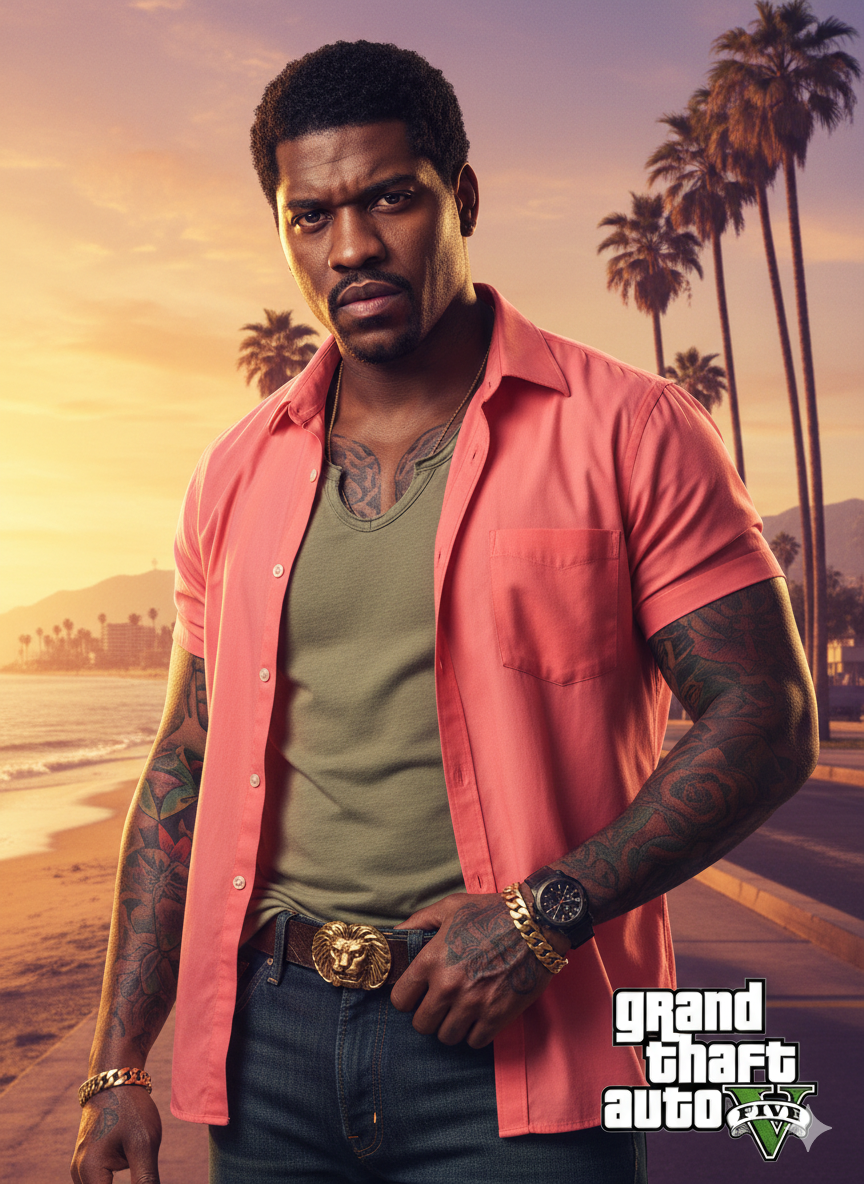
GTA5
Source-attributed Nano Banana Pro image prompt from the Awesome Nano Banana Pro Prompts repository with preview image and reuse review notes.
Bu Portrait Photography için bir Nano Banana Pro örnek senaryosudur. Benzer görseller oluşturmak için aşağıdaki hazır metni kullanın ve yeniden kullanmadan önce Awesome Nano Banana Pro Prompts atıfını ve ticari kullanım haklarını inceleyin.
Tüm komut istemi setine mi ihtiyacınız var? Şunu kullanın: Portrait Photography Daha fazla ilgili örnek için konu merkezini ziyaret edin veya açın. Nano Banana Pro istem kataloğu Tam örnek dizin, yeniden kullanılabilir yapılar ve kaynak atfı için.
İpucu
Kopyalamaya hazır istemi
A close-up of a man (as in the uploaded image) looking directly at the viewer. He is heavily tattooed on both arms, neck, and chest. He wears an unbuttoned, bright coral-pink (or salmon) short-sleeved collared shirt over a loose-fitting, V-neck light olive-green T-shirt.
He is wearing dark blue denim jeans held up by a brown leather belt with a large, ornate, gold-colored buckle (possibly featuring an animal or symbol). A black pistol is tucked into his waistband, partially obscured by his right hand, which is resting on the grip. He also wears a black watch on his left wrist and a gold bracelet on his right.
The background is a vibrant, sunny, coastal scene reminiscent of Southern California or Miami. It features tall palm trees, a sandy beach, and the ocean. In the distance, there are some houses or low-rise buildings and mountains. The lighting is golden, suggesting either sunrise or sunset, casting a warm glow over the scene.
hard shadows, and a distinct color palette typical of GTA loading screens and cover.

Highly detailed and rendered. Vibrant, cinematic.

Optional Text Overlay (for added authenticity): Include the 'Grand Theft Auto V' logo in the middle right.
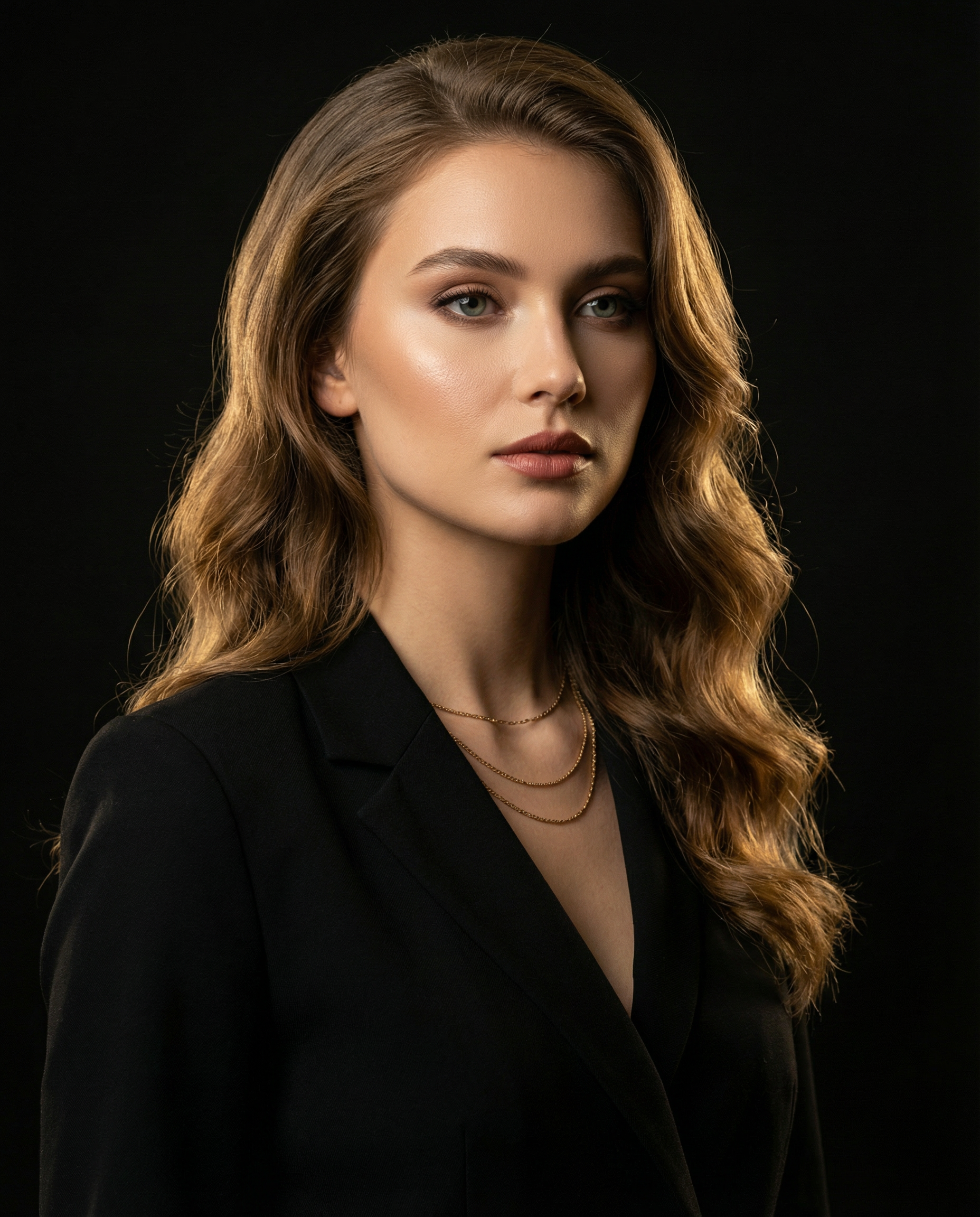
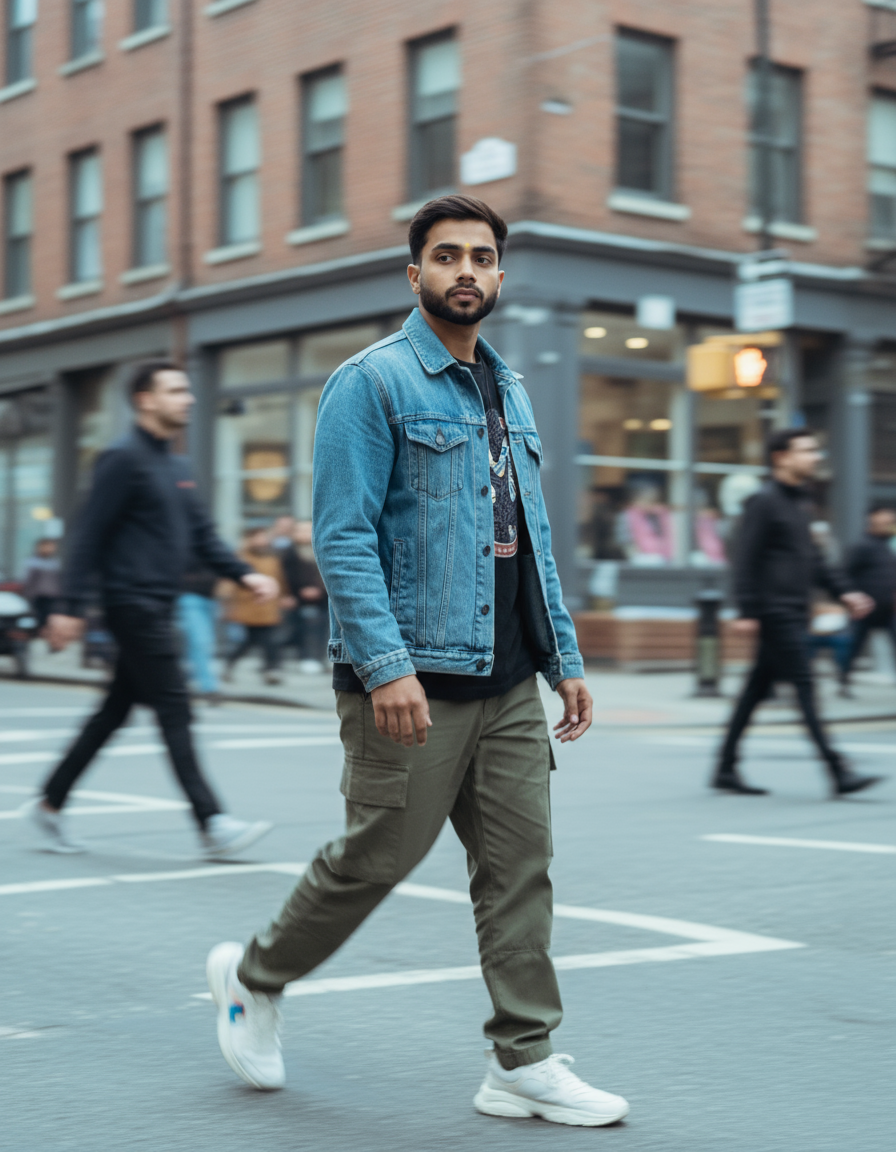
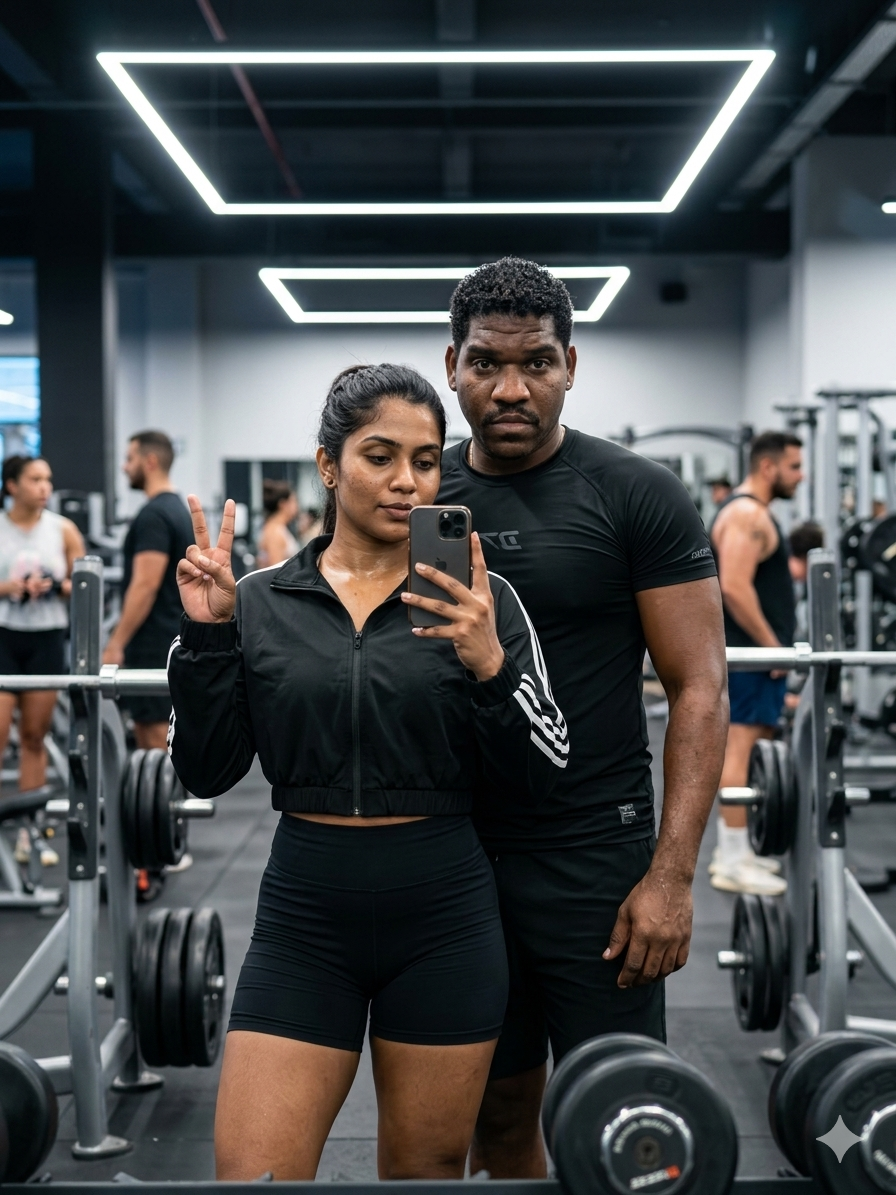
Bu kategoride daha fazla vaka
Kategoriye, giriş modu uyumluluğuna, kaliteye ve düşük riske göre önceliklendirilmiştir.

Yeniden kullanım ve kaynak notları
Vaka önizlemesini yaptıktan sonra bu istemi güvenle kullanın.
- 1.Komut istemini kopyalayın veya oluşturma düğmesini kullanarak doğrudan Dovoo'da açın.
- 2.Değişkenleri, en boy oranını ve referans görselleri kendi kullanım durumunuza göre ayarlayın.
- 3.Yayınlamadan veya ücretli kullanımdan önce, kaynak haklarını, atıf gerekliliklerini ve marka veya benzerlik risklerini doğrulayın.