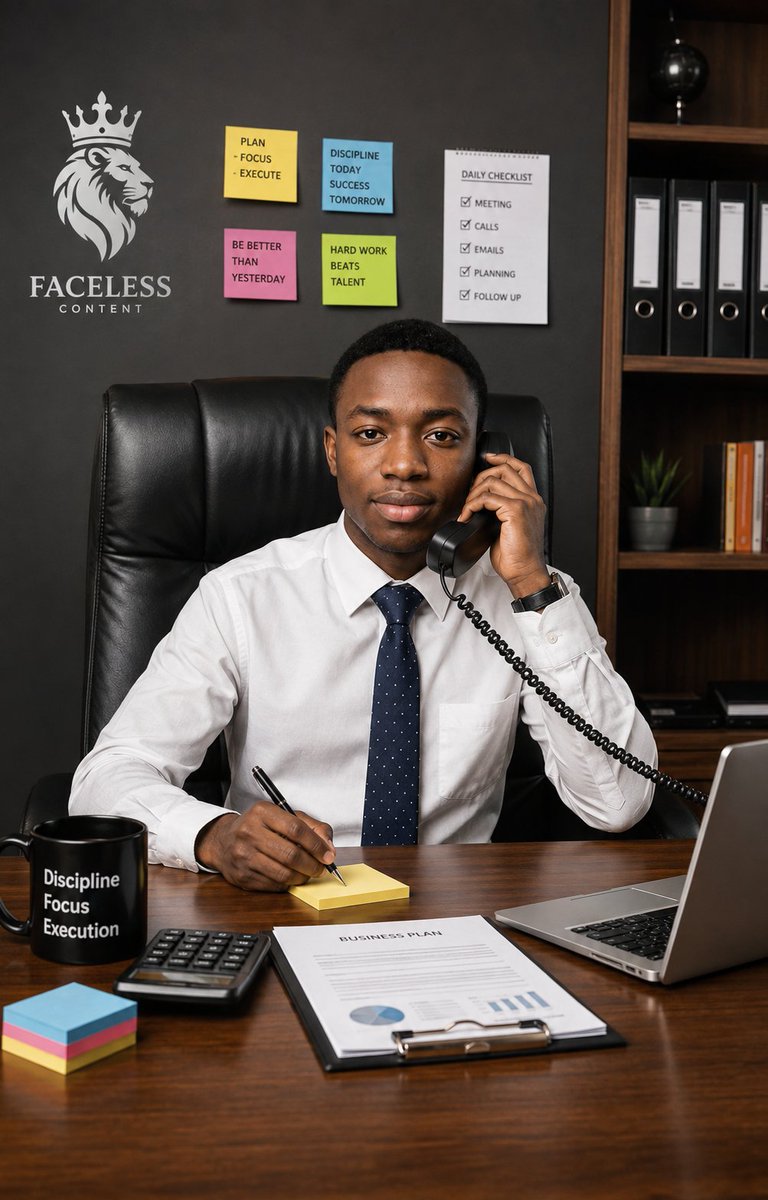
Executive Office Phone Call Portrait
An ultra-realistic portrait prompt for creating a confident young executive taking a business call at a desk in a motivational modern office.
Bu Portre ve Karakter için bir GPT Image 2 örnek senaryosudur. Benzer görseller oluşturmak için aşağıdaki hazır metni kullanın ve yeniden kullanmadan önce Awesome GPT Image 2 Prompts atıfını ve ticari kullanım haklarını inceleyin.
Tüm komut istemi setine mi ihtiyacınız var? Şunu kullanın: Portre ve Karakter Daha fazla ilgili örnek için konu merkezini ziyaret edin veya açın. GPT Image 2 istem kataloğu Tam örnek dizin, yeniden kullanılabilir yapılar ve kaynak atfı için.
Free 1K preview
Generate one preview image instantly, no sign-up required.
2303/4000
İpucu
Kopyalamaya hazır istemi
Create an ultra-realistic vertical professional lifestyle portrait of a {argument name="character description" default="young Black adult man"} seated confidently behind a polished wooden executive desk in a modern office, looking directly at the camera with a calm, focused, businesslike expression. He wears a crisp white dress shirt, a navy blue tie with tiny white dots, and a dark wristwatch, sitting in a tall black leather executive chair. His left hand holds a black corded telephone receiver to his ear, with the coiled cable leading off to the right, while his right hand writes with a black pen on a small yellow sticky note pad on the desk. The scene should feel like focus, confidence, and an important call in progress.

Use a realistic office background with a dark charcoal wall and a wooden bookshelf on the right containing exactly 4 black ring binders, a small potted plant, a row of orange-and-white books, and a black globe on an upper shelf. On the left wall, include a white crowned lion head logo above the brand text {argument name="outfit" default="FACELESS CONTENT"}. Add exactly 5 productivity notes on the wall: 4 colored sticky notes and 1 checklist sheet. The 4 sticky notes must read: yellow note “PLAN - FOCUS - EXECUTE”, blue note “DISCIPLINE TODAY SUCCESS TOMORROW”, pink note “BE BETTER THAN YESTERDAY”, and green note “HARD WORK BEATS TALENT”. The checklist sheet must be titled “DAILY CHECKLIST” and list exactly 5 checked items: “MEETING”, “CALLS”, “EMAILS”, “PLANNING”, and “FOLLOW UP”.

On the desk, include exactly 6 visible work items: a black mug printed with three stacked words {argument name="brand text" default="FACELESS CONTENT"}, a black calculator, a neat stack of multicolored sticky notes, the yellow note pad he is writing on, a clipboard document titled {argument name="checklist title" default="DAILY CHECKLIST"} with simple charts, and an open silver laptop on the right edge. Use warm realistic lighting, sharp facial detail, natural skin texture, shallow-to-moderate depth of field, polished wood reflections, and a high-end corporate editorial photography style. Frame as a vertical 2:3 portrait, waist-up composition, subject centered, desk filling the lower third, no extra people, no surreal elements, no distorted hands, and no watermark.
İstem değişkenleri
Komut isteminde bulunan, düzenlenebilir argüman yer tutucuları ve varsayılan değerleri.
Değişken
character description
Varsayılan
young Black adult man
Değişken
outfit
Varsayılan
FACELESS CONTENT
Değişken
brand text
Varsayılan
FACELESS CONTENT
Değişken
checklist title
Varsayılan
DAILY CHECKLIST
Best for
- - Portre ve Karakter visual exploration
- - Image generation and reference-image edits
- - Reusable briefs that keep source attribution visible
Change these parts
- - Subject, product, character, or scene
- - Aspect ratio, camera, lighting, and background
- - Brand, text, color, and output constraints
Recommended model and settings
- - Model: gpt-image-2
- - Input mode: Metinden görsele
- - Aspect ratio: source
- - Commercial status: review original source
How to use this prompt
- 1. Copy the prompt and preserve its structure for the first test.
- 2. Replace the subject, context, and publishing channel.
- 3. Change one camera, lighting, or style variable per iteration.
- 4. Inspect the output, source, text, and rights before reuse.
Limitations, source, and reuse cautions
- - Generated output is an editable draft, not factual, legal, or rights evidence.
- - Review the linked source, people, brands, logos, text, and third-party media before commercial use.
Awesome GPT Image 2 Prompts kaynağından içe aktarılmıştır. Kaynak belirtilmesi zorunludur. Ticari kullanım durumu allowed şeklindedir; ücretli kullanım öncesinde kaynak haklarını inceleyin.
Bu kategoride daha fazla vaka
Kategoriye, giriş modu uyumluluğuna, kaliteye ve düşük riske göre önceliklendirilmiştir.
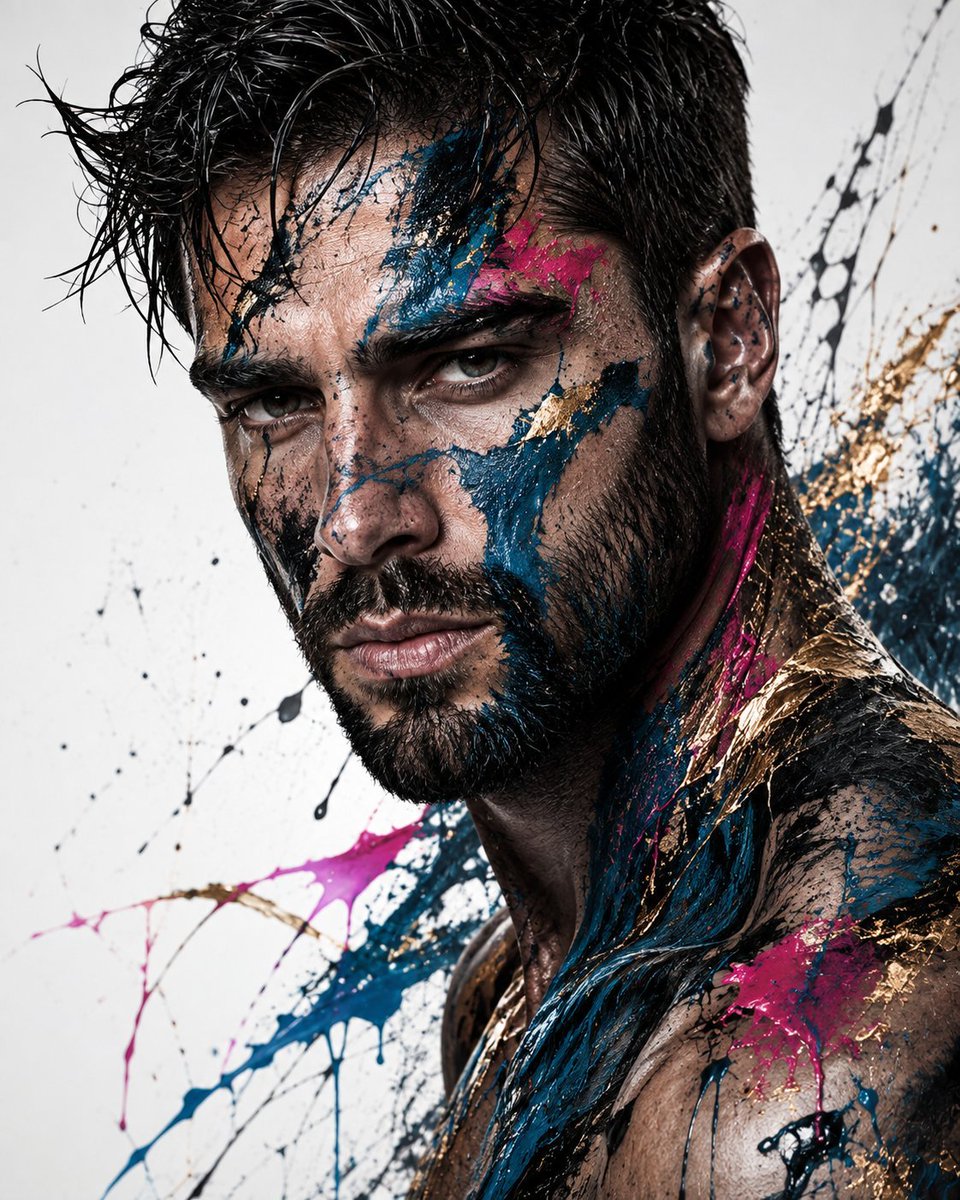
Abstract Fine-Art Editorial Portrait
Metinden görsele
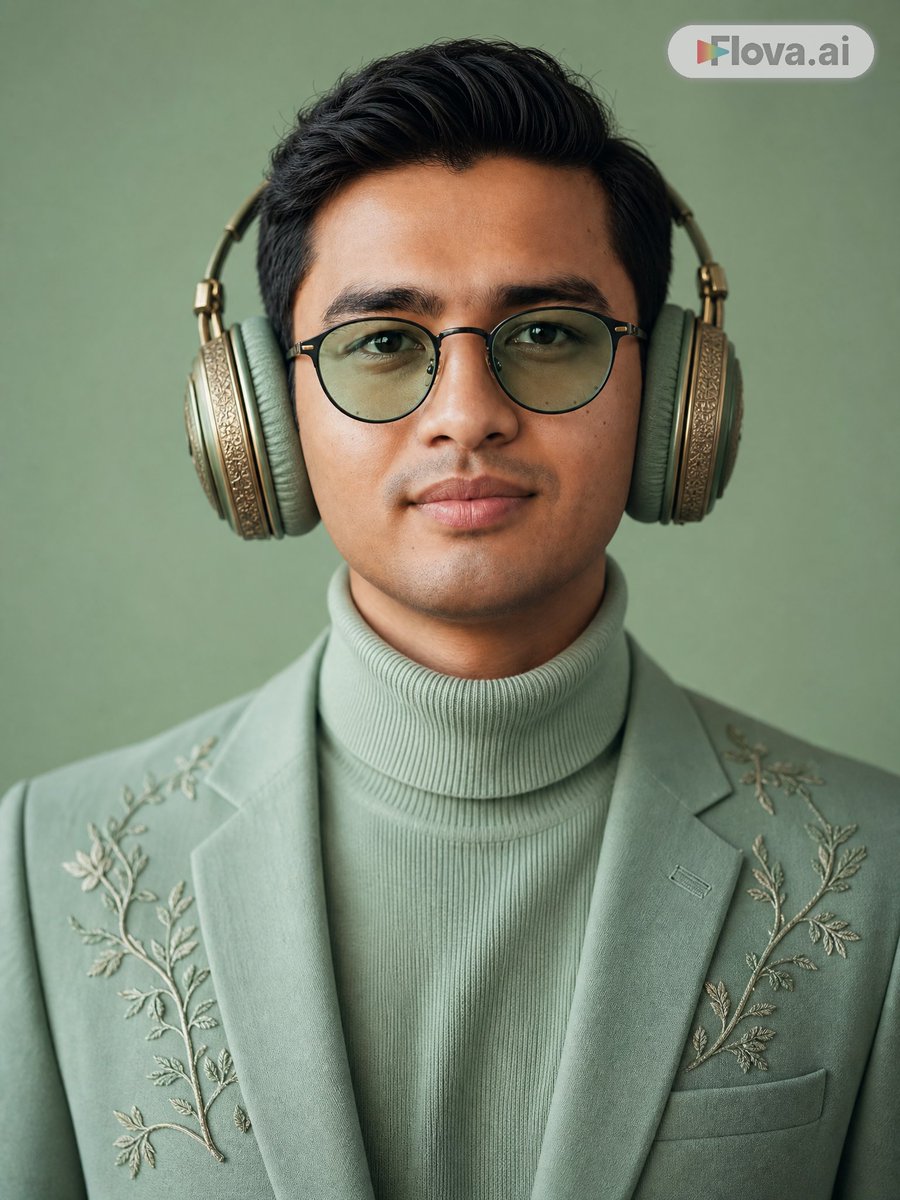
Mint Green Audiophile Portrait
Metinden görsele
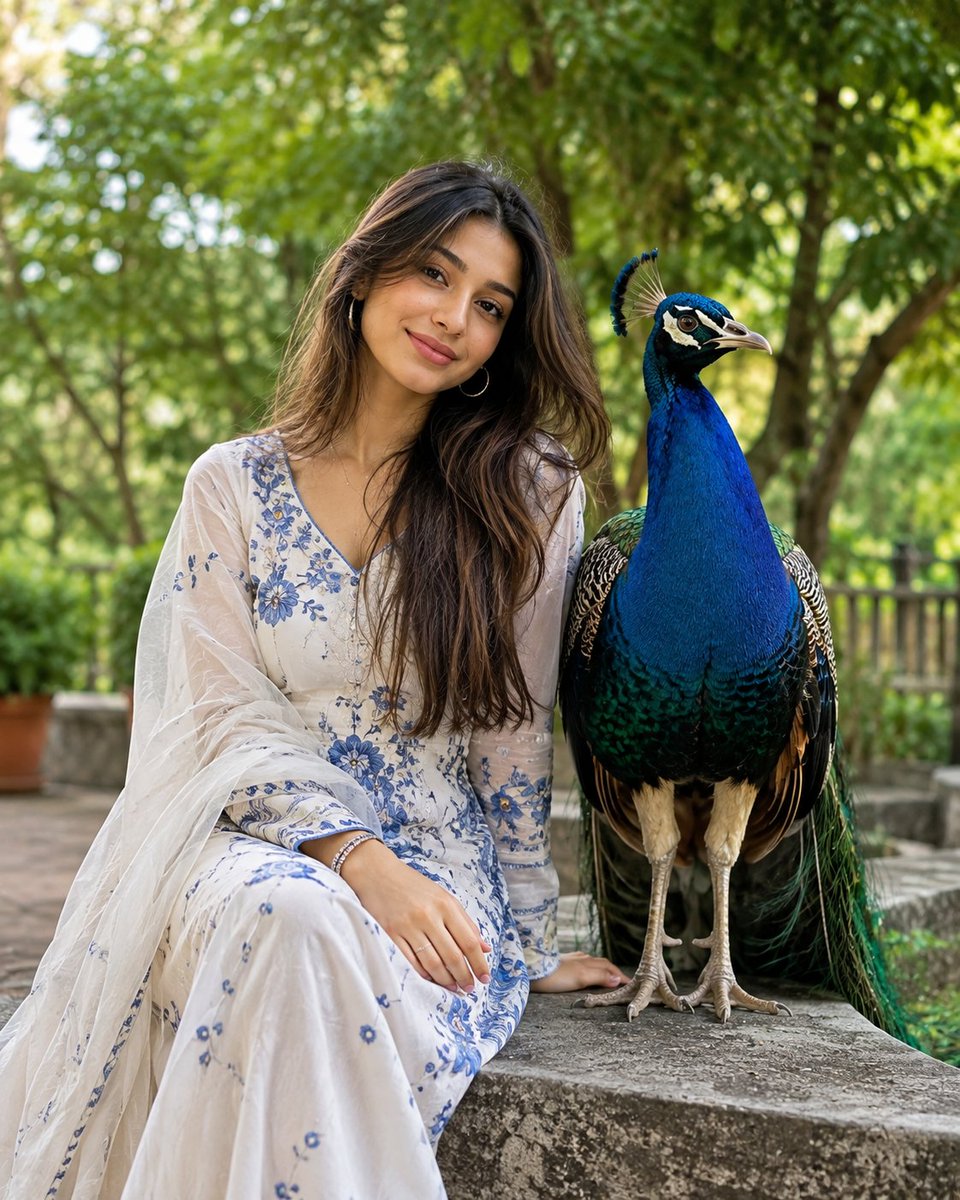
South Asian Portrait with Majestic Peacock
Metinden görsele
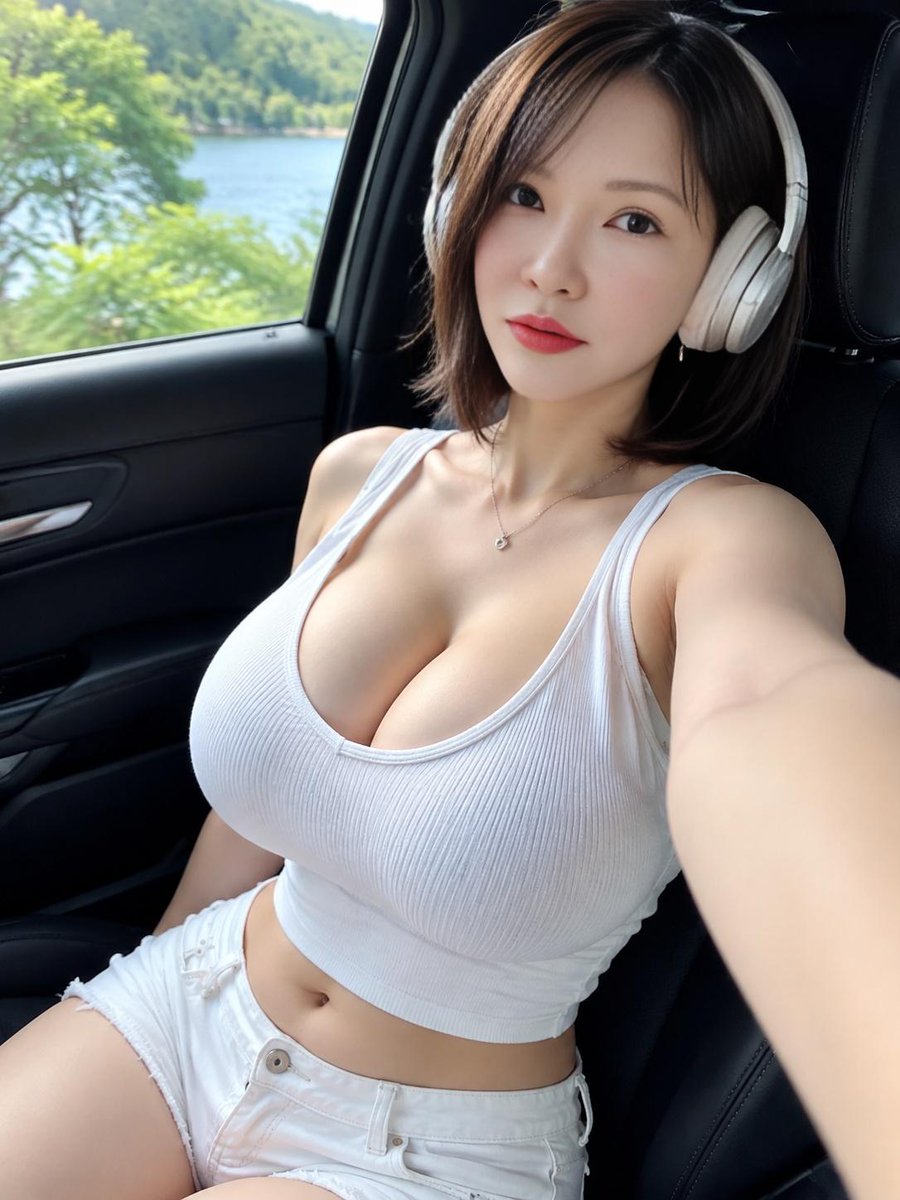
Lakeside Car Selfie with Headphones
Metinden görsele
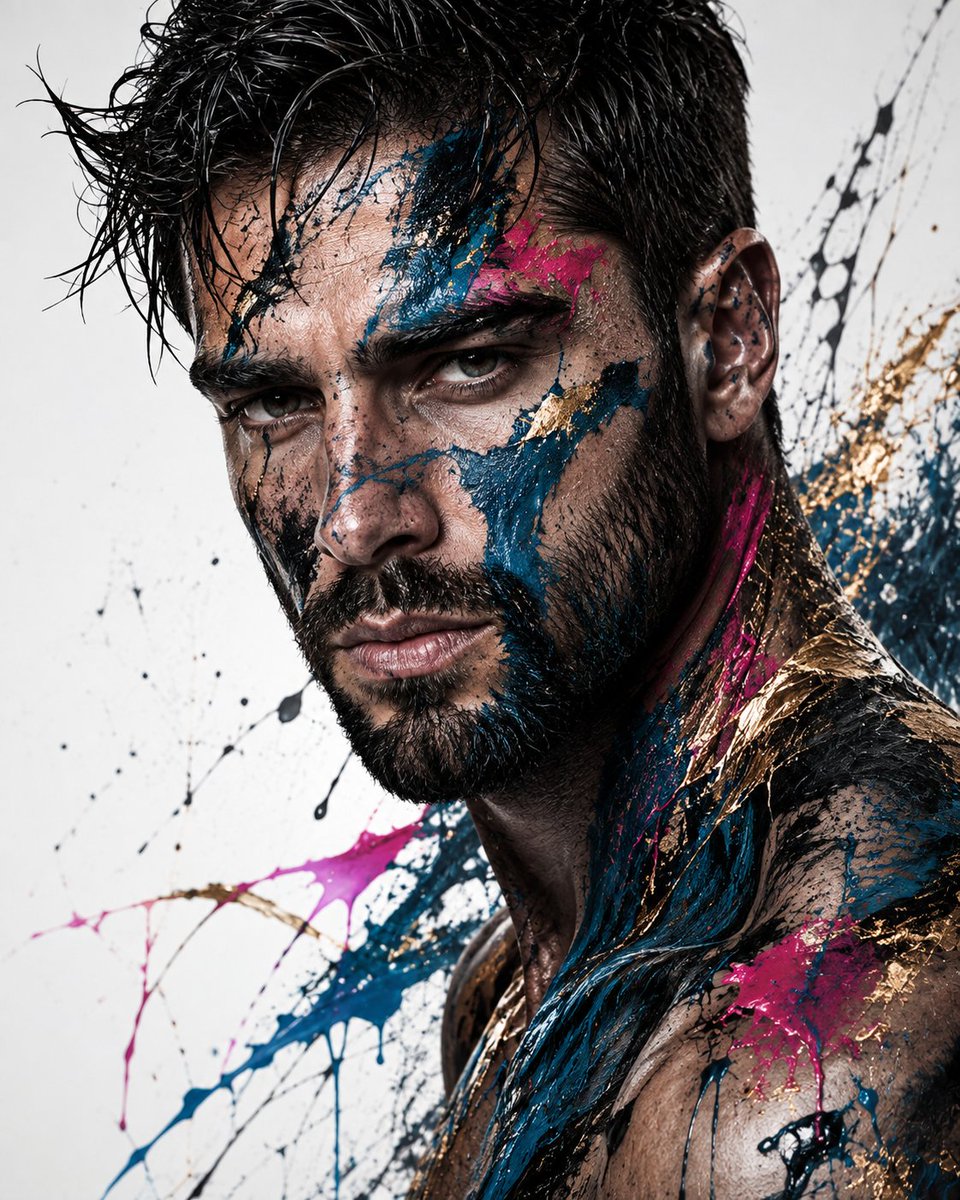
Editorial Male Portrait with Paint Splashes
Metinden görsele
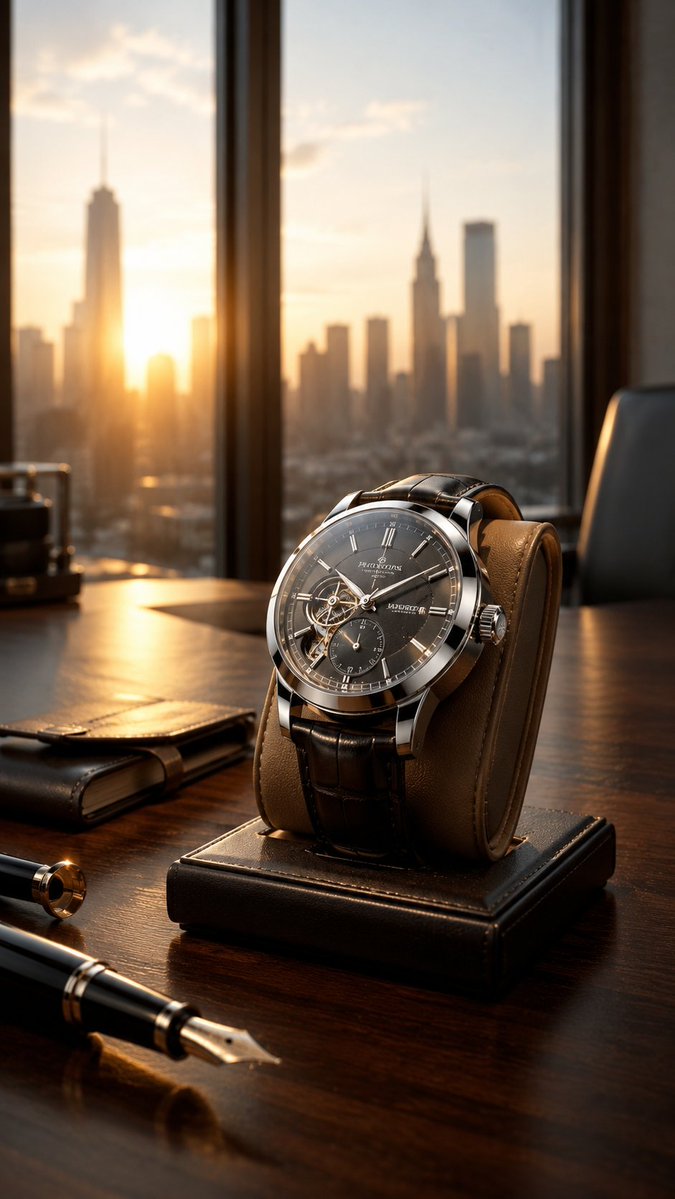
Luxury Wristwatch Commercial Ad
Metinden görsele
Yeniden kullanım ve kaynak notları
Vaka önizlemesini yaptıktan sonra bu istemi güvenle kullanın.
- 1.Komut istemini kopyalayın veya oluşturma düğmesini kullanarak doğrudan Dovoo'da açın.
- 2.Değişkenleri, en boy oranını ve referans görselleri kendi kullanım durumunuza göre ayarlayın.
- 3.Yayınlamadan veya ücretli kullanımdan önce, kaynak haklarını, atıf gerekliliklerini ve marka veya benzerlik risklerini doğrulayın.