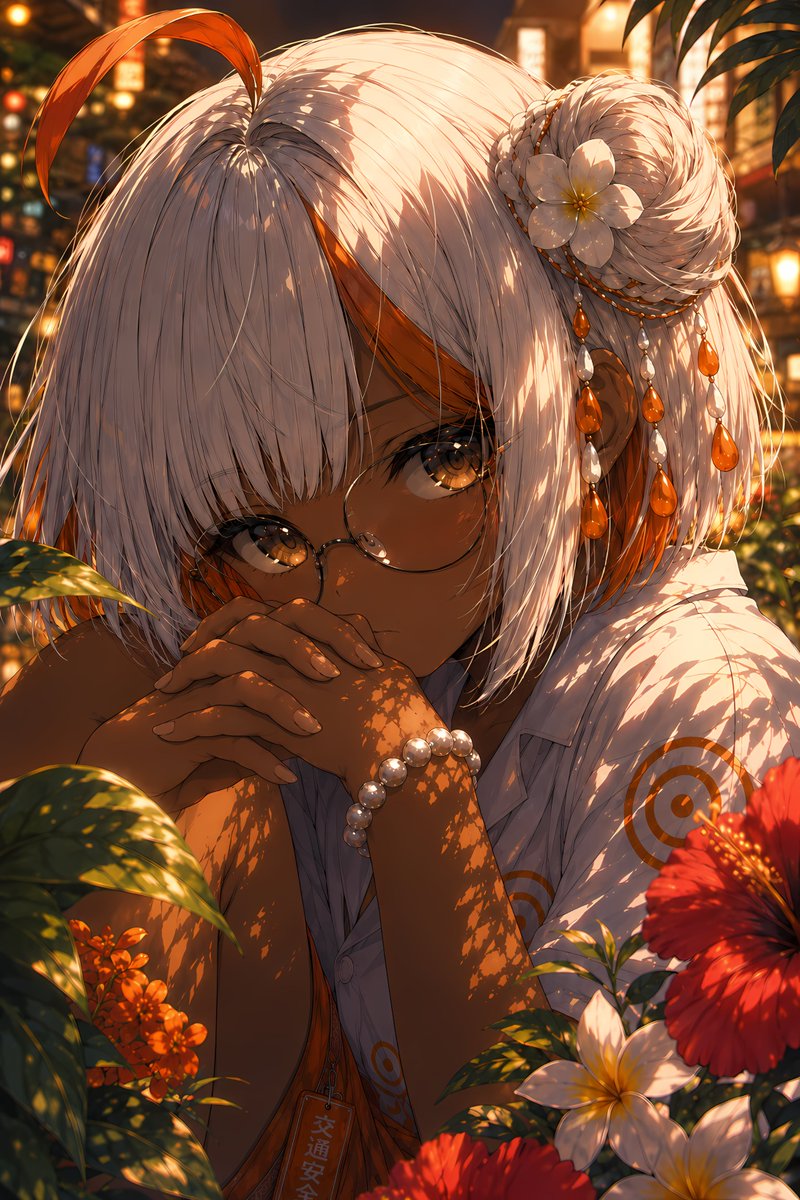
Vermilion Summer Garden Portrait
Generates a cinematic anime close-up of a tan, white-haired girl in a glowing tropical summer garden for polished character art.
นี่คือตัวอย่างข้อความแจ้งเตือน GPT Image 2 สำหรับ อนิเมะและเกม ใช้ข้อความแจ้งเตือนที่พร้อมใช้งานด้านล่างเพื่อสร้างภาพที่คล้ายกัน และตรวจสอบการอ้างอิง Awesome GPT Image 2 Prompts รวมถึงสิทธิ์ในการใช้งานเชิงพาณิชย์ก่อนนำไปใช้ซ้ำ
ต้องการชุดข้อความแจ้งเตือนทั้งหมดหรือไม่? ใช้... อนิเมะและเกม ศูนย์รวมหัวข้อสำหรับตัวอย่างที่เกี่ยวข้องเพิ่มเติม หรือเปิดดูได้เลย GPT Image 2 แคตตาล็อกพร้อมท์ สำหรับดัชนีตัวอย่างฉบับเต็ม โครงสร้างที่นำกลับมาใช้ใหม่ได้ และการอ้างอิงแหล่งที่มา
Free 1K preview
Generate one preview image instantly, no sign-up required.
2239/4000
พรอมป์
ข้อความแจ้งเตือนพร้อมสำหรับการคัดลอก
Create a highly detailed, vertical anime portrait with a mood named {argument name="art title" default="a mysterious summer garden girl"}: A close-up shot depicts a young woman with deep brown skin, bright amber eyes, and delicate round-frame glasses, with a quiet and introverted expression, her hands clasped in front of her mouth and leaning slightly forward. She has a silver-white short bob with thick bangs, and a long orange strand of hair curls upwards on the top of her head. There are orange inner highlights on the sides of her head, and a braided bun on her right side. Her hair accessories include 1 white gardenia flower, 3 strands of dangling bead chains, and multiple orange teardrop-shaped gems mixed with pearl-like beads. She is wearing a loose-fitting white short-sleeved shirt with a delicate orange circular target pattern, revealing a glimpse of an orange inner layer, a pearl bracelet on her wrist, and a small vertical pendant with Japanese characters hanging around her neck. The background is a lush tropical garden during golden hour: foreground leaves cast intricate, mottled shadows on her face, arms, hair, and shirt; visible flowers include 1 large red hibiscus in the lower right corner, 2 white gardenias in the lower right corner, and a cluster of orange small flowers in the lower left corner, with blurred warm-colored lanterns and summer streetlights in the background. Use rich crimson, amber, gold, white, and dark green, combined with cinematic backlighting, glowing bokeh, shallow depth of field, delicate hair strands, bright eyes, and soft skin shadows to create an ultra-refined Japanese illustration quality. The atmosphere evokes a hot and radiant summer evening in a hidden garden, intimate and peaceful. Customize the subject to be {argument name="character name" default="silvery white with vivid orange inner streaks"}, hair color to be {argument name="hair color" default="Silver-white with orange highlights"}, eye color to be {argument name="eye color" default="Amber gold"}, and skin color to be {argument name="skin tone" default="Deep warm brown"}. Avoid text overlays, borders, watermarks, extra characters, hand distortions, or additional flowers beyond the specified composition.ตัวแปรพร้อมท์
ตัวอย่างค่าอาร์กิวเมนต์ที่แก้ไขได้ซึ่งพบในข้อความแจ้งเตือน พร้อมค่าเริ่มต้น
ตัวแปร
art title
ค่าเริ่มต้น
a mysterious summer garden girl
ตัวแปร
character name
ค่าเริ่มต้น
silvery white with vivid orange inner streaks
ตัวแปร
hair color
ค่าเริ่มต้น
Silver-white with orange highlights
ตัวแปร
eye color
ค่าเริ่มต้น
Amber gold
ตัวแปร
skin tone
ค่าเริ่มต้น
Deep warm brown
Best for
- - อนิเมะและเกม visual exploration
- - Image generation and reference-image edits
- - Reusable briefs that keep source attribution visible
Change these parts
- - Subject, product, character, or scene
- - Aspect ratio, camera, lighting, and background
- - Brand, text, color, and output constraints
Recommended model and settings
- - Model: gpt-image-2
- - Input mode: ข้อความเป็นรูปภาพ
- - Aspect ratio: source
- - Commercial status: review original source
How to use this prompt
- 1. Copy the prompt and preserve its structure for the first test.
- 2. Replace the subject, context, and publishing channel.
- 3. Change one camera, lighting, or style variable per iteration.
- 4. Inspect the output, source, text, and rights before reuse.
Limitations, source, and reuse cautions
- - Generated output is an editable draft, not factual, legal, or rights evidence.
- - Review the linked source, people, brands, logos, text, and third-party media before commercial use.
นำเข้าจาก Awesome GPT Image 2 Prompts จำเป็นต้องระบุแหล่งที่มา สถานะการใช้งานเชิงพาณิชย์คือ allowed โปรดตรวจสอบสิทธิ์แหล่งที่มาก่อนใช้งานแบบเสียค่าใช้จ่าย
กรณีเพิ่มเติมในหมวดหมู่นี้
จัดลำดับความสำคัญตามหมวดหมู่ ความเข้ากันได้กับโหมดการป้อนข้อมูล คุณภาพ และความเสี่ยงที่ต่ำกว่า

Neon Flux Cyberpunk Portrait
ข้อความเป็นรูปภาพ

Abstract Fine-Art Editorial Portrait
ข้อความเป็นรูปภาพ

Photorealistic Woman Reference Sheet
ข้อความเป็นรูปภาพ

Editorial Male Portrait with Paint Splashes
ข้อความเป็นรูปภาพ
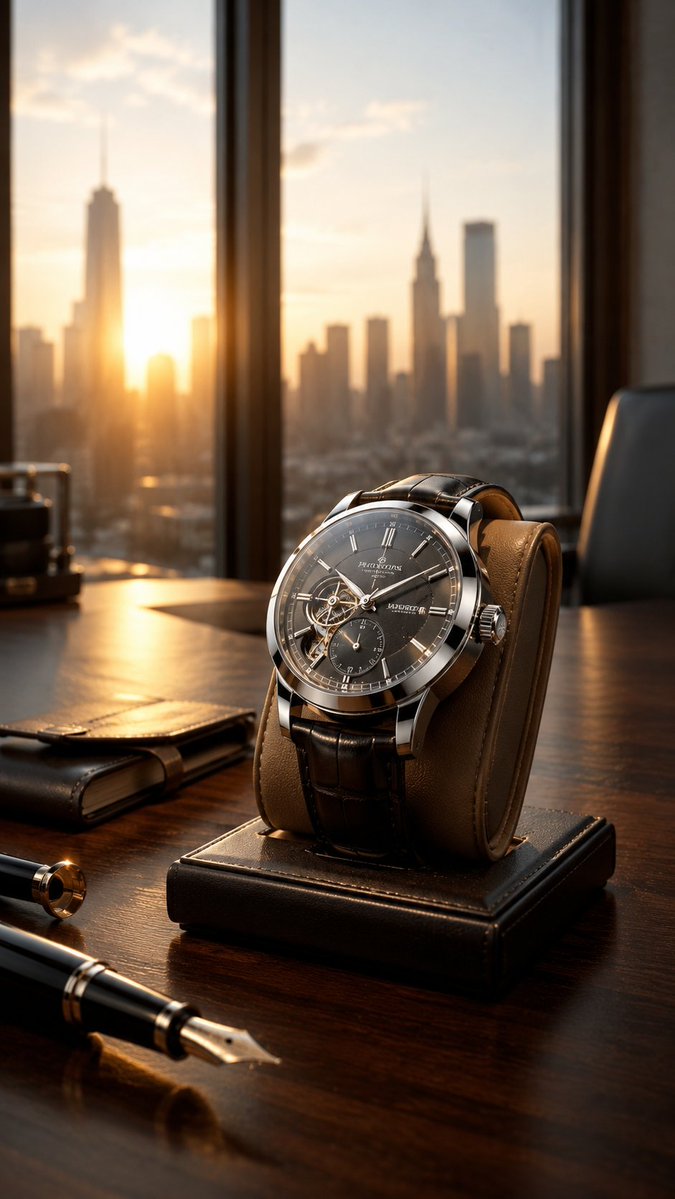
Luxury Wristwatch Commercial Ad
ข้อความเป็นรูปภาพ
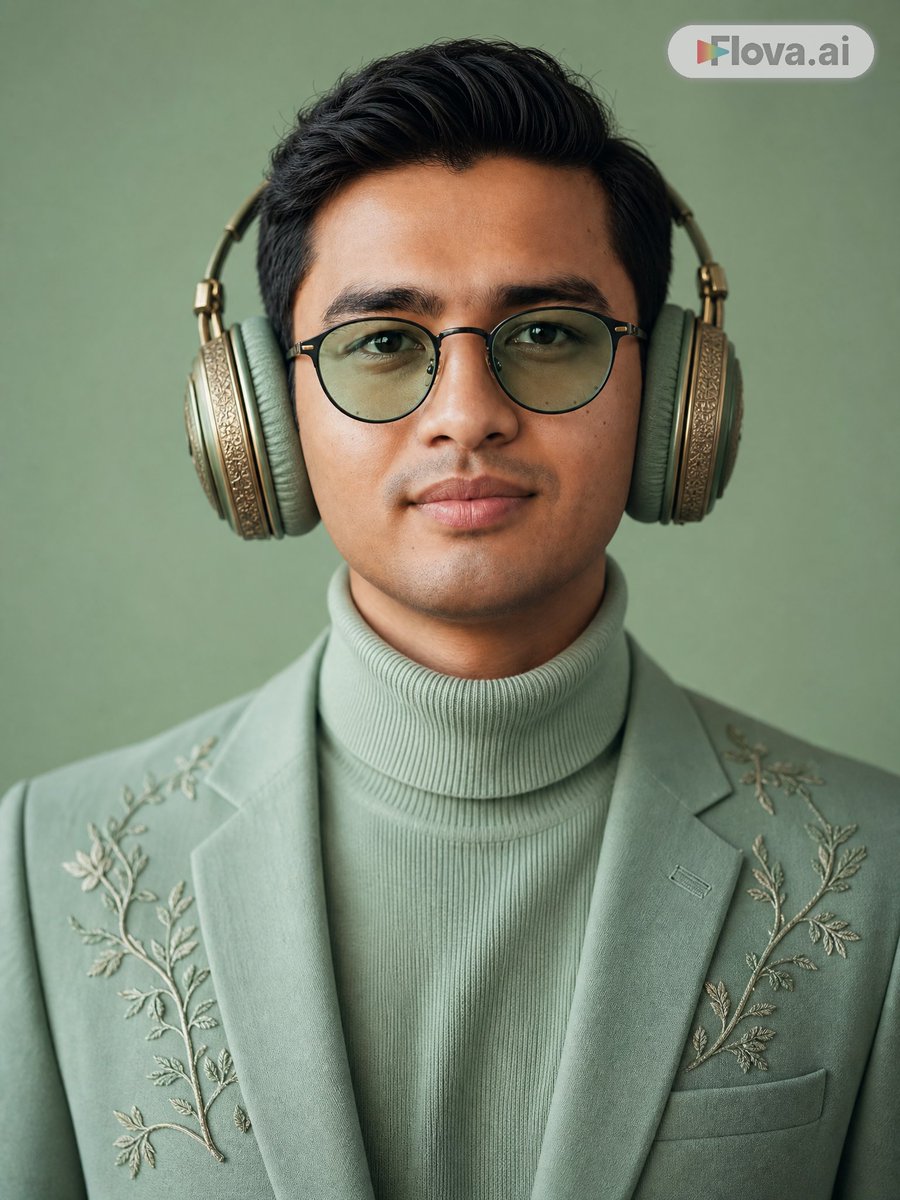
Mint Green Audiophile Portrait
ข้อความเป็นรูปภาพ
หมายเหตุเกี่ยวกับการนำกลับมาใช้ใหม่และแหล่งที่มา
ใช้ข้อความแจ้งเตือนนี้อย่างปลอดภัยหลังจากดูตัวอย่างกรณีแล้ว
- 1.คัดลอกข้อความแจ้งเตือน หรือเปิดโดยตรงใน Dovoo โดยใช้ปุ่มสร้างข้อความ
- 2.ปรับตัวแปร อัตราส่วนภาพ และภาพอ้างอิงให้เหมาะสมกับกรณีการใช้งานของคุณ
- 3.ก่อนเผยแพร่หรือใช้งานโดยเสียค่าใช้จ่าย โปรดตรวจสอบสิทธิ์ในแหล่งที่มา ข้อกำหนดการอ้างอิง และความเสี่ยงด้านแบรนด์หรือภาพลักษณ์