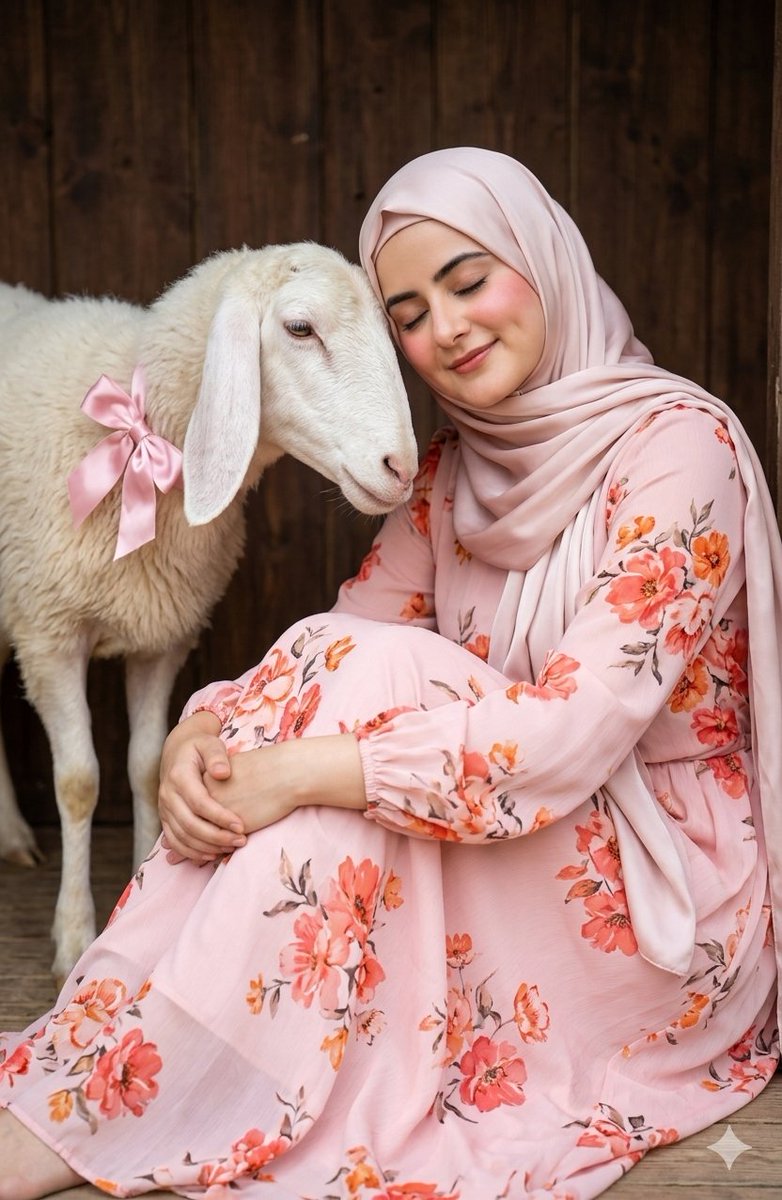
ภาพถ่ายบุคคลสไตล์อ่อนโยนกับแกะ
ข้อความแจ้งเตือนที่สงบและชวนฝัน ซึ่งจะเปลี่ยนภาพที่อัปโหลดให้กลายเป็นภาพเหมือนดอกไม้ที่อ่อนโยนของหญิงสาวที่นั่งอย่างสงบสุขกับแกะตัวใหญ่
This is a gpt-image-2 prompt case for ตัวละครภาพเหมือน. Use the copy-ready prompt below to generate similar visuals, and review Awesome Seedance 2.0 Video Prompts attribution plus commercial-use rights before reuse.
Need the full prompt set? Use the ตัวละครภาพเหมือน topic hub for more related examples, or open the GPT Image 2 prompt library for the full example index, reusable structures, and source attribution.

Prompt
Copy-ready prompt
ภาพที่อัปโหลดถูกแปลงเป็นภาพบุคคลที่อ่อนโยนและดูเป็นผู้หญิง หญิงสาวนั่งอยู่บนพื้นข้างๆ แกะตัวใหญ่ที่มีหูยาวห้อยลงมา แต่ละข้างประดับด้วยโบว์ผ้าซาตินสีชมพู หญิงสาวสวมชุดเดรสยาวสีชมพูอ่อนลายดอกไม้สีส้มและสีปะการัง แขนยาว และผ้าคลุมศีรษะผ้าซาตินสีชมพูอ่อนที่ดูสง่างาม เธอนั่งงอเข่า แขนโอบรอบขาเบาๆ ศีรษะเอียงเล็กน้อยเพื่อแตะแกะ ยิ้มอย่างสงบด้วยดวงตาที่ปิดสนิท และใบหน้าแดงระเรื่อเล็กน้อย แกะกำลังวางหน้าผากแนบกับหน้าผากของเธออย่างรักใคร่ ฉากหลังเป็นประตูไม้สีน้ำตาลเข้มแบบชนบท ภายในอาบไปด้วยแสงธรรมชาติที่สว่างสดใส พร้อมเอฟเฟกต์ซอฟต์โฟกัสที่เหมือนฝัน สไตล์ไฮเปอร์เรียลลิสติกยังคงรักษาองค์ประกอบ ท่าทาง สีเสื้อผ้า การแสดงออกทางใบหน้า มุมมอง และความสวยงามที่สงบเอาไว้ พร้อมรายละเอียดสูงและคุณภาพภาพบุคคลแบบภาพยนตร์ ลักษณะใบหน้ายังคงไม่เปลี่ยนแปลง
Prompt variables
Editable argument placeholders found in the prompt, with their default values.
Variable
animal
Default
Aries
Variable
dress style
Default
light pink floral maxi dress
More cases in this category
Prioritized by category, input mode compatibility, quality, and lower risk.

ภาพถ่ายฉายฟิล์มวินเทจ
Image to Imageunknown
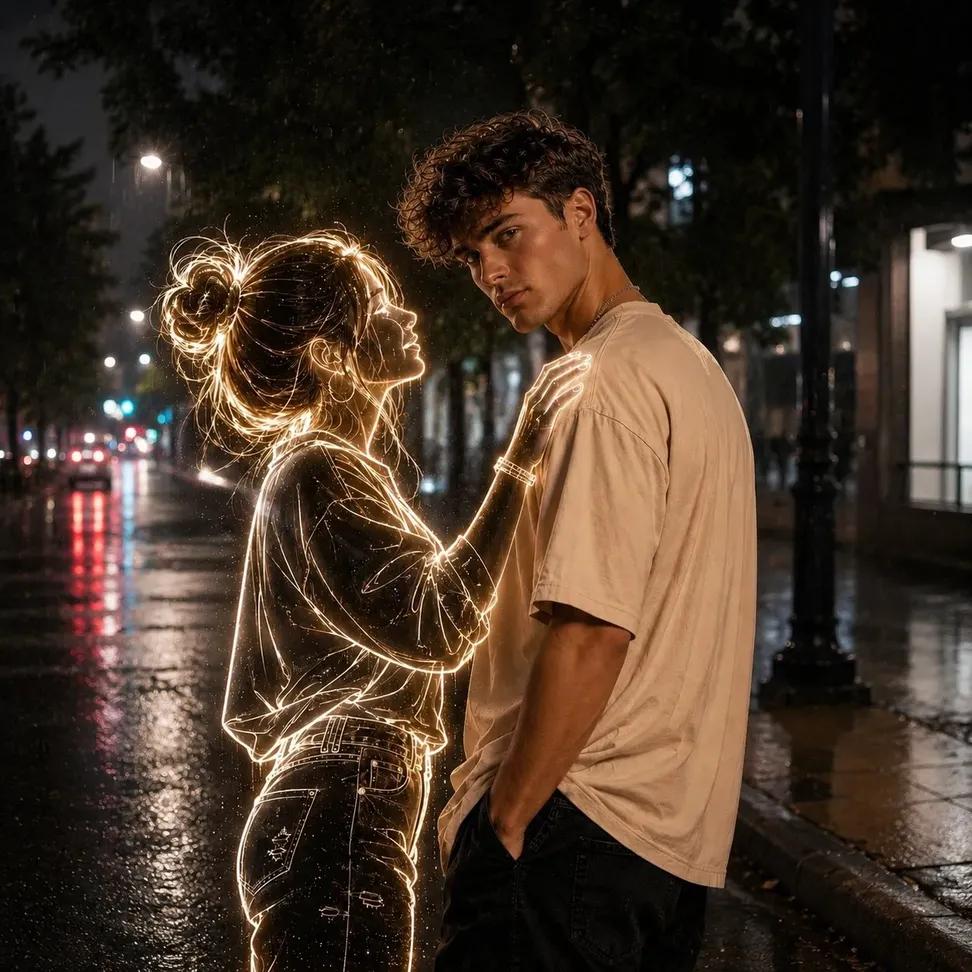
ภาพถ่ายกลางคืนผีเรืองแสงนีออน
Text to Imageunknown
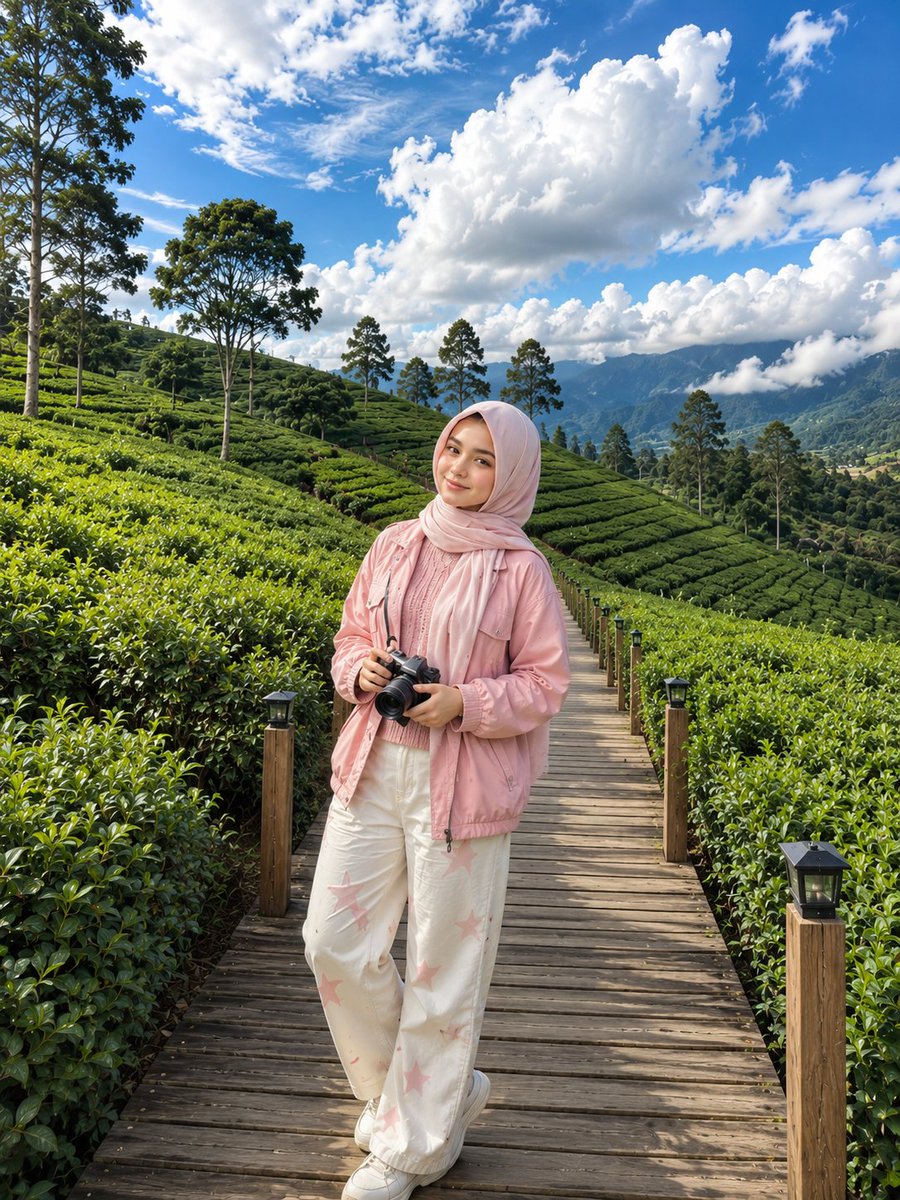
ภาพถ่ายไร่ชาเกาหลี
Text to Imageunknown
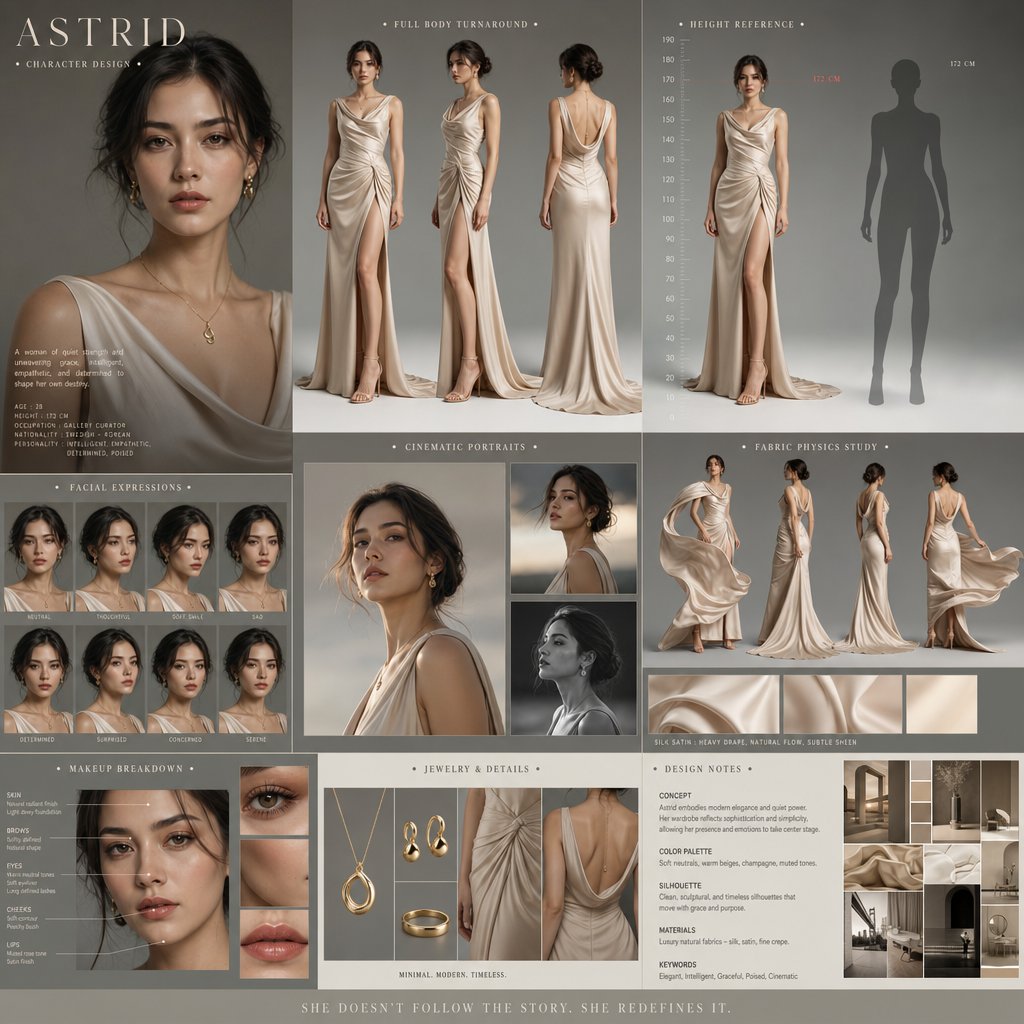
การออกแบบตัวละครในภาพยนตร์ดราม่า
Text to Imageunknown

ภาพถ่ายบุคคลแบบ Direct Flash Editorial
Text to Imageunknown
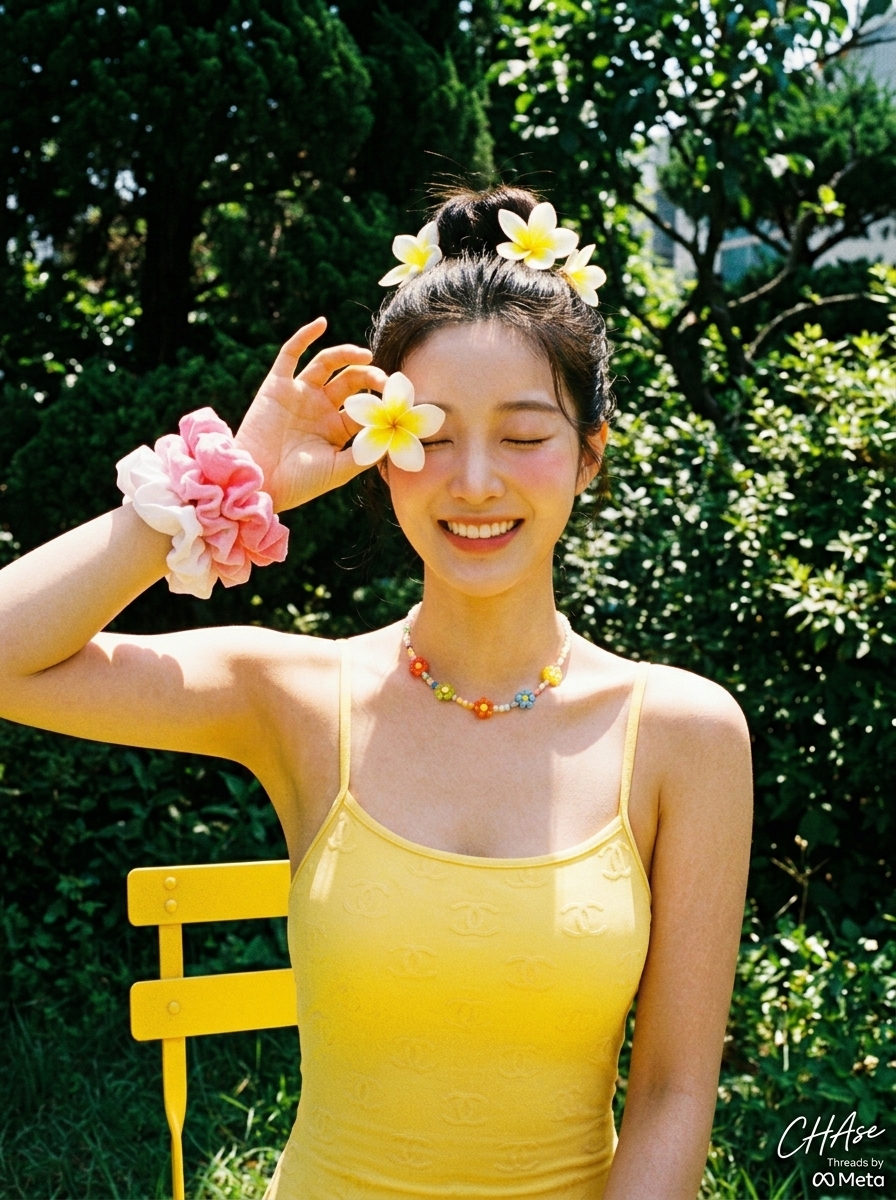
ภาพถ่ายวันหยุดพักผ่อนฤดูร้อนสไตล์เรโทรกับดอกลีลาวดี
Text to Imageunknown
Reuse and source notes
Use this prompt safely after previewing the case.
- 1.Copy the prompt or open it directly in Dovoo with the generation button.
- 2.Adjust variables, aspect ratio, and reference images for your own use case.
- 3.Before publishing or paid usage, verify source rights, attribution requirements, and brand or likeness risks.