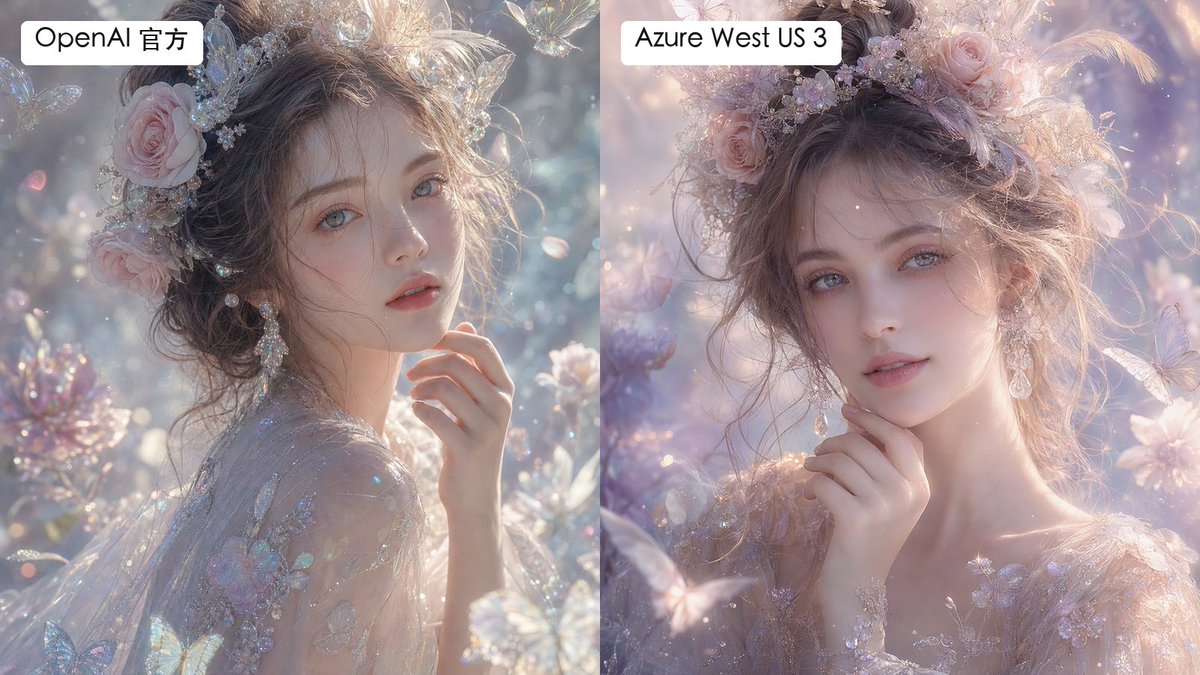
Split Fantasy Portrait Comparison
Generates a labeled two-panel comparison of dreamy fantasy portrait renders with subtle differences in texture and smoothness.
นี่คือตัวอย่างข้อความแจ้งเตือน GPT Image 2 สำหรับ ภาพเหมือนและตัวละคร ใช้ข้อความแจ้งเตือนที่พร้อมใช้งานด้านล่างเพื่อสร้างภาพที่คล้ายกัน และตรวจสอบการอ้างอิง Awesome GPT Image 2 Prompts รวมถึงสิทธิ์ในการใช้งานเชิงพาณิชย์ก่อนนำไปใช้ซ้ำ
ต้องการชุดข้อความแจ้งเตือนทั้งหมดหรือไม่? ใช้... ภาพเหมือนและตัวละคร ศูนย์รวมหัวข้อสำหรับตัวอย่างที่เกี่ยวข้องเพิ่มเติม หรือเปิดดูได้เลย GPT Image 2 แคตตาล็อกพร้อมท์ สำหรับดัชนีตัวอย่างฉบับเต็ม โครงสร้างที่นำกลับมาใช้ใหม่ได้ และการอ้างอิงแหล่งที่มา
Free 1K preview
Generate one preview image instantly, no sign-up required.
1922/4000
พรอมป์
ข้อความแจ้งเตือนพร้อมสำหรับการคัดลอก
Create a side-by-side comparison image showing two versions of the same dreamy fantasy portrait. Canvas is a horizontal 16:9 split-screen composition with a perfectly vertical divide down the center, no gap, left panel and right panel each occupying exactly half the image. In both panels, depict the same ethereal young woman in a luminous fairytale garden, shown as a close-up bust portrait with pale porcelain skin, soft gray-blue eyes, delicate lips, and loosely pinned wavy brown hair. She wears an ornate pastel floral crown with pink roses, tiny crystal flowers, pearls, translucent butterfly ornaments, and soft feathers, plus dangling crystal earrings and a sheer embroidered gown with iridescent floral appliqué. Her hand is raised gently near her chin, giving a calm, romantic, slightly wistful expression while looking toward the viewer. The scene is filled with pastel blossoms, sparkling bokeh, floating dust motes, translucent butterflies, crystal petals, and soft backlit haze. Use an ultra-detailed high-fashion fantasy photography style, shallow depth of field, pearly highlights, glittering refractions, delicate skin texture, and pastel lavender, blush pink, silver, and pale blue tones. Make the left panel slightly more textured, crisp, and detailed in skin and fabric microtexture; make the right panel slightly smoother and more airbrushed, with softer pastel lighting and gentler facial texture. Add exactly 2 label boxes: one white rounded rectangle at the top left of the left panel reading {argument name="left label" default="OpenAI Official"}, and one white rounded rectangle at the top left of the right panel reading {argument name="right label" default="Azure West US 3"}. Use clean black sans-serif text inside the labels. Keep both portraits similar enough to clearly compare rendering differences, but not identical; avoid watermarks, logos, extra captions, borders, or additional text.ตัวแปรพร้อมท์
ตัวอย่างค่าอาร์กิวเมนต์ที่แก้ไขได้ซึ่งพบในข้อความแจ้งเตือน พร้อมค่าเริ่มต้น
ตัวแปร
left label
ค่าเริ่มต้น
OpenAI Official
ตัวแปร
right label
ค่าเริ่มต้น
Azure West US 3
Best for
- - ภาพเหมือนและตัวละคร visual exploration
- - Image generation and reference-image edits
- - Reusable briefs that keep source attribution visible
Change these parts
- - Subject, product, character, or scene
- - Aspect ratio, camera, lighting, and background
- - Brand, text, color, and output constraints
Recommended model and settings
- - Model: gpt-image-2
- - Input mode: ข้อความเป็นรูปภาพ
- - Aspect ratio: source
- - Commercial status: review original source
How to use this prompt
- 1. Copy the prompt and preserve its structure for the first test.
- 2. Replace the subject, context, and publishing channel.
- 3. Change one camera, lighting, or style variable per iteration.
- 4. Inspect the output, source, text, and rights before reuse.
Limitations, source, and reuse cautions
- - Generated output is an editable draft, not factual, legal, or rights evidence.
- - Review the linked source, people, brands, logos, text, and third-party media before commercial use.
นำเข้าจาก Awesome GPT Image 2 Prompts จำเป็นต้องระบุแหล่งที่มา สถานะการใช้งานเชิงพาณิชย์คือ allowed โปรดตรวจสอบสิทธิ์แหล่งที่มาก่อนใช้งานแบบเสียค่าใช้จ่าย
กรณีเพิ่มเติมในหมวดหมู่นี้
จัดลำดับความสำคัญตามหมวดหมู่ ความเข้ากันได้กับโหมดการป้อนข้อมูล คุณภาพ และความเสี่ยงที่ต่ำกว่า
Abstract Fine-Art Editorial Portrait
ข้อความเป็นรูปภาพ

Photorealistic Woman Reference Sheet
ข้อความเป็นรูปภาพ
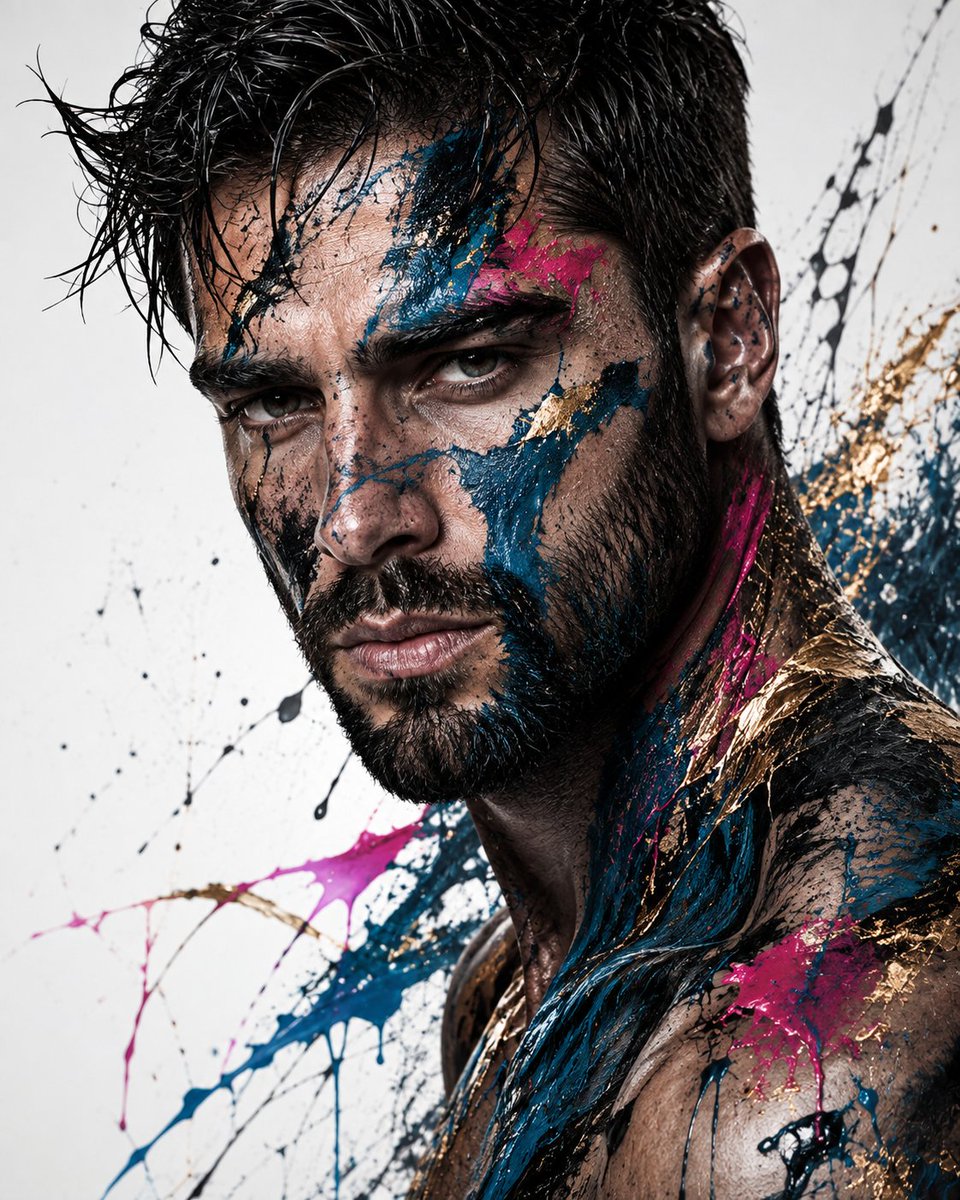
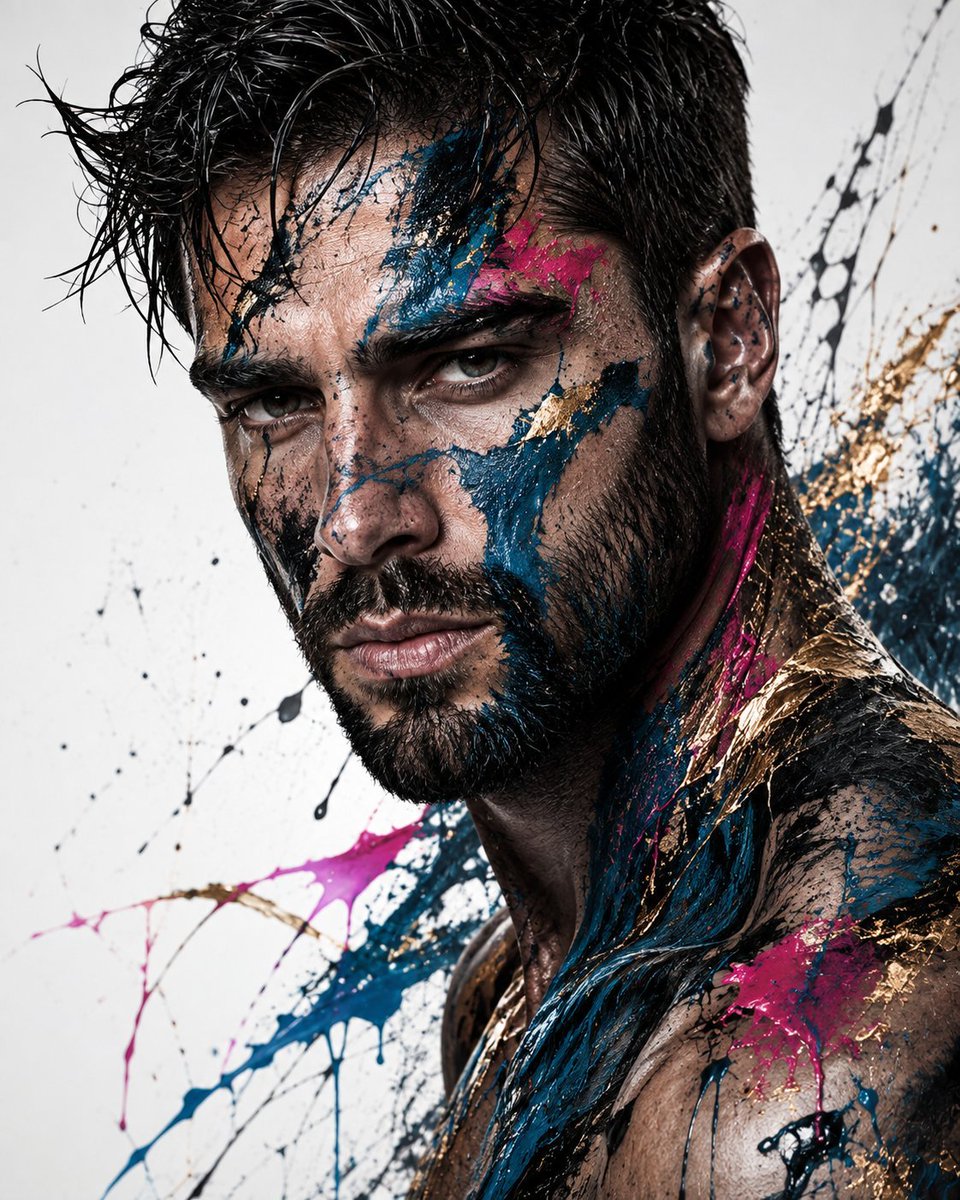
Editorial Male Portrait with Paint Splashes
ข้อความเป็นรูปภาพ
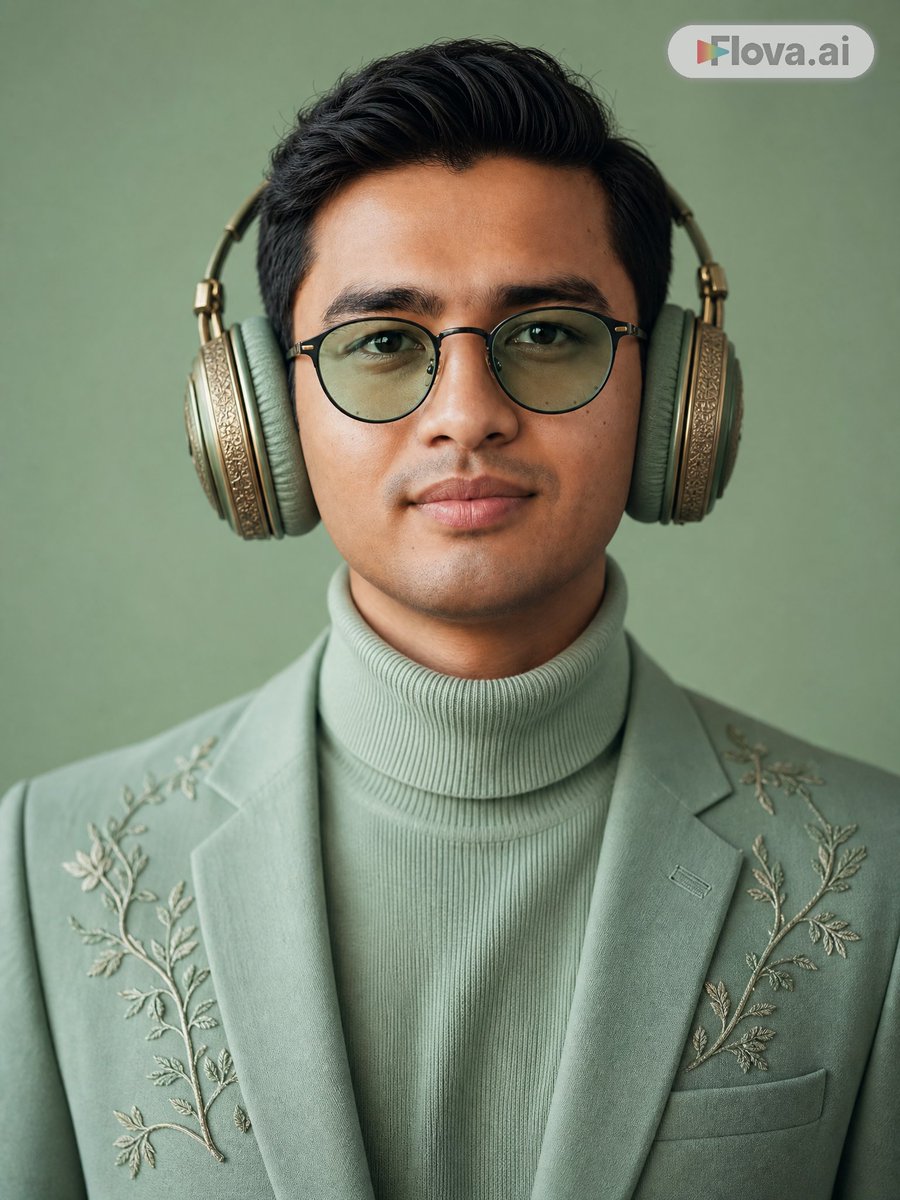
Mint Green Audiophile Portrait
ข้อความเป็นรูปภาพ
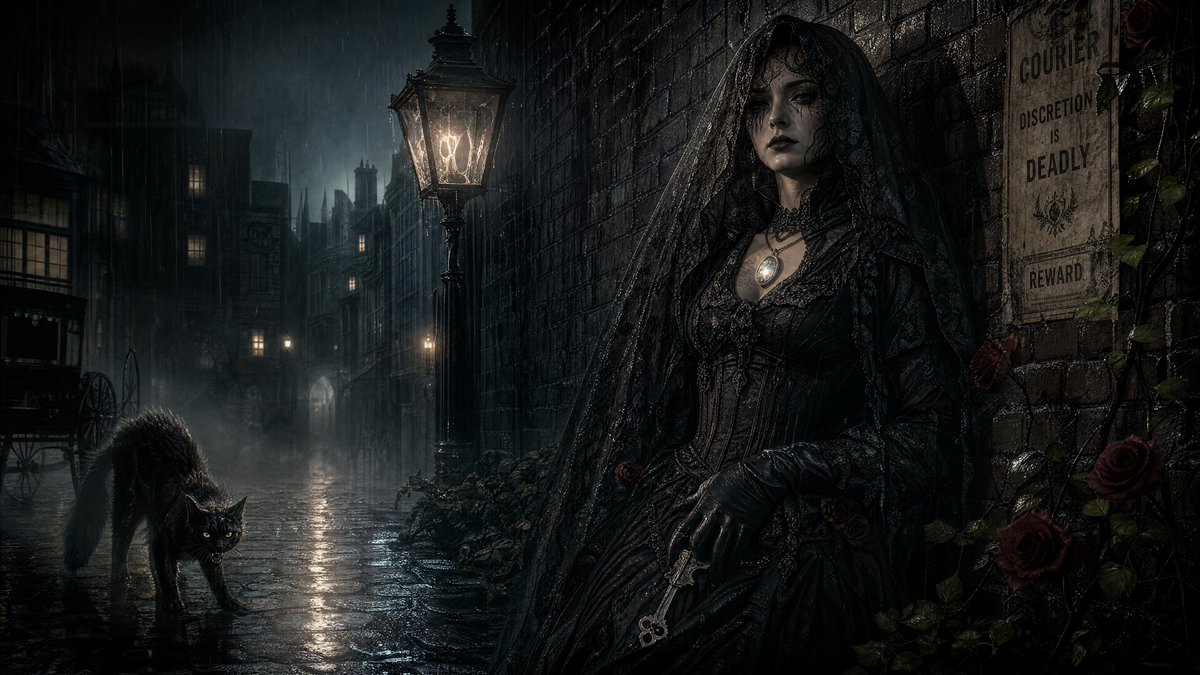
Spectral Courier Gothic Alley
ข้อความเป็นรูปภาพ
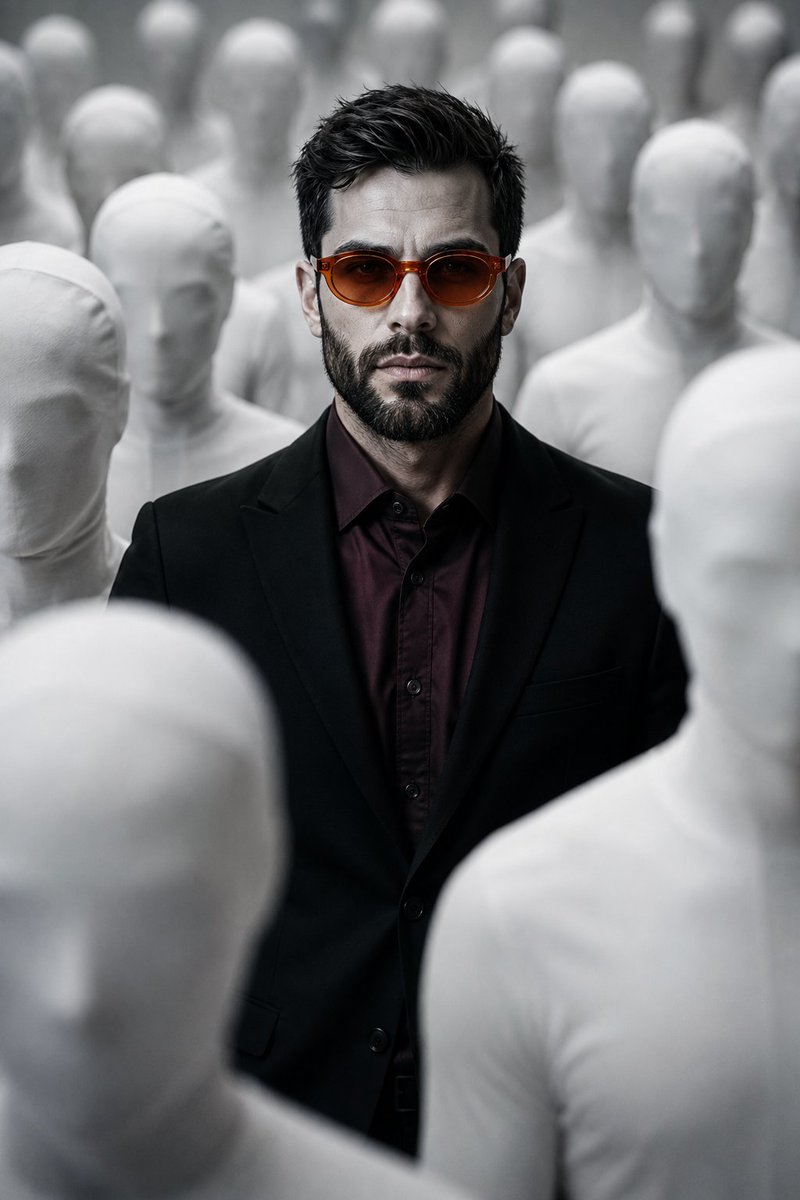
Surreal Man in Crowd of Faceless Figures
ข้อความเป็นรูปภาพ
หมายเหตุเกี่ยวกับการนำกลับมาใช้ใหม่และแหล่งที่มา
ใช้ข้อความแจ้งเตือนนี้อย่างปลอดภัยหลังจากดูตัวอย่างกรณีแล้ว
- 1.คัดลอกข้อความแจ้งเตือน หรือเปิดโดยตรงใน Dovoo โดยใช้ปุ่มสร้างข้อความ
- 2.ปรับตัวแปร อัตราส่วนภาพ และภาพอ้างอิงให้เหมาะสมกับกรณีการใช้งานของคุณ
- 3.ก่อนเผยแพร่หรือใช้งานโดยเสียค่าใช้จ่าย โปรดตรวจสอบสิทธิ์ในแหล่งที่มา ข้อกำหนดการอ้างอิง และความเสี่ยงด้านแบรนด์หรือภาพลักษณ์