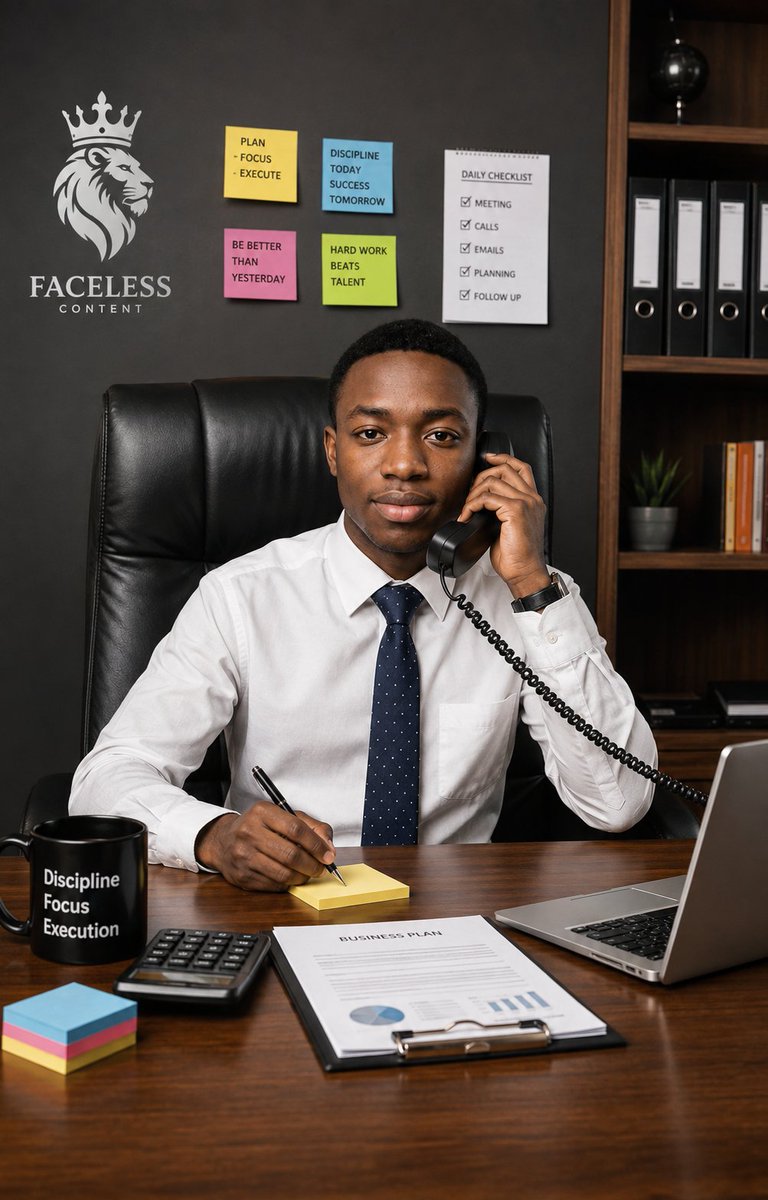
Executive Office Phone Call Portrait
An ultra-realistic portrait prompt for creating a confident young executive taking a business call at a desk in a motivational modern office.
นี่คือตัวอย่างข้อความแจ้งเตือน GPT Image 2 สำหรับ ภาพเหมือนและตัวละคร ใช้ข้อความแจ้งเตือนที่พร้อมใช้งานด้านล่างเพื่อสร้างภาพที่คล้ายกัน และตรวจสอบการอ้างอิง Awesome GPT Image 2 Prompts รวมถึงสิทธิ์ในการใช้งานเชิงพาณิชย์ก่อนนำไปใช้ซ้ำ
ต้องการชุดข้อความแจ้งเตือนทั้งหมดหรือไม่? ใช้... ภาพเหมือนและตัวละคร ศูนย์รวมหัวข้อสำหรับตัวอย่างที่เกี่ยวข้องเพิ่มเติม หรือเปิดดูได้เลย GPT Image 2 แคตตาล็อกพร้อมท์ สำหรับดัชนีตัวอย่างฉบับเต็ม โครงสร้างที่นำกลับมาใช้ใหม่ได้ และการอ้างอิงแหล่งที่มา
Free 1K preview
Generate one preview image instantly, no sign-up required.
2303/4000
พรอมป์
ข้อความแจ้งเตือนพร้อมสำหรับการคัดลอก
Create an ultra-realistic vertical professional lifestyle portrait of a {argument name="character description" default="young Black adult man"} seated confidently behind a polished wooden executive desk in a modern office, looking directly at the camera with a calm, focused, businesslike expression. He wears a crisp white dress shirt, a navy blue tie with tiny white dots, and a dark wristwatch, sitting in a tall black leather executive chair. His left hand holds a black corded telephone receiver to his ear, with the coiled cable leading off to the right, while his right hand writes with a black pen on a small yellow sticky note pad on the desk. The scene should feel like focus, confidence, and an important call in progress.

Use a realistic office background with a dark charcoal wall and a wooden bookshelf on the right containing exactly 4 black ring binders, a small potted plant, a row of orange-and-white books, and a black globe on an upper shelf. On the left wall, include a white crowned lion head logo above the brand text {argument name="outfit" default="FACELESS CONTENT"}. Add exactly 5 productivity notes on the wall: 4 colored sticky notes and 1 checklist sheet. The 4 sticky notes must read: yellow note “PLAN - FOCUS - EXECUTE”, blue note “DISCIPLINE TODAY SUCCESS TOMORROW”, pink note “BE BETTER THAN YESTERDAY”, and green note “HARD WORK BEATS TALENT”. The checklist sheet must be titled “DAILY CHECKLIST” and list exactly 5 checked items: “MEETING”, “CALLS”, “EMAILS”, “PLANNING”, and “FOLLOW UP”.

On the desk, include exactly 6 visible work items: a black mug printed with three stacked words {argument name="brand text" default="FACELESS CONTENT"}, a black calculator, a neat stack of multicolored sticky notes, the yellow note pad he is writing on, a clipboard document titled {argument name="checklist title" default="DAILY CHECKLIST"} with simple charts, and an open silver laptop on the right edge. Use warm realistic lighting, sharp facial detail, natural skin texture, shallow-to-moderate depth of field, polished wood reflections, and a high-end corporate editorial photography style. Frame as a vertical 2:3 portrait, waist-up composition, subject centered, desk filling the lower third, no extra people, no surreal elements, no distorted hands, and no watermark.
ตัวแปรพร้อมท์
ตัวอย่างค่าอาร์กิวเมนต์ที่แก้ไขได้ซึ่งพบในข้อความแจ้งเตือน พร้อมค่าเริ่มต้น
ตัวแปร
character description
ค่าเริ่มต้น
young Black adult man
ตัวแปร
outfit
ค่าเริ่มต้น
FACELESS CONTENT
ตัวแปร
brand text
ค่าเริ่มต้น
FACELESS CONTENT
ตัวแปร
checklist title
ค่าเริ่มต้น
DAILY CHECKLIST
Best for
- - ภาพเหมือนและตัวละคร visual exploration
- - Image generation and reference-image edits
- - Reusable briefs that keep source attribution visible
Change these parts
- - Subject, product, character, or scene
- - Aspect ratio, camera, lighting, and background
- - Brand, text, color, and output constraints
Recommended model and settings
- - Model: gpt-image-2
- - Input mode: ข้อความเป็นรูปภาพ
- - Aspect ratio: source
- - Commercial status: review original source
How to use this prompt
- 1. Copy the prompt and preserve its structure for the first test.
- 2. Replace the subject, context, and publishing channel.
- 3. Change one camera, lighting, or style variable per iteration.
- 4. Inspect the output, source, text, and rights before reuse.
Limitations, source, and reuse cautions
- - Generated output is an editable draft, not factual, legal, or rights evidence.
- - Review the linked source, people, brands, logos, text, and third-party media before commercial use.
นำเข้าจาก Awesome GPT Image 2 Prompts จำเป็นต้องระบุแหล่งที่มา สถานะการใช้งานเชิงพาณิชย์คือ allowed โปรดตรวจสอบสิทธิ์แหล่งที่มาก่อนใช้งานแบบเสียค่าใช้จ่าย
กรณีเพิ่มเติมในหมวดหมู่นี้
จัดลำดับความสำคัญตามหมวดหมู่ ความเข้ากันได้กับโหมดการป้อนข้อมูล คุณภาพ และความเสี่ยงที่ต่ำกว่า
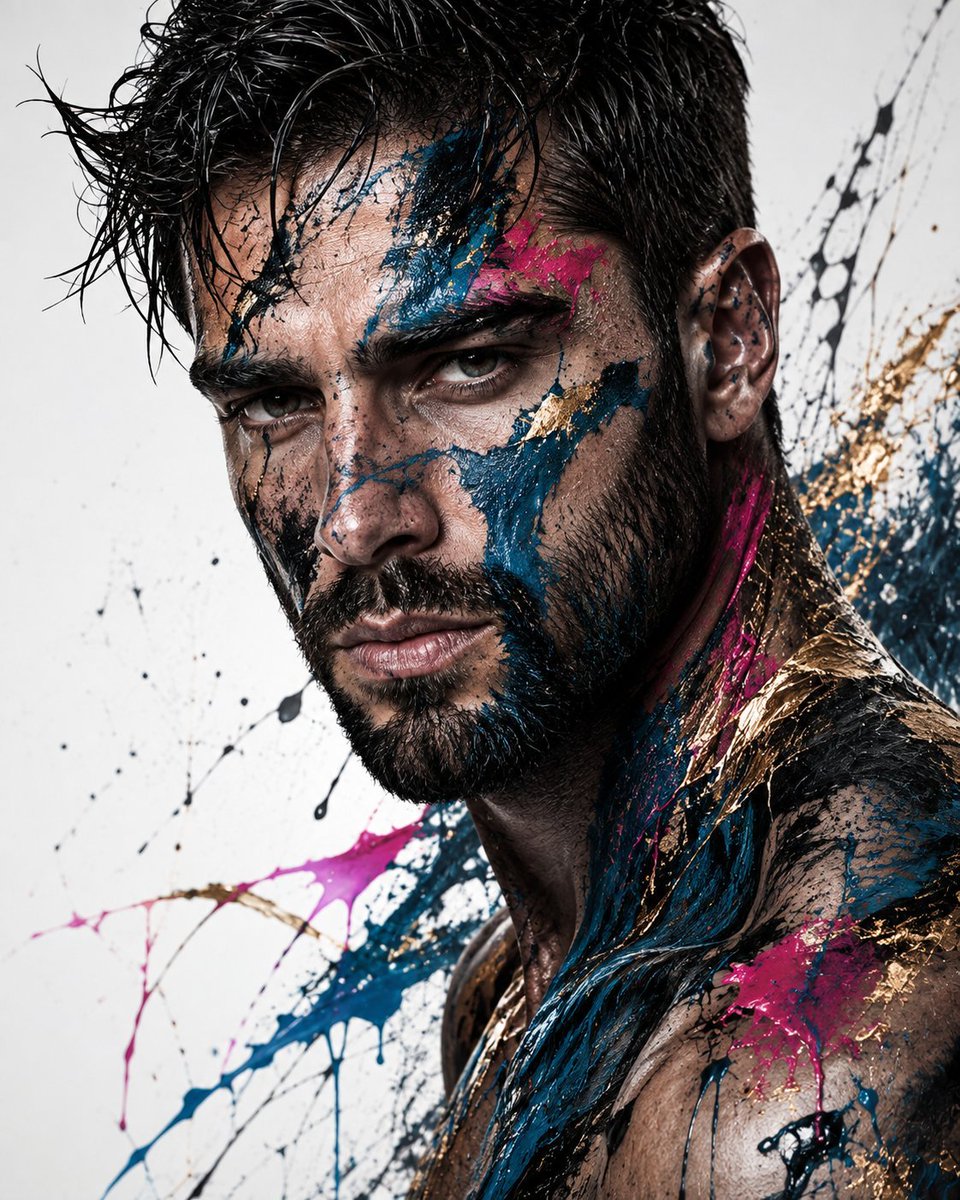
Abstract Fine-Art Editorial Portrait
ข้อความเป็นรูปภาพ

Photorealistic Woman Reference Sheet
ข้อความเป็นรูปภาพ
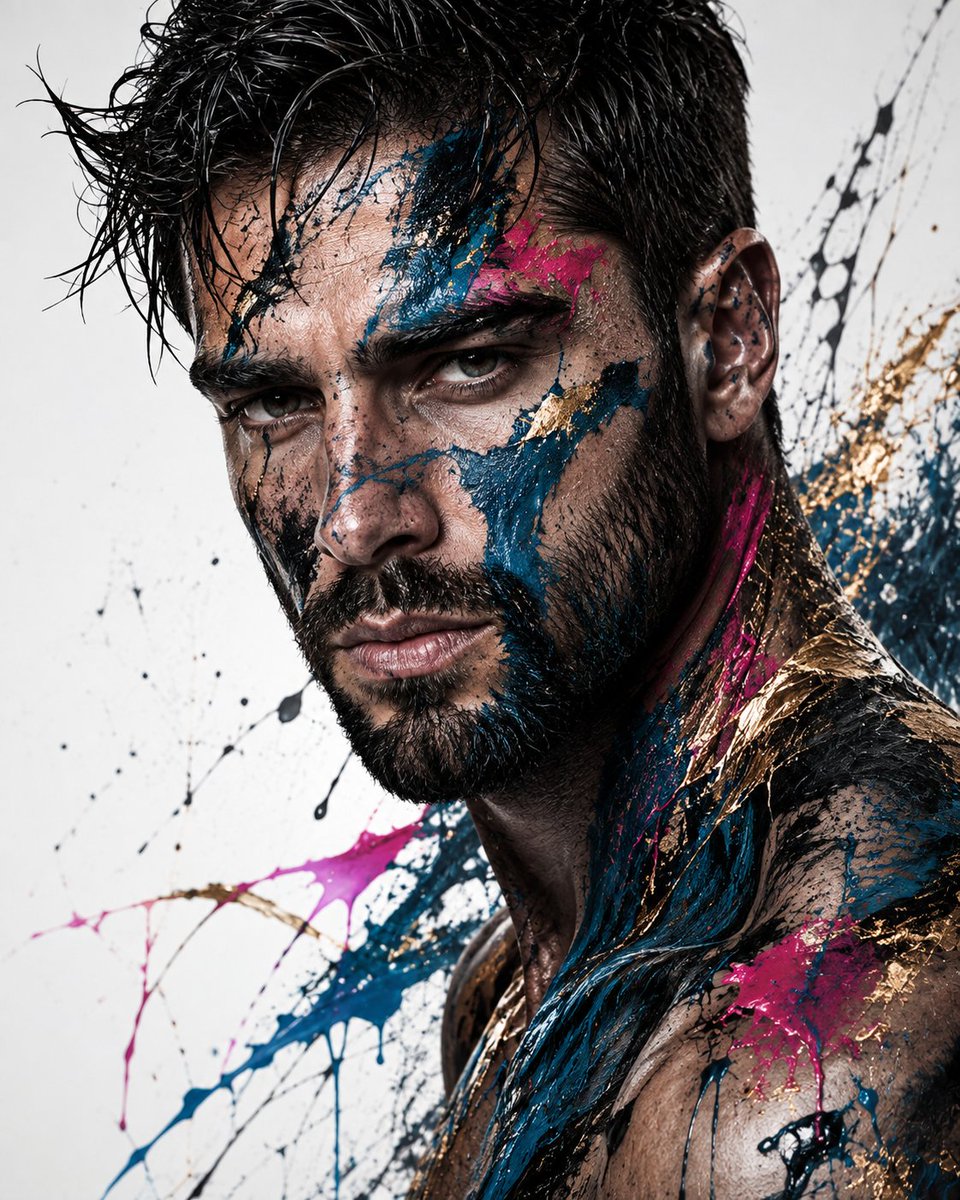
Editorial Male Portrait with Paint Splashes
ข้อความเป็นรูปภาพ
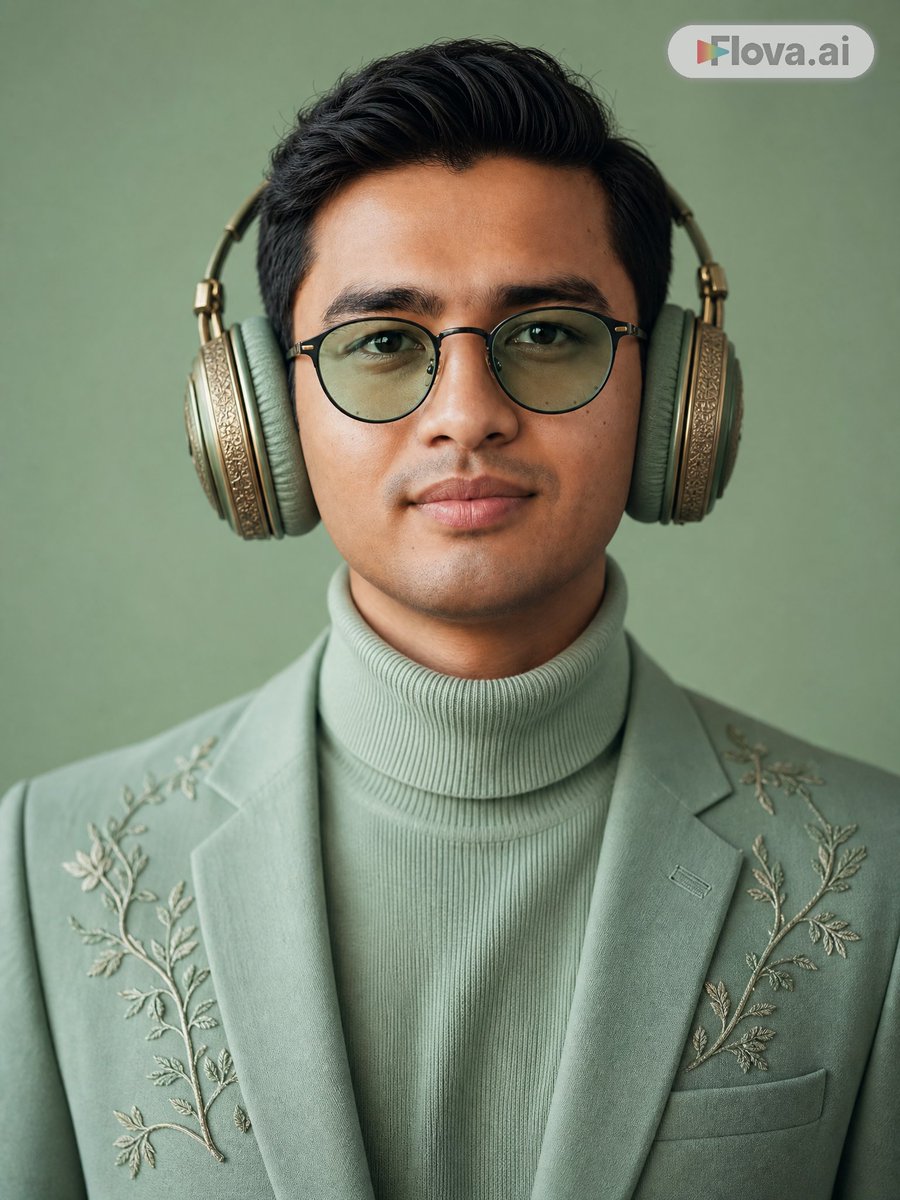
Mint Green Audiophile Portrait
ข้อความเป็นรูปภาพ
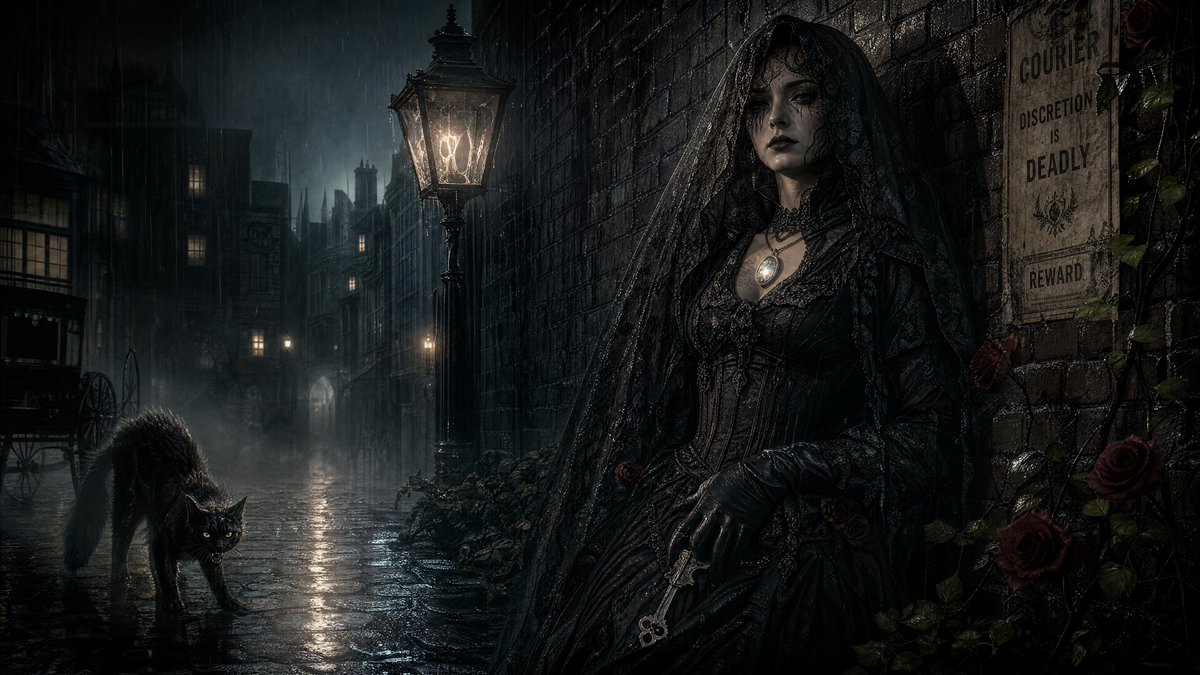
Spectral Courier Gothic Alley
ข้อความเป็นรูปภาพ
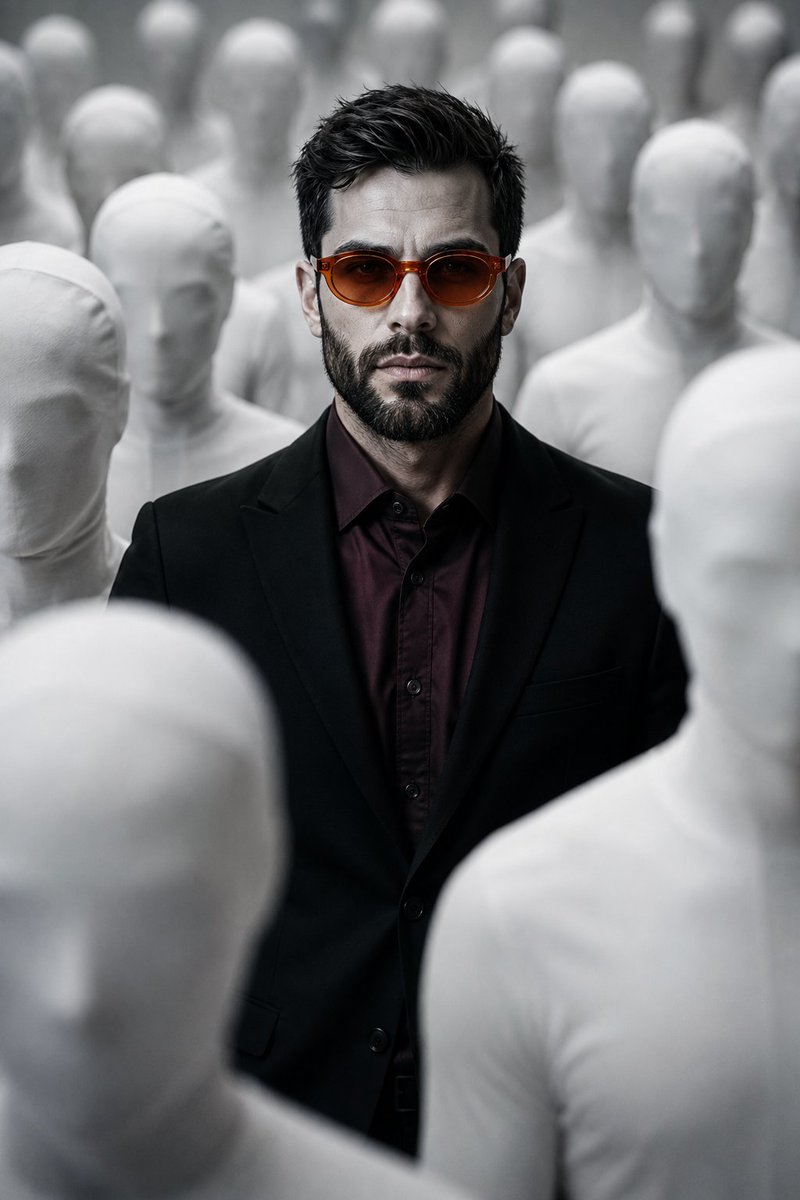
Surreal Man in Crowd of Faceless Figures
ข้อความเป็นรูปภาพ
หมายเหตุเกี่ยวกับการนำกลับมาใช้ใหม่และแหล่งที่มา
ใช้ข้อความแจ้งเตือนนี้อย่างปลอดภัยหลังจากดูตัวอย่างกรณีแล้ว
- 1.คัดลอกข้อความแจ้งเตือน หรือเปิดโดยตรงใน Dovoo โดยใช้ปุ่มสร้างข้อความ
- 2.ปรับตัวแปร อัตราส่วนภาพ และภาพอ้างอิงให้เหมาะสมกับกรณีการใช้งานของคุณ
- 3.ก่อนเผยแพร่หรือใช้งานโดยเสียค่าใช้จ่าย โปรดตรวจสอบสิทธิ์ในแหล่งที่มา ข้อกำหนดการอ้างอิง และความเสี่ยงด้านแบรนด์หรือภาพลักษณ์