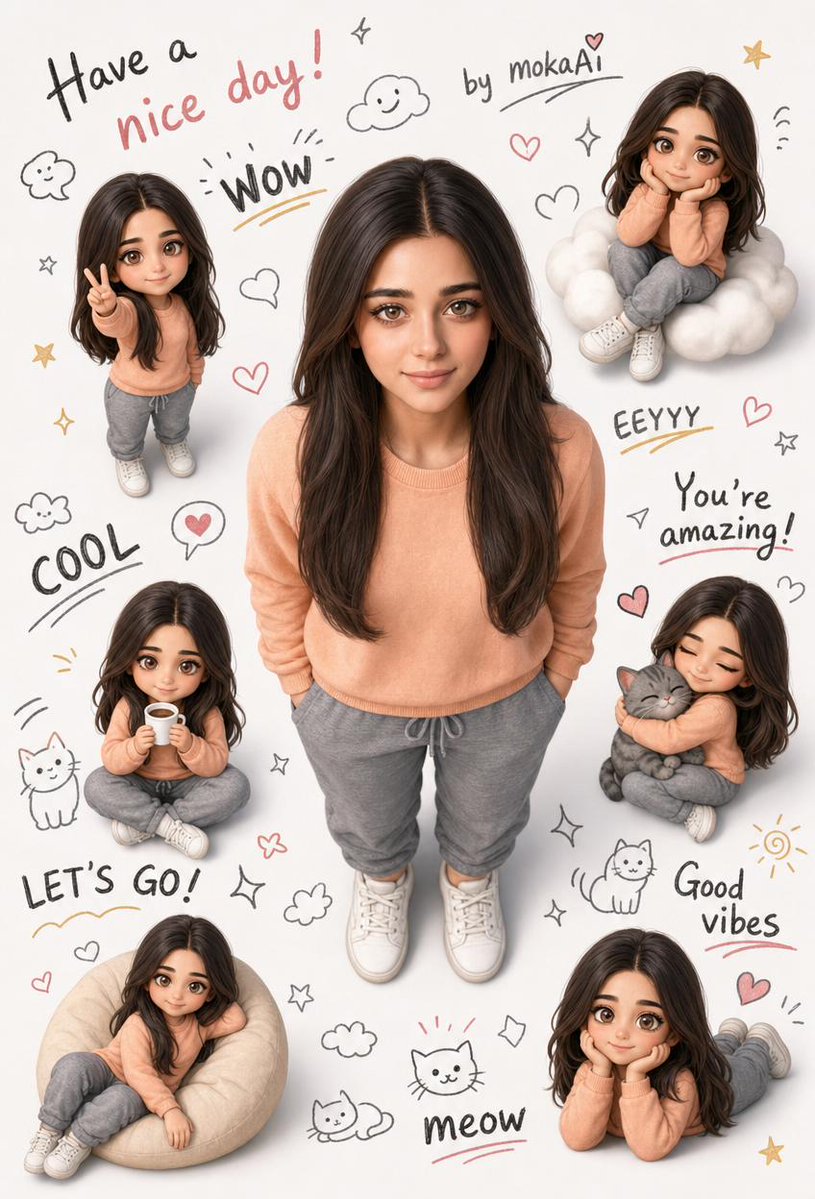
ภาพเหมือนบุคคลสไตล์ 3 มิติ กึ่งสมจริง
โจทย์คือการสร้างภาพเหมือนบุคคลแบบ 3 มิติ กึ่งสมจริง ที่น่ารัก โดยใช้ภาพอ้างอิงเพื่อคงเอกลักษณ์ของตัวละครและรายละเอียดของเสื้อผ้าไว้ พร้อมทั้งเพิ่มเวอร์ชั่นจิบิและภาพวาดเล่นๆ เข้าไป
This is a gpt-image-2 prompt case for ตัวละครภาพเหมือน. Use the copy-ready prompt below to generate similar visuals, and review Awesome Seedance 2.0 Video Prompts attribution plus commercial-use rights before reuse.
Need the full prompt set? Use the ตัวละครภาพเหมือน topic hub for more related examples, or open the GPT Image 2 prompt library for the full example index, reusable structures, and source attribution.

Prompt
Copy-ready prompt
สร้างภาพเหมือนบุคคลแบบ 3 มิติ กึ่งสมจริง ที่น่ารัก โดยใช้ข้อมูลใบหน้า เสื้อผ้า และเอกลักษณ์จากภาพอ้างอิงที่แนบมาเท่านั้น ห้ามเปลี่ยนแปลงรายละเอียดใดๆ ของใบหน้า ทรงผม หรือเสื้อผ้า ตัวละครหลัก: ยืนตรง อยู่ตรงกลางภาพ กอดอก มือล้วงกระเป๋า เงยหน้าขึ้นเล็กน้อย มองตรงมาที่กล้องด้วยรอยยิ้มที่เป็นธรรมชาติ มุมกล้อง: อยู่เหนือศีรษะโดยตรง—มุมมองแบบนกมองลงมา โฟกัสที่ศีรษะในแนวตั้ง เท้าทั้งสองข้างต้องมองเห็นได้ชัดเจนโดยไม่ต้องครอป ล้อมรอบตัวละครหลักด้วยตัวละครจิบิขนาดเล็ก 5-6 ตัว ในท่าทางที่แตกต่างกัน เช่น ทำท่าชูสองนิ้ว นั่งบนก้อนเมฆ ถือแก้ว กอดแมว นั่งสบายๆ และยิ้มโดยเอามือเท้าคาง พื้นหลังควรเป็นสีขาวสะอาด เติมพื้นที่ว่างด้วยภาพวาดเล่นๆ เช่น ดาว ก้อนเมฆ หัวใจ แมว ใบหน้ายิ้ม และประกายระยิบระยับ ข้อความต่อไปนี้เขียนด้วยลายมือขนาดต่างๆ บนพื้นหลัง: "{argument name="message" default="Have a nice day!"}", "by {argument name="signature" default="mokaAi"}", "WOW", "COOL", "EEYYY", "You're amazing!", "LET'S GO!", "Good vibes", และ "meow" แสงสว่างนุ่มนวลเหมือนแสงแดด รายละเอียดสูง คุณภาพระดับมืออาชีพ อัตราส่วนภาพ: 9:16Prompt variables
Editable argument placeholders found in the prompt, with their default values.
Variable
message
Default
Have a nice day!
Variable
signature
Default
mokaAi
More cases in this category
Prioritized by category, input mode compatibility, quality, and lower risk.

ภาพถ่ายฉายฟิล์มวินเทจ
Image to Imageunknown
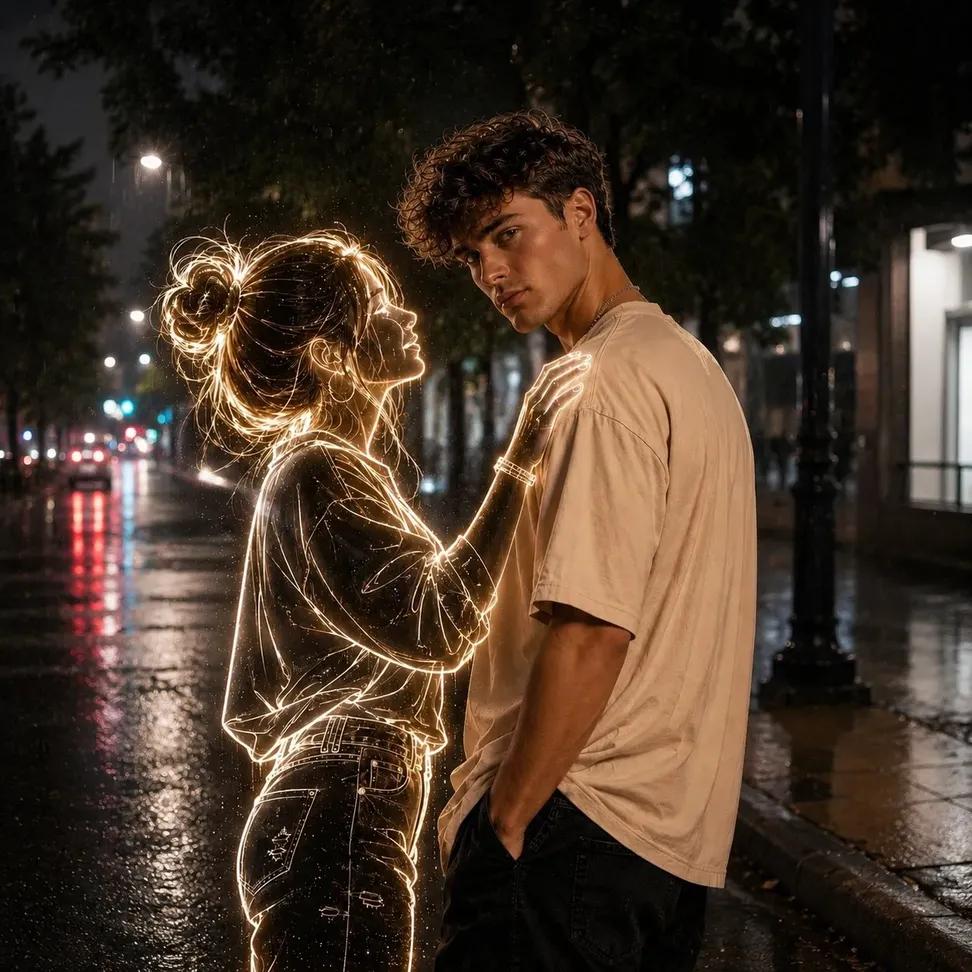
ภาพถ่ายกลางคืนผีเรืองแสงนีออน
Text to Imageunknown
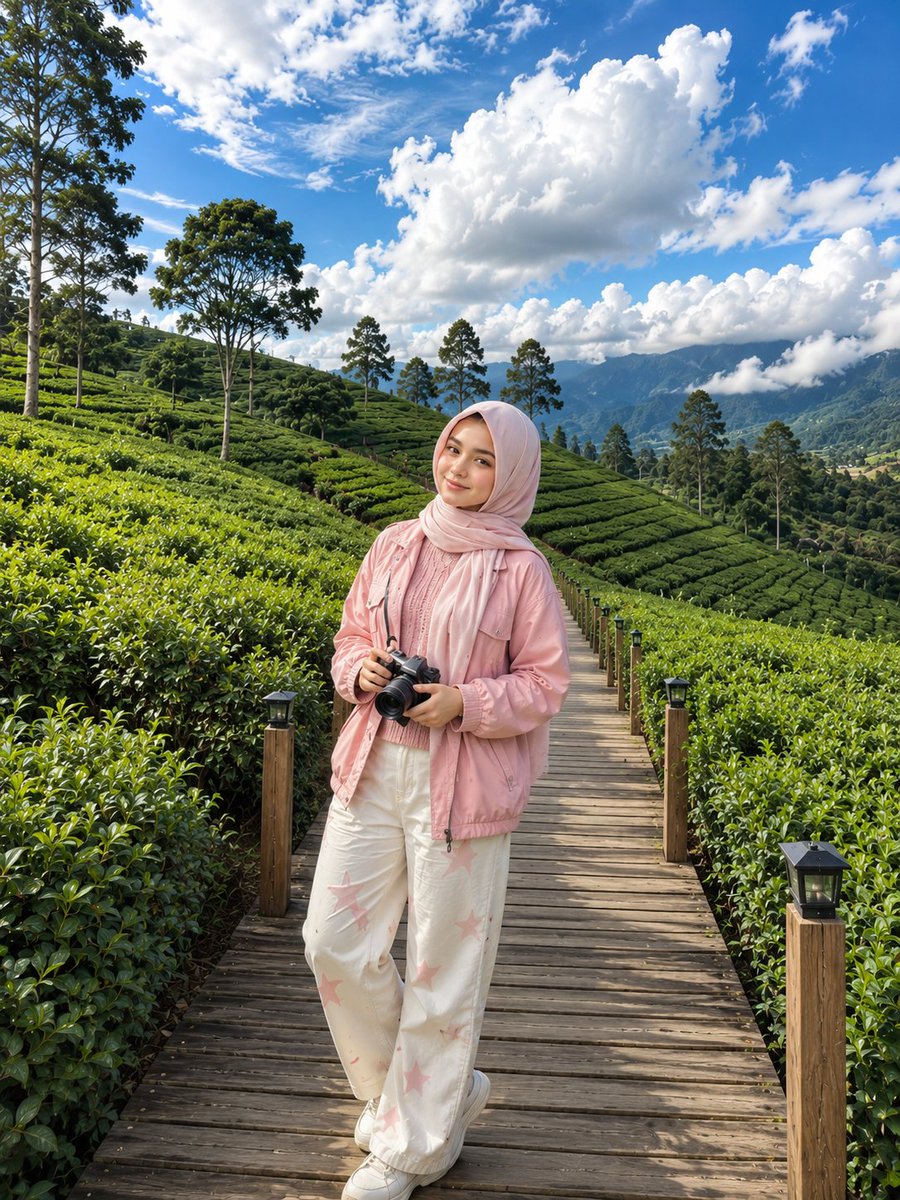
ภาพถ่ายไร่ชาเกาหลี
Text to Imageunknown
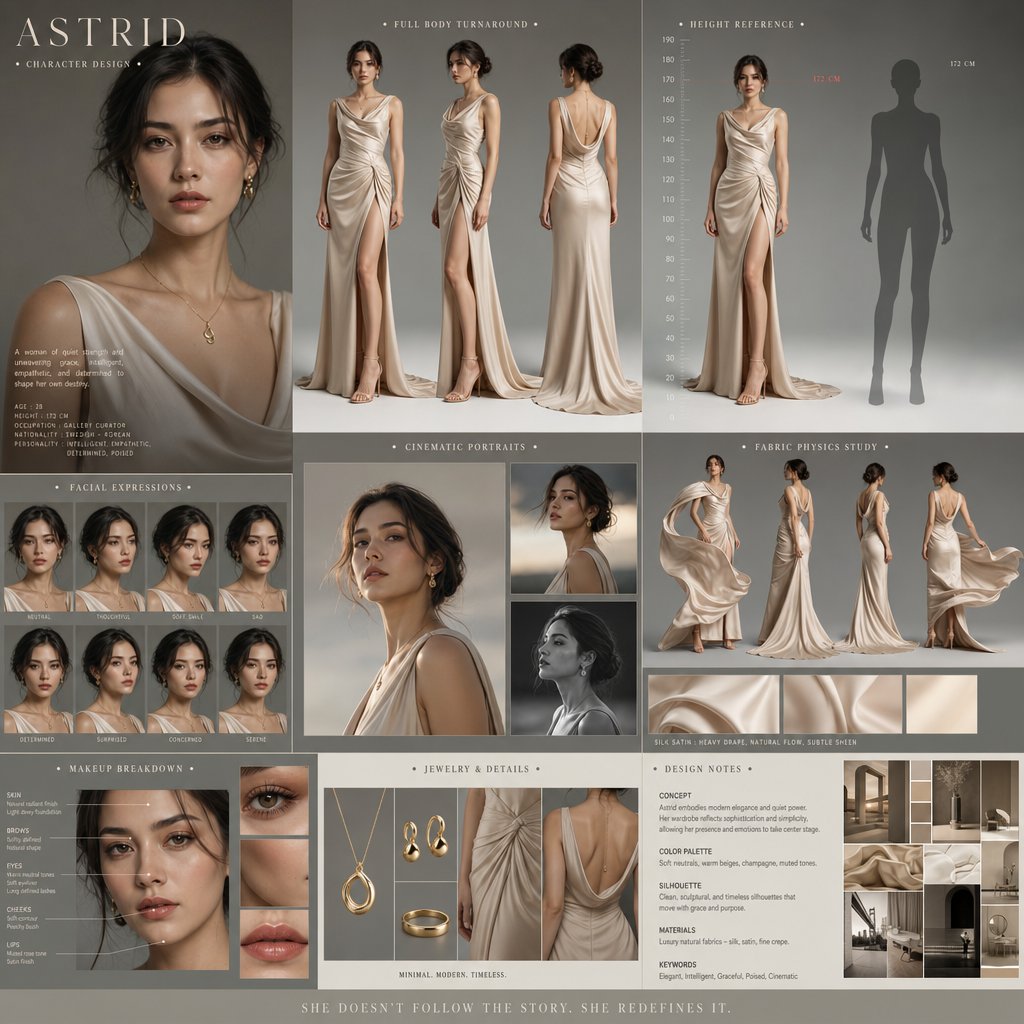
การออกแบบตัวละครในภาพยนตร์ดราม่า
Text to Imageunknown

ภาพถ่ายบุคคลแบบ Direct Flash Editorial
Text to Imageunknown
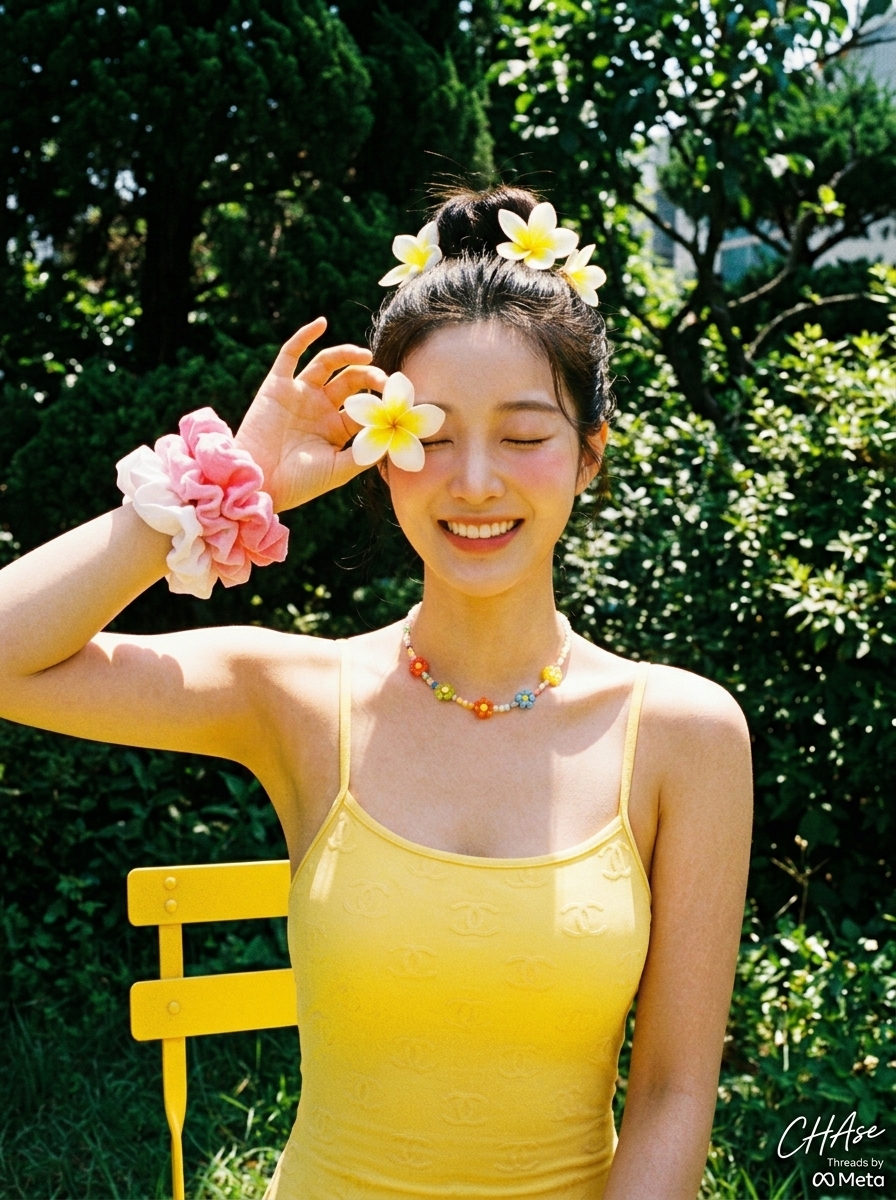
ภาพถ่ายวันหยุดพักผ่อนฤดูร้อนสไตล์เรโทรกับดอกลีลาวดี
Text to Imageunknown
Reuse and source notes
Use this prompt safely after previewing the case.
- 1.Copy the prompt or open it directly in Dovoo with the generation button.
- 2.Adjust variables, aspect ratio, and reference images for your own use case.
- 3.Before publishing or paid usage, verify source rights, attribution requirements, and brand or likeness risks.