
การบูรณะใบหน้าของแคลร์ให้สมจริงราวกับภาพถ่าย
แปลงภาพอ้างอิงตัวละครที่ถูกบดบังบางส่วนให้กลายเป็นภาพบุคคลระยะใกล้ที่สมจริงและคมชัด เหมาะสำหรับงานศิลปะแฟนอาร์ตหรือการออกแบบโปสเตอร์
This is a gpt-image-2 prompt case for ตัวละครภาพเหมือน. Use the copy-ready prompt below to generate similar visuals, and review Awesome Seedance 2.0 Video Prompts attribution plus commercial-use rights before reuse.
Need the full prompt set? Use the ตัวละครภาพเหมือน topic hub for more related examples, or open the GPT Image 2 prompt library for the full example index, reusable structures, and source attribution.

Prompt
Copy-ready prompt
จากภาพอ้างอิงที่ให้มา ให้ลบบล็อกทึบที่ปิดบังใบหน้าออก และสร้างใบหน้าที่ถูกปิดบังขึ้นมาใหม่ให้เหมือนจริง โดยให้มีลักษณะคล้ายกับแคลร์ เรดฟิลด์ จากเกม Resident Evil คงองค์ประกอบภาพระยะใกล้ ผมหางม้าเปียกสีเข้ม ปกเสื้อแจ็คเก็ตหนังสีแดง แสงไฟโดยรอบแบบภาพยนตร์ ความชัดลึกตื้น และพื้นหลังสีเทาให้สอดคล้องกับภาพอ้างอิง สร้างภาพเหมือนที่สมจริงและมีรายละเอียดสูง แสดงให้เห็นถึงสายตาที่จริงจังและตรงไปตรงมา ผิวสัมผัสที่เป็นธรรมชาติ เส้นผมที่หลุดลุ่ย การแต่งหน้าที่ประณีต คิ้วที่คมชัด ริมฝีปากอิ่ม และดวงตาสีฟ้าที่ดึงดูดใจ ทำการปรับแต่งเฉพาะส่วนที่จำเป็นเพื่อสร้างภาพเหมือนแบบโปสเตอร์ทรงสี่เหลี่ยมจัตุรัสที่เรียบง่าย โดยคงบรรยากาศความสมจริงแบบสยองขวัญเอาชีวิตรอดเอาไว้ ห้ามเพิ่มข้อความ โลโก้ ขอบ ตัวละครเพิ่มเติม หรือเอฟเฟกต์ภาพประกอบแบบมีสไตล์
Prompt variables
Editable argument placeholders found in the prompt, with their default values.
Variable
character name
Default
Claire Redfield from Resident Evil
Variable
eye color
Default
blue
More cases in this category
Prioritized by category, input mode compatibility, quality, and lower risk.

ภาพถ่ายฉายฟิล์มวินเทจ
Image to Imageunknown
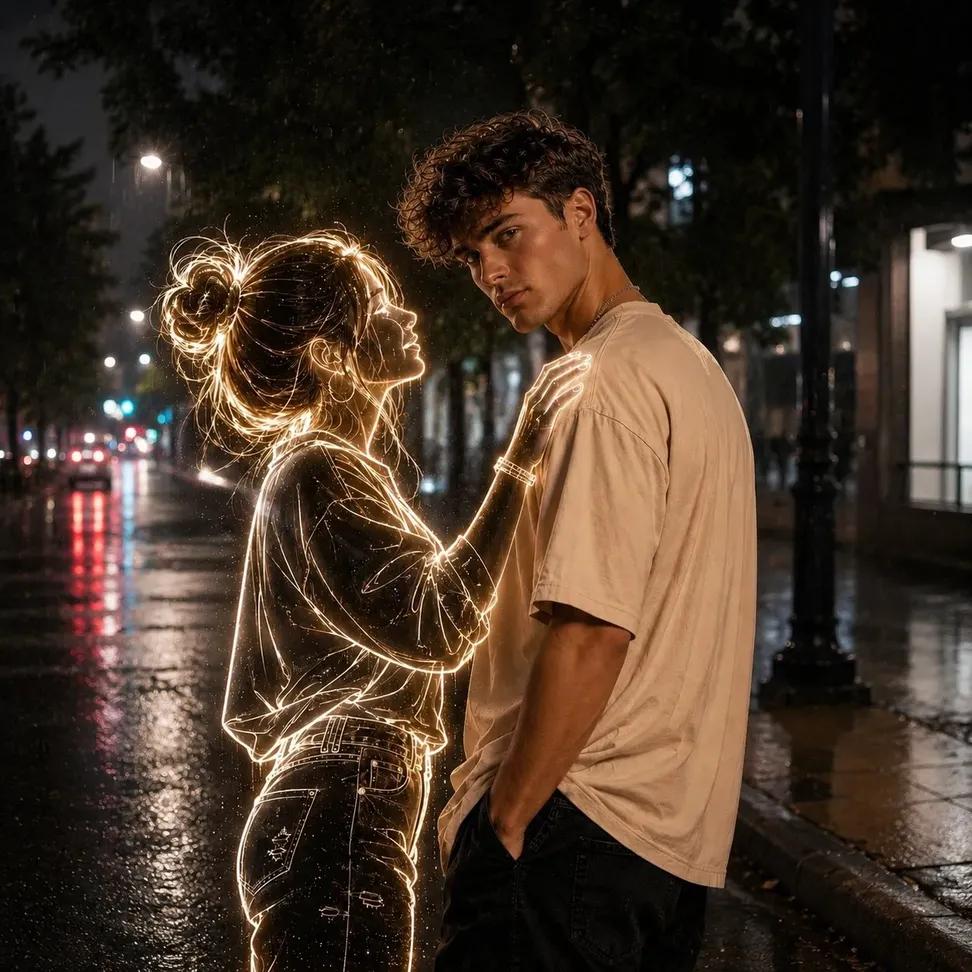
ภาพถ่ายกลางคืนผีเรืองแสงนีออน
Text to Imageunknown
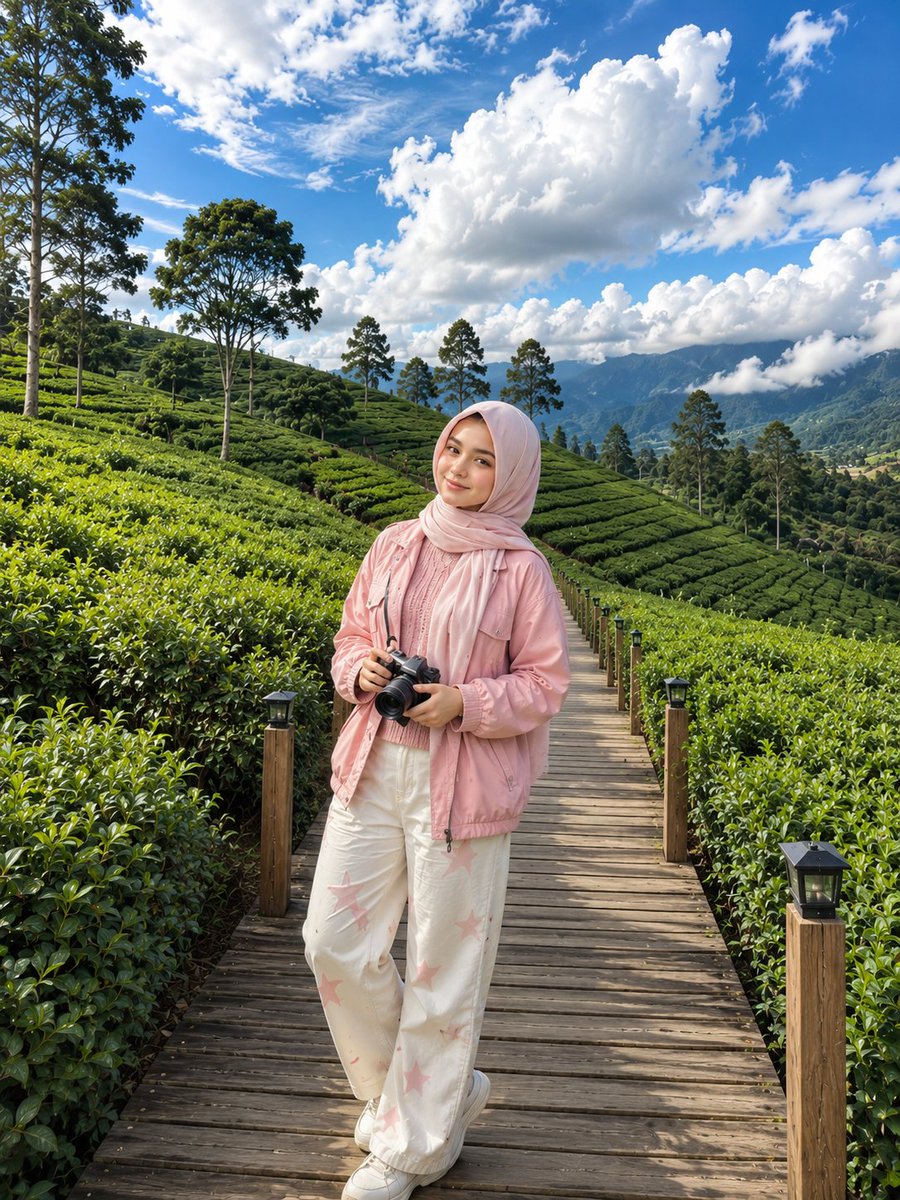
ภาพถ่ายไร่ชาเกาหลี
Text to Imageunknown
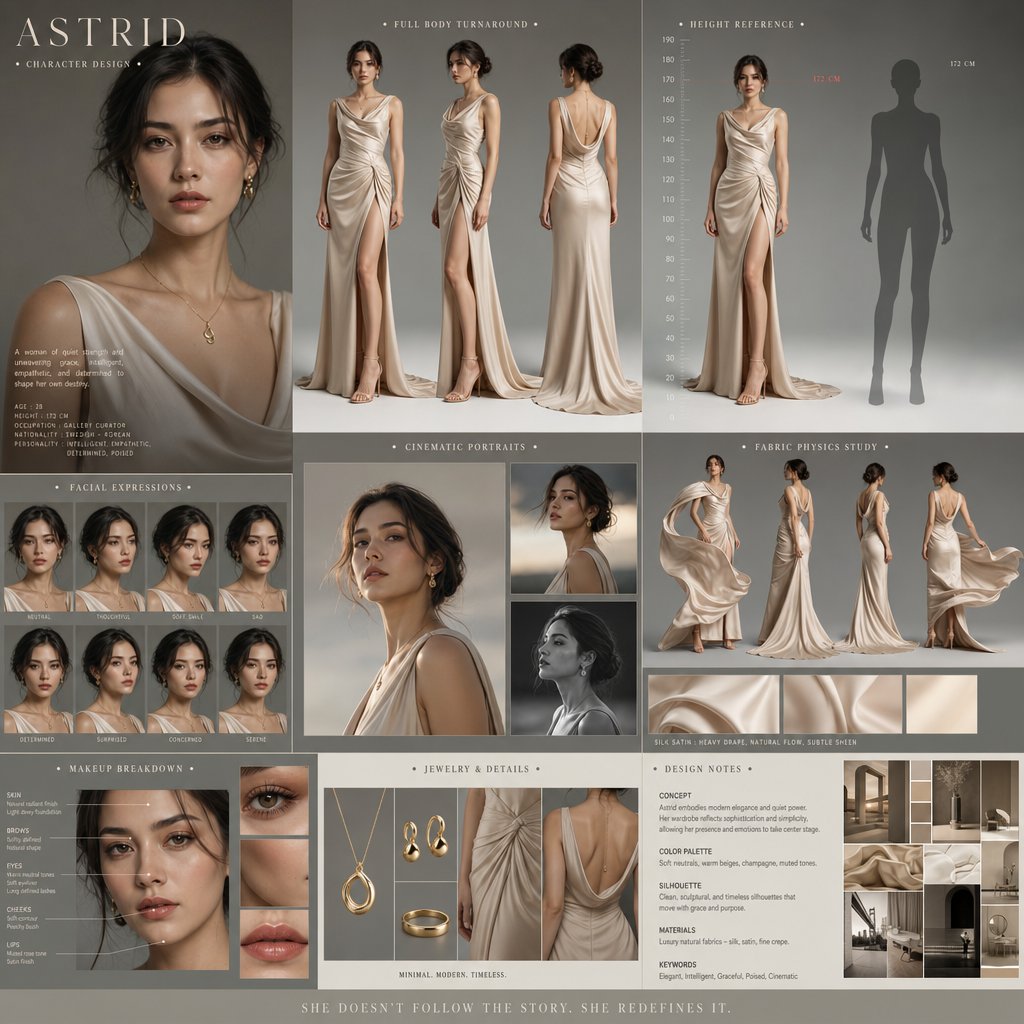
การออกแบบตัวละครในภาพยนตร์ดราม่า
Text to Imageunknown

ภาพถ่ายบุคคลแบบ Direct Flash Editorial
Text to Imageunknown
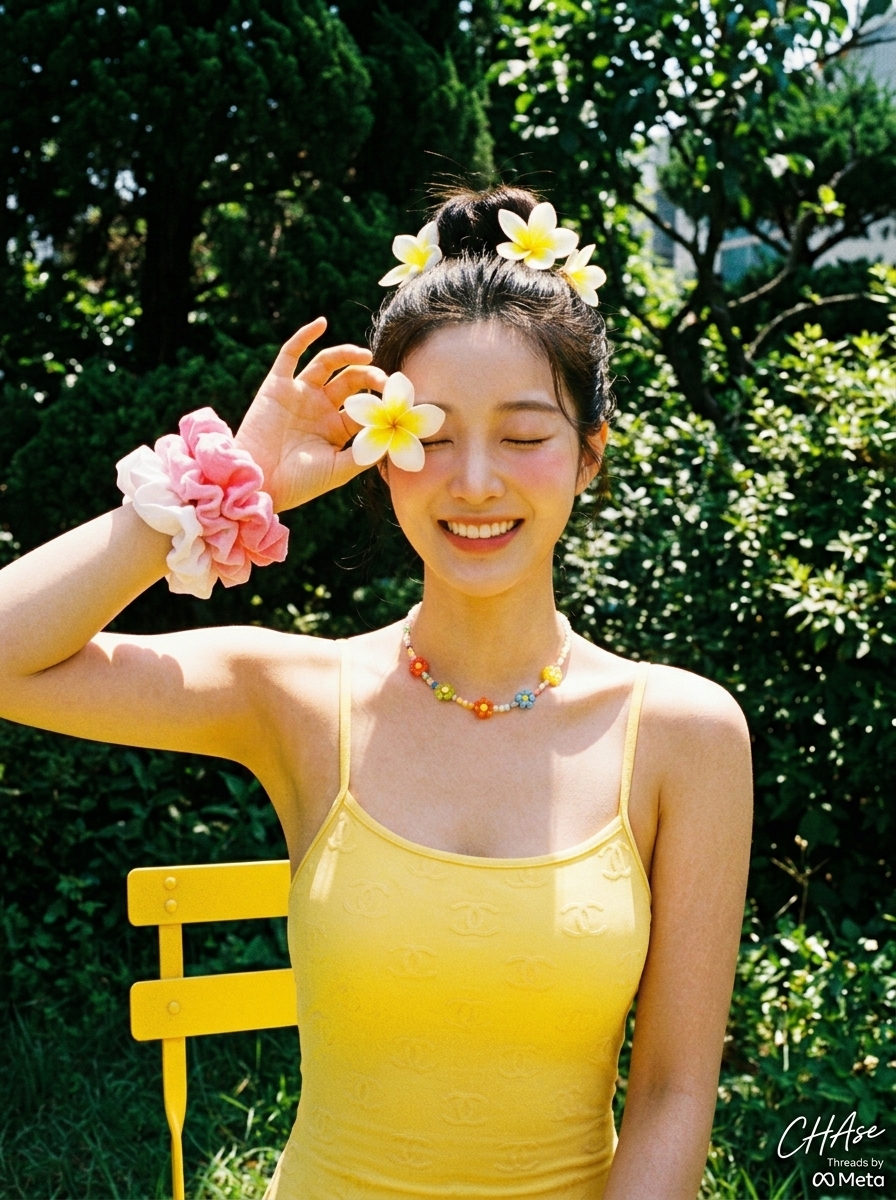
ภาพถ่ายวันหยุดพักผ่อนฤดูร้อนสไตล์เรโทรกับดอกลีลาวดี
Text to Imageunknown
Reuse and source notes
Use this prompt safely after previewing the case.
- 1.Copy the prompt or open it directly in Dovoo with the generation button.
- 2.Adjust variables, aspect ratio, and reference images for your own use case.
- 3.Before publishing or paid usage, verify source rights, attribution requirements, and brand or likeness risks.