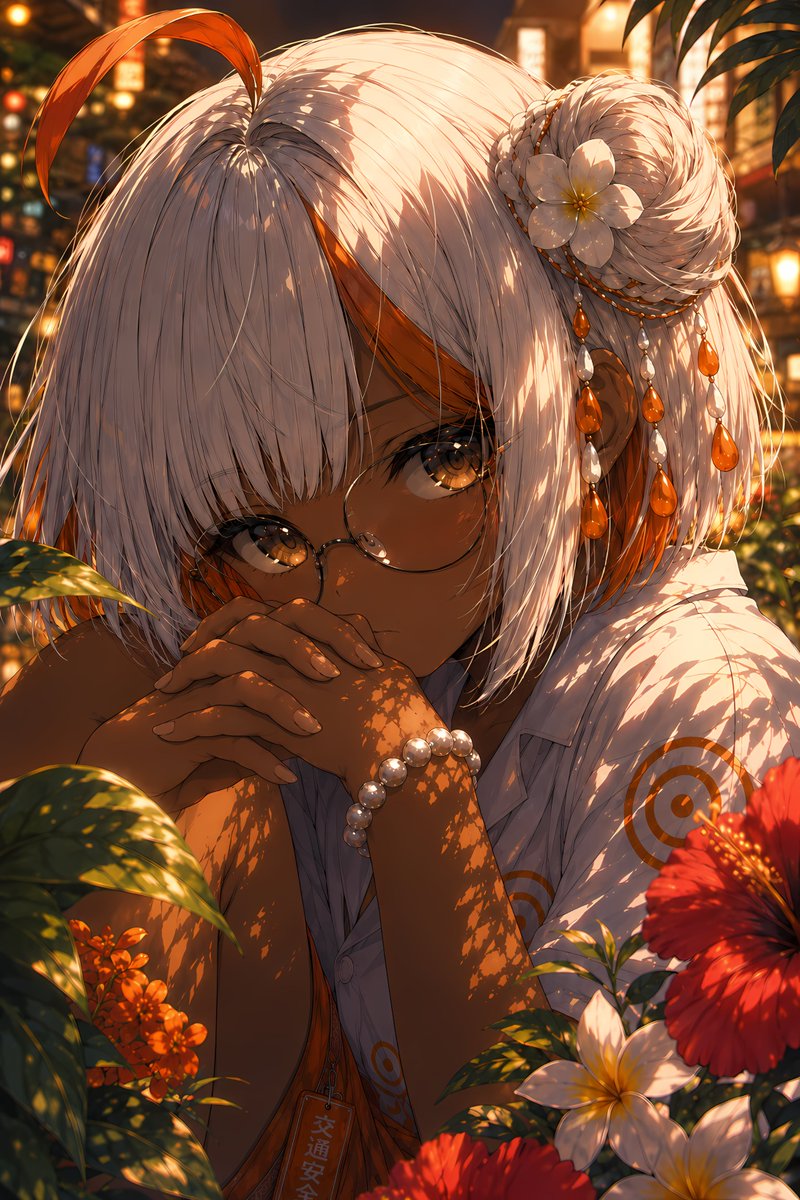
Vermilion Summer Garden Portrait
Generates a cinematic anime close-up of a tan, white-haired girl in a glowing tropical summer garden for polished character art.
Это пример использования шаблона GPT Image 2 для Аниме и игры . Используйте приведенный ниже шаблон, готовый к копированию, чтобы создать аналогичные визуальные элементы, и перед повторным использованием проверьте указание авторства Awesome GPT Image 2 Prompts и права на коммерческое использование.
Нужен полный набор подсказок? Воспользуйтесь Аниме и игры Для получения дополнительных примеров по теме, или откройте раздел "Обзор тем" GPT Image 2 быстрый каталог Полный список примеров, многократно используемых структур и указание источников см. здесь.
Free 1K preview
Generate one preview image instantly, no sign-up required.
2239/4000
Промпт
Подсказка для копирования
Create a highly detailed, vertical anime portrait with a mood named {argument name="art title" default="a mysterious summer garden girl"}: A close-up shot depicts a young woman with deep brown skin, bright amber eyes, and delicate round-frame glasses, with a quiet and introverted expression, her hands clasped in front of her mouth and leaning slightly forward. She has a silver-white short bob with thick bangs, and a long orange strand of hair curls upwards on the top of her head. There are orange inner highlights on the sides of her head, and a braided bun on her right side. Her hair accessories include 1 white gardenia flower, 3 strands of dangling bead chains, and multiple orange teardrop-shaped gems mixed with pearl-like beads. She is wearing a loose-fitting white short-sleeved shirt with a delicate orange circular target pattern, revealing a glimpse of an orange inner layer, a pearl bracelet on her wrist, and a small vertical pendant with Japanese characters hanging around her neck. The background is a lush tropical garden during golden hour: foreground leaves cast intricate, mottled shadows on her face, arms, hair, and shirt; visible flowers include 1 large red hibiscus in the lower right corner, 2 white gardenias in the lower right corner, and a cluster of orange small flowers in the lower left corner, with blurred warm-colored lanterns and summer streetlights in the background. Use rich crimson, amber, gold, white, and dark green, combined with cinematic backlighting, glowing bokeh, shallow depth of field, delicate hair strands, bright eyes, and soft skin shadows to create an ultra-refined Japanese illustration quality. The atmosphere evokes a hot and radiant summer evening in a hidden garden, intimate and peaceful. Customize the subject to be {argument name="character name" default="silvery white with vivid orange inner streaks"}, hair color to be {argument name="hair color" default="Silver-white with orange highlights"}, eye color to be {argument name="eye color" default="Amber gold"}, and skin color to be {argument name="skin tone" default="Deep warm brown"}. Avoid text overlays, borders, watermarks, extra characters, hand distortions, or additional flowers beyond the specified composition.Переменные подсказки
Редактируемые заполнители аргументов, найденные в подсказке, с их значениями по умолчанию.
Переменная
art title
По умолчанию
a mysterious summer garden girl
Переменная
character name
По умолчанию
silvery white with vivid orange inner streaks
Переменная
hair color
По умолчанию
Silver-white with orange highlights
Переменная
eye color
По умолчанию
Amber gold
Переменная
skin tone
По умолчанию
Deep warm brown
Best for
- - Аниме и игры visual exploration
- - Image generation and reference-image edits
- - Reusable briefs that keep source attribution visible
Change these parts
- - Subject, product, character, or scene
- - Aspect ratio, camera, lighting, and background
- - Brand, text, color, and output constraints
Recommended model and settings
- - Model: gpt-image-2
- - Input mode: Текст в изображение
- - Aspect ratio: source
- - Commercial status: review original source
How to use this prompt
- 1. Copy the prompt and preserve its structure for the first test.
- 2. Replace the subject, context, and publishing channel.
- 3. Change one camera, lighting, or style variable per iteration.
- 4. Inspect the output, source, text, and rights before reuse.
Limitations, source, and reuse cautions
- - Generated output is an editable draft, not factual, legal, or rights evidence.
- - Review the linked source, people, brands, logos, text, and third-party media before commercial use.
Импортировано из Awesome GPT Image 2 Prompts . Требуется указание авторства. Статус коммерческого использования: allowed ; перед платным использованием ознакомьтесь с правами на источник.
Больше случаев в этой категории
Приоритет отдается категориям, совместимости с режимами ввода, качеству и низкому уровню риска.

Neon Flux Cyberpunk Portrait
Текст в изображение
Abstract Fine-Art Editorial Portrait
Текст в изображение

Photorealistic Woman Reference Sheet
Текст в изображение
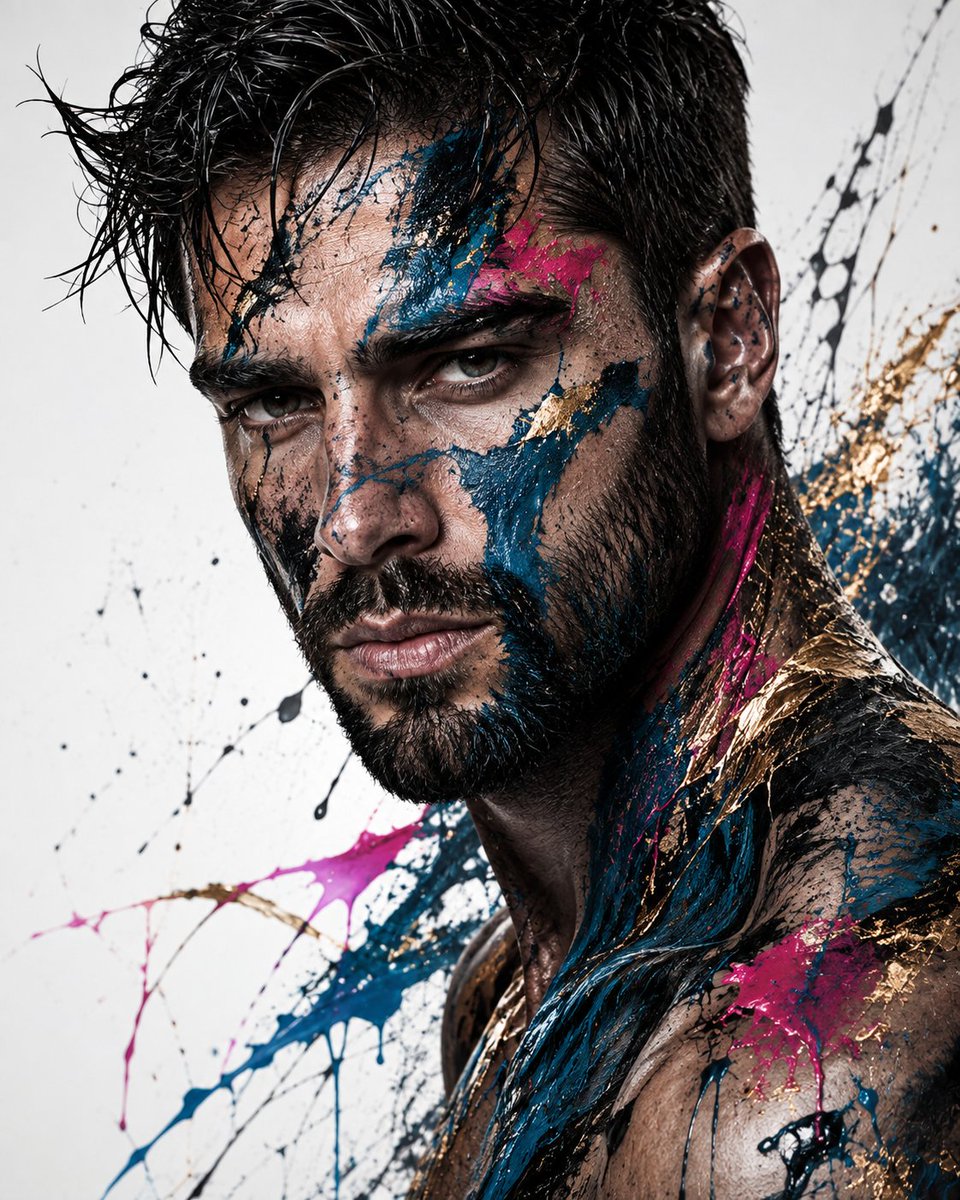
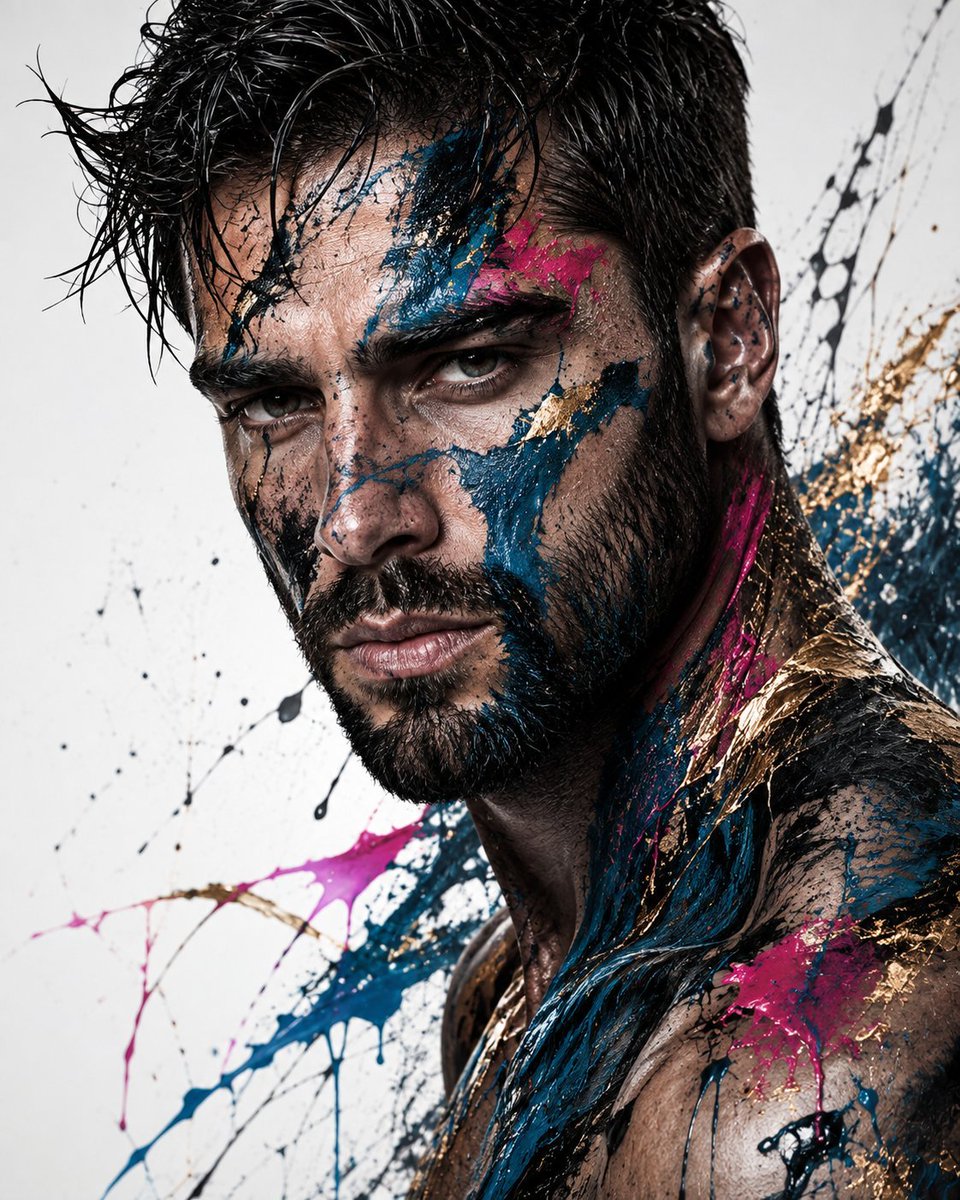
Editorial Male Portrait with Paint Splashes
Текст в изображение
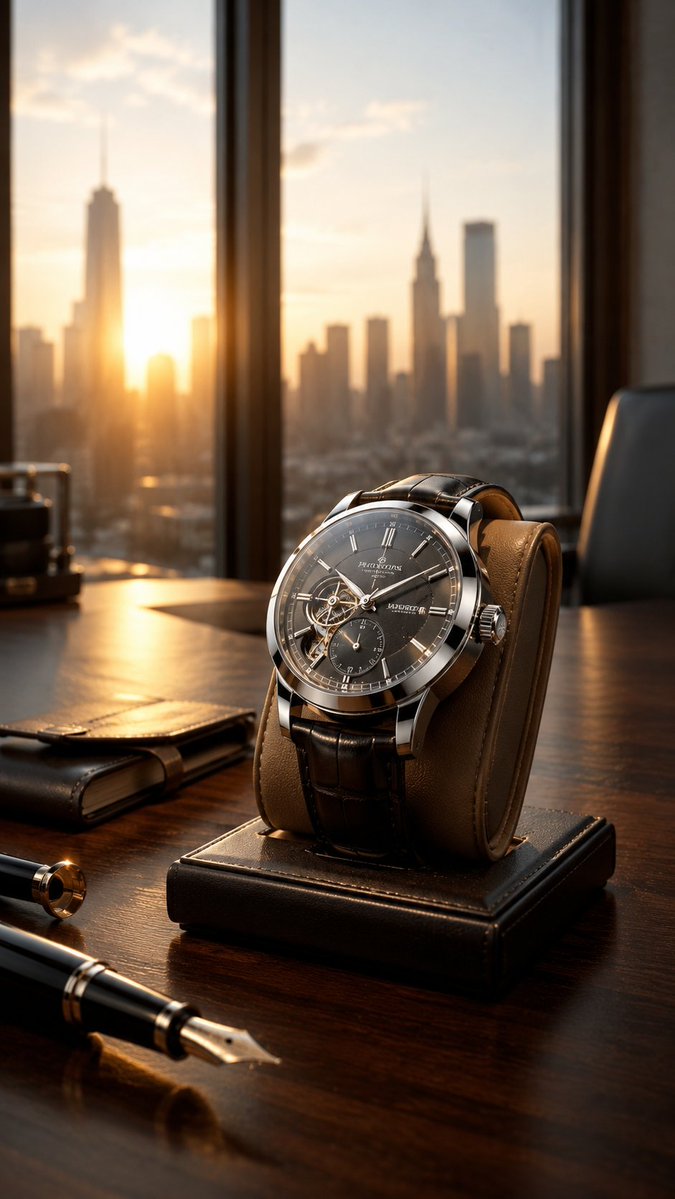
Luxury Wristwatch Commercial Ad
Текст в изображение
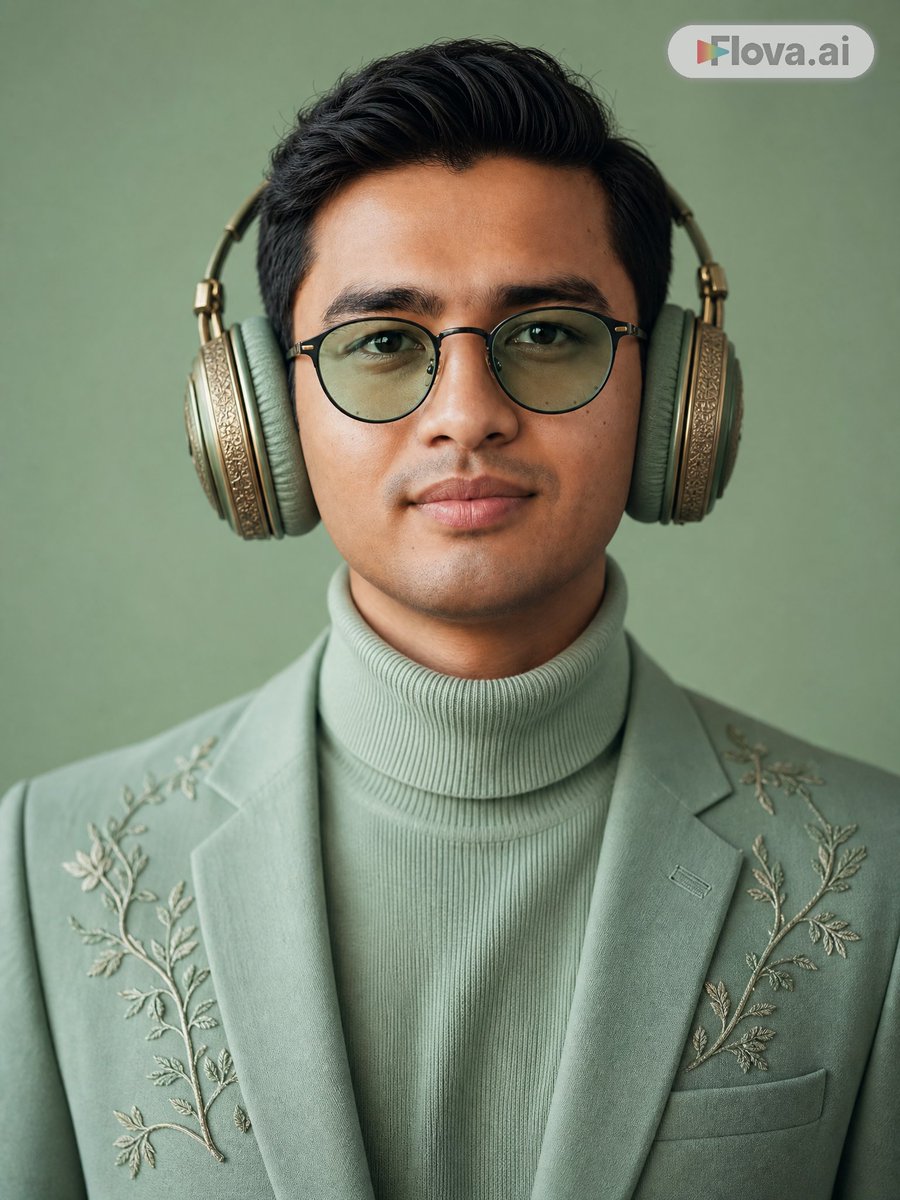
Mint Green Audiophile Portrait
Текст в изображение
Примечания по повторному использованию и источникам
Используйте это подсказку безопасно после предварительного просмотра дела.
- 1.Скопируйте подсказку или откройте ее непосредственно в Dovoo с помощью кнопки генерации.
- 2.Настройте переменные, соотношение сторон и эталонные изображения в соответствии с вашими потребностями.
- 3.Перед публикацией или платным использованием проверьте права на источник, требования к указанию авторства, а также риски, связанные с использованием товарного знака или изображения.