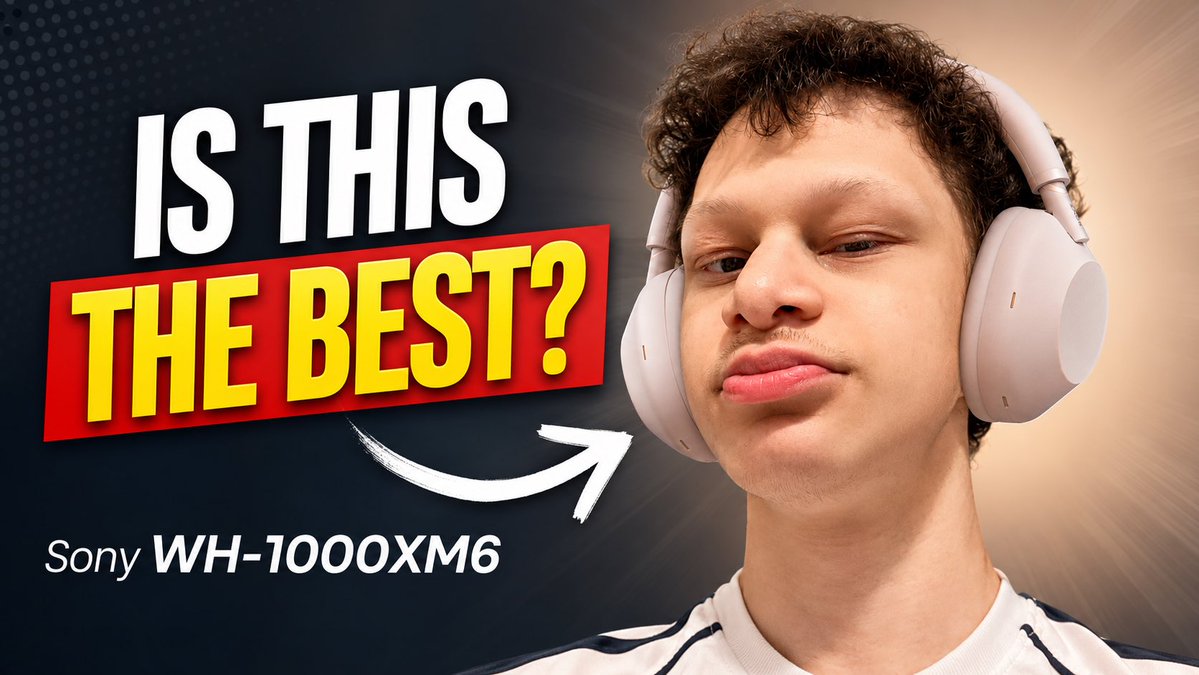
Sony Headphones Review Thumbnail
A bold YouTube thumbnail template for a tech review featuring a close-up headphone portrait, large question text, and a product label.
Это пример использования шаблона GPT Image 2 для Продукт и коммерция . Используйте приведенный ниже шаблон, готовый к копированию, чтобы создать аналогичные визуальные элементы, и перед повторным использованием проверьте указание авторства Awesome GPT Image 2 Prompts и права на коммерческое использование.
Нужен полный набор подсказок? Воспользуйтесь Продукт и коммерция Для получения дополнительных примеров по теме, или откройте раздел "Обзор тем" GPT Image 2 быстрый каталог Полный список примеров, многократно используемых структур и указание источников см. здесь.
Free 1K preview
Generate one preview image instantly, no sign-up required.
1251/4000
Промпт
Подсказка для копирования
Create a high-impact YouTube tech review thumbnail in a 16:9 landscape format. On the right half, show a close-up portrait of a young man with short curly dark hair wearing large light-gray over-ear headphones, looking confidently at the camera with a slightly raised chin and subtle smirk; crop him from the chest up, with the headphones clearly visible. On the left half, place huge bold thumbnail text reading {argument name="headline text" default="IS THIS"} in white uppercase at the top, and {argument name="main question text" default="THE BEST?"} in bright yellow uppercase inside a red rectangular banner beneath it, with strong drop shadows and a slightly tilted dynamic layout. Below the main text, add smaller white product text reading {argument name="product name" default="Sony WH-1000XM6"}. Add exactly one thick hand-drawn white curved arrow pointing from the text area toward the headphones. Use a dark navy-to-black background on the left with subtle dotted halftone texture, transitioning to a warm beige radial glow behind the person on the right. Make the design crisp, saturated, and clickable, with dramatic contrast, studio lighting, sharp facial detail, clean cutout edges, and no extra logos, watermarks, or additional text.Переменные подсказки
Редактируемые заполнители аргументов, найденные в подсказке, с их значениями по умолчанию.
Переменная
headline text
По умолчанию
IS THIS
Переменная
main question text
По умолчанию
THE BEST?
Переменная
product name
По умолчанию
Sony WH-1000XM6
Best for
- - Продукт и коммерция visual exploration
- - Image generation and reference-image edits
- - Reusable briefs that keep source attribution visible
Change these parts
- - Subject, product, character, or scene
- - Aspect ratio, camera, lighting, and background
- - Brand, text, color, and output constraints
Recommended model and settings
- - Model: gpt-image-2
- - Input mode: Текст в изображение
- - Aspect ratio: source
- - Commercial status: review original source
How to use this prompt
- 1. Copy the prompt and preserve its structure for the first test.
- 2. Replace the subject, context, and publishing channel.
- 3. Change one camera, lighting, or style variable per iteration.
- 4. Inspect the output, source, text, and rights before reuse.
Limitations, source, and reuse cautions
- - Generated output is an editable draft, not factual, legal, or rights evidence.
- - Review the linked source, people, brands, logos, text, and third-party media before commercial use.
Импортировано из Awesome GPT Image 2 Prompts . Требуется указание авторства. Статус коммерческого использования: allowed ; перед платным использованием ознакомьтесь с правами на источник.
Больше случаев в этой категории
Приоритет отдается категориям, совместимости с режимами ввода, качеству и низкому уровню риска.

Codex Silver Token Product Shot
Текст в изображение
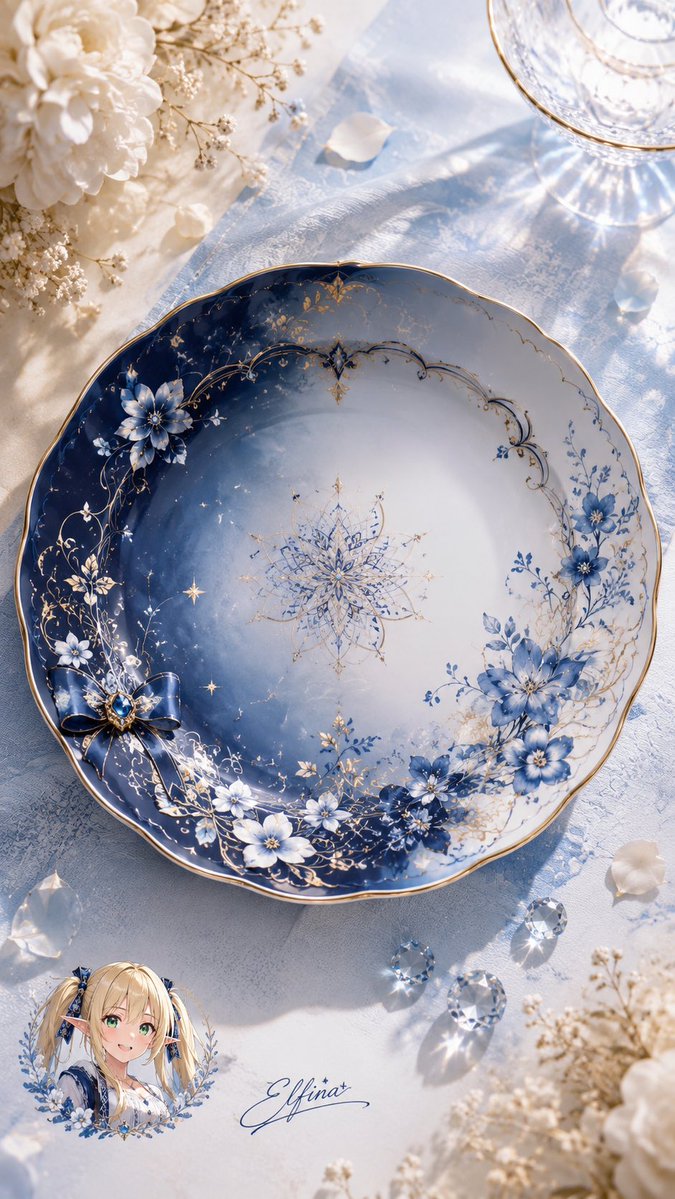
Elfina Fantasy Porcelain Plate
Текст в изображение

Neon Flux Cyberpunk Portrait
Текст в изображение

Photorealistic Woman Reference Sheet
Текст в изображение
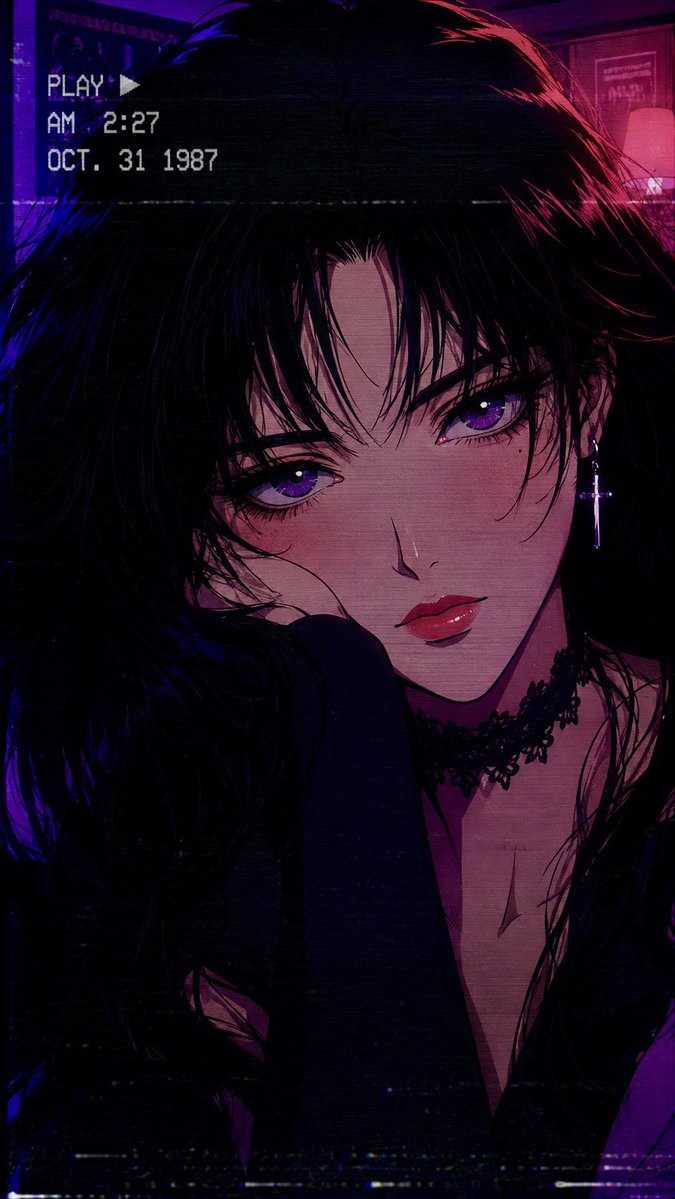
80s Retro Anime Goth Portrait
Текст в изображение

Miniature London Paper-Craft Diorama
Текст в изображение
Примечания по повторному использованию и источникам
Используйте это подсказку безопасно после предварительного просмотра дела.
- 1.Скопируйте подсказку или откройте ее непосредственно в Dovoo с помощью кнопки генерации.
- 2.Настройте переменные, соотношение сторон и эталонные изображения в соответствии с вашими потребностями.
- 3.Перед публикацией или платным использованием проверьте права на источник, требования к указанию авторства, а также риски, связанные с использованием товарного знака или изображения.