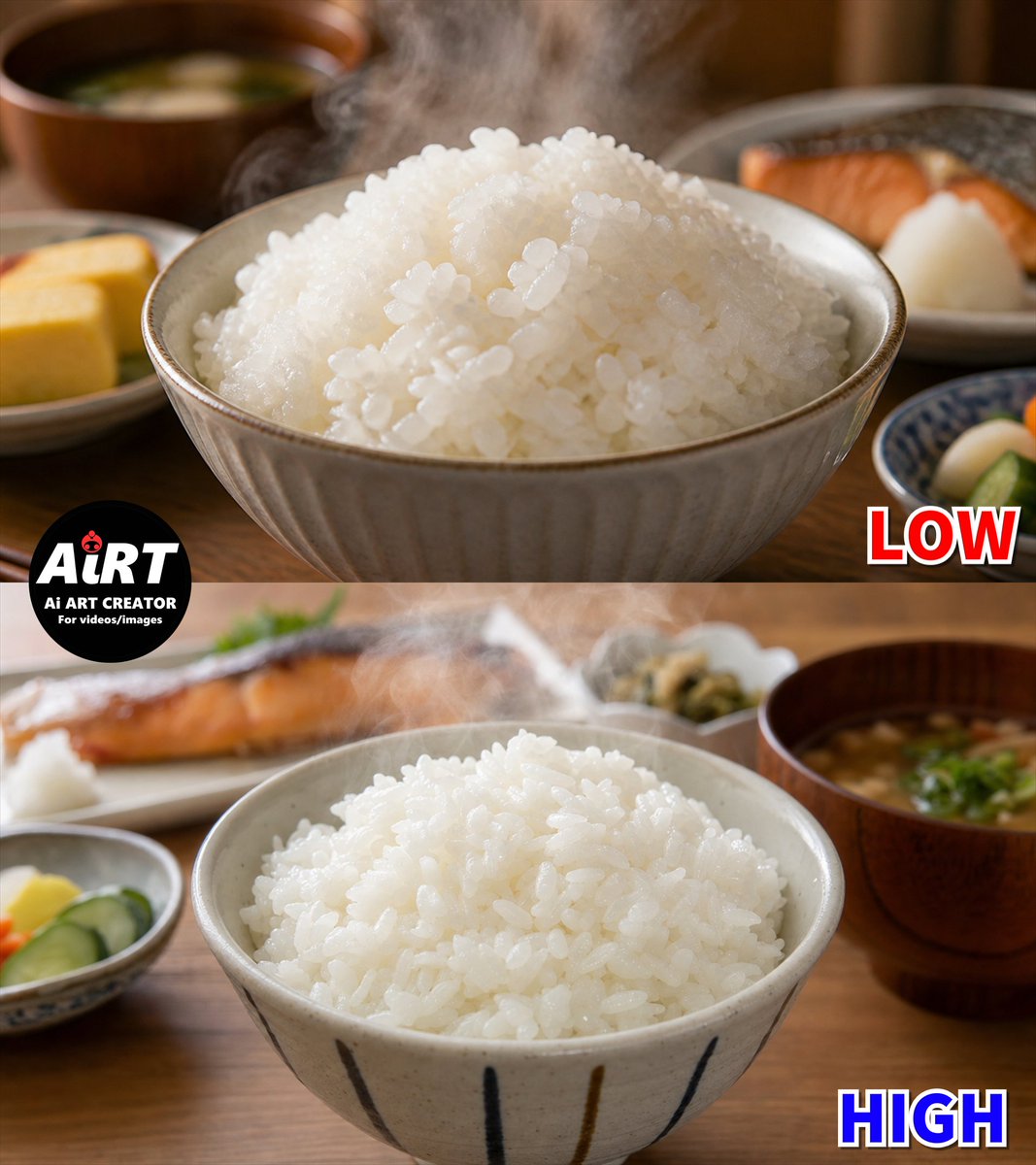
Low vs High Rice Quality Comparison
A photorealistic split-screen Japanese rice comparison image for demonstrating differences between low and high generation quality.
Это пример использования шаблона GPT Image 2 для Продукты питания и напитки . Используйте приведенный ниже шаблон, готовый к копированию, чтобы создать аналогичные визуальные элементы, и перед повторным использованием проверьте указание авторства Awesome GPT Image 2 Prompts и права на коммерческое использование.
Нужен полный набор подсказок? Воспользуйтесь Продукты питания и напитки Для получения дополнительных примеров по теме, или откройте раздел "Обзор тем" GPT Image 2 быстрый каталог Полный список примеров, многократно используемых структур и указание источников см. здесь.
Free 1K preview
Generate one preview image instantly, no sign-up required.
2605/4000
Промпт
Подсказка для копирования
Goal: Create a photorealistic two-panel comparison image showing generated Japanese steamed white rice quality at {argument name="quality labels" default="LOW and HIGH"}, with the top half labeled LOW and the bottom half labeled HIGH.

Canvas: Square 1:1 image, split horizontally into exactly 2 equal photographic panels. Warm indoor Japanese breakfast table setting, shallow depth of field, natural soft lighting, realistic steam.

Top panel: A close-up ceramic bowl filled with a large mound of glossy steamed white rice. The rice grains look slightly too uniform, overly shiny, and a little artificial, with many similar oval grains clustered together. Visible steam rises from the rice. Background includes exactly 4 blurred meal elements: a wooden miso soup bowl in the upper left, a small yellow tamagoyaki omelet plate at the lower left, a grilled salmon plate in the upper right, and a small blue patterned side dish at the lower right. Add a bold red outlined label reading {argument name="top label" default="LOW"} in the bottom-right corner of the top panel.

Bottom panel: A second close-up ceramic bowl of steamed white rice, more natural and appetizing, with irregular rice grain shapes, varied spacing, softer shine, and less plastic-looking texture. Steam rises subtly from the rice. The bowl has vertical dark brushstroke stripes. Background includes exactly 5 blurred meal elements: grilled salmon plate in the upper left, a small plate with grated daikon or white garnish near the salmon, a small side dish with pickles at the lower left, a small side dish near the upper center-right, and a wooden miso soup bowl on the right with green garnish. Add a bold blue outlined label reading {argument name="bottom label" default="HIGH"} in the bottom-right corner of the bottom panel.

Brand mark: Place a circular black logo overlapping the left side of the split line between panels. It reads {argument name="logo text" default="AiRT"} in large white letters with a tiny red ladybug accent, and below it smaller white text reading "Ai ART CREATOR" and "For videos/images".

Visual style: Ultra-realistic food photography, warm wooden table, creamy bokeh, high-detail ceramic bowls, authentic Japanese breakfast atmosphere, no people. Emphasize the contrast between artificial-looking glossy uniform rice in the LOW panel and more random, realistic rice texture in the HIGH panel.

Constraints: Use exactly 2 panels, exactly 2 large labels, exactly 1 circular logo, and the listed 9 blurred background meal elements total. Keep all text legible and do not add extra captions or watermarks.
Переменные подсказки
Редактируемые заполнители аргументов, найденные в подсказке, с их значениями по умолчанию.
Переменная
quality labels
По умолчанию
LOW and HIGH
Переменная
top label
По умолчанию
LOW
Переменная
bottom label
По умолчанию
HIGH
Переменная
logo text
По умолчанию
AiRT
Best for
- - Продукты питания и напитки visual exploration
- - Image generation and reference-image edits
- - Reusable briefs that keep source attribution visible
Change these parts
- - Subject, product, character, or scene
- - Aspect ratio, camera, lighting, and background
- - Brand, text, color, and output constraints
Recommended model and settings
- - Model: gpt-image-2
- - Input mode: Текст в изображение
- - Aspect ratio: source
- - Commercial status: review original source
How to use this prompt
- 1. Copy the prompt and preserve its structure for the first test.
- 2. Replace the subject, context, and publishing channel.
- 3. Change one camera, lighting, or style variable per iteration.
- 4. Inspect the output, source, text, and rights before reuse.
Limitations, source, and reuse cautions
- - Generated output is an editable draft, not factual, legal, or rights evidence.
- - Review the linked source, people, brands, logos, text, and third-party media before commercial use.
Импортировано из Awesome GPT Image 2 Prompts . Требуется указание авторства. Статус коммерческого использования: allowed ; перед платным использованием ознакомьтесь с правами на источник.
Больше случаев в этой категории
Приоритет отдается категориям, совместимости с режимами ввода, качеству и низкому уровню риска.
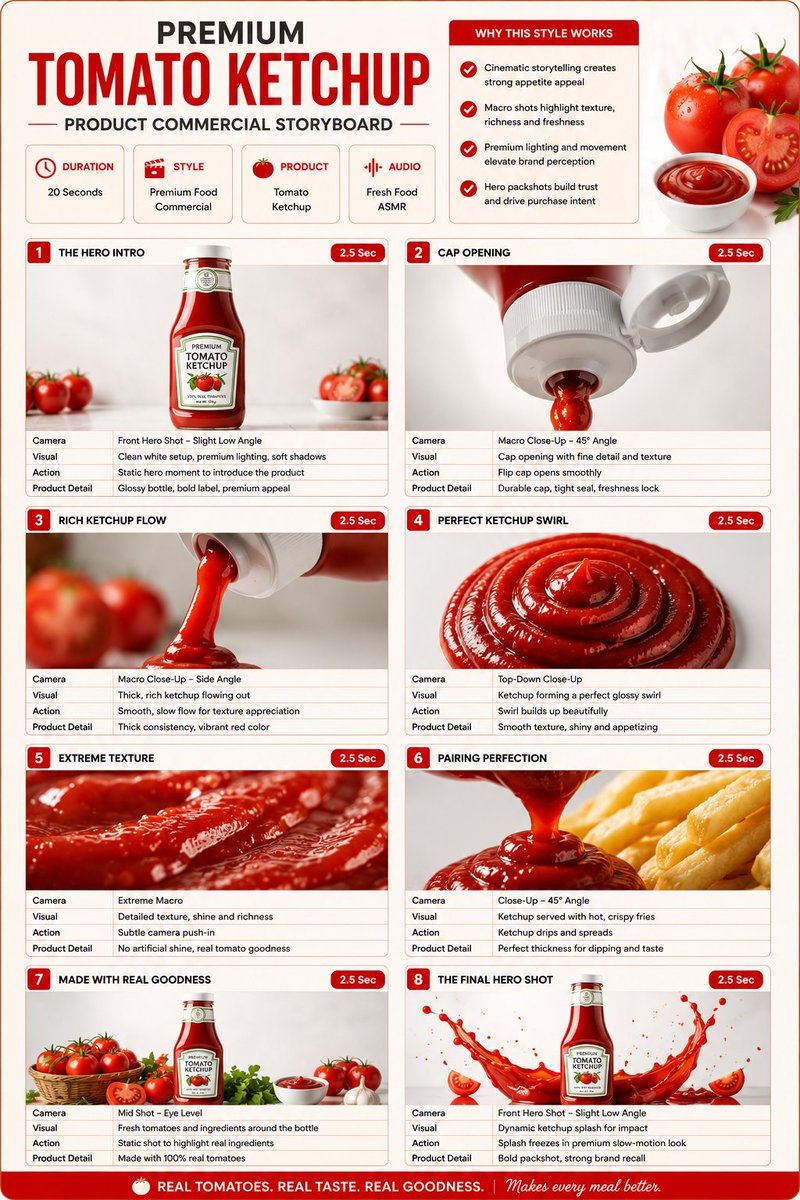
Premium Ketchup Commercial Storyboard
Текст в изображение
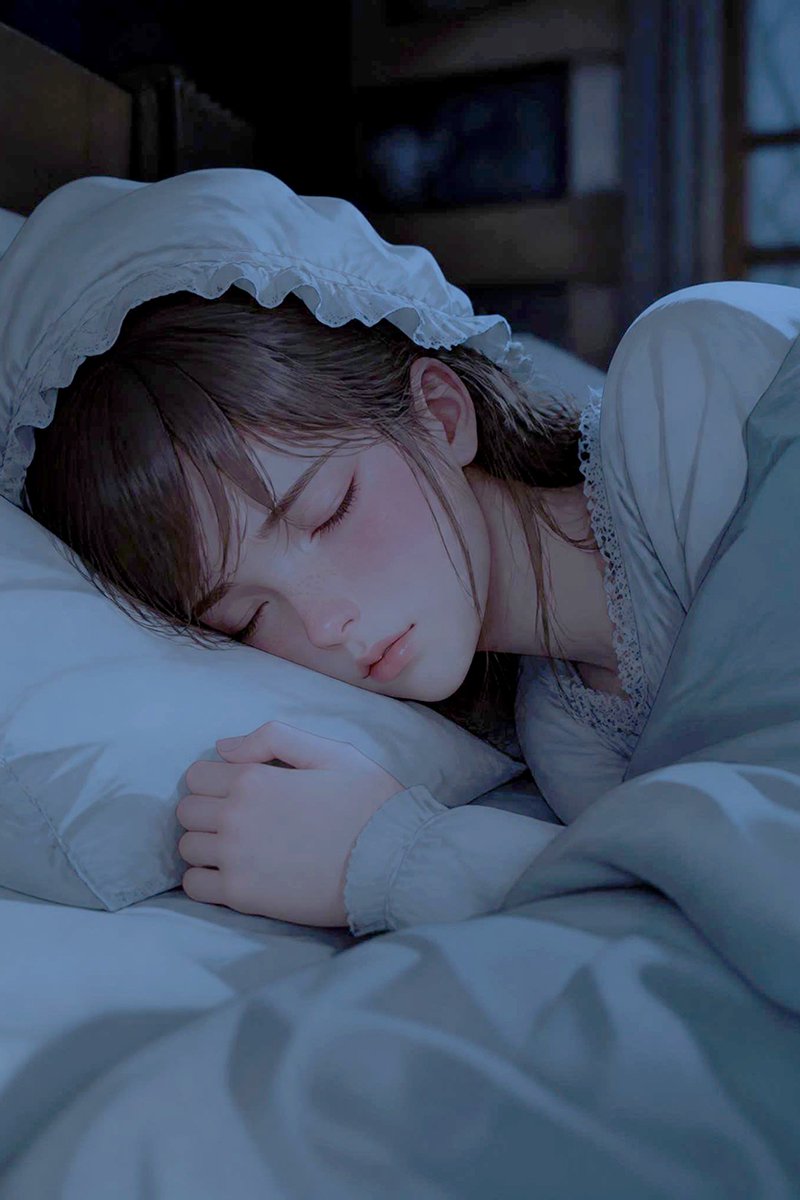
Sleeping Woman in Nightcap
Текст в изображение
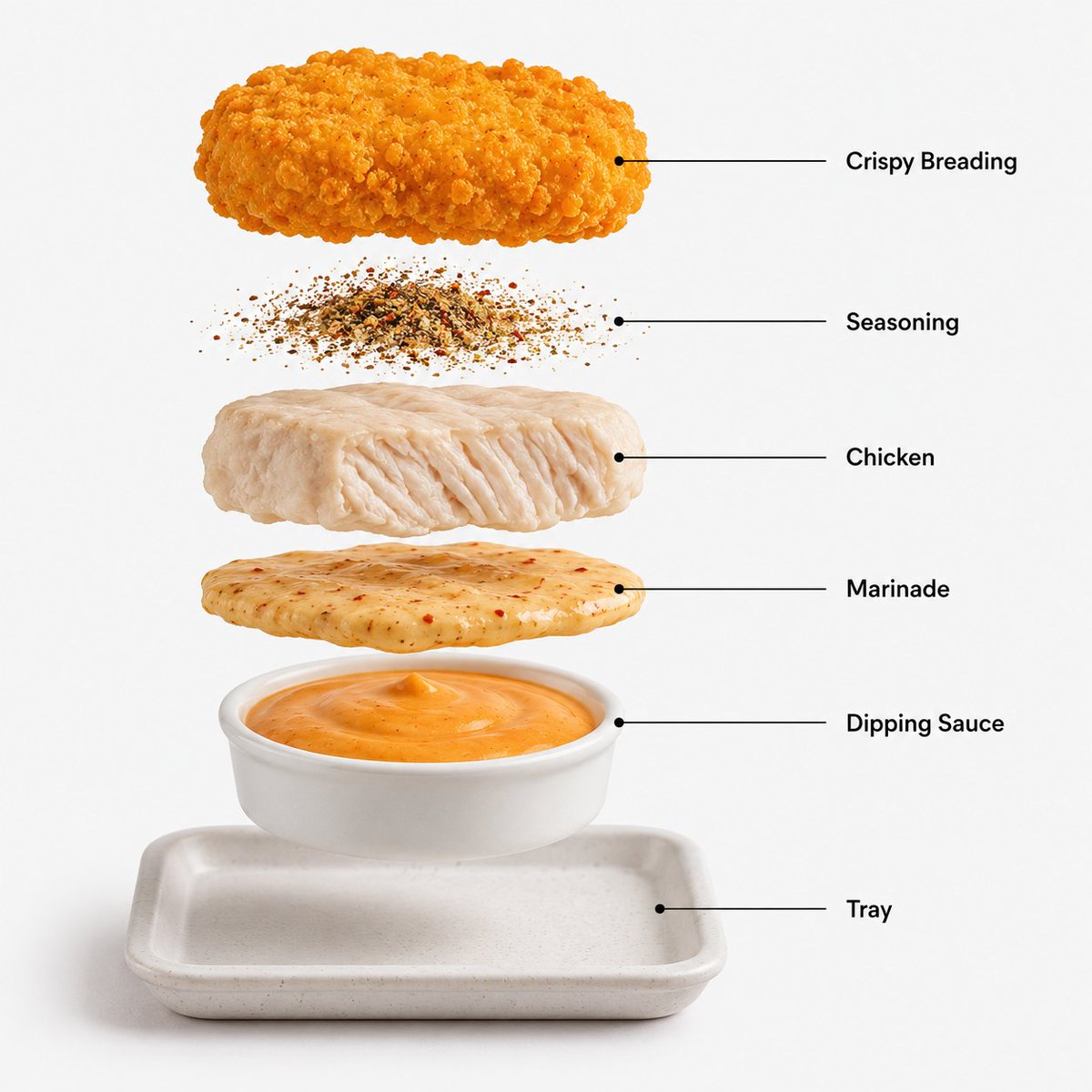
Image 2 Prompt: Create a hyper-realistic exploded
Текст в изображение

Luxury Brand Campaign Prompt Template
Текст в изображение
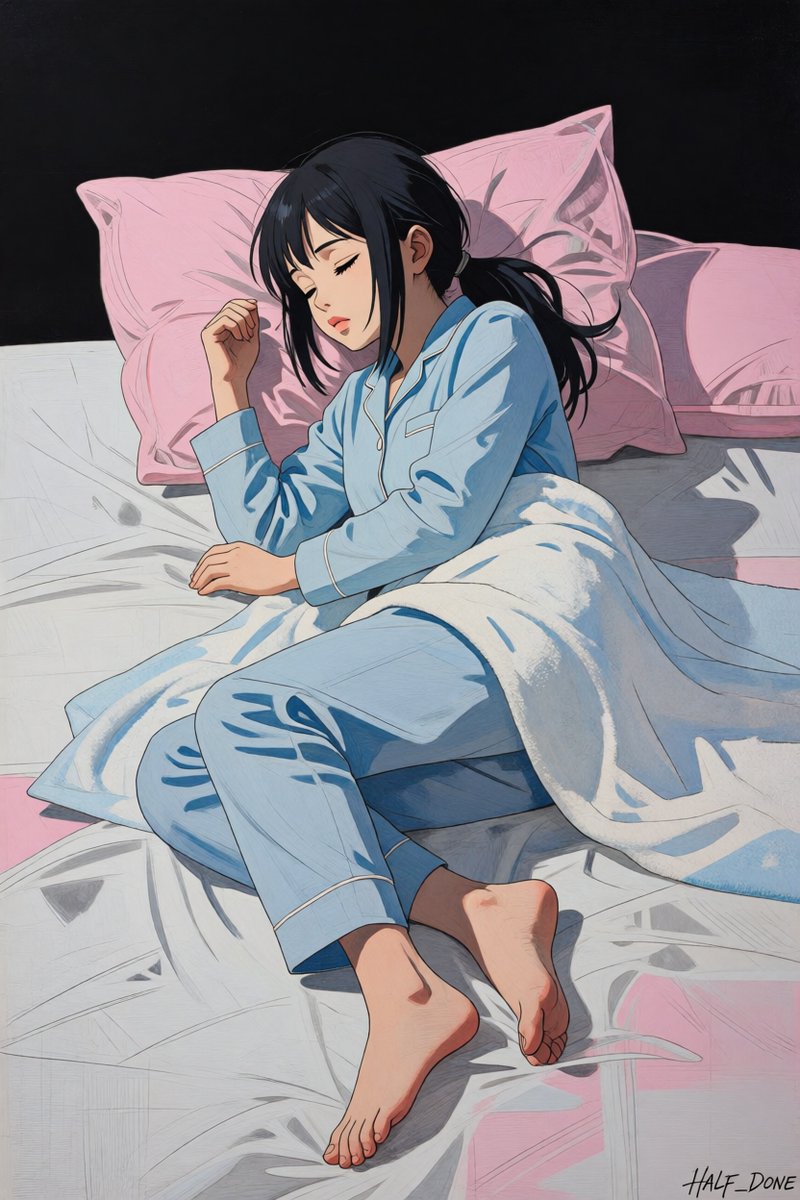
Sleeping Girl in Pitch-Black Room
Текст в изображение
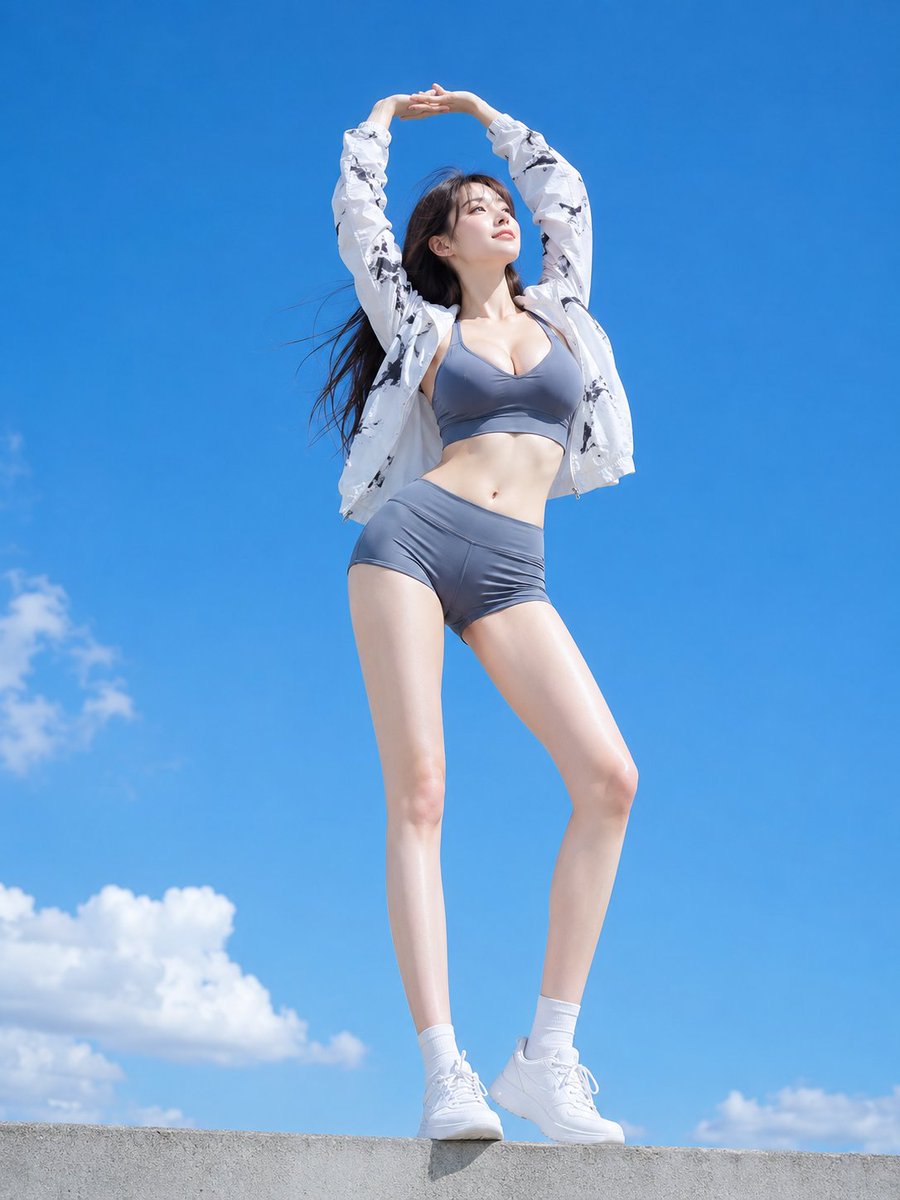
Low Angle Blue Sky Sports Outfit
Текст в изображение
Примечания по повторному использованию и источникам
Используйте это подсказку безопасно после предварительного просмотра дела.
- 1.Скопируйте подсказку или откройте ее непосредственно в Dovoo с помощью кнопки генерации.
- 2.Настройте переменные, соотношение сторон и эталонные изображения в соответствии с вашими потребностями.
- 3.Перед публикацией или платным использованием проверьте права на источник, требования к указанию авторства, а также риски, связанные с использованием товарного знака или изображения.