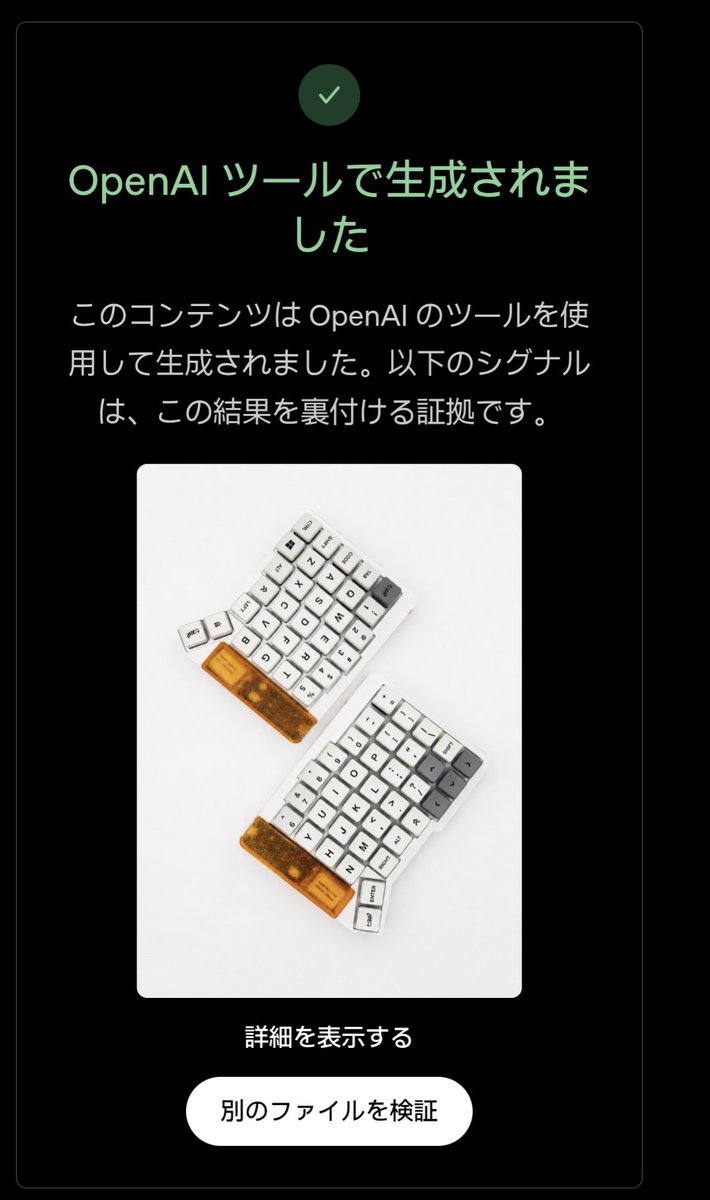
Positive OpenAI Provenance Screen
Transforms a negative OpenAI signal-check screenshot into a positive detected-result UI while preserving the original layout and embedded image.
Это пример использования шаблона GPT Image 2 для Другие источники вдохновения . Используйте приведенный ниже шаблон, готовый к копированию, чтобы создать аналогичные визуальные элементы, и перед повторным использованием проверьте указание авторства Awesome GPT Image 2 Prompts и права на коммерческое использование.
Нужен полный набор подсказок? Воспользуйтесь Другие источники вдохновения Для получения дополнительных примеров по теме, или откройте раздел "Обзор тем" GPT Image 2 быстрый каталог Полный список примеров, многократно используемых структур и указание источников см. здесь.
Free 1K preview
Generate one preview image instantly, no sign-up required.
Free text preview doesn’t preserve reference-image consistency.
874/4000
Промпт
Подсказка для копирования
Using the provided reference image, edit the verification-result screen so it shows a positive OpenAI provenance detection result instead of a negative one. Keep the same dark rounded card layout, the embedded keyboard photo, the centered composition, the bottom link, and the white rounded button unchanged.

Change exactly 3 verification-status elements: 1) replace the pink circular X icon with a green circular checkmark icon, 2) change the headline to green and set it to 「OpenAI ツールで生成されました」, and 3) replace the explanatory body text with 「このコンテンツは OpenAI のツールを使用して生成されました。以下のシグナルは、この結果を裏付ける証拠です。」

Preserve exactly 2 lower text elements as in the reference: the link 「詳細を表示する」 and the button label 「別のファイルを検証」. Use a clean Japanese UI style, high contrast on black, rounded corners, and make the edit look like an authentic screenshot rather than a redesigned poster.
Best for
- - Другие источники вдохновения visual exploration
- - Image generation and reference-image edits
- - Reusable briefs that keep source attribution visible
Change these parts
- - Subject, product, character, or scene
- - Aspect ratio, camera, lighting, and background
- - Brand, text, color, and output constraints
Recommended model and settings
- - Model: gpt-image-2
- - Input mode: Изображение в изображение
- - Aspect ratio: source
- - Commercial status: review original source
How to use this prompt
- 1. Copy the prompt and preserve its structure for the first test.
- 2. Replace the subject, context, and publishing channel.
- 3. Change one camera, lighting, or style variable per iteration.
- 4. Inspect the output, source, text, and rights before reuse.
Limitations, source, and reuse cautions
- - Generated output is an editable draft, not factual, legal, or rights evidence.
- - Review the linked source, people, brands, logos, text, and third-party media before commercial use.
Импортировано из Awesome GPT Image 2 Prompts . Требуется указание авторства. Статус коммерческого использования: allowed ; перед платным использованием ознакомьтесь с правами на источник.
Больше случаев в этой категории
Приоритет отдается категориям, совместимости с режимами ввода, качеству и низкому уровню риска.
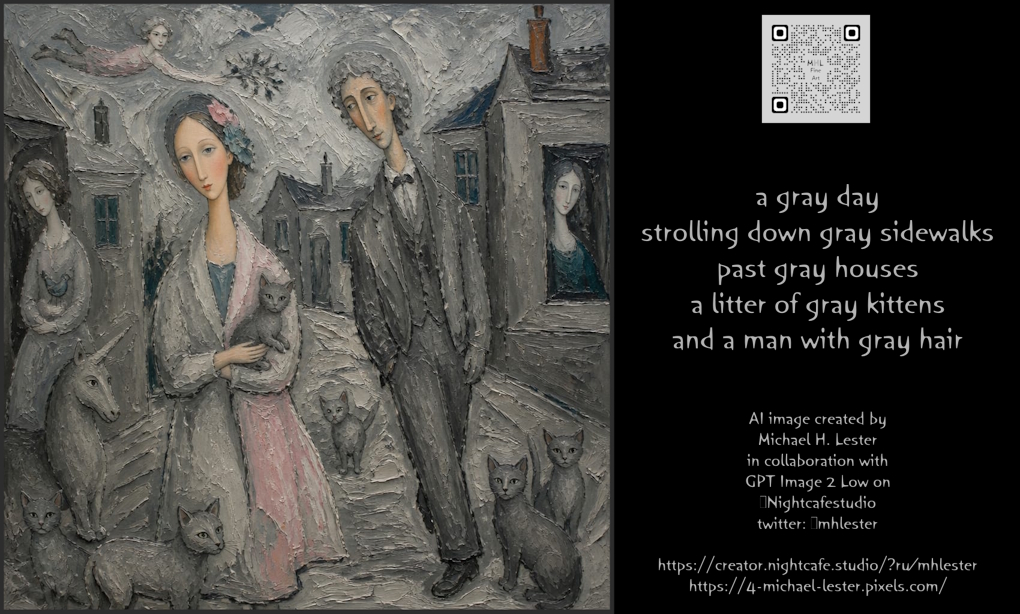
The Gray Day Scene
Текст в изображение
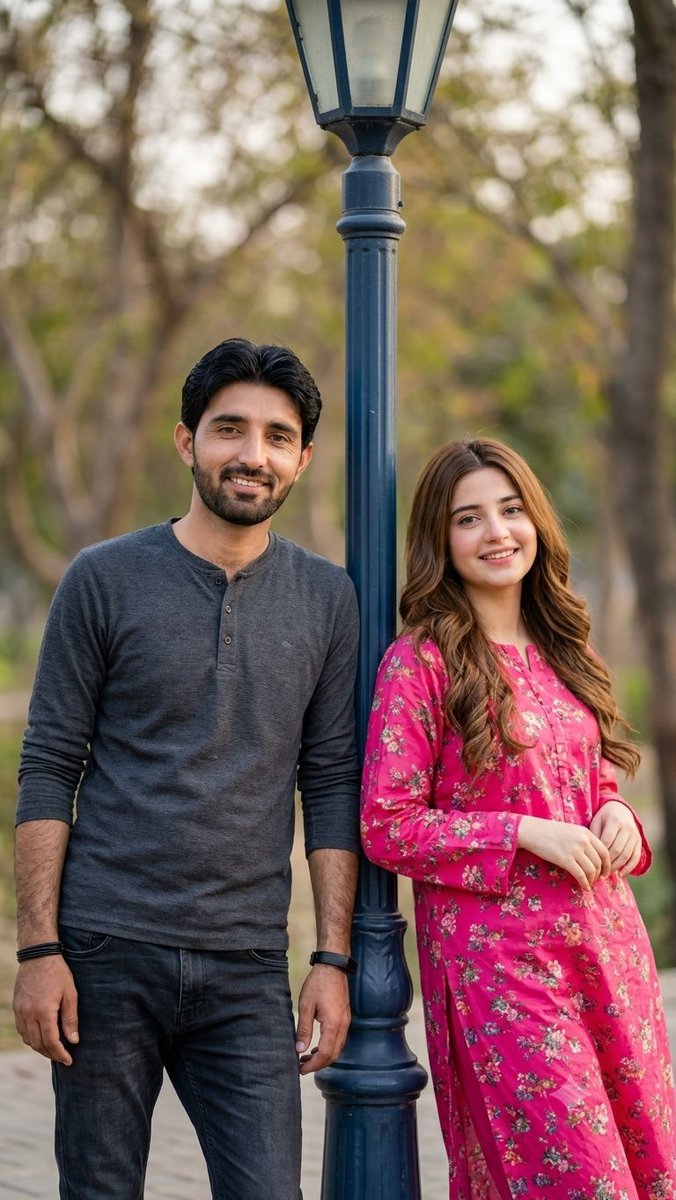
Identity-Preserving Romantic Couple Portrait
Изображение в изображение
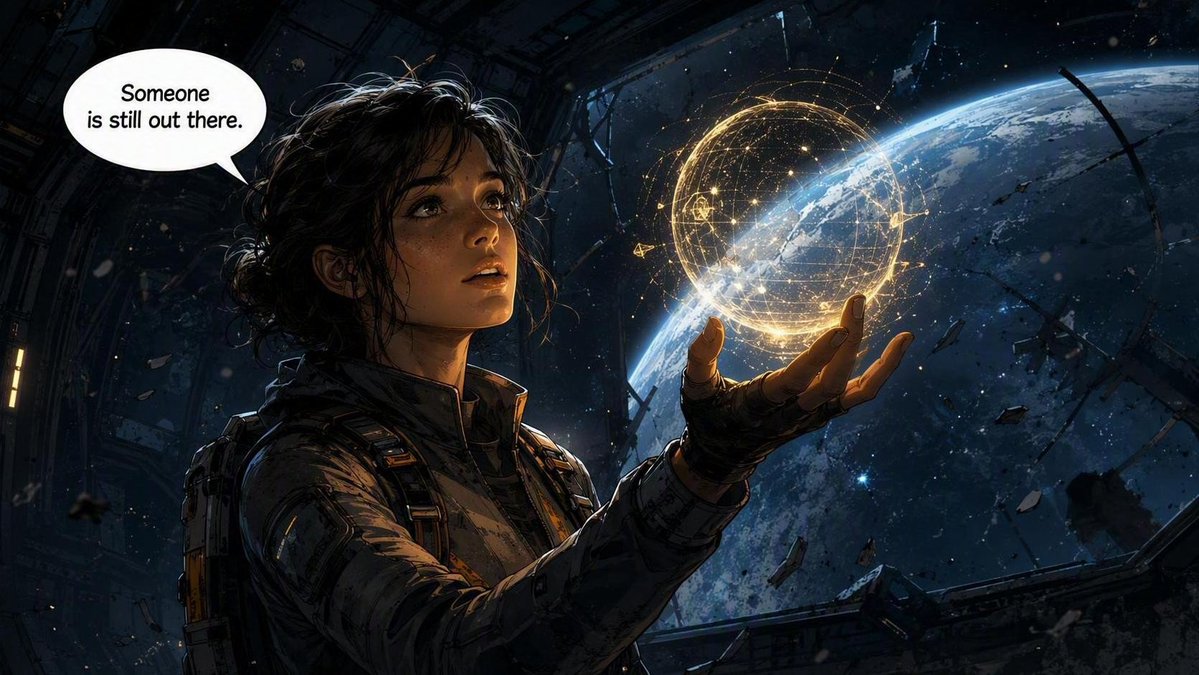
Sci-Fi Comic Panel Illustration
Изображение в изображениеСредний риск
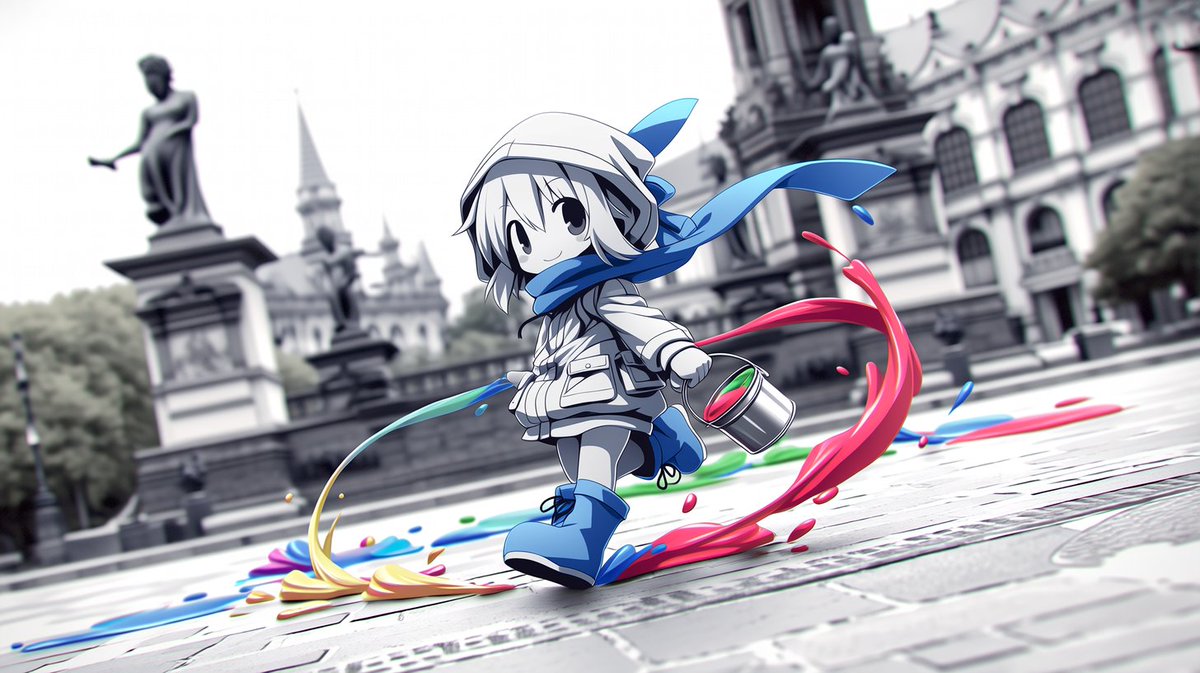
Chibi Painter in Monochrome Plaza
Текст в изображение
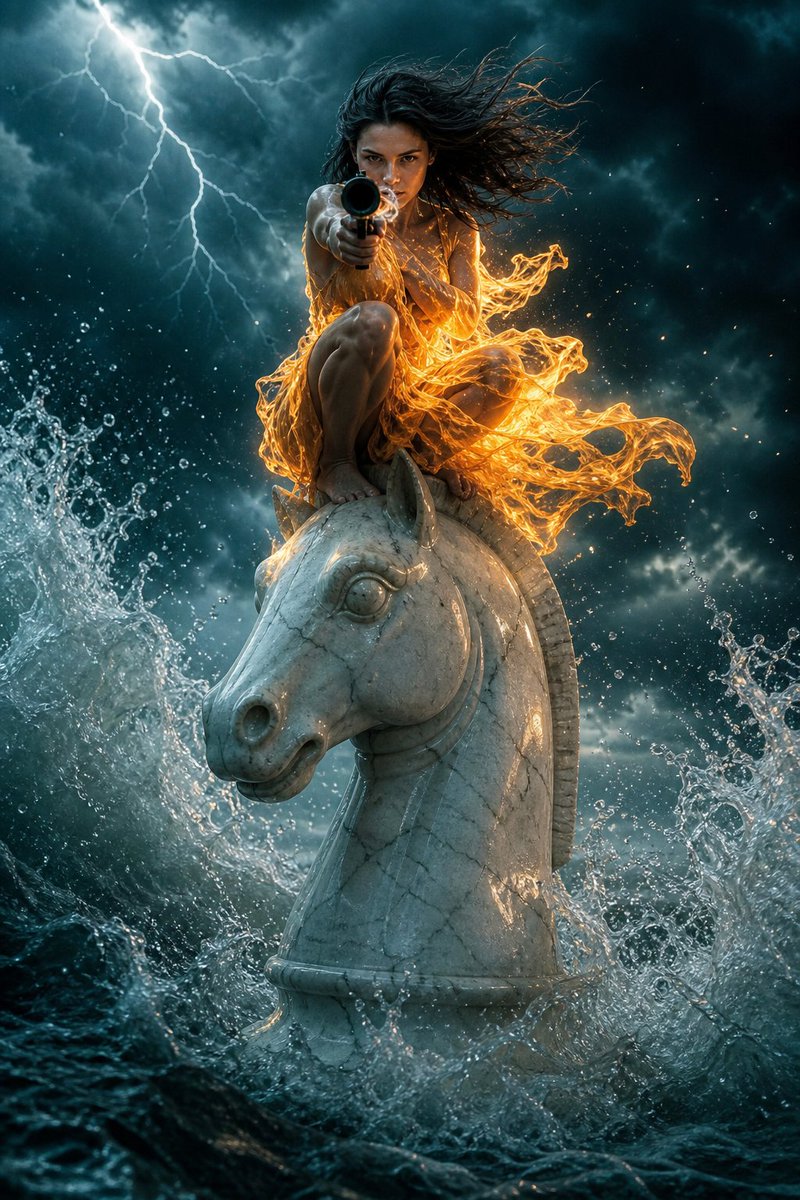
Surreal Action Sea Chess Knight
Текст в изображение
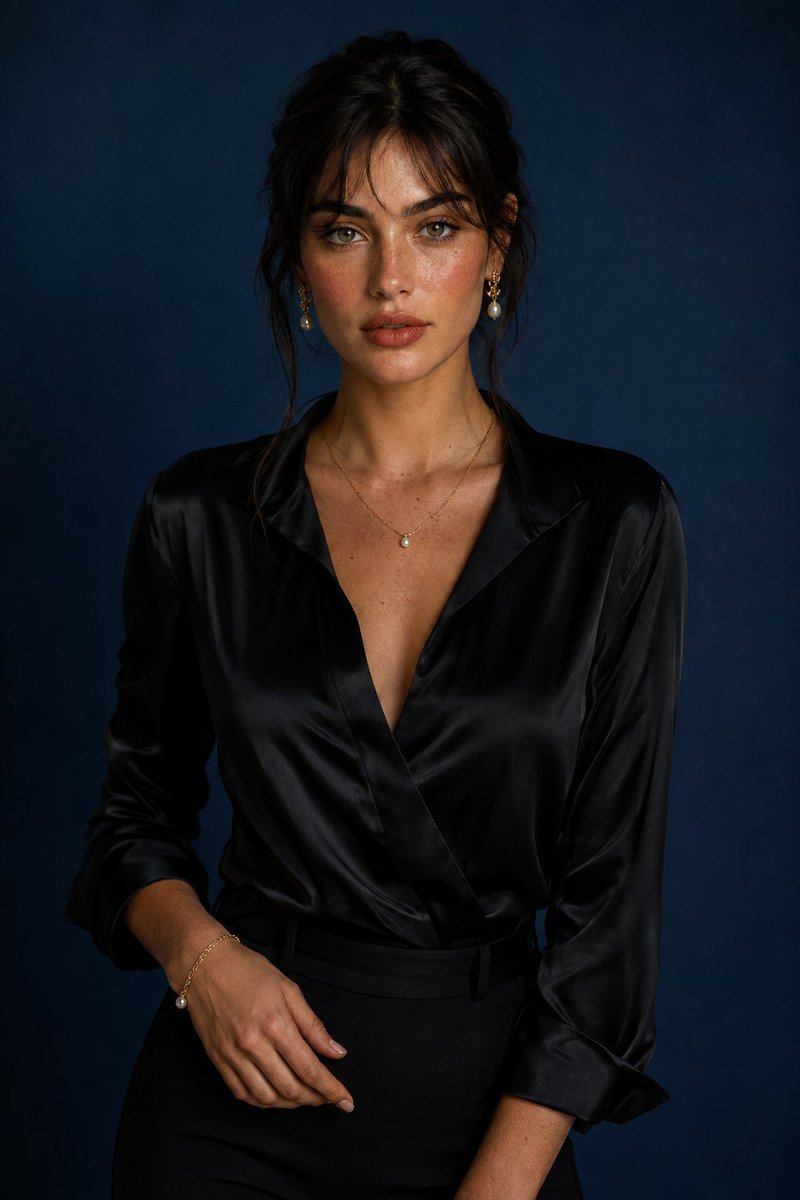
Luxury Studio Portrait with Blue Backdrop
Текст в изображение
Примечания по повторному использованию и источникам
Используйте это подсказку безопасно после предварительного просмотра дела.
- 1.Скопируйте подсказку или откройте ее непосредственно в Dovoo с помощью кнопки генерации.
- 2.Настройте переменные, соотношение сторон и эталонные изображения в соответствии с вашими потребностями.
- 3.Перед публикацией или платным использованием проверьте права на источник, требования к указанию авторства, а также риски, связанные с использованием товарного знака или изображения.