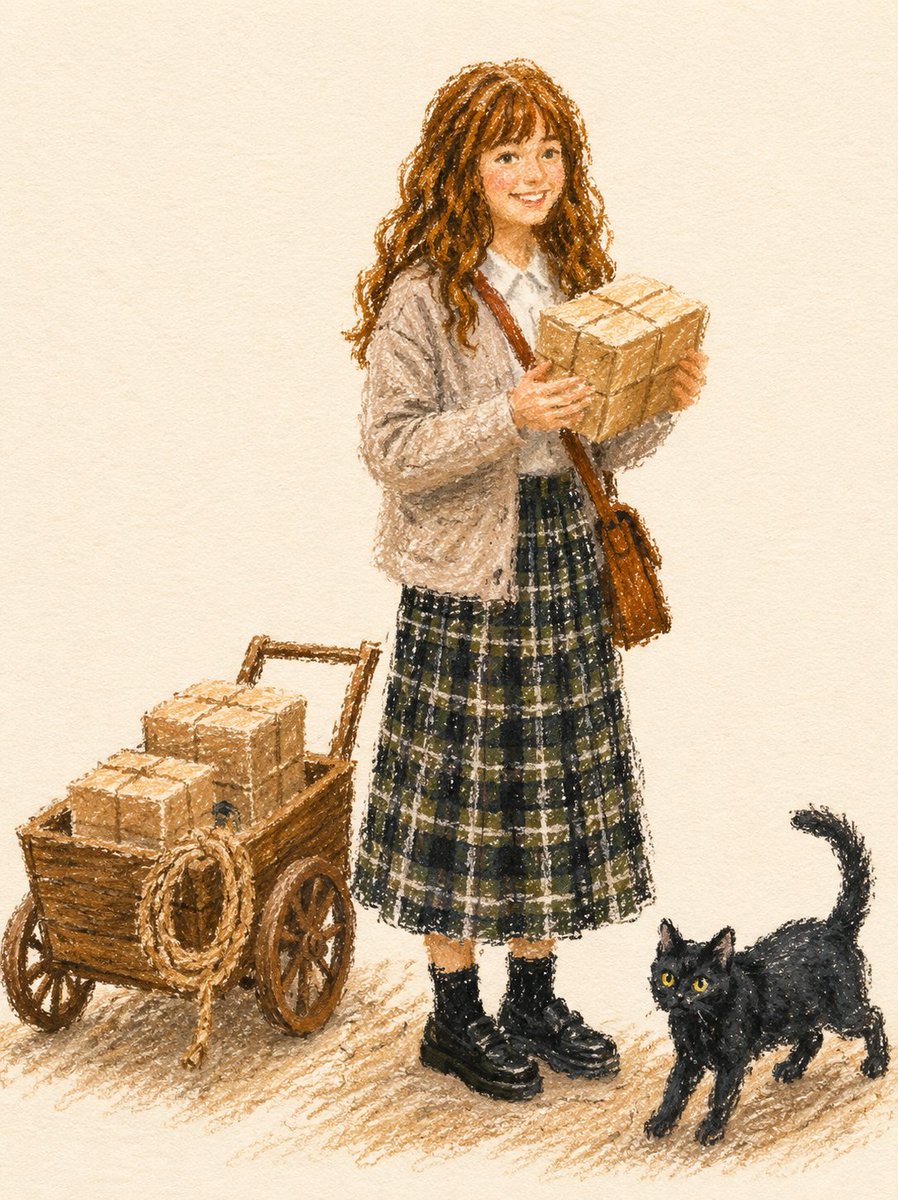
Иллюстрации в стиле модной графики, выполненные масляной пастелью.
Стилистическое задание, которое преобразует эталонную фотографию в смелую, фактурную модную иллюстрацию с использованием масляных пастелей или восковых карандашей.
Это пример использования шаблона GPT Image 2 для Иллюстрация и искусство . Используйте приведенный ниже шаблон, готовый к копированию, чтобы создать аналогичные визуальные элементы, и перед повторным использованием проверьте указание авторства Awesome GPT Image 2 Prompts и права на коммерческое использование.
Free 1K preview
Generate one preview image instantly, no sign-up required.
Free text preview doesn’t preserve reference-image consistency.
Промпт
Подсказка для копирования
Transform the subject from the uploaded photo into a fashion illustration created with {argument name="medium" default="thick oil pastels or wax crayons"} on {argument name="surface" default="textured paper"}.
Fashion Illustration Style: Editorial and stylish, focusing on the subject’s outfit and overall look rather than background elements. Reminiscent of fashion magazine sketches.
Medium & Tools: Rendered with bold, chunky pastel strokes. Marks are grainy, textured, and uneven, leaving visible gaps and overlaps. No digital smoothness.
Linework: No black outlines or contour lines. Shapes are defined by overlapping pastel blocks of color.
Coloring: Flat matte fills in vibrant but muted tones. Slightly imperfect coverage, with paper texture peeking through. Minimal shading using broad pastel hatching, not gradients.
Details: Preserve the subject’s hairstyle, clothing, accessories, pose, and expression exactly, but simplify them into bold pastel forms. Logos or numbers should appear as painterly pastel marks, not sharp text.
Background: Solid, off-white sketchbook paper. Only a light scribbled ground shadow to anchor the figure.
Overall Tone: Chic, modern fashion sketch aesthetic — stylish, minimal, and editorial.
Negative Prompt: No outlines, no contour ink. No gradients, no digital airbrush, no vector-smooth shapes.
Переменные подсказки
Редактируемые заполнители аргументов, найденные в подсказке, с их значениями по умолчанию.
Best for
- - Иллюстрация и искусство visual exploration
- - Image generation and reference-image edits
- - Reusable briefs that keep source attribution visible
Change these parts
- - Subject, product, character, or scene
- - Aspect ratio, camera, lighting, and background
- - Brand, text, color, and output constraints
Recommended model and settings
- - Model: gpt-image-2
- - Input mode: Изображение в изображение
- - Aspect ratio: source
- - Commercial status: review original source
How to use this prompt
- 1. Copy the prompt and preserve its structure for the first test.
- 2. Replace the subject, context, and publishing channel.
- 3. Change one camera, lighting, or style variable per iteration.
- 4. Inspect the output, source, text, and rights before reuse.
Limitations, source, and reuse cautions
- - Generated output is an editable draft, not factual, legal, or rights evidence.
- - Review the linked source, people, brands, logos, text, and third-party media before commercial use.
Больше случаев в этой категории
Приоритет отдается категориям, совместимости с режимами ввода, качеству и низкому уровню риска.






Примечания по повторному использованию и источникам
Используйте это подсказку безопасно после предварительного просмотра дела.
- 1.Скопируйте подсказку или откройте ее непосредственно в Dovoo с помощью кнопки генерации.
- 2.Настройте переменные, соотношение сторон и эталонные изображения в соответствии с вашими потребностями.
- 3.Перед публикацией или платным использованием проверьте права на источник, требования к указанию авторства, а также риски, связанные с использованием товарного знака или изображения.