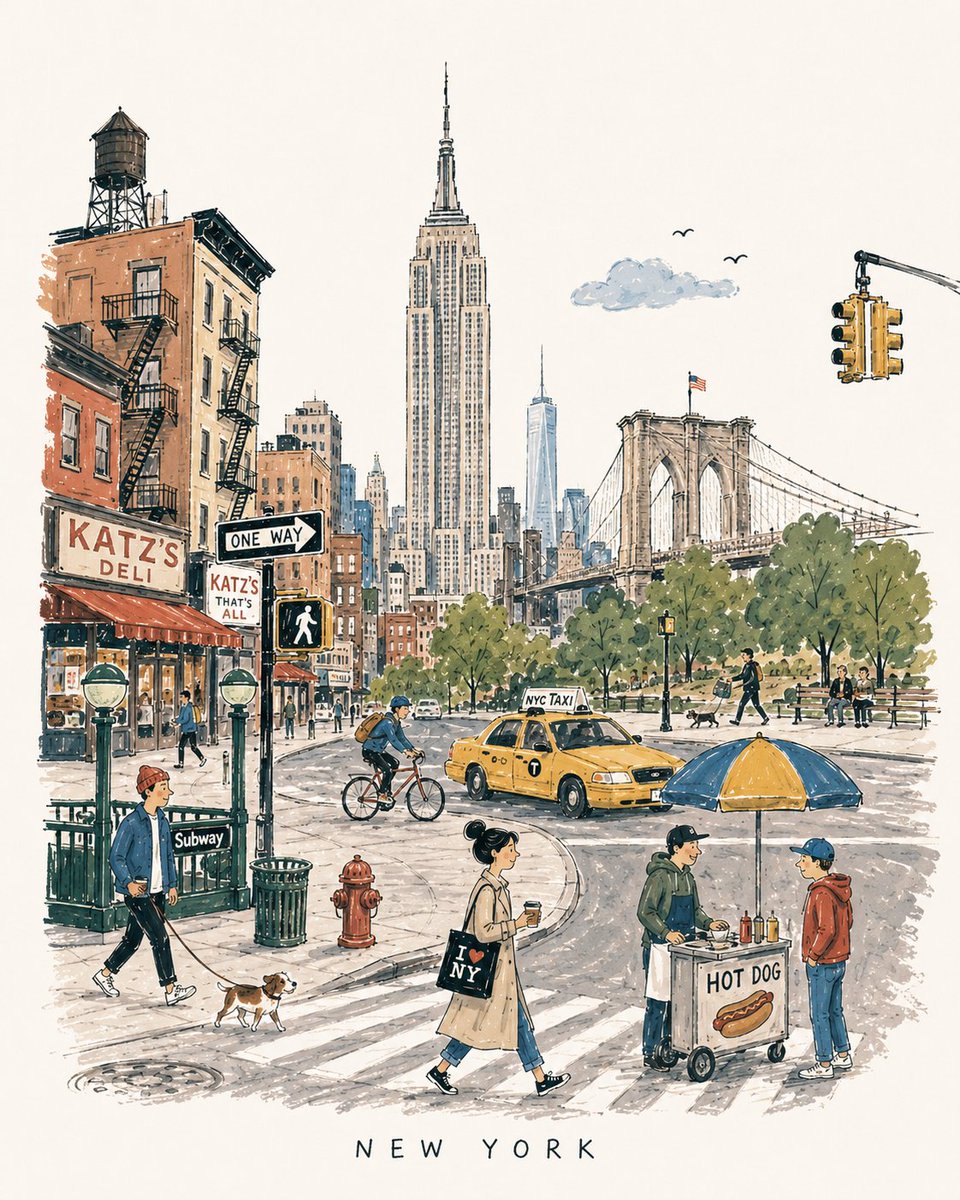
Mid-century Travel Picture-book Illustration
A detailed prompt for generating charming vertical 4:5 mid-century travel illustrations inspired by 1950s-60s European city books, focusing on landmarks, local life, and a handmade aesthetic.
Это пример использования шаблона GPT Image 2 для Иллюстрация и искусство . Используйте приведенный ниже шаблон, готовый к копированию, чтобы создать аналогичные визуальные элементы, и перед повторным использованием проверьте указание авторства Awesome GPT Image 2 Prompts и права на коммерческое использование.
Free 1K preview
Generate one preview image instantly, no sign-up required.
Промпт
Подсказка для копирования
[DESTINATION] = {argument name="city name" default="London"}

Create a charming vertical 4:5 mid-century travel picture-book illustration of {argument name="destination" default="London"}, inspired by playful 1950s–60s European city books.

Depict the city as an affectionate, imperfect travel memory—not a map, postcard, architectural rendering, landmark collage, or cinematic panorama.

Include:
• 1 distinctive primary landmark
• 1 smaller secondary landmark
• 1 distant/partially hidden local feature
• 1 recognizable local vehicle
• 3–5 subtle everyday city details
• 5–6 ordinary people doing simple local activities

Compress these naturally into one imaginary street, plaza, park, or waterfront. Keep the primary landmark slightly off-center, with open foreground, shallow theatrical depth, gentle curves, and generous museum-white negative space. The city should be recognizable without feeling geographically accurate.

STYLE:
Hand-drawn picture-book illustration with loose charcoal/navy ink, trembling contours, crooked architecture, uneven proportions, sparse windows, simplified silhouettes, occasional double strokes, and minimal detail. Use the fewest lines necessary. Slightly awkward, intelligent, warm, humorous, and handmade.

PEOPLE:
Simple expressive figures with oversized heads, thin legs, narrow bodies, tiny faces, tilted accessories, and awkward but readable gestures. Show ordinary local life, not celebrities, models, stereotypes, or tourist clichés.

COLOR:
Use a restrained 6–7 color destination-specific palette with flat matte gouache shapes, uneven brush edges, white gaps, slight misregistration, and occasional color spilling beyond ink. Mostly unpainted sky/paper. No gradients or realistic shading.

MEMORY DISTORTION:
Gently compress geography and distort scale: distant landmarks may appear nearby, roads may curve strangely, buildings may overlap, and people/vehicles may be slightly oversized or undersized. Keep it balanced, affectionate, and culturally respectful.

OPTIONAL TEXT:
“{argument name="destination" default="London"}” in small uneven hand-drawn capitals near the bottom. No slogans, dates, labels, logos, or promotional text.

AVOID:
Photorealism, map-like accuracy, landmark checklists, aerial views, cinematic lighting, technical perspective, dense crowds, detailed ornament, polished vector art, CGI, 3D rendering, gradients, sepia/beige paper, artificial aging, distressed textures, and hyper-detailed watercolor.

Overall feeling: {argument name="destination" default="London"} remembered lovingly-recognizable, spacious, human, humorous, slightly improbable, and beautifully imperfect.
Переменные подсказки
Редактируемые заполнители аргументов, найденные в подсказке, с их значениями по умолчанию.
Best for
- - Иллюстрация и искусство visual exploration
- - Image generation and reference-image edits
- - Reusable briefs that keep source attribution visible
Change these parts
- - Subject, product, character, or scene
- - Aspect ratio, camera, lighting, and background
- - Brand, text, color, and output constraints
Recommended model and settings
- - Model: gpt-image-2
- - Input mode: Текст в изображение
- - Aspect ratio: source
- - Commercial status: review original source
How to use this prompt
- 1. Copy the prompt and preserve its structure for the first test.
- 2. Replace the subject, context, and publishing channel.
- 3. Change one camera, lighting, or style variable per iteration.
- 4. Inspect the output, source, text, and rights before reuse.
Limitations, source, and reuse cautions
- - Generated output is an editable draft, not factual, legal, or rights evidence.
- - Review the linked source, people, brands, logos, text, and third-party media before commercial use.
Больше случаев в этой категории
Приоритет отдается категориям, совместимости с режимами ввода, качеству и низкому уровню риска.






Примечания по повторному использованию и источникам
Используйте это подсказку безопасно после предварительного просмотра дела.
- 1.Скопируйте подсказку или откройте ее непосредственно в Dovoo с помощью кнопки генерации.
- 2.Настройте переменные, соотношение сторон и эталонные изображения в соответствии с вашими потребностями.
- 3.Перед публикацией или платным использованием проверьте права на источник, требования к указанию авторства, а также риски, связанные с использованием товарного знака или изображения.