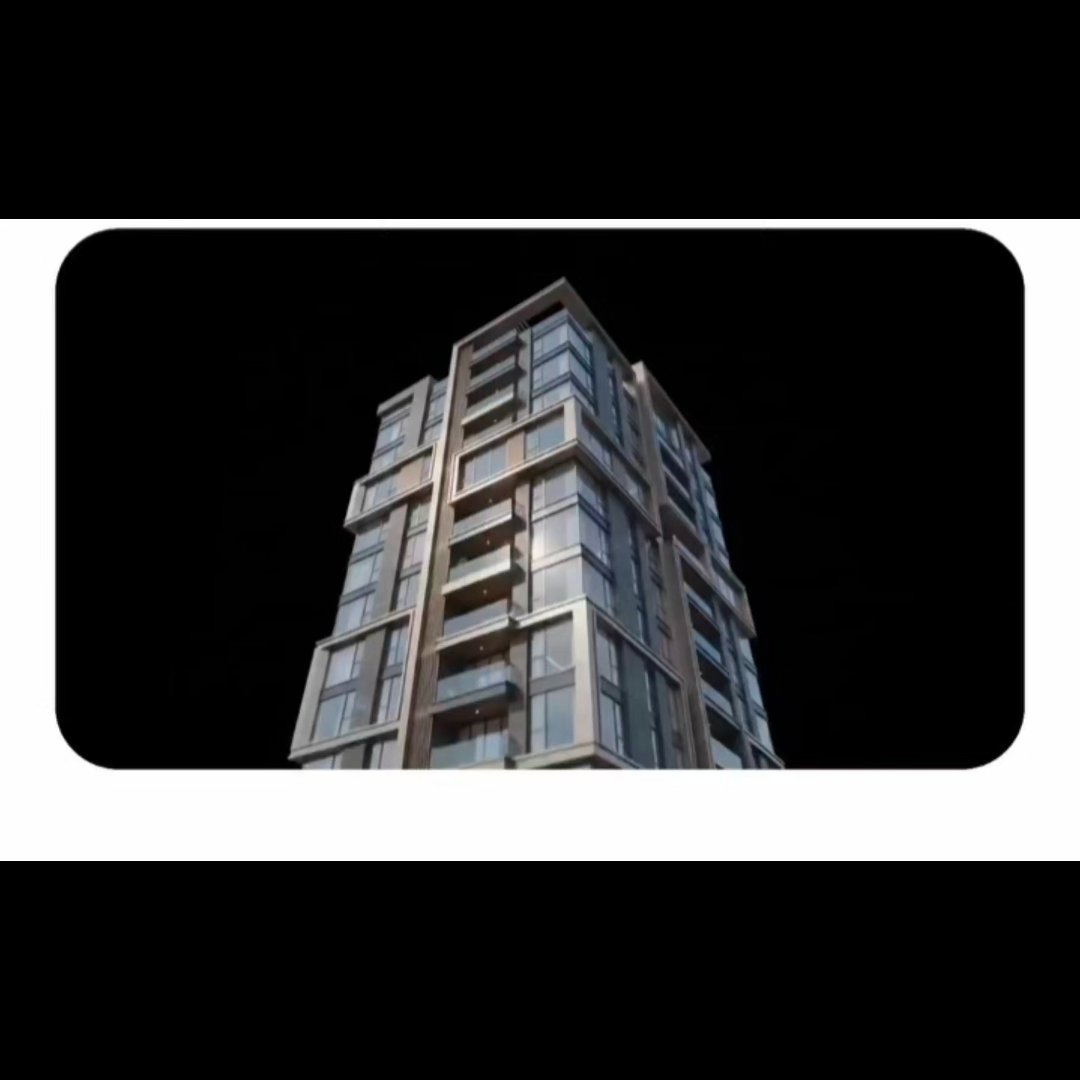
Luxury Tower in Rounded Video Frame
Generates a premium photorealistic CGI still of a modern residential tower on a black background inside a clean rounded video-style frame.
Это пример использования шаблона GPT Image 2 для Интерьер и архитектура . Используйте приведенный ниже шаблон, готовый к копированию, чтобы создать аналогичные визуальные элементы, и перед повторным использованием проверьте указание авторства Awesome GPT Image 2 Prompts и права на коммерческое использование.
Нужен полный набор подсказок? Воспользуйтесь Интерьер и архитектура Для получения дополнительных примеров по теме, или откройте раздел "Обзор тем" GPT Image 2 быстрый каталог Полный список примеров, многократно используемых структур и указание источников см. здесь.
Free 1K preview
Generate one preview image instantly, no sign-up required.
1214/4000
Промпт
Подсказка для копирования
Create a single photorealistic CGI architectural still of a {argument name="building type" default="luxury modern residential tower"} viewed from a dramatic low angle, centered inside a wide horizontal rounded-rectangle frame. The tower should look premium and expensive, approximately 10–12 stories tall, with glass curtain walls, large reflective windows, dark metal balcony railings, beige stone or concrete facade bands, vertical brown accent columns, recessed balconies, and crisp contemporary geometry. Place the building against a pure infinite black background with no sky, landscape, people, cars, text, logos, or watermark. Use high-end studio lighting with subtle reflections on glass and metal, a polished architectural visualization look, realistic materials, sharp vertical lines, and slight cinematic softness. The composition should appear like a video frame embedded in a clean white interface: thick white border around the image area, large rounded black viewing window, and black letterbox space above and below the white framed panel. Keep the tower rising from the lower center, cropped near the bottom edge, with the top leaning slightly back from perspective, emphasizing height and luxury.Переменные подсказки
Редактируемые заполнители аргументов, найденные в подсказке, с их значениями по умолчанию.
Переменная
building type
По умолчанию
luxury modern residential tower
Best for
- - Интерьер и архитектура visual exploration
- - Image generation and reference-image edits
- - Reusable briefs that keep source attribution visible
Change these parts
- - Subject, product, character, or scene
- - Aspect ratio, camera, lighting, and background
- - Brand, text, color, and output constraints
Recommended model and settings
- - Model: gpt-image-2
- - Input mode: Текст в изображение
- - Aspect ratio: source
- - Commercial status: review original source
How to use this prompt
- 1. Copy the prompt and preserve its structure for the first test.
- 2. Replace the subject, context, and publishing channel.
- 3. Change one camera, lighting, or style variable per iteration.
- 4. Inspect the output, source, text, and rights before reuse.
Limitations, source, and reuse cautions
- - Generated output is an editable draft, not factual, legal, or rights evidence.
- - Review the linked source, people, brands, logos, text, and third-party media before commercial use.
Импортировано из Awesome GPT Image 2 Prompts . Требуется указание авторства. Статус коммерческого использования: allowed ; перед платным использованием ознакомьтесь с правами на источник.
Больше случаев в этой категории
Приоритет отдается категориям, совместимости с режимами ввода, качеству и низкому уровню риска.
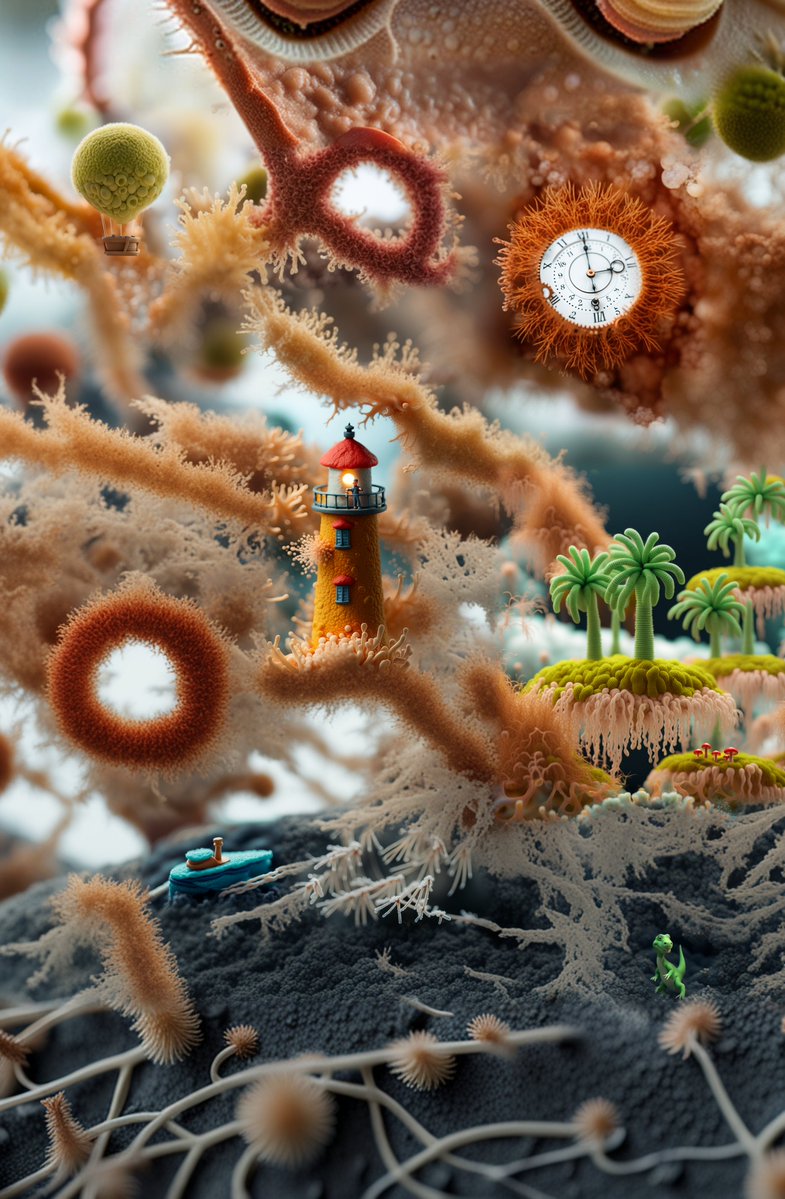
Surreal Miniature Coral Diorama
Текст в изображение
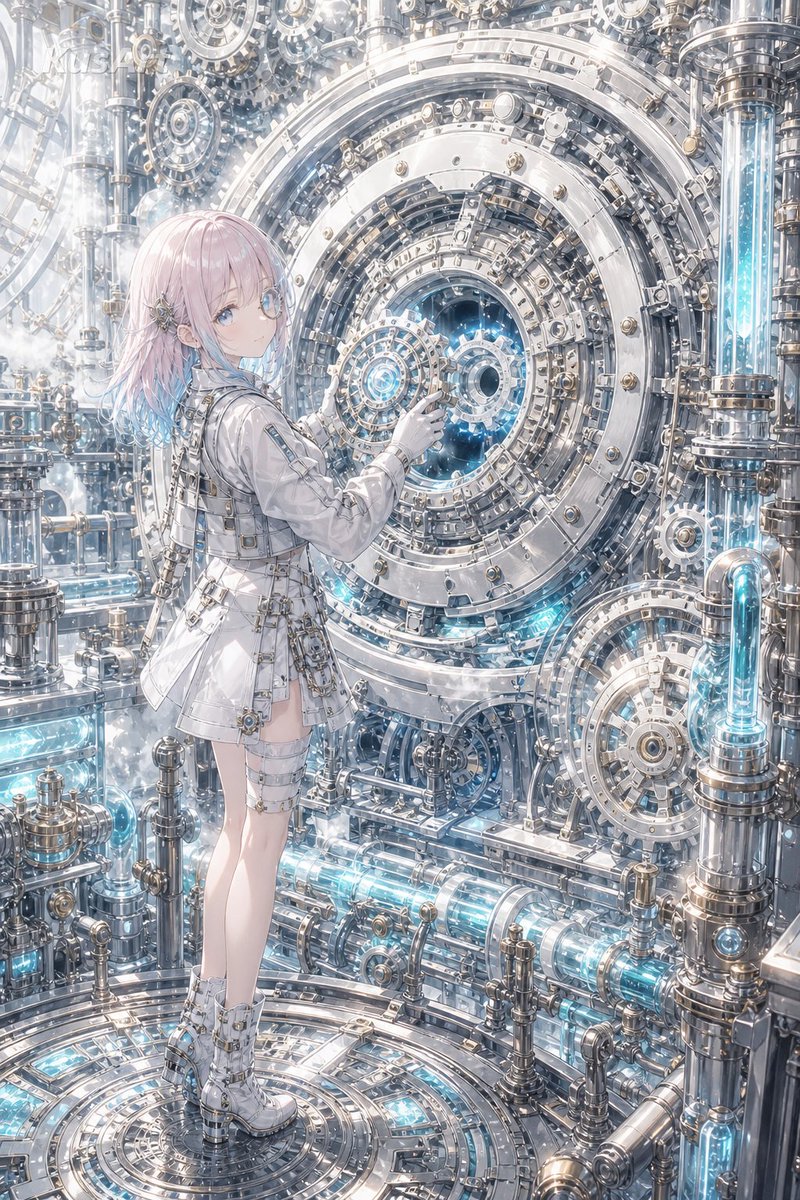
Steampunk Last Gear Prompt
Текст в изображение

Nokia Photo with Handwritten Diary Doodles
Текст в изображение
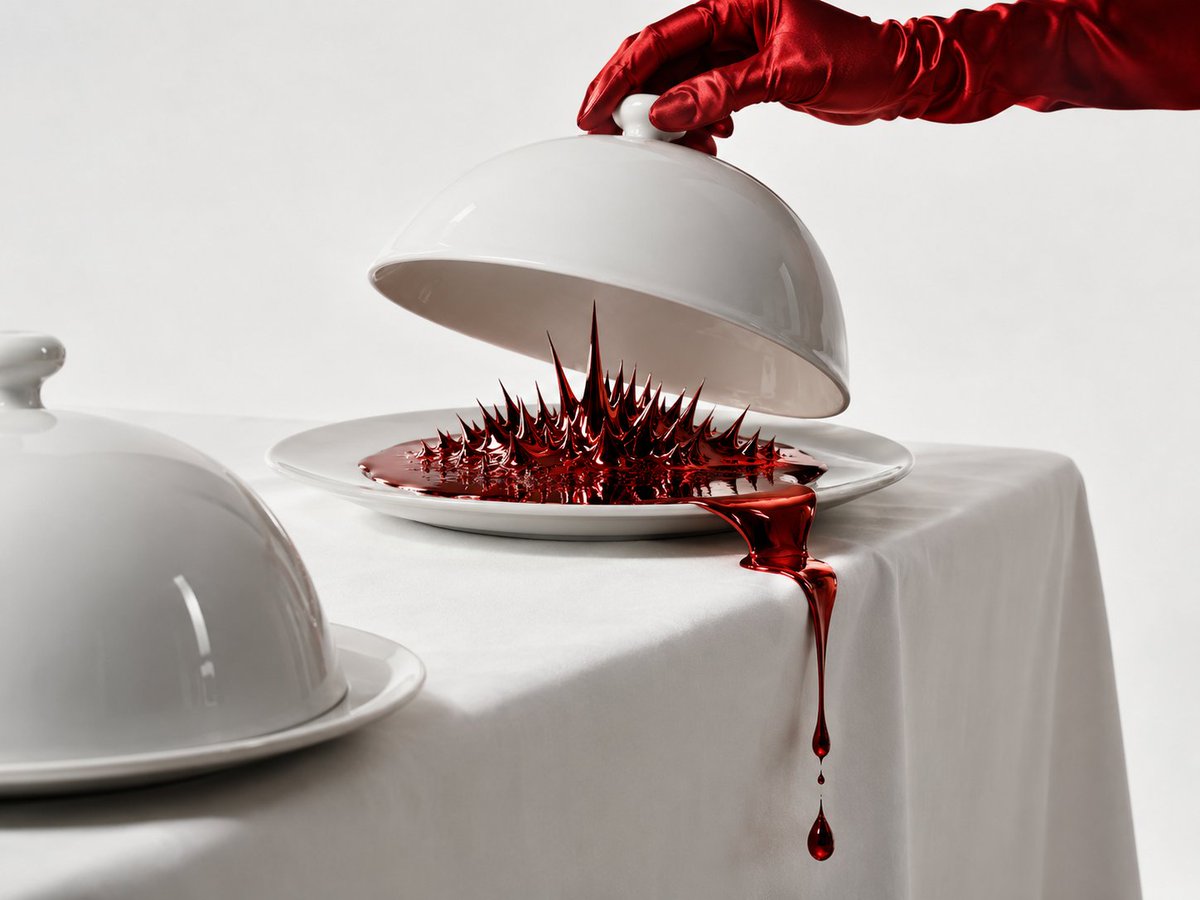
Uncanny Red Liquid Still Life
Текст в изображение
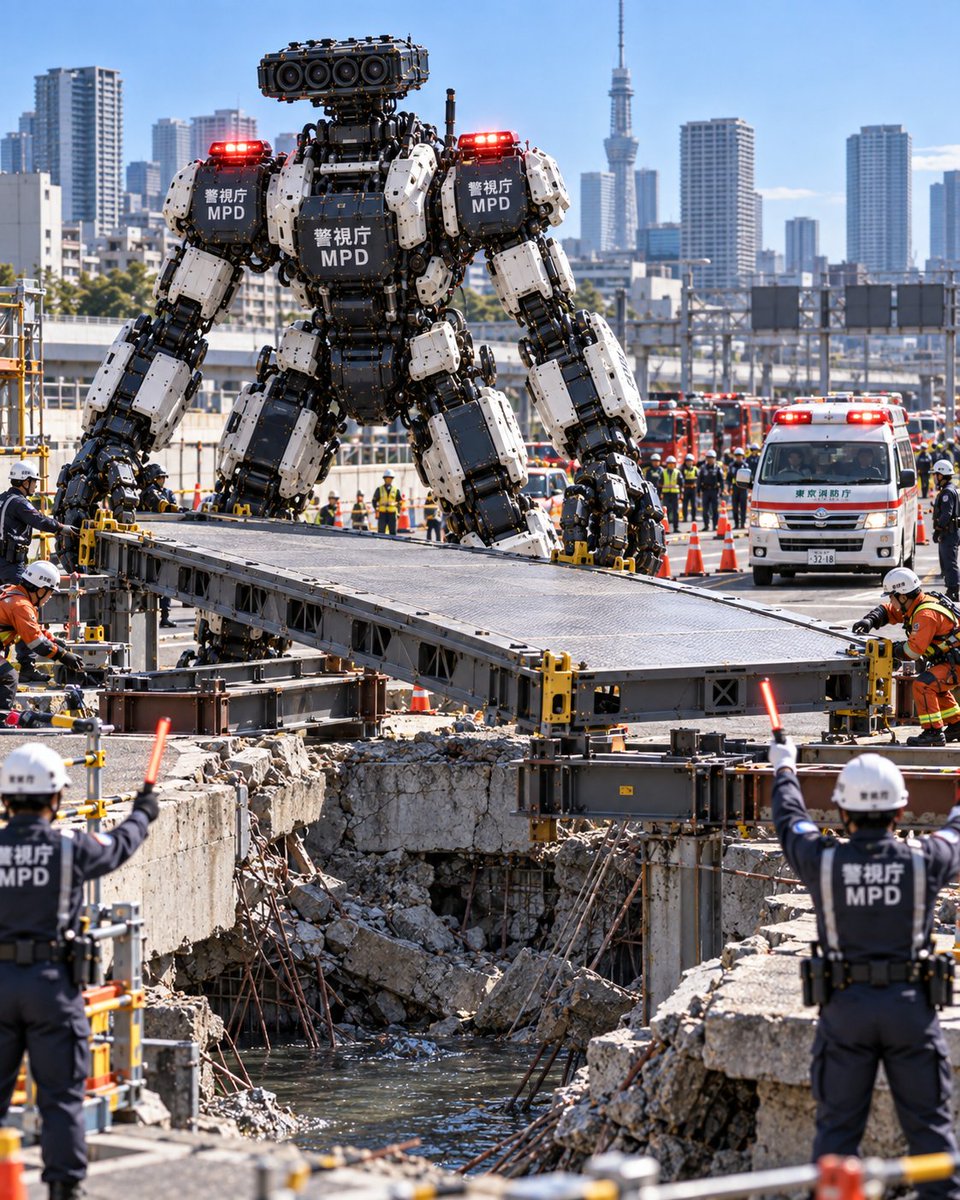
Metropolitan Police Robot Team Prompt
Текст в изображение

Girl in Swimsuit on Orange Stairs
Текст в изображение
Примечания по повторному использованию и источникам
Используйте это подсказку безопасно после предварительного просмотра дела.
- 1.Скопируйте подсказку или откройте ее непосредственно в Dovoo с помощью кнопки генерации.
- 2.Настройте переменные, соотношение сторон и эталонные изображения в соответствии с вашими потребностями.
- 3.Перед публикацией или платным использованием проверьте права на источник, требования к указанию авторства, а также риски, связанные с использованием товарного знака или изображения.