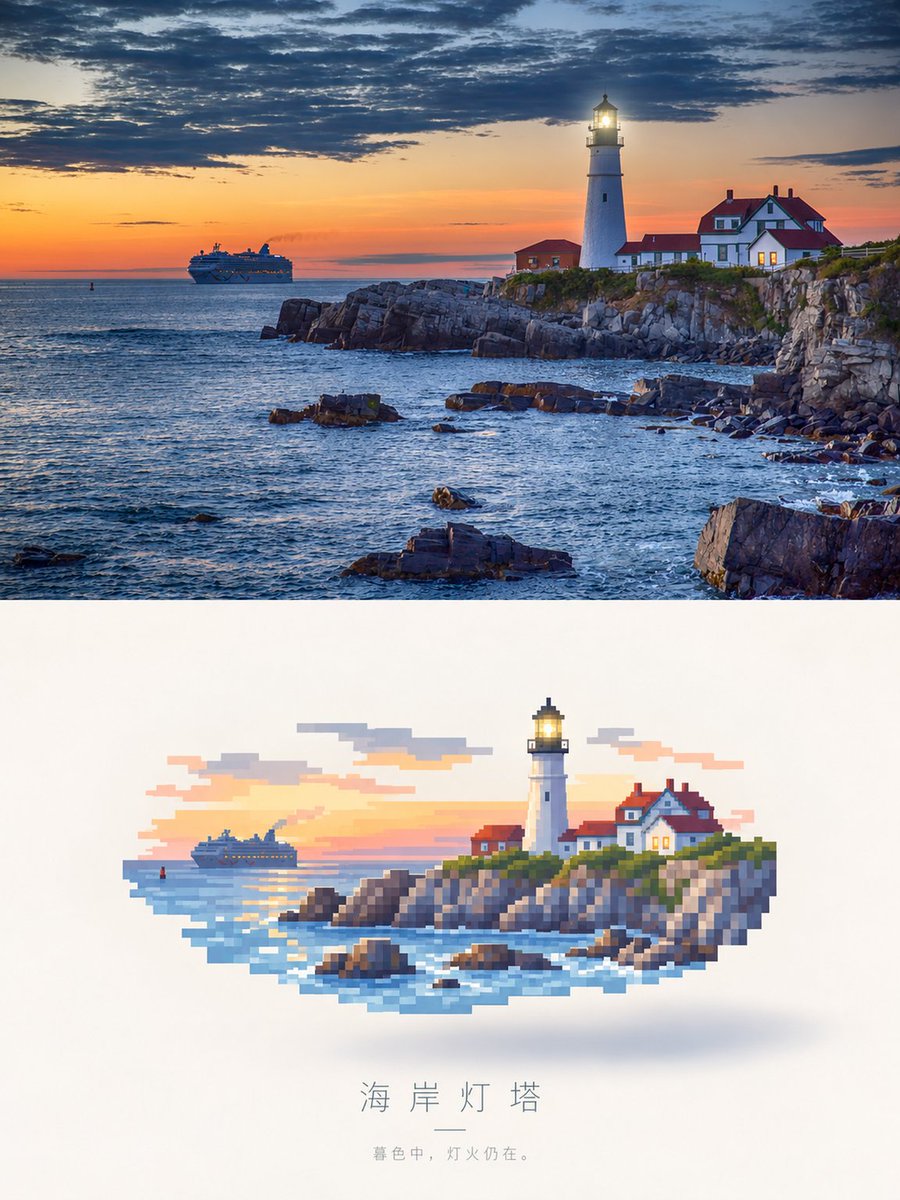
Photorealistic Lighthouse to Pixel Art
A split-screen prompt that transforms a realistic sunset lighthouse scene into a floating pixel art aesthetic.
Это пример использования шаблона GPT Image 2 для Иллюстрация и искусство . Используйте приведенный ниже шаблон, готовый к копированию, чтобы создать аналогичные визуальные элементы, и перед повторным использованием проверьте указание авторства Awesome GPT Image 2 Prompts и права на коммерческое использование.
Нужен полный набор подсказок? Воспользуйтесь Иллюстрация и искусство Для получения дополнительных примеров по теме, или откройте раздел "Обзор тем" GPT Image 2 быстрый каталог Полный список примеров, многократно используемых структур и указание источников см. здесь.
Free 1K preview
Generate one preview image instantly, no sign-up required.
Free text preview doesn’t preserve reference-image consistency.
760/4000
Промпт
Подсказка для копирования
Create a vertical, side-by-side comparison image. The upper panel is a realistic landscape painting: a white lighthouse stands on a rocky coastal cliff, the light is bright, next to a red-roofed keeper's cottage, at sunset. In the distance, a cruise ship sails under a dramatic sky, with dark clouds and orange light shining through. The lower panel shows the exact same scene, but reimagined as a pixel art illustration floating in the center against a clean white background. The pixel art uses large, blocky pixels with a soft shadow underneath, and the color scheme matches the photo above. Below the pixel art, include the Chinese title “Coastal Lighthouse,” followed by a small horizontal line and the subtitle “In the twilight, the lights are still on.”
Best for
- - Иллюстрация и искусство visual exploration
- - Image generation and reference-image edits
- - Reusable briefs that keep source attribution visible
Change these parts
- - Subject, product, character, or scene
- - Aspect ratio, camera, lighting, and background
- - Brand, text, color, and output constraints
Recommended model and settings
- - Model: gpt-image-2
- - Input mode: Изображение в изображение
- - Aspect ratio: source
- - Commercial status: review original source
How to use this prompt
- 1. Copy the prompt and preserve its structure for the first test.
- 2. Replace the subject, context, and publishing channel.
- 3. Change one camera, lighting, or style variable per iteration.
- 4. Inspect the output, source, text, and rights before reuse.
Limitations, source, and reuse cautions
- - Generated output is an editable draft, not factual, legal, or rights evidence.
- - Review the linked source, people, brands, logos, text, and third-party media before commercial use.
Импортировано из Awesome GPT Image 2 Prompts . Требуется указание авторства. Статус коммерческого использования: allowed ; перед платным использованием ознакомьтесь с правами на источник.
Больше случаев в этой категории
Приоритет отдается категориям, совместимости с режимами ввода, качеству и низкому уровню риска.
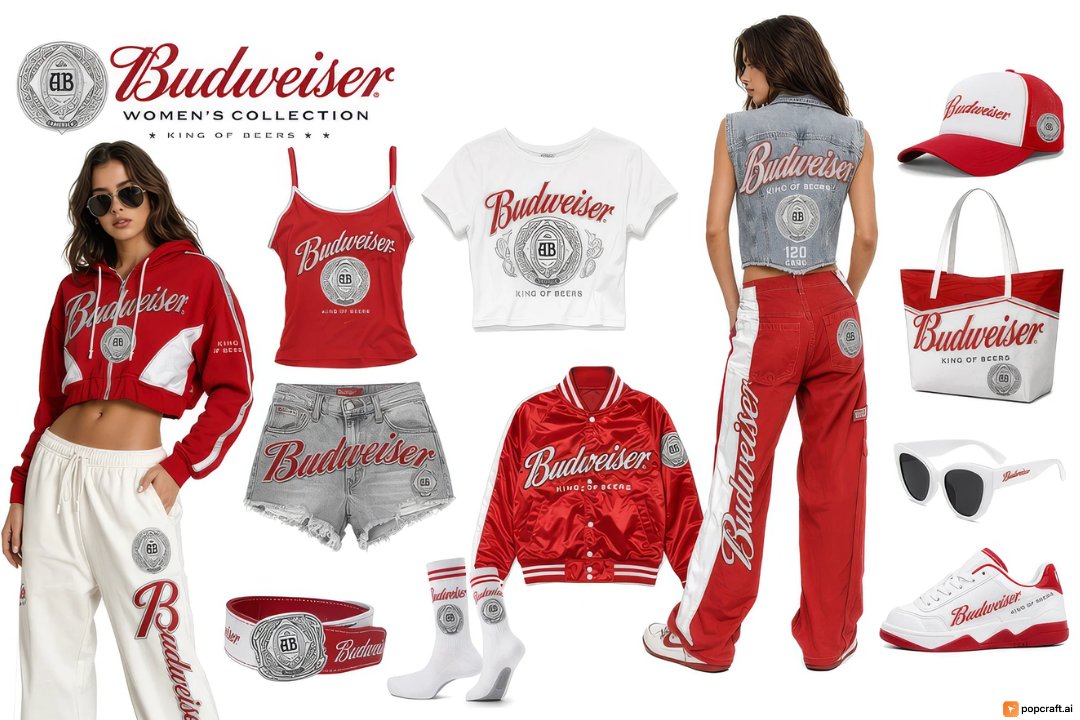
Budweiser Streetwear Fashion Concept Board
Изображение в изображение
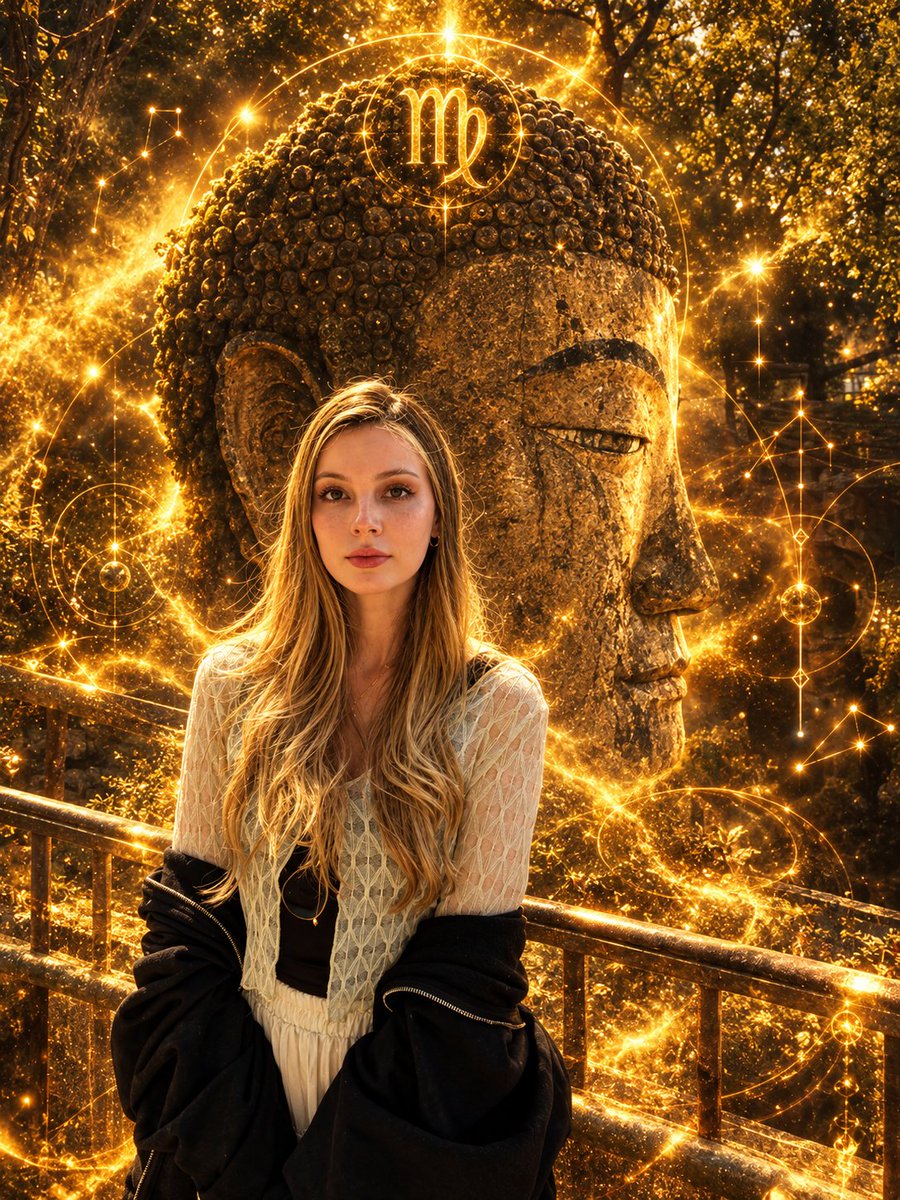
Virgo Zodiac Portrait with Golden Cosmic Energy
Изображение в изображение
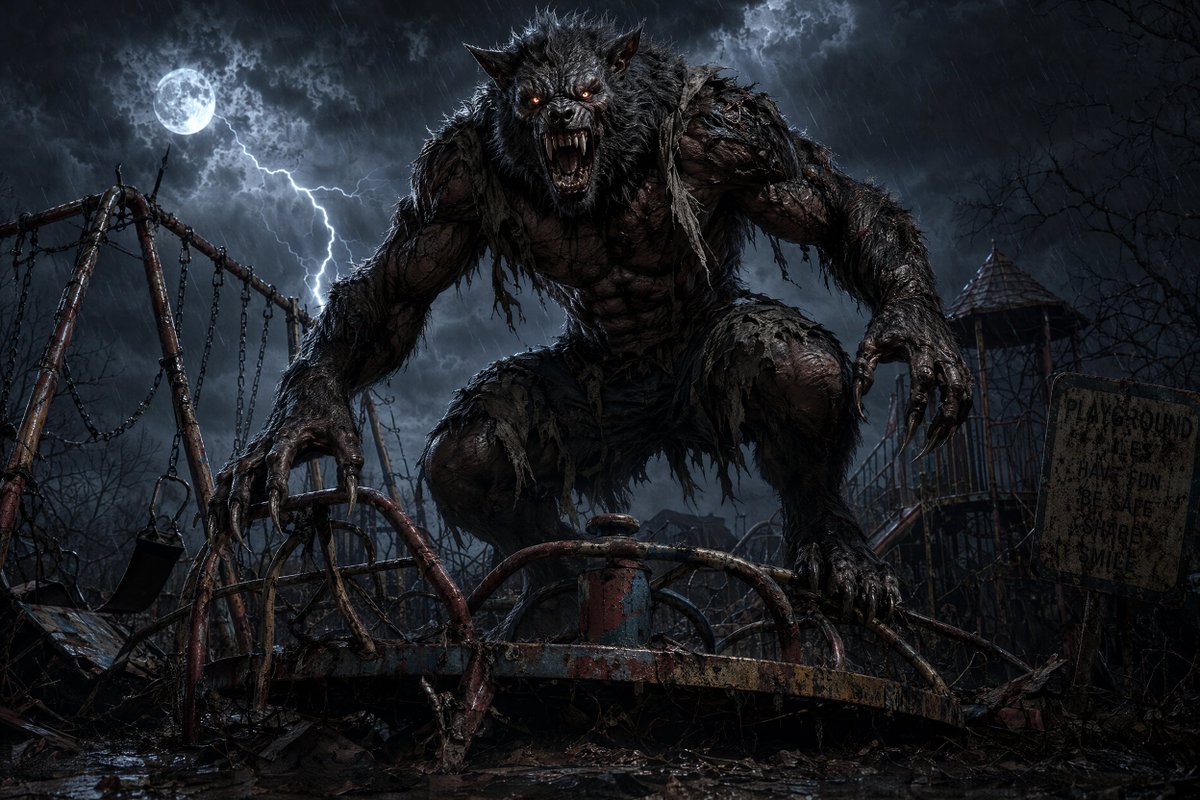
Werewolf at Abandoned Playground
Текст в изображение
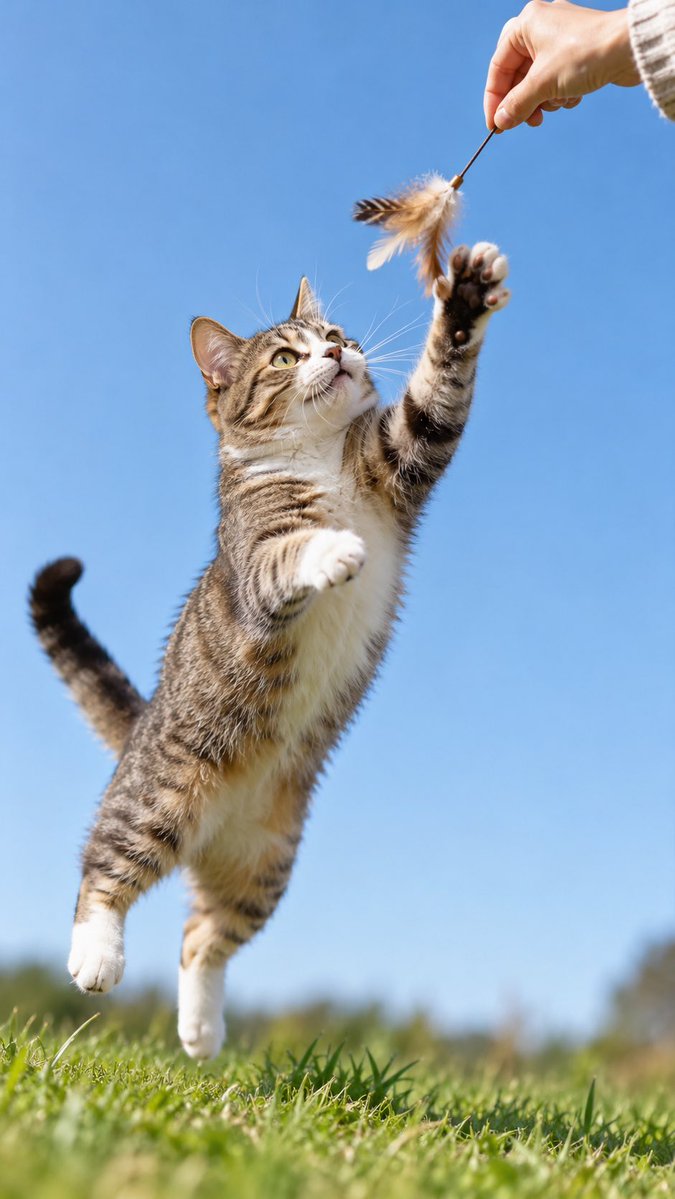
GPT-Image-2 Wildlife Photography Prompt
Текст в изображение
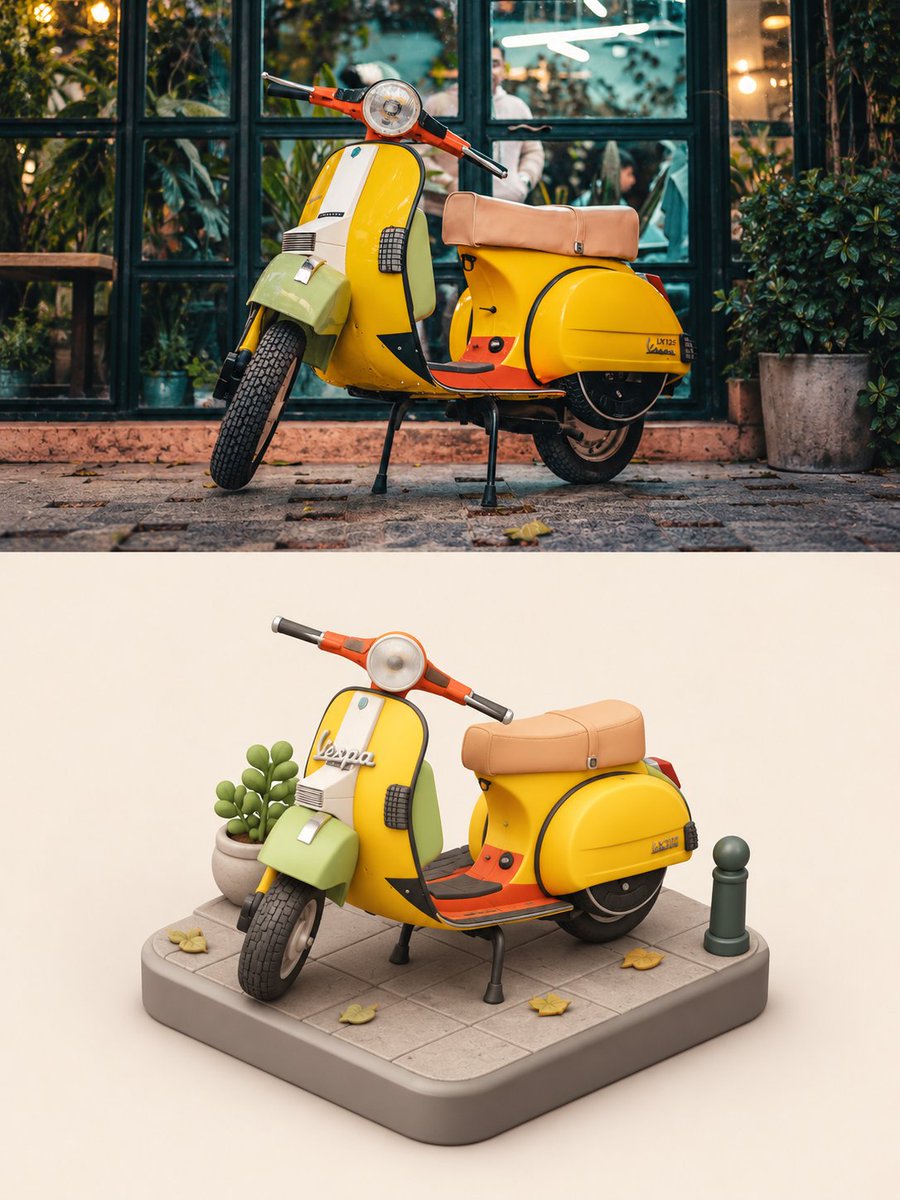
Vespa Scooter: Real vs Miniature Diorama
Текст в изображение
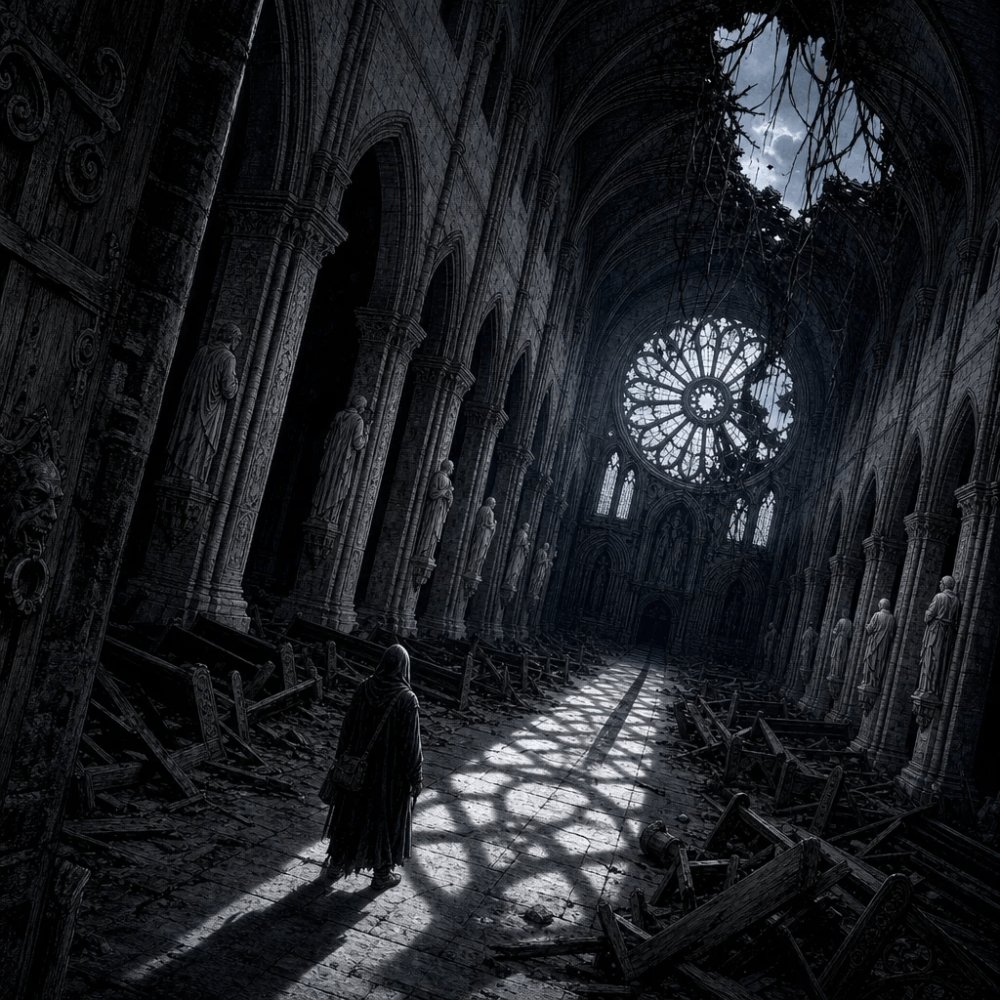
Hooded Traveller in Ruined Cathedral
Текст в изображение
Примечания по повторному использованию и источникам
Используйте это подсказку безопасно после предварительного просмотра дела.
- 1.Скопируйте подсказку или откройте ее непосредственно в Dovoo с помощью кнопки генерации.
- 2.Настройте переменные, соотношение сторон и эталонные изображения в соответствии с вашими потребностями.
- 3.Перед публикацией или платным использованием проверьте права на источник, требования к указанию авторства, а также риски, связанные с использованием товарного знака или изображения.