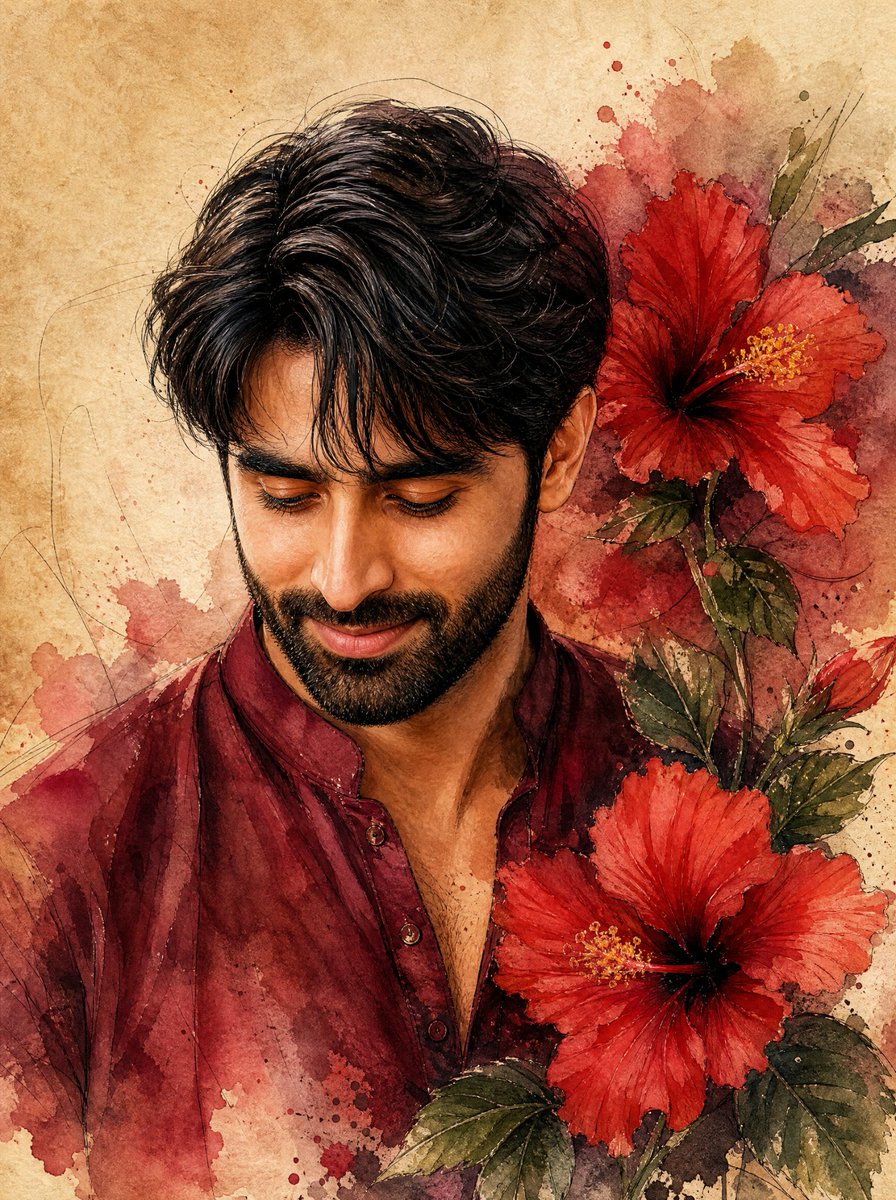
Watercolor Indian Man with Hibiscus
A vertical watercolor portrait prompt for creating a gentle young Indian man in a maroon kurta surrounded by red hibiscus flowers.
Это пример использования шаблона GPT Image 2 для Портрет и характер . Используйте приведенный ниже шаблон, готовый к копированию, чтобы создать аналогичные визуальные элементы, и перед повторным использованием проверьте указание авторства Awesome GPT Image 2 Prompts и права на коммерческое использование.
Нужен полный набор подсказок? Воспользуйтесь Портрет и характер Для получения дополнительных примеров по теме, или откройте раздел "Обзор тем" GPT Image 2 быстрый каталог Полный список примеров, многократно используемых структур и указание источников см. здесь.
Free 1K preview
Generate one preview image instantly, no sign-up required.
1364/4000
Промпт
Подсказка для копирования
Create a detailed watercolor portrait on warm aged parchment paper of a handsome young {argument name="ethnicity" default="native Indian"} man shown from the chest up, facing slightly left and looking downward with a warm, gentle closed-mouth smile. He has wavy, voluminous {argument name="hair color" default="black"} hair with loose strands over the forehead, thick eyebrows, expressive downcast eyes, a straight nose, and a neatly trimmed soft stubble beard. Dress him in a traditional {argument name="kurta color" default="deep maroon"} cotton kurta with a short open collar and small buttons, rendered with translucent watercolor washes and subtle fabric folds. Place exactly two large vibrant red hibiscus flowers beside him on the right side: one near the upper right behind his head and one larger flower near the lower right foreground, both with dark centers and yellow stamens. Add green hibiscus leaves and stems around the flowers, with loose red and brown watercolor splashes blending into the background. Use fine ink-like sketch lines for hair, facial contours, flower veins, and decorative swirls, with realistic facial detail but painterly edges. The composition should feel romantic, elegant, and organic, with earthy beige paper texture, maroon and crimson paint blooms, soft shadows, no text, no watermark, and a vertical portrait orientation.Переменные подсказки
Редактируемые заполнители аргументов, найденные в подсказке, с их значениями по умолчанию.
Переменная
ethnicity
По умолчанию
native Indian
Переменная
hair color
По умолчанию
black
Переменная
kurta color
По умолчанию
deep maroon
Best for
- - Портрет и характер visual exploration
- - Image generation and reference-image edits
- - Reusable briefs that keep source attribution visible
Change these parts
- - Subject, product, character, or scene
- - Aspect ratio, camera, lighting, and background
- - Brand, text, color, and output constraints
Recommended model and settings
- - Model: gpt-image-2
- - Input mode: Текст в изображение
- - Aspect ratio: source
- - Commercial status: review original source
How to use this prompt
- 1. Copy the prompt and preserve its structure for the first test.
- 2. Replace the subject, context, and publishing channel.
- 3. Change one camera, lighting, or style variable per iteration.
- 4. Inspect the output, source, text, and rights before reuse.
Limitations, source, and reuse cautions
- - Generated output is an editable draft, not factual, legal, or rights evidence.
- - Review the linked source, people, brands, logos, text, and third-party media before commercial use.
Импортировано из Awesome GPT Image 2 Prompts . Требуется указание авторства. Статус коммерческого использования: allowed ; перед платным использованием ознакомьтесь с правами на источник.
Больше случаев в этой категории
Приоритет отдается категориям, совместимости с режимами ввода, качеству и низкому уровню риска.
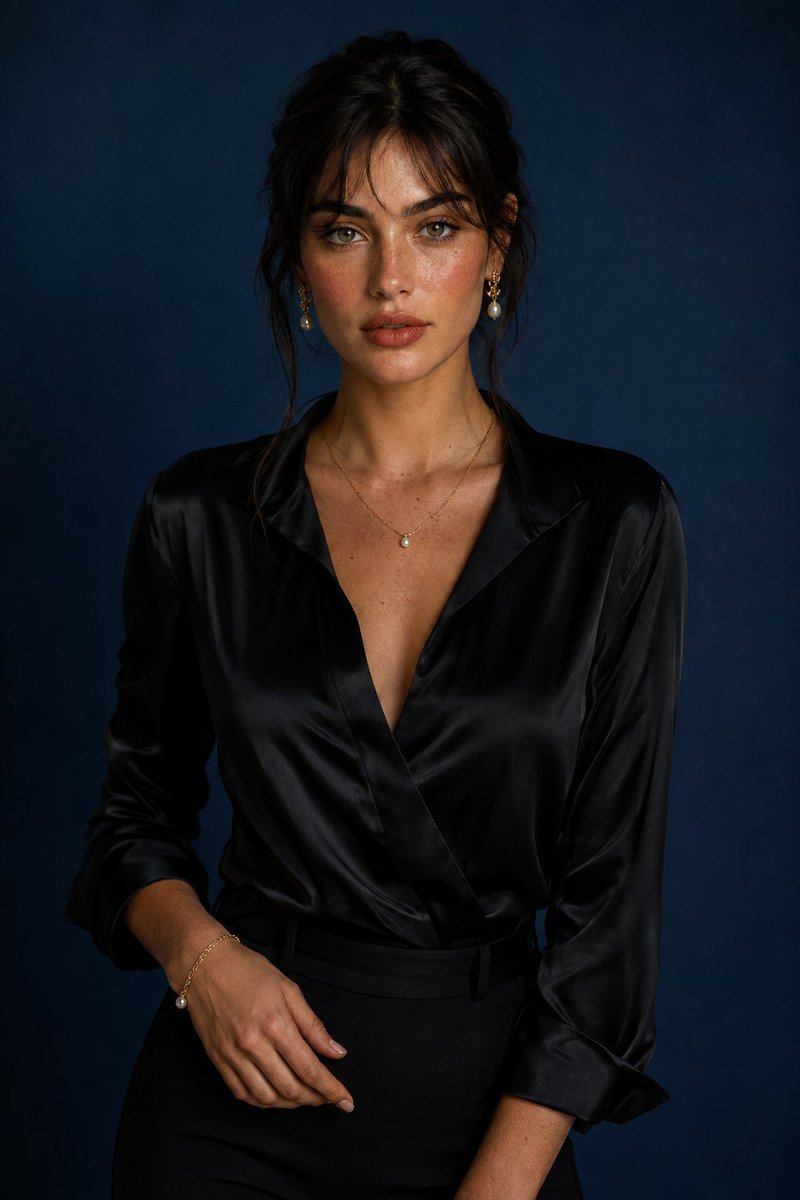
Luxury Studio Portrait with Blue Backdrop
Текст в изображение
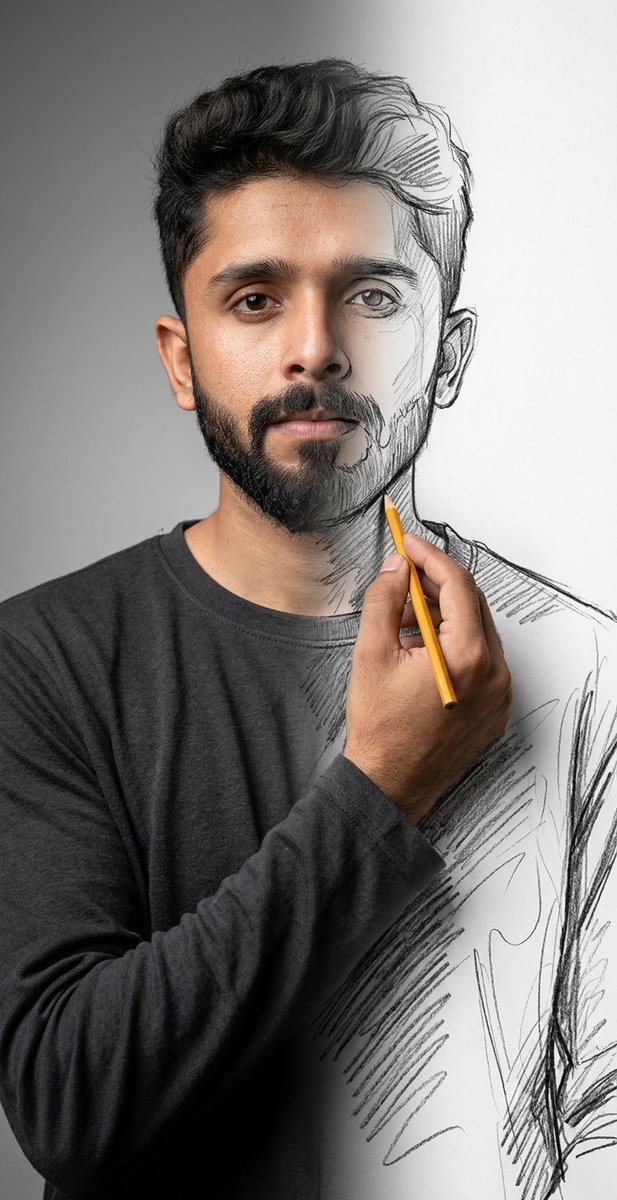
Surreal Mixed-Media Charcoal Portrait
Текст в изображение
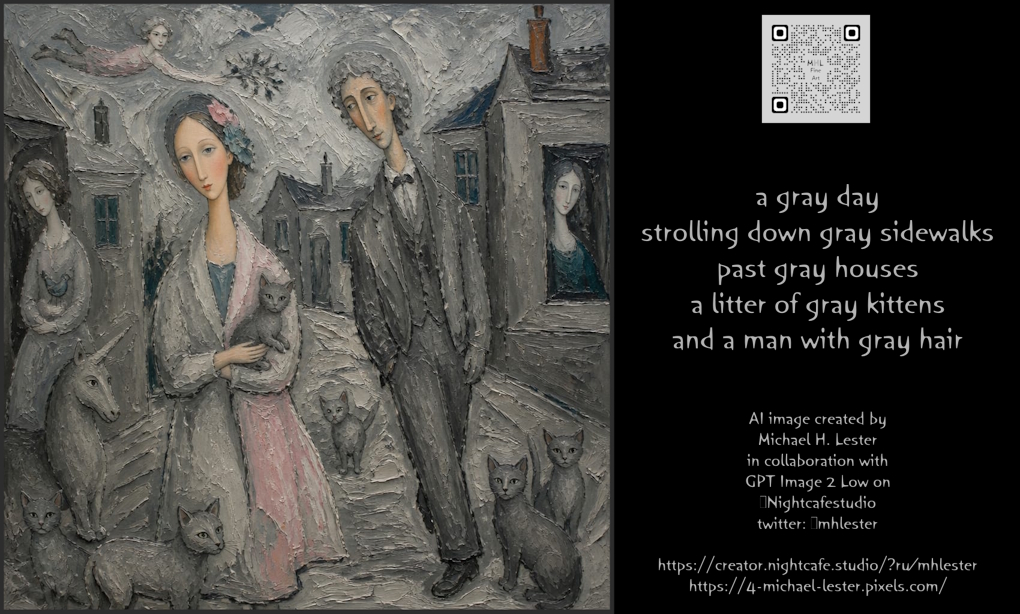
The Gray Day Scene
Текст в изображение
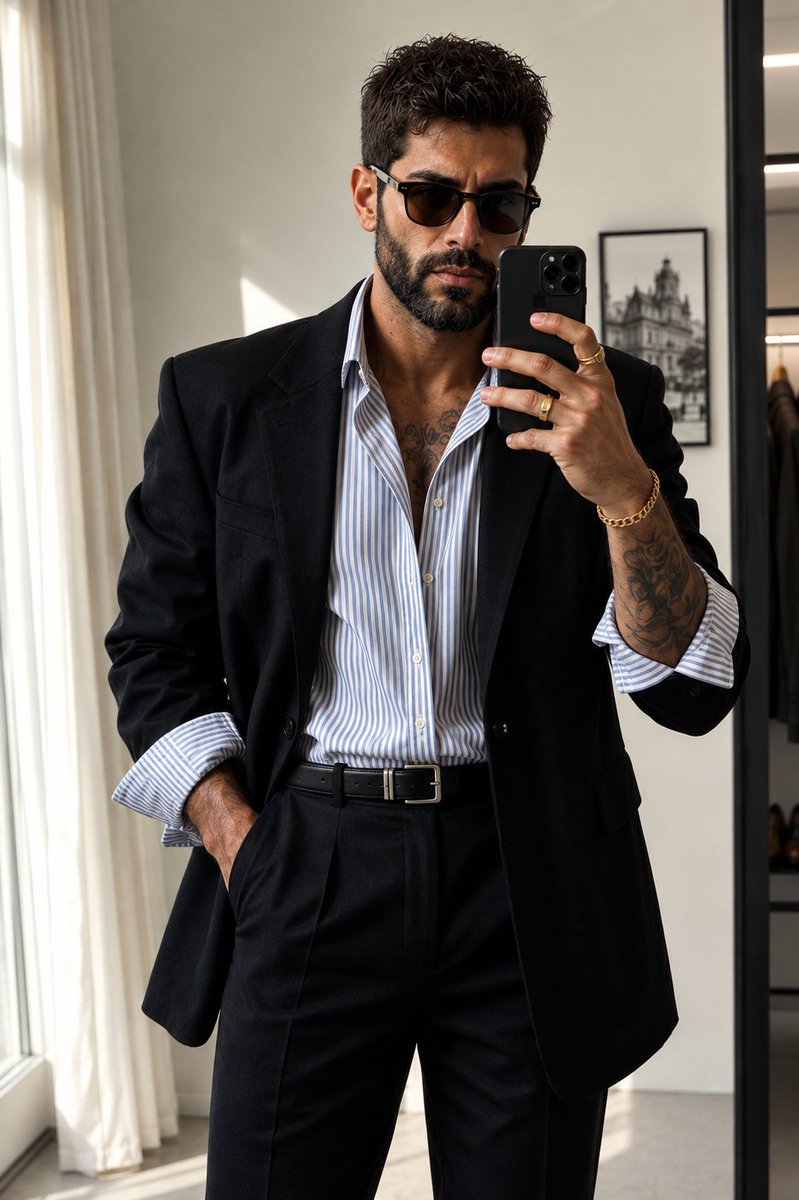
Minimalist Editorial Mirror Selfie
Текст в изображение
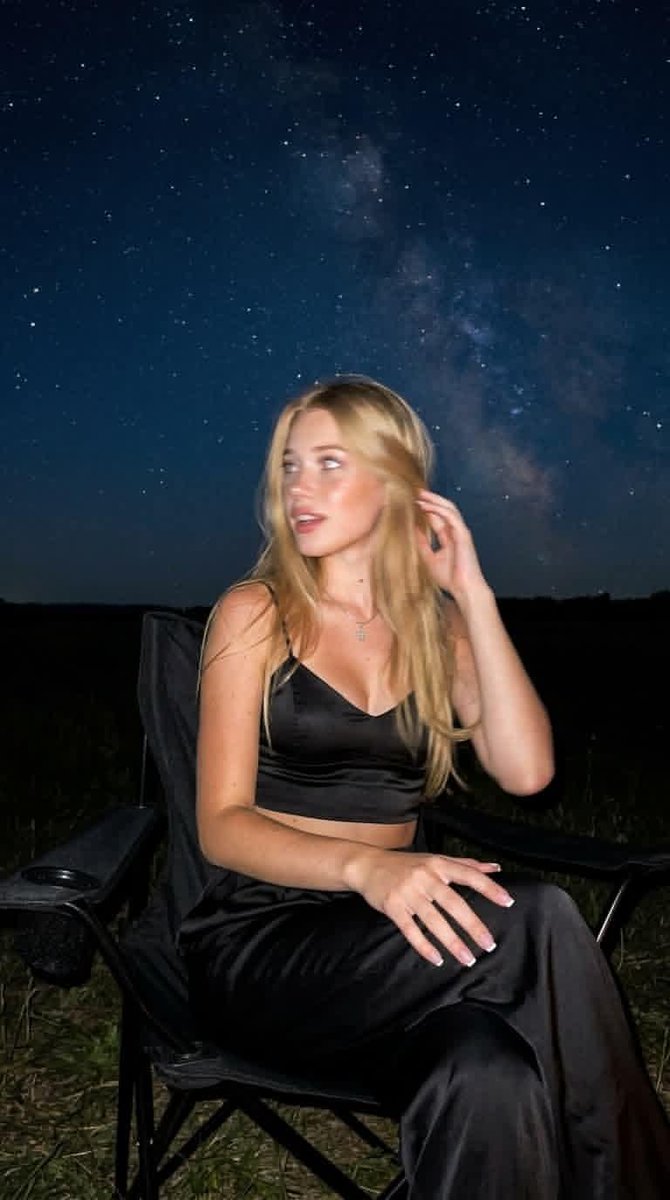
Night Mode Spontaneous Portrait
Текст в изображение
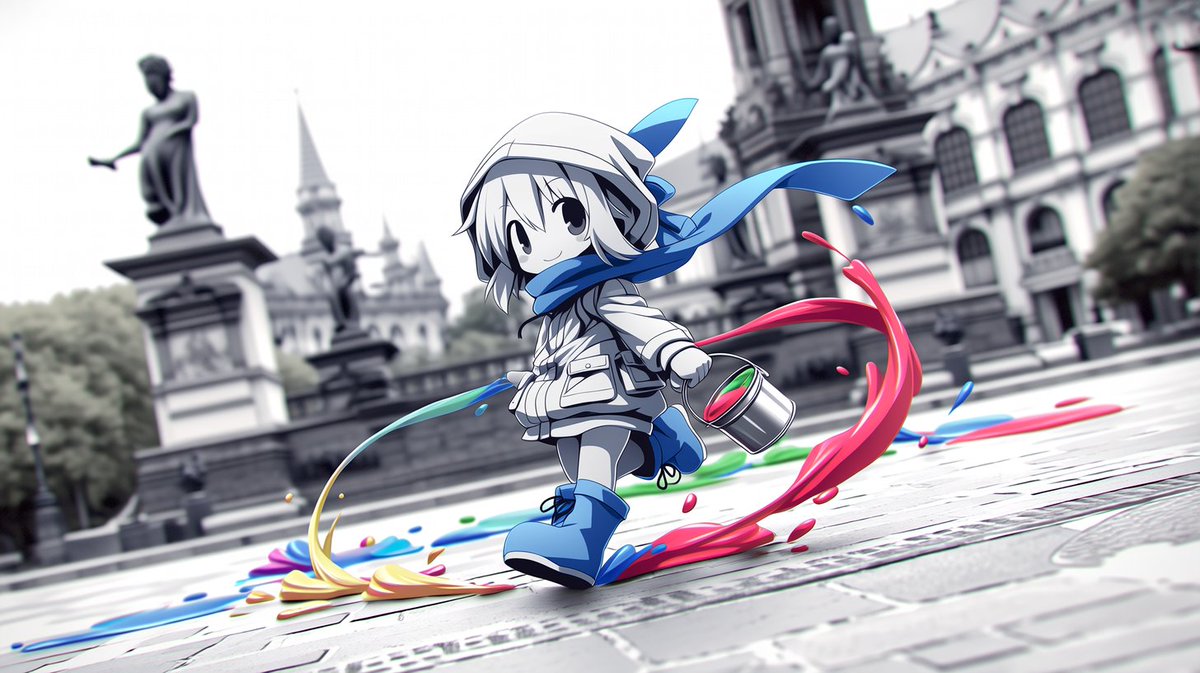
Chibi Painter in Monochrome Plaza
Текст в изображение
Примечания по повторному использованию и источникам
Используйте это подсказку безопасно после предварительного просмотра дела.
- 1.Скопируйте подсказку или откройте ее непосредственно в Dovoo с помощью кнопки генерации.
- 2.Настройте переменные, соотношение сторон и эталонные изображения в соответствии с вашими потребностями.
- 3.Перед публикацией или платным использованием проверьте права на источник, требования к указанию авторства, а также риски, связанные с использованием товарного знака или изображения.