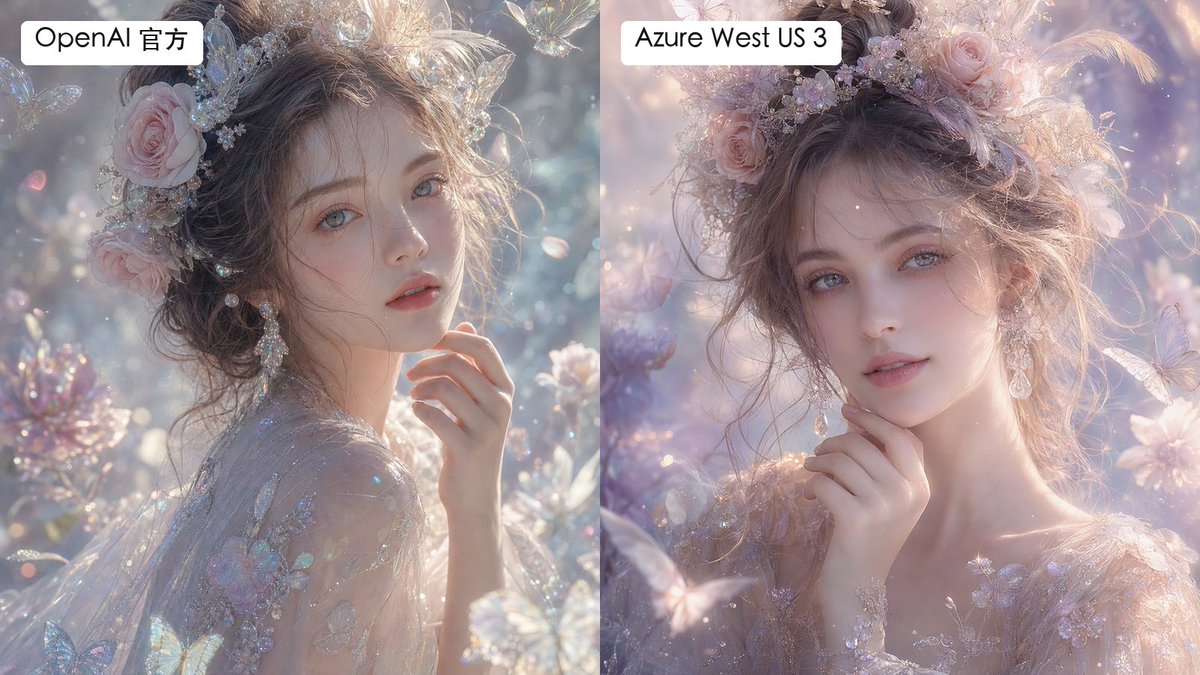
Split Fantasy Portrait Comparison
Generates a labeled two-panel comparison of dreamy fantasy portrait renders with subtle differences in texture and smoothness.
Это пример использования шаблона GPT Image 2 для Портрет и характер . Используйте приведенный ниже шаблон, готовый к копированию, чтобы создать аналогичные визуальные элементы, и перед повторным использованием проверьте указание авторства Awesome GPT Image 2 Prompts и права на коммерческое использование.
Нужен полный набор подсказок? Воспользуйтесь Портрет и характер Для получения дополнительных примеров по теме, или откройте раздел "Обзор тем" GPT Image 2 быстрый каталог Полный список примеров, многократно используемых структур и указание источников см. здесь.
Free 1K preview
Generate one preview image instantly, no sign-up required.
1922/4000
Промпт
Подсказка для копирования
Create a side-by-side comparison image showing two versions of the same dreamy fantasy portrait. Canvas is a horizontal 16:9 split-screen composition with a perfectly vertical divide down the center, no gap, left panel and right panel each occupying exactly half the image. In both panels, depict the same ethereal young woman in a luminous fairytale garden, shown as a close-up bust portrait with pale porcelain skin, soft gray-blue eyes, delicate lips, and loosely pinned wavy brown hair. She wears an ornate pastel floral crown with pink roses, tiny crystal flowers, pearls, translucent butterfly ornaments, and soft feathers, plus dangling crystal earrings and a sheer embroidered gown with iridescent floral appliqué. Her hand is raised gently near her chin, giving a calm, romantic, slightly wistful expression while looking toward the viewer. The scene is filled with pastel blossoms, sparkling bokeh, floating dust motes, translucent butterflies, crystal petals, and soft backlit haze. Use an ultra-detailed high-fashion fantasy photography style, shallow depth of field, pearly highlights, glittering refractions, delicate skin texture, and pastel lavender, blush pink, silver, and pale blue tones. Make the left panel slightly more textured, crisp, and detailed in skin and fabric microtexture; make the right panel slightly smoother and more airbrushed, with softer pastel lighting and gentler facial texture. Add exactly 2 label boxes: one white rounded rectangle at the top left of the left panel reading {argument name="left label" default="OpenAI Official"}, and one white rounded rectangle at the top left of the right panel reading {argument name="right label" default="Azure West US 3"}. Use clean black sans-serif text inside the labels. Keep both portraits similar enough to clearly compare rendering differences, but not identical; avoid watermarks, logos, extra captions, borders, or additional text.Переменные подсказки
Редактируемые заполнители аргументов, найденные в подсказке, с их значениями по умолчанию.
Переменная
left label
По умолчанию
OpenAI Official
Переменная
right label
По умолчанию
Azure West US 3
Best for
- - Портрет и характер visual exploration
- - Image generation and reference-image edits
- - Reusable briefs that keep source attribution visible
Change these parts
- - Subject, product, character, or scene
- - Aspect ratio, camera, lighting, and background
- - Brand, text, color, and output constraints
Recommended model and settings
- - Model: gpt-image-2
- - Input mode: Текст в изображение
- - Aspect ratio: source
- - Commercial status: review original source
How to use this prompt
- 1. Copy the prompt and preserve its structure for the first test.
- 2. Replace the subject, context, and publishing channel.
- 3. Change one camera, lighting, or style variable per iteration.
- 4. Inspect the output, source, text, and rights before reuse.
Limitations, source, and reuse cautions
- - Generated output is an editable draft, not factual, legal, or rights evidence.
- - Review the linked source, people, brands, logos, text, and third-party media before commercial use.
Импортировано из Awesome GPT Image 2 Prompts . Требуется указание авторства. Статус коммерческого использования: allowed ; перед платным использованием ознакомьтесь с правами на источник.
Больше случаев в этой категории
Приоритет отдается категориям, совместимости с режимами ввода, качеству и низкому уровню риска.
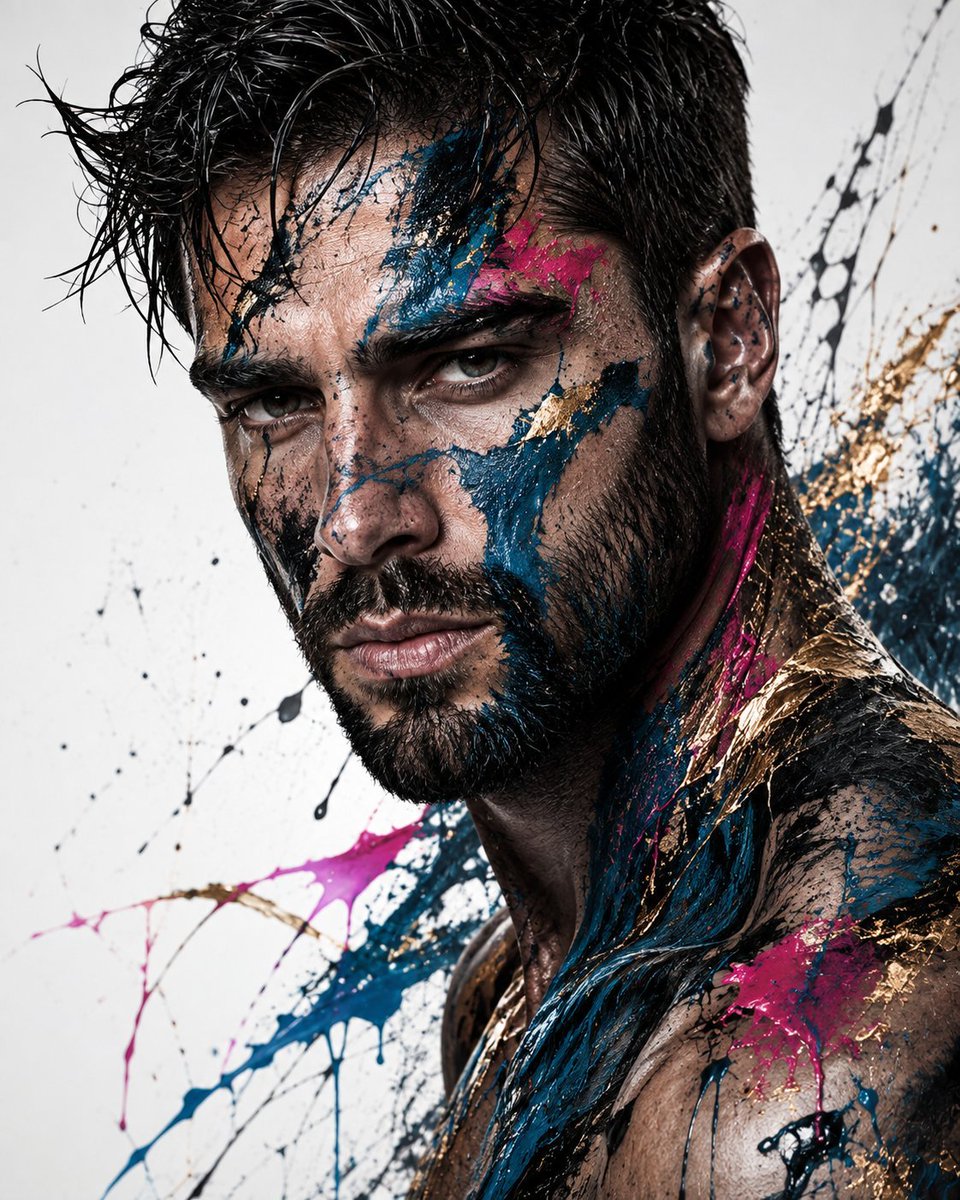
Abstract Fine-Art Editorial Portrait
Текст в изображение

Photorealistic Woman Reference Sheet
Текст в изображение
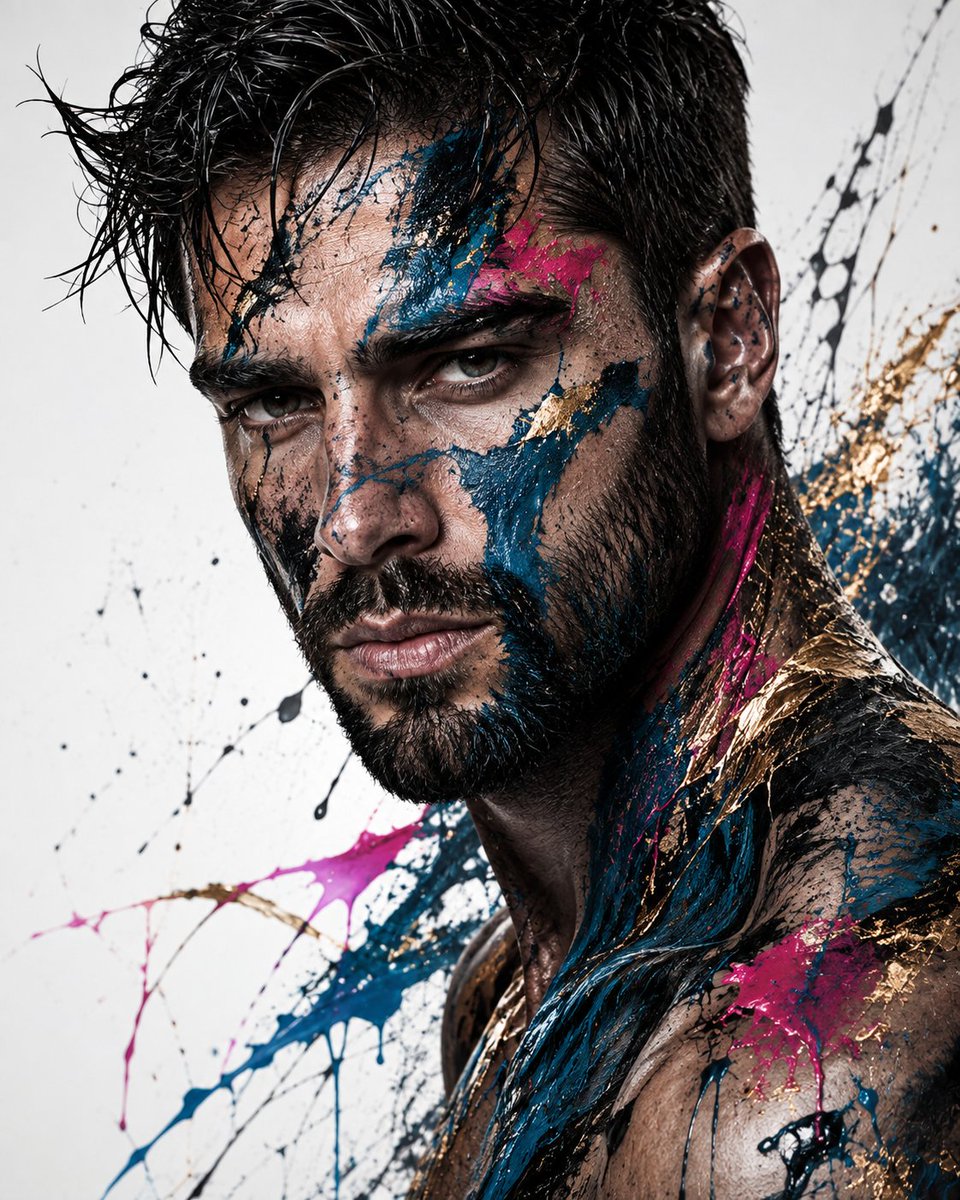
Editorial Male Portrait with Paint Splashes
Текст в изображение
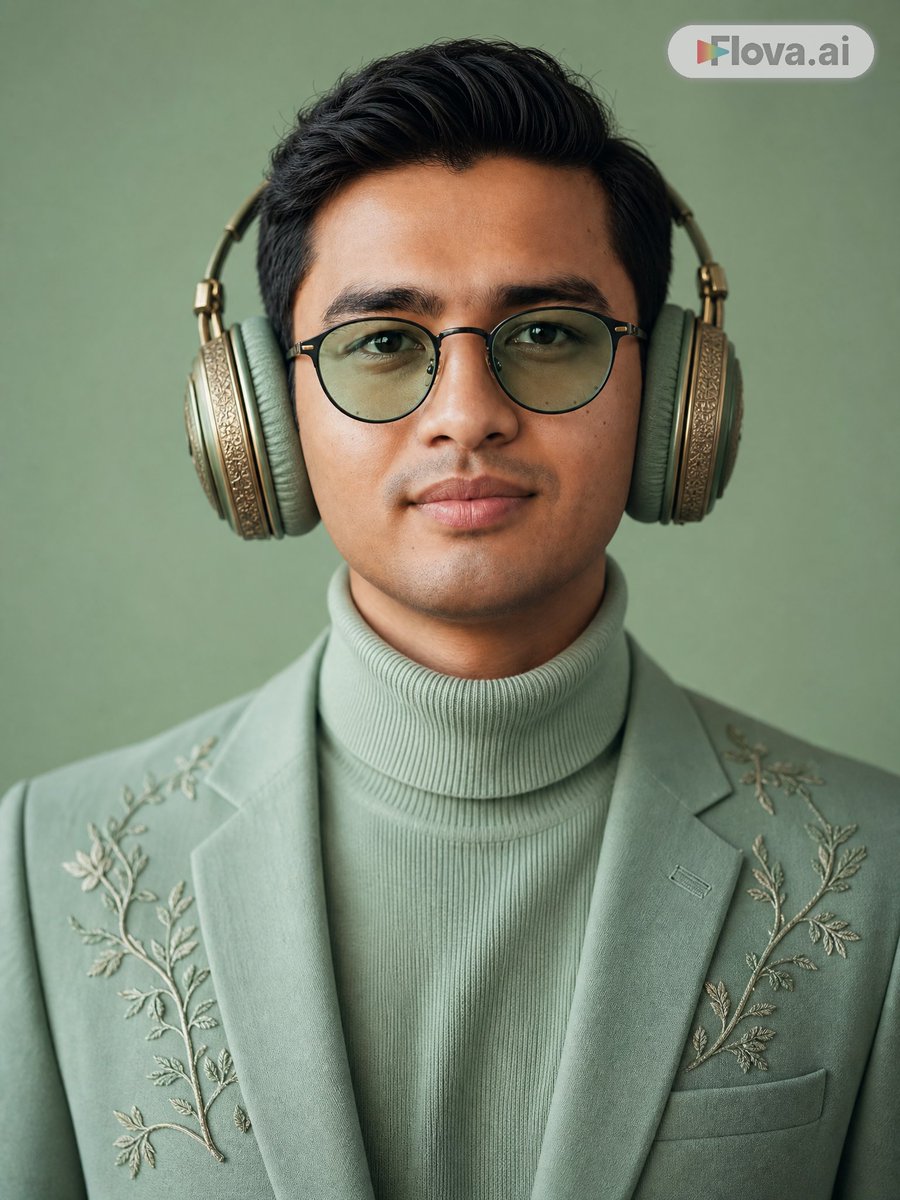
Mint Green Audiophile Portrait
Текст в изображение
Spectral Courier Gothic Alley
Текст в изображение
Surreal Man in Crowd of Faceless Figures
Текст в изображение
Примечания по повторному использованию и источникам
Используйте это подсказку безопасно после предварительного просмотра дела.
- 1.Скопируйте подсказку или откройте ее непосредственно в Dovoo с помощью кнопки генерации.
- 2.Настройте переменные, соотношение сторон и эталонные изображения в соответствии с вашими потребностями.
- 3.Перед публикацией или платным использованием проверьте права на источник, требования к указанию авторства, а также риски, связанные с использованием товарного знака или изображения.