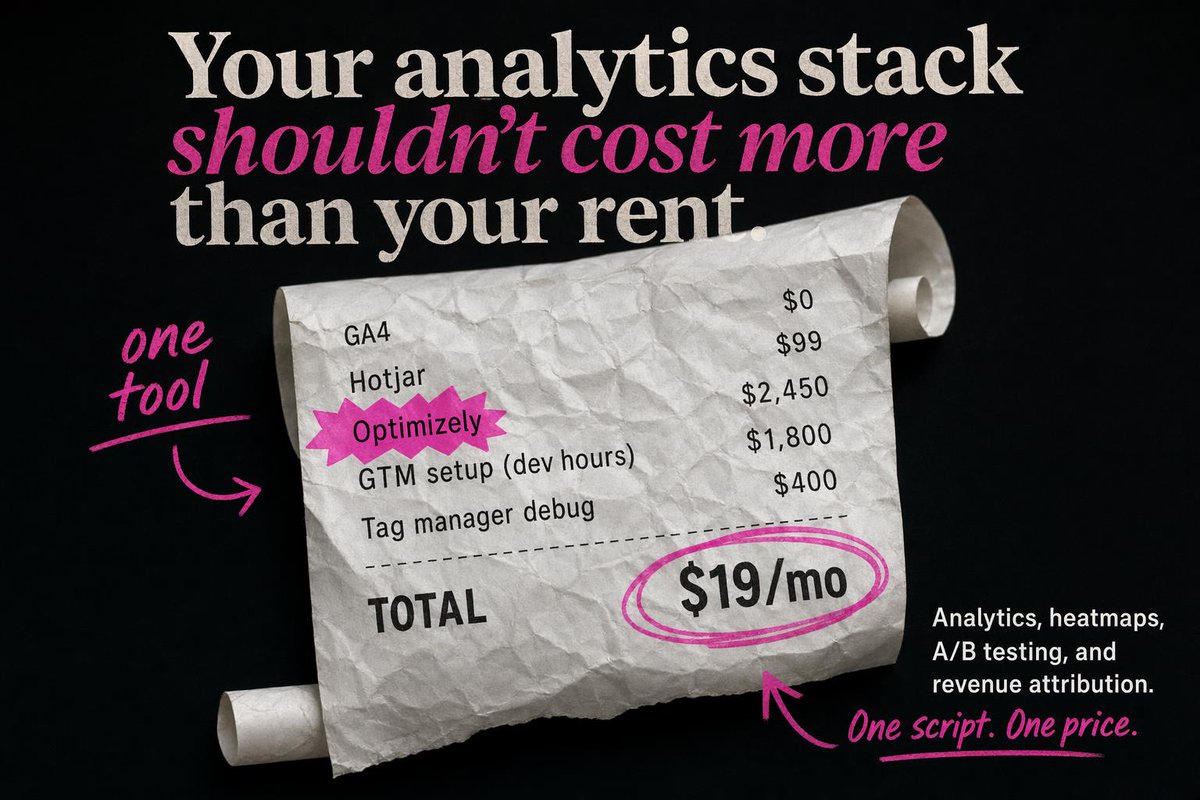
Редакционная выписка по SaaS-сервису
Этот запрос генерирует высококонтрастную рекламную кампанию для стартапа, в которой используется помятый чек, броский шрифт и розовые рукописные выноски для ценовых кампаний по аналитике.
Это пример использования шаблона GPT Image 2 для Продукт и коммерция . Используйте приведенный ниже шаблон, готовый к копированию, чтобы создать аналогичные визуальные элементы, и перед повторным использованием проверьте указание авторства Awesome GPT Image 2 Prompts и права на коммерческое использование.
Free 1K preview
Generate one preview image instantly, no sign-up required.
Промпт
Подсказка для копирования
Create a bold static SaaS ad on a matte black background with a premium editorial look and highly accurate typography. At the top, place a large stacked serif headline in off-white reading: "Your analytics stack" on the first line, "shouldn’t cost more" on the second line in bright magenta italic serif, and "than your rent." on the third line in off-white serif. Center the composition around a large curled, crumpled receipt made of white thermal paper, angled slightly from upper left to lower right, with visible paper texture, soft shadows, and rolled ends on both the upper right and lower left. On the receipt, show exactly 5 line items in black monospaced or receipt-style text aligned in two columns: "GA4" with "$0", "Hotjar" with "$99", "Optimizely" with "$2,450", "GTM setup (dev hours)" with "$1,800", and "Tag manager debug" with "$400". Highlight the word "Optimizely" with a jagged magenta starburst sticker behind it. Add a dashed divider line below the items, then a bold "TOTAL" label on the lower left of the receipt. On the lower right of the receipt, place a large price reading "{argument name="monthly price" default="$19/mo"}" in heavy black type, circled with 2 hand-drawn magenta marker loops. Add 3 handwritten magenta annotation elements: on the left side, the words "{argument name="left annotation" default="one tool"}" in brush script with an underline and a curved arrow pointing to the receipt; near the bottom center, a curved magenta arrow pointing upward toward the circled price; and at the bottom right, the handwritten tagline "{argument name="tagline text" default="One script. One price."}" with an underline. In the bottom-right corner, add a small block of white sans-serif body copy, right-aligned, reading "{argument name="body copy" default="Analytics, heatmaps, A/B testing, and revenue attribution."}". Use an editorial ad-photography style with crisp text placement, clean hierarchy, high contrast, subtle paper realism, and a limited palette of black, white, and hot pink.Переменные подсказки
Редактируемые заполнители аргументов, найденные в подсказке, с их значениями по умолчанию.
Best for
- - Продукт и коммерция visual exploration
- - Image generation and reference-image edits
- - Reusable briefs that keep source attribution visible
Change these parts
- - Subject, product, character, or scene
- - Aspect ratio, camera, lighting, and background
- - Brand, text, color, and output constraints
Recommended model and settings
- - Model: gpt-image-2
- - Input mode: Текст в изображение
- - Aspect ratio: source
- - Commercial status: review original source
How to use this prompt
- 1. Copy the prompt and preserve its structure for the first test.
- 2. Replace the subject, context, and publishing channel.
- 3. Change one camera, lighting, or style variable per iteration.
- 4. Inspect the output, source, text, and rights before reuse.
Limitations, source, and reuse cautions
- - Generated output is an editable draft, not factual, legal, or rights evidence.
- - Review the linked source, people, brands, logos, text, and third-party media before commercial use.
Больше случаев в этой категории
Приоритет отдается категориям, совместимости с режимами ввода, качеству и низкому уровню риска.






Примечания по повторному использованию и источникам
Используйте это подсказку безопасно после предварительного просмотра дела.
- 1.Скопируйте подсказку или откройте ее непосредственно в Dovoo с помощью кнопки генерации.
- 2.Настройте переменные, соотношение сторон и эталонные изображения в соответствии с вашими потребностями.
- 3.Перед публикацией или платным использованием проверьте права на источник, требования к указанию авторства, а также риски, связанные с использованием товарного знака или изображения.