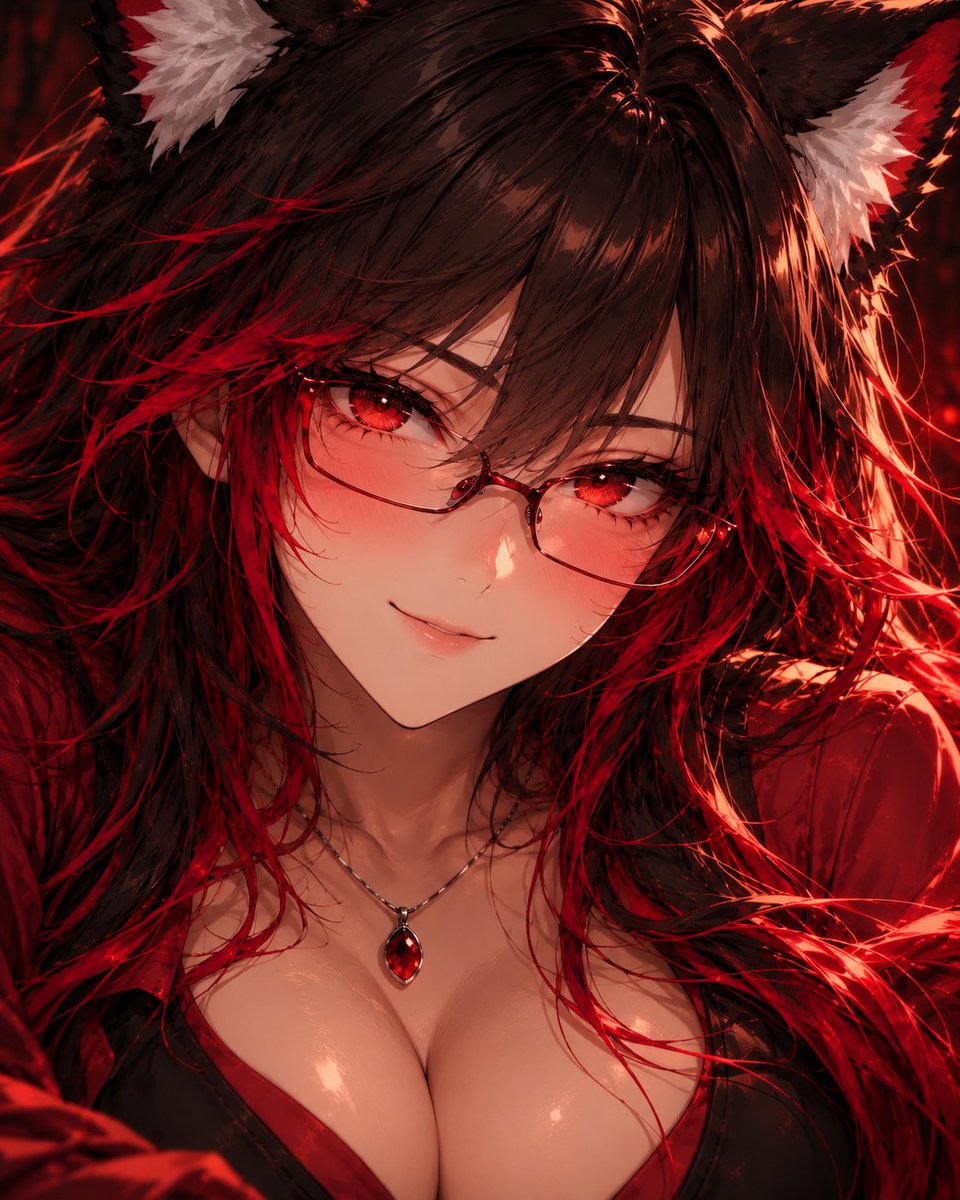
Anime Character Portrait Prompt
A community-shared prompt for generating extreme close-up anime portraits using GPT Image 2, requiring reference sheets.
Это пример использования шаблона GPT Image 2 для Аниме и игры . Используйте приведенный ниже шаблон, готовый к копированию, чтобы создать аналогичные визуальные элементы, и перед повторным использованием проверьте указание авторства Awesome GPT Image 2 Prompts и права на коммерческое использование.
Нужен полный набор подсказок? Воспользуйтесь Аниме и игры Для получения дополнительных примеров по теме, или откройте раздел "Обзор тем" GPT Image 2 быстрый каталог Полный список примеров, многократно используемых структур и указание источников см. здесь.
Free 1K preview
Generate one preview image instantly, no sign-up required.
1741/4000
Промпт
Подсказка для копирования
Create an extreme close-up portrait of the character in the attached character reference sheet. Treat that sheet as the absolute authority for the character's identity and design: preserve their face, facial proportions, skin tone, hair style/color, eyes, ears or other character features, and any visible clothing/accessories. Do not redesign the character.
The second attached portrait is ONLY a rendering-quality reference. Do not copy that character's identity, face, hair, colors, clothing, accessories, expression, pose, or composition. Use it only as the target for detail density and finish: highly defined facial features, dimensional anime shading, intricate eyes and eyelashes, individually rendered hair strands, subtle skin highlights and warmth, sophisticated lighting, depth, material definition, and extremely polished cinematic anime rendering.
Frame the subject very tightly from approximately the upper chest/clavicle to the tips of their hair/ears, with the face dominating the image. Use an eye-level camera and direct eye contact. Give them a small natural smile with subtle blush. Preserve recognizable anime facial proportions while adding significantly more dimensional definition and fine detail; do not make the face photorealistic.
Use a simple dark atmospheric background and cinematic lighting that complements the character's existing palette. Keep the eyes, face, and nearest hair strands exceptionally sharp, with gentle depth falloff elsewhere.
Do not show the waist, hips, legs, or full body. Do not create a detailed environment. Do not copy the second portrait's scene or character.
Character sheet = WHO the character is. Second portrait = ONLY the LEVEL OF RENDERING QUALITY.
Generate the portrait now.
Best for
- - Аниме и игры visual exploration
- - Image generation and reference-image edits
- - Reusable briefs that keep source attribution visible
Change these parts
- - Subject, product, character, or scene
- - Aspect ratio, camera, lighting, and background
- - Brand, text, color, and output constraints
Recommended model and settings
- - Model: gpt-image-2
- - Input mode: Текст в изображение
- - Aspect ratio: source
- - Commercial status: review original source
How to use this prompt
- 1. Copy the prompt and preserve its structure for the first test.
- 2. Replace the subject, context, and publishing channel.
- 3. Change one camera, lighting, or style variable per iteration.
- 4. Inspect the output, source, text, and rights before reuse.
Limitations, source, and reuse cautions
- - Generated output is an editable draft, not factual, legal, or rights evidence.
- - Review the linked source, people, brands, logos, text, and third-party media before commercial use.
Импортировано из Awesome GPT Image 2 Prompts . Требуется указание авторства. Статус коммерческого использования: allowed ; перед платным использованием ознакомьтесь с правами на источник.
Больше случаев в этой категории
Приоритет отдается категориям, совместимости с режимами ввода, качеству и низкому уровню риска.
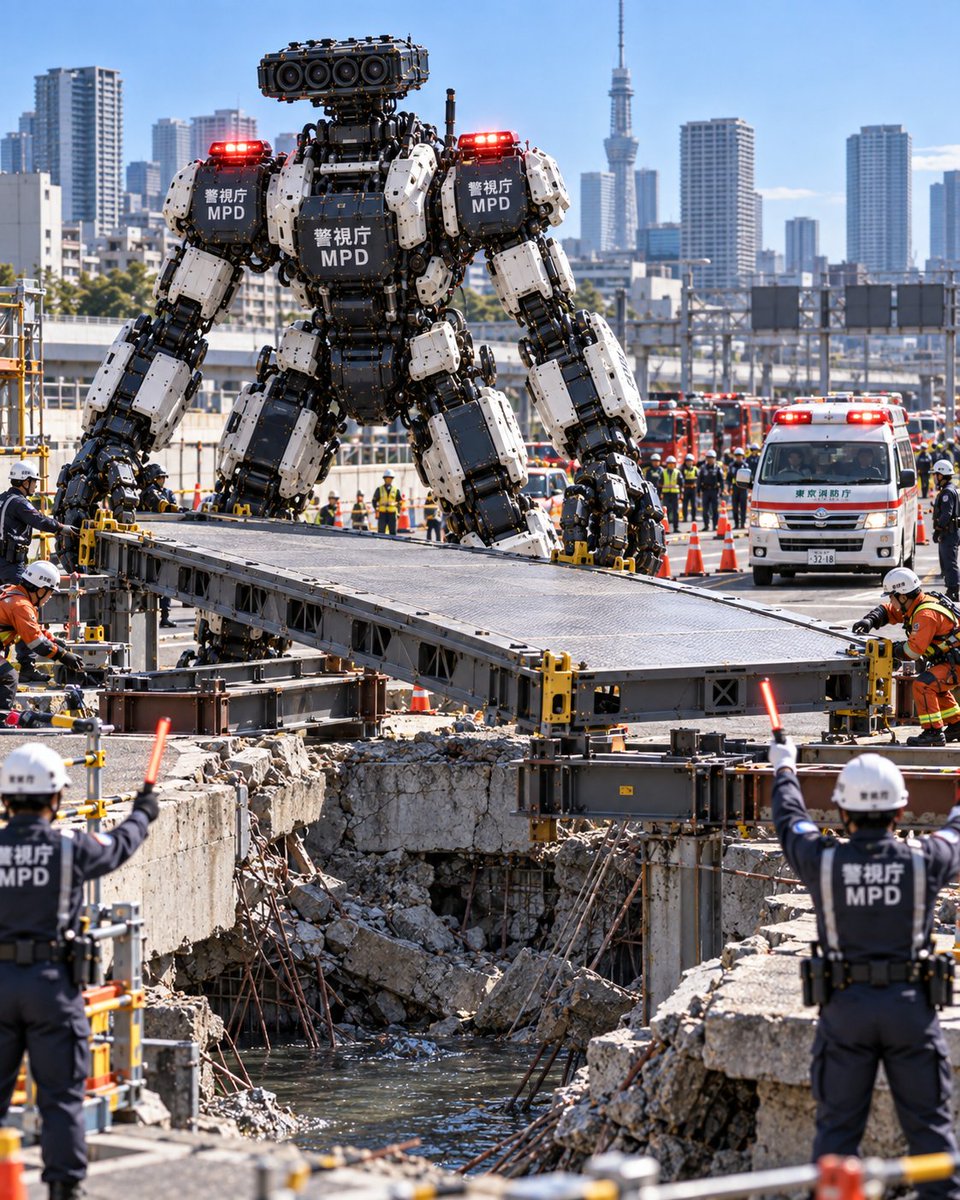
Metropolitan Police Robot Team Prompt
Текст в изображение
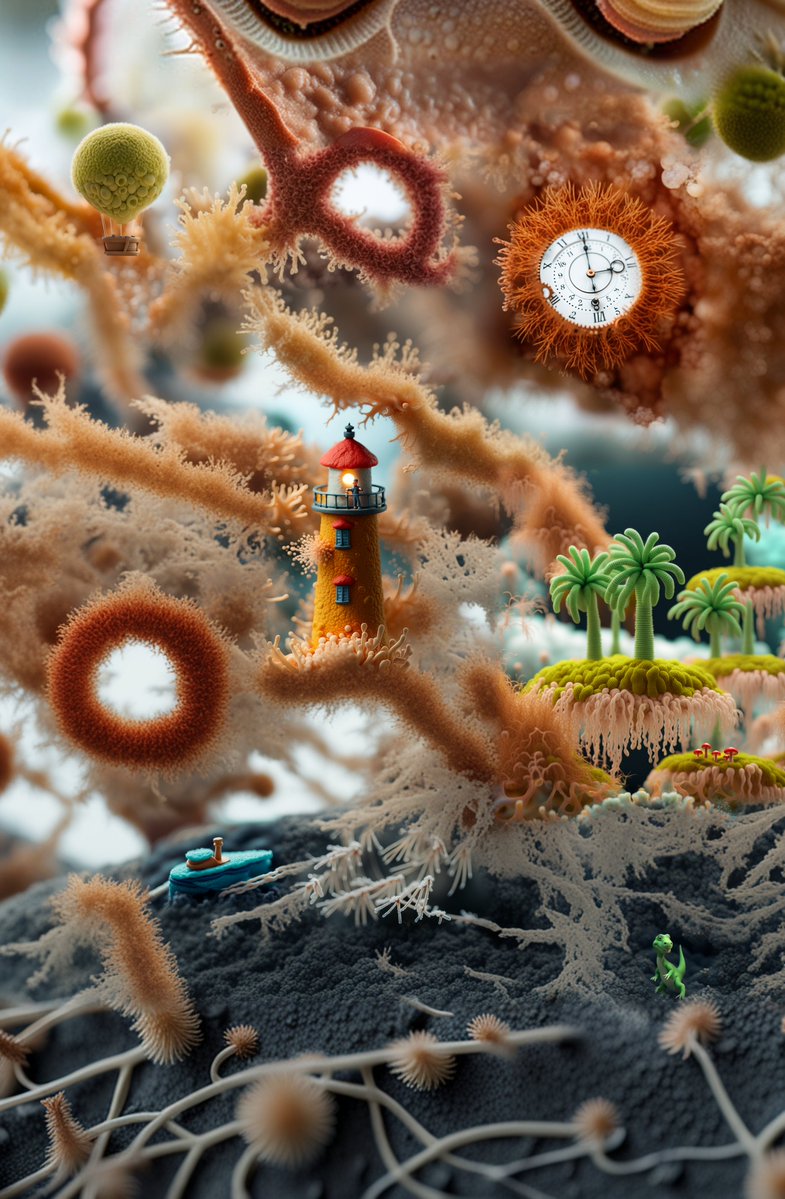
Surreal Miniature Coral Diorama
Текст в изображение
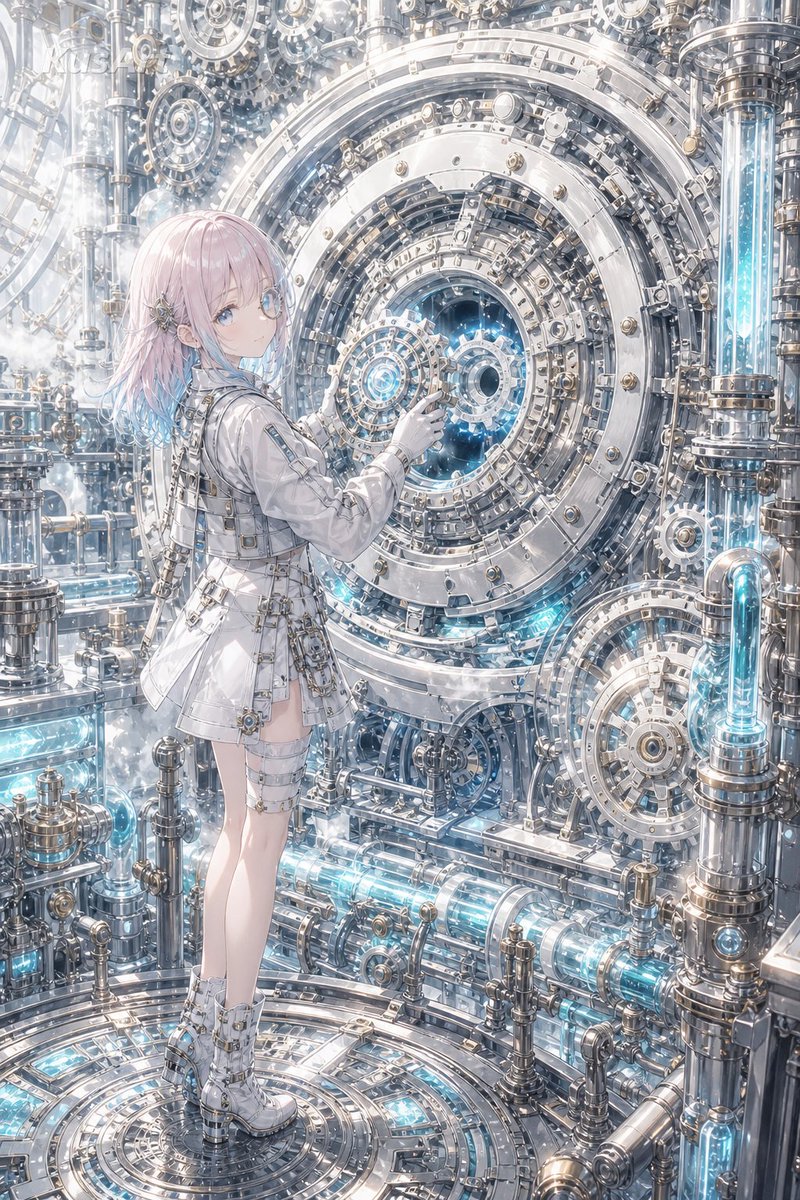
Steampunk Last Gear Prompt
Текст в изображение

Nokia Photo with Handwritten Diary Doodles
Текст в изображение
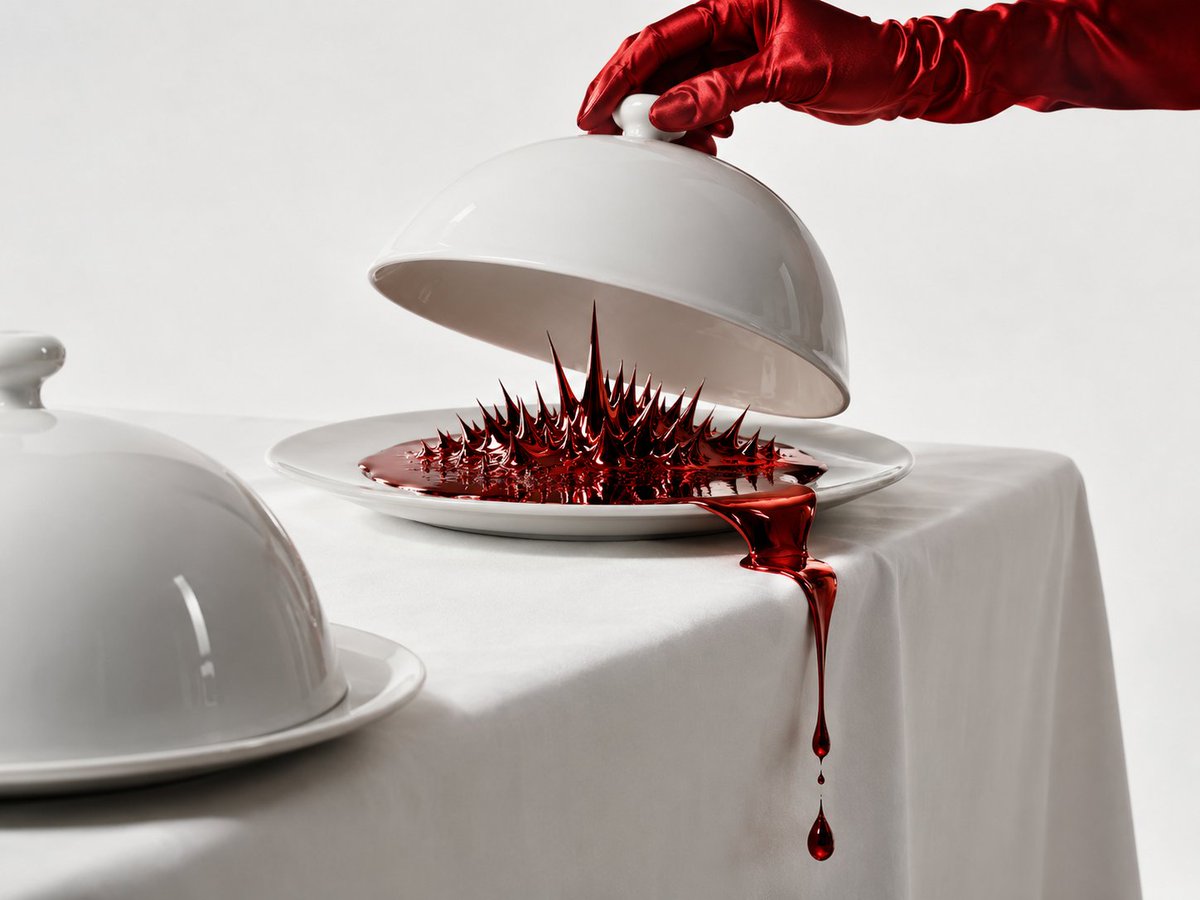
Uncanny Red Liquid Still Life
Текст в изображение
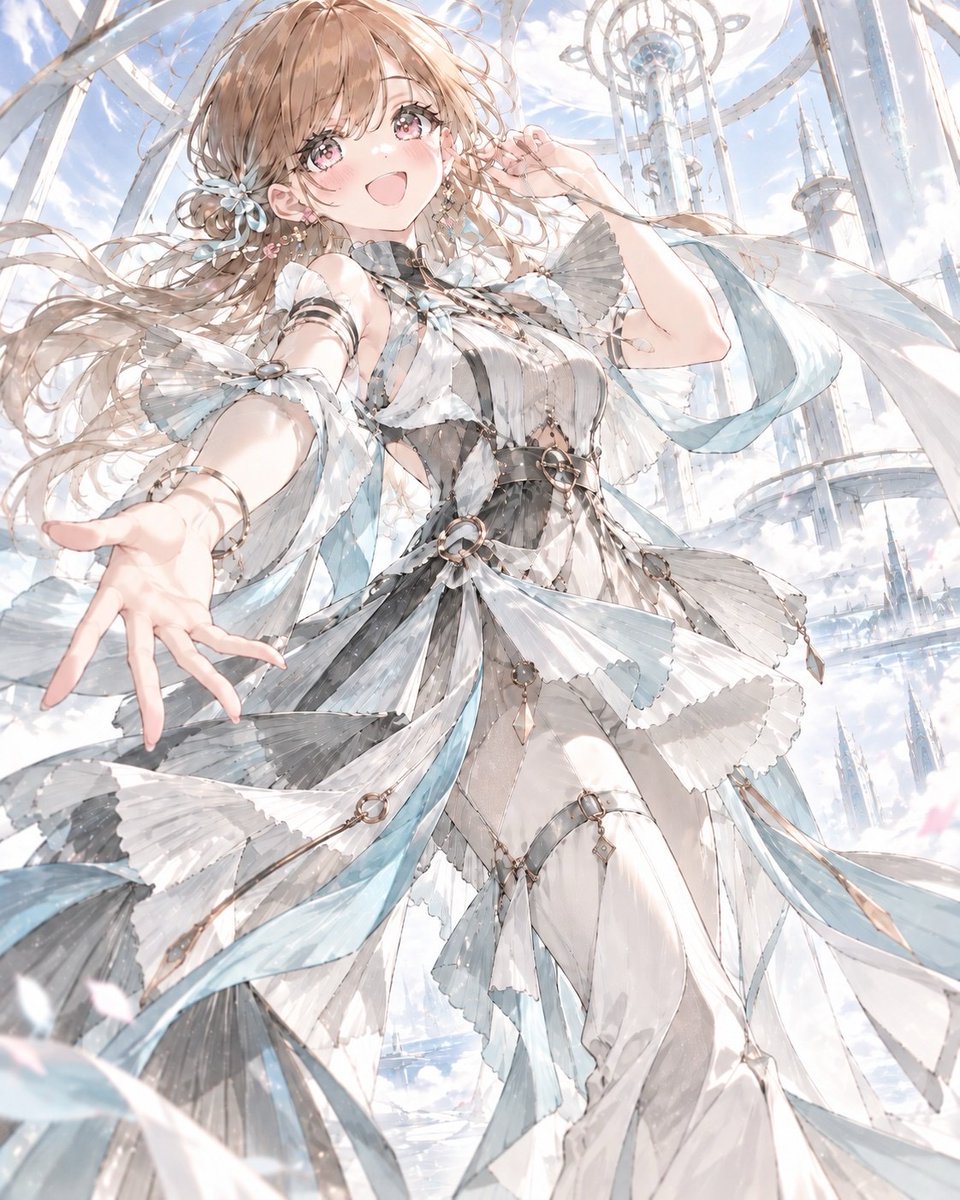
Anime Kinetic Couture Fashion Model
Текст в изображение
Примечания по повторному использованию и источникам
Используйте это подсказку безопасно после предварительного просмотра дела.
- 1.Скопируйте подсказку или откройте ее непосредственно в Dovoo с помощью кнопки генерации.
- 2.Настройте переменные, соотношение сторон и эталонные изображения в соответствии с вашими потребностями.
- 3.Перед публикацией или платным использованием проверьте права на источник, требования к указанию авторства, а также риски, связанные с использованием товарного знака или изображения.