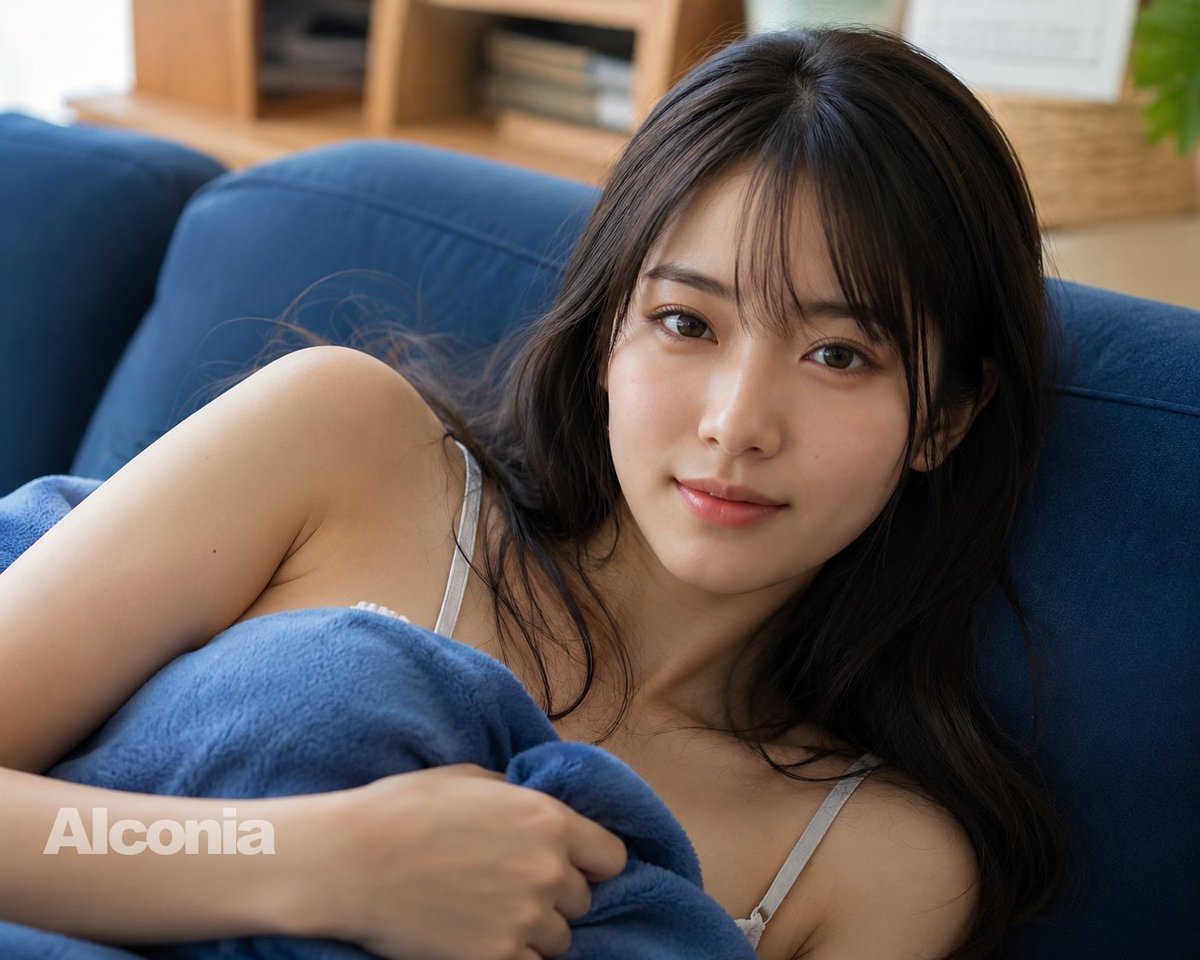
Retrato de estilo de vida com sofá censurado
Gera um retrato fotorrealista de uma mulher adulta relaxada em um sofá azul, com uma manta e um bloco de censura que oculta intencionalmente o rosto, em um ambiente interno.
Este é um exemplo de prompt GPT Image 2 para Retrato e Personagem . Use o prompt pronto para copiar abaixo para gerar visuais semelhantes e revise a atribuição Awesome GPT Image 2 Prompts e os direitos de uso comercial antes de reutilizá-los.
Precisa do conjunto completo de instruções? Use o Retrato e Personagem Para obter mais exemplos relacionados, acesse o hub de tópicos ou abra o GPT Image 2 catálogo de prompts Para obter o índice completo de exemplos, estruturas reutilizáveis e atribuição de fontes.
Free 1K preview
Generate one preview image instantly, no sign-up required.
1194/4000
Incitar
prompt pronto para copiar
Create a high-resolution, realistic lifestyle photograph of an {argument name="subject" default="adult woman"} reclining sideways on a deep blue fabric sofa in a bright living room. She has {argument name="hair color and style" default="long dark brown slightly wavy hair"} falling around her shoulders, and her face is intentionally covered by a large opaque brown rectangular censor block centered over the head and upper face area. She is wearing a light gray spaghetti-strap camisole and is wrapped modestly across the chest with a soft {argument name="blanket color" default="blue fleece blanket"}, one hand gently holding the blanket near the torso. The composition is a close, intimate crop from the upper body and shoulders, angled slightly from above, with shallow depth of field. The background shows a softly blurred cozy home interior with a wooden shelf, stacked books, a wicker basket, and a hint of green plant, lit by natural daylight. Use photorealistic DSLR quality, soft skin tones, detailed fabric texture, realistic hair strands, calm relaxed mood, and a subtle semi-transparent watermark reading {argument name="watermark text" default="Alconia"} in the lower-left corner.Variáveis de prompt
Marcadores de posição editáveis para argumentos encontrados no prompt, com seus valores padrão.
Variável
subject
Padrão
adult woman
Variável
hair color and style
Padrão
long dark brown slightly wavy hair
Variável
blanket color
Padrão
blue fleece blanket
Variável
watermark text
Padrão
Alconia
Best for
- - Retrato e Personagem visual exploration
- - Image generation and reference-image edits
- - Reusable briefs that keep source attribution visible
Change these parts
- - Subject, product, character, or scene
- - Aspect ratio, camera, lighting, and background
- - Brand, text, color, and output constraints
Recommended model and settings
- - Model: gpt-image-2
- - Input mode: Texto para Imagem
- - Aspect ratio: source
- - Commercial status: review original source
How to use this prompt
- 1. Copy the prompt and preserve its structure for the first test.
- 2. Replace the subject, context, and publishing channel.
- 3. Change one camera, lighting, or style variable per iteration.
- 4. Inspect the output, source, text, and rights before reuse.
Limitations, source, and reuse cautions
- - Generated output is an editable draft, not factual, legal, or rights evidence.
- - Review the linked source, people, brands, logos, text, and third-party media before commercial use.
Importado de Awesome GPT Image 2 Prompts . É necessário dar crédito. O uso comercial é permitido allowed ; revise os direitos da fonte antes de utilizá-lo mediante pagamento.
Mais casos nesta categoria
Priorizados por categoria, compatibilidade do modo de entrada, qualidade e menor risco.

Hiker in Red Jacket
Texto para Imagem

Studio Portrait of Woman with Sunglasses
Texto para Imagem

Street Selfie with Cat in Matching Cap
Texto para Imagem

Morning Bed Stretching Legs Prompt
Texto para Imagem
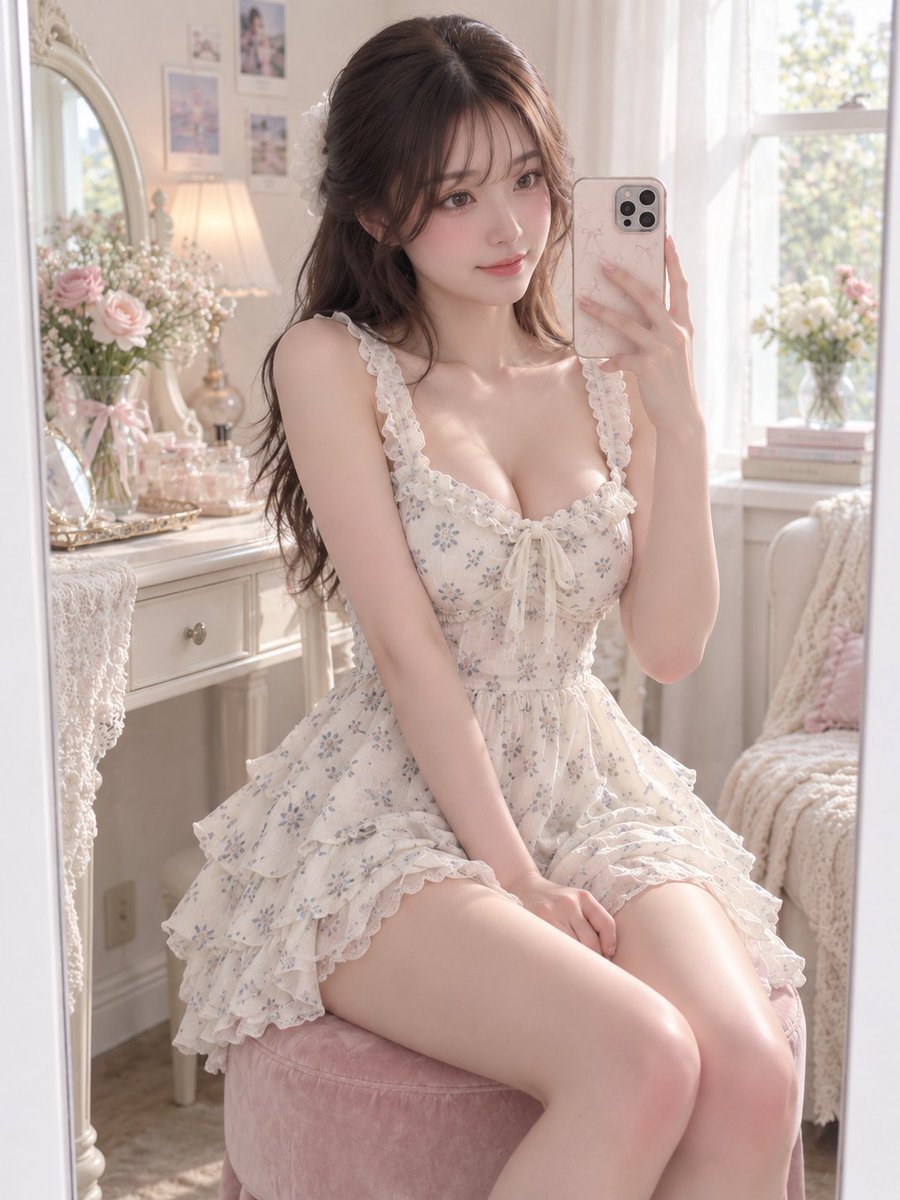
GPT Image 2 Prompt for Mirror Selfie with Flowers
Texto para Imagem

GPT Image 2 Prompt: Garden Dappled Light
Texto para Imagem
Reutilização e notas de origem
Utilize esta instrução com segurança após visualizar o caso.
- 1.Copie o prompt ou abra-o diretamente no Dovoo com o botão de geração.
- 2.Ajuste as variáveis, a proporção e as imagens de referência de acordo com o seu caso específico.
- 3.Antes de publicar ou utilizar o conteúdo mediante pagamento, verifique os direitos da fonte, os requisitos de atribuição e os riscos relacionados à marca ou à imagem.