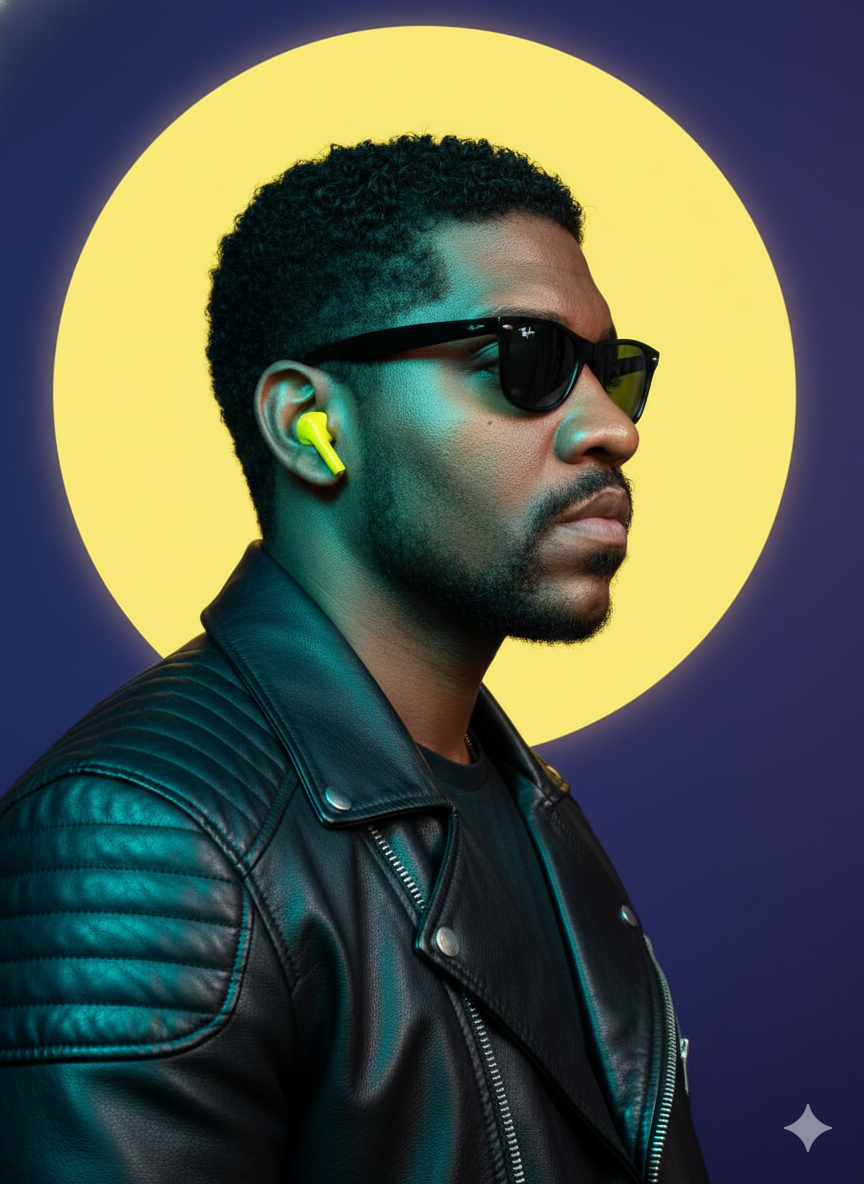
Ray-Ban Wayfare
Source-attributed Nano Banana Pro image prompt from the Awesome Nano Banana Pro Prompts repository with preview image and reuse review notes.
To jest przykładowy przykład Nano Banana Pro dla Portrait Photography . Skorzystaj z poniższego przykładu gotowego do skopiowania, aby wygenerować podobne materiały wizualne i sprawdź atrybucję Awesome Nano Banana Pro Prompts oraz prawa do użytku komercyjnego przed ponownym wykorzystaniem.
Potrzebujesz pełnego zestawu podpowiedzi? Użyj Portrait Photography aby uzyskać więcej powiązanych przykładów, odwiedź centrum tematyczne lub otwórz Nano Banana Pro szybki katalog aby zobaczyć pełny przykładowy indeks, struktury wielokrotnego użytku i informacje o źródle.
Opis
Monit o przygotowanie do kopiowania
A hyper-realistic 8K portrait, medium shot, profile of a person looking to the right side of the frame, captured with a 50mm equivalent lens, emphasizing sharp details and depth. The subject has a heavily made-up face as a reference. He wears black Ray-Ban Wayfarer sunglasses and a bright yellow wireless earphone in his right ear. The subject wears a highly detailed black leather motorcycle jacket, with subtle quilted patterns on the shoulders and a visible zipper. The lighting is cinematic and high-contrast, characterized by a strong cool contour light in shades of teal and cyan coming from the left, illuminating the contours of the jacket, the beard, and the side of the face, while warmer yellow reflections highlight the hair and the opposite side of the face. Behind the subject's head, slightly off-center, is a large, perfectly circular, vibrant yellow graphic disc, creating a distinct halo effect. This stylized element stands out against a deep, solid blue-purple background, highlighting the dramatic color contrast and modern aesthetic of the studio.
Więcej przypadków w tej kategorii
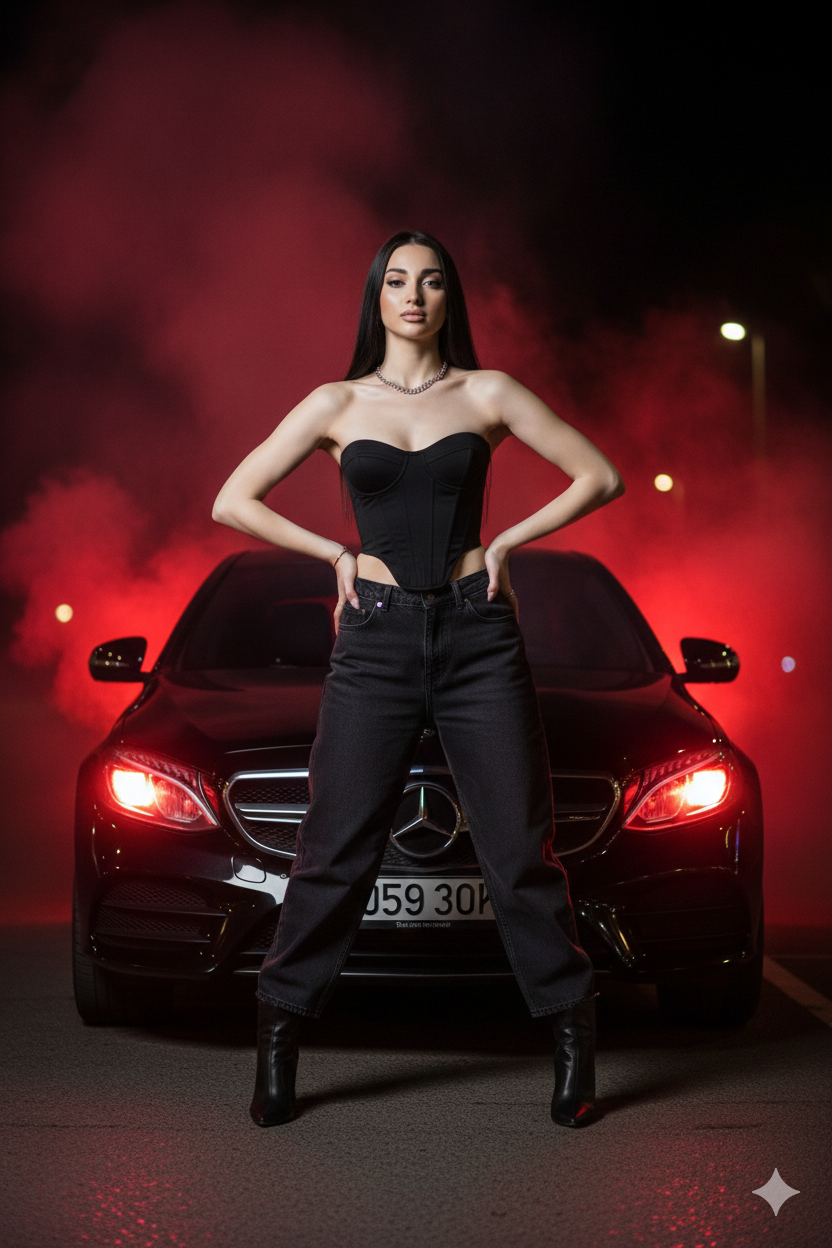
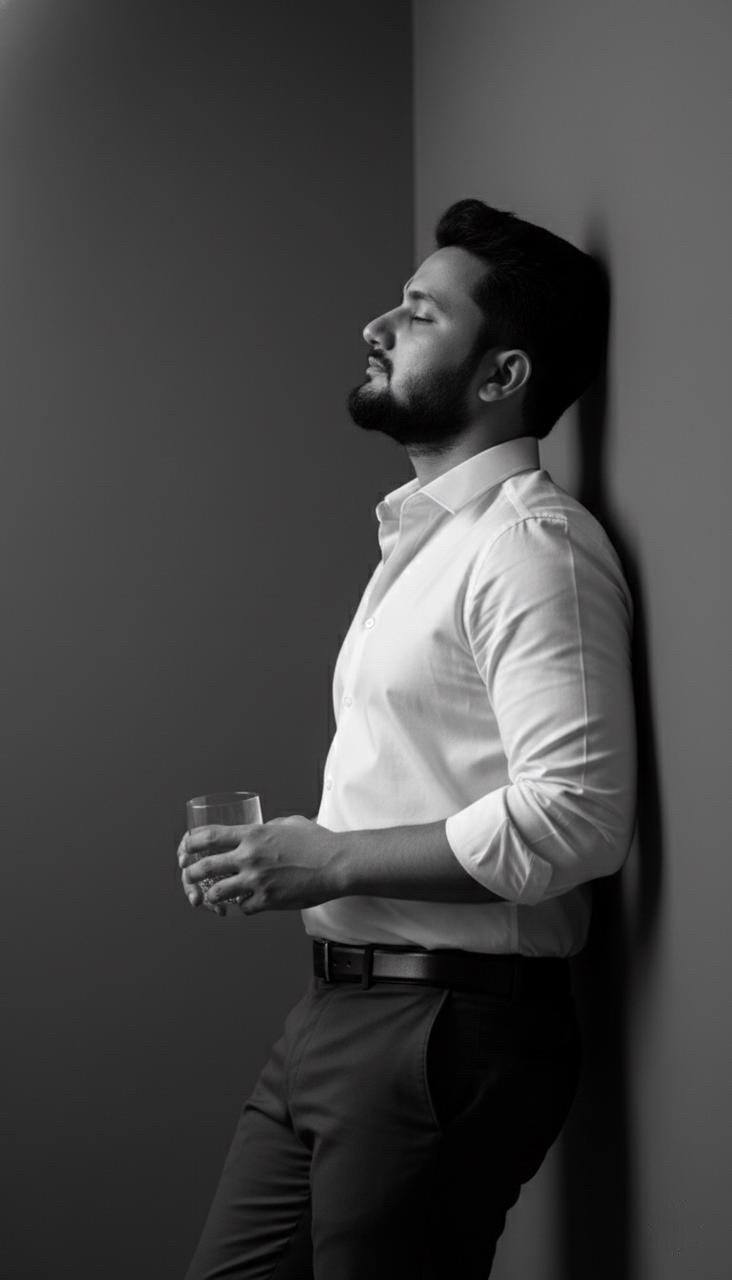
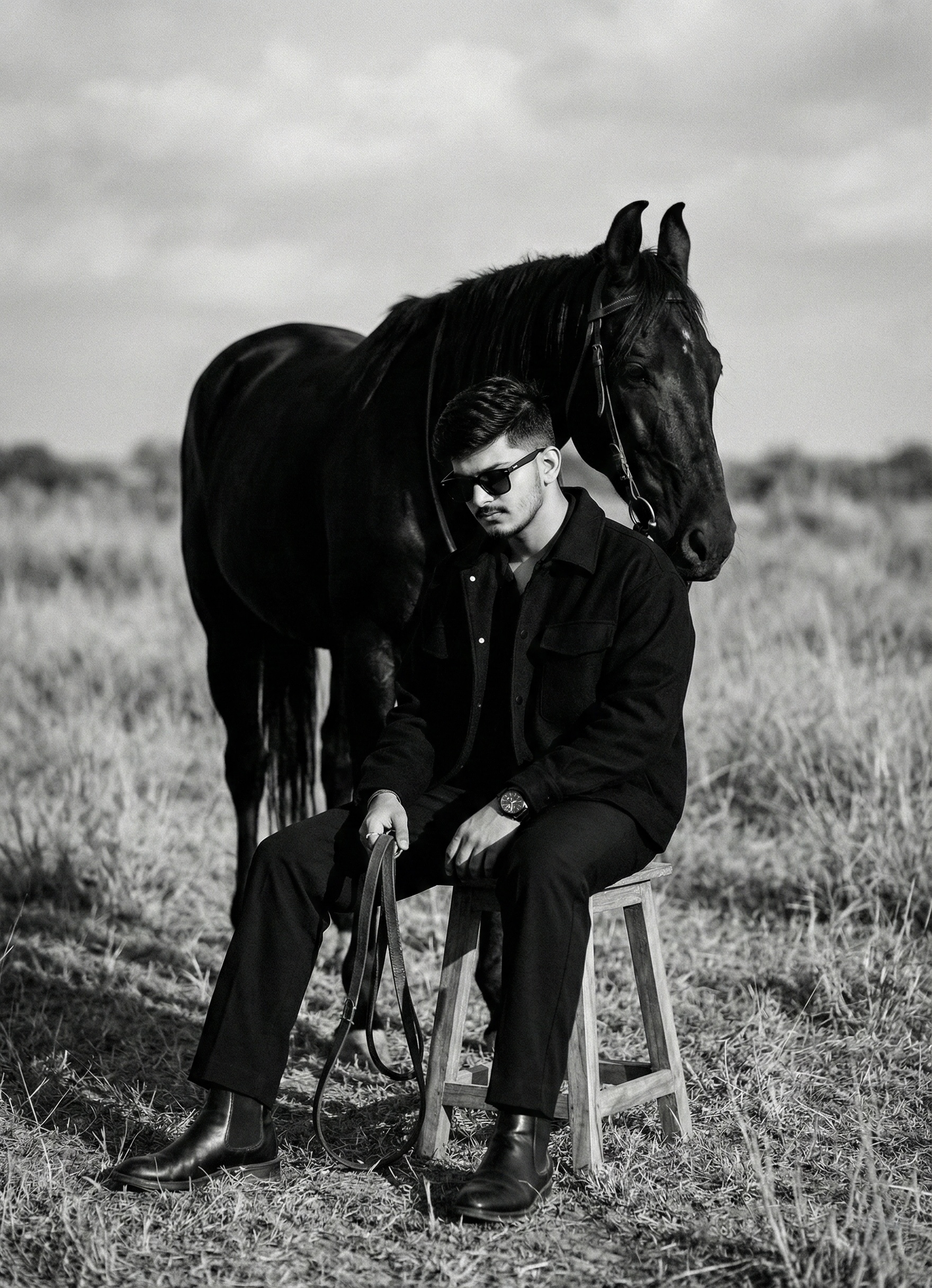
Priorytety według kategorii, zgodności trybu wprowadzania, jakości i niższego ryzyka.


Ponowne wykorzystanie i źródło notatek
Użyj tego monitu bezpiecznie po zapoznaniu się ze sprawą.
- 1.Skopiuj monit lub otwórz go bezpośrednio w Dovoo za pomocą przycisku generowania.
- 2.Dostosuj zmienne, proporcje obrazu i obrazy referencyjne do własnego przypadku użycia.
- 3.Przed publikacją lub płatnym wykorzystaniem należy sprawdzić prawa autorskie do źródła, wymogi dotyczące atrybucji oraz ryzyko związane z marką lub podobizną.