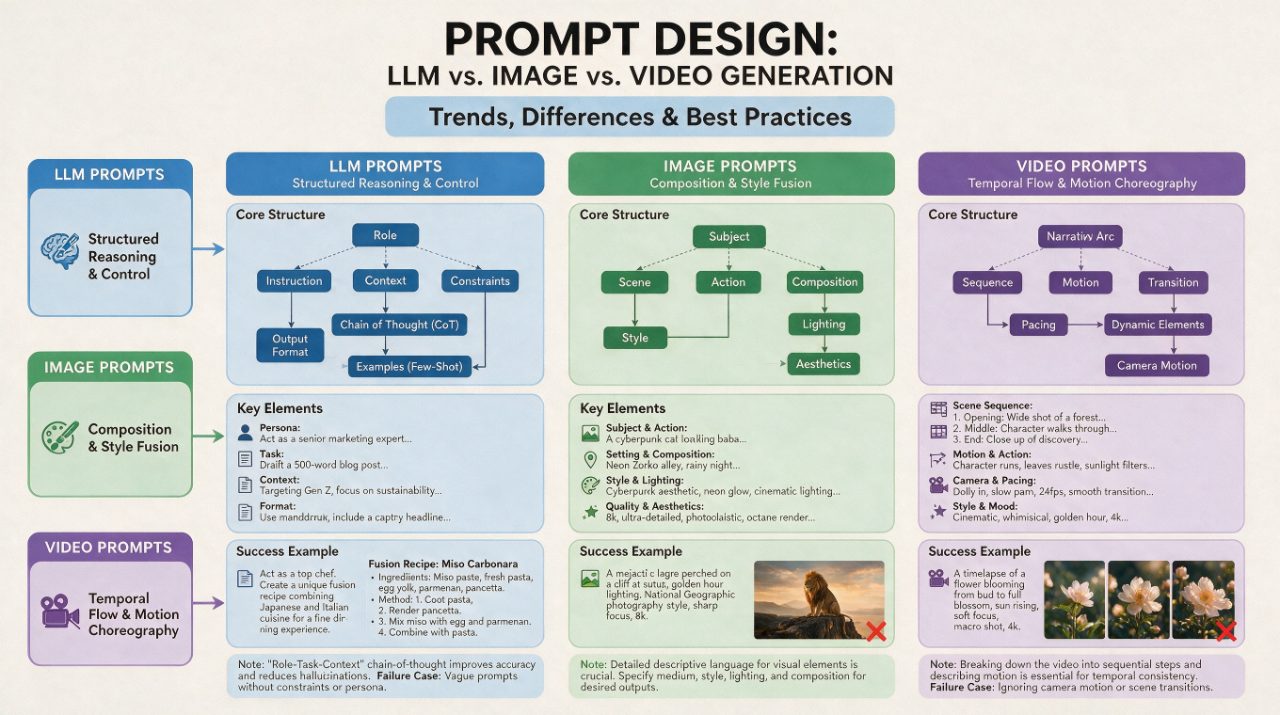
Prompt Design Guide For AI Models
Source-attributed Seedream 5 Pro image prompt from the Awesome Seedream 5 Pro Prompts repository.
To jest przykładowy przykład Seedream 5 Pro dla Grafika i plakat . Skorzystaj z poniższego przykładu gotowego do skopiowania, aby wygenerować podobne materiały wizualne i sprawdź atrybucję Awesome Seedream 5 Pro Prompts oraz prawa do użytku komercyjnego przed ponownym wykorzystaniem.
Potrzebujesz pełnego zestawu podpowiedzi? Użyj Grafika i plakat aby uzyskać więcej powiązanych przykładów, odwiedź centrum tematyczne lub otwórz Seedream 5 Pro szybki katalog aby zobaczyć pełny przykładowy indeks, struktury wielokrotnego użytku i informacje o źródle.
Opis
Monit o przygotowanie do kopiowania
Based on collected prompt guide trends, create a presentation summarizing the differences and best practices in prompt design for LLM, image generation, and video generation models. The slide structure should be logical and easy to compare. After creation, provide explanatory text for each model category, including why this writing approach works and common failure cases.
Best for
- - Grafika i plakat visual exploration
- - Image generation and reference-image edits
- - Reusable briefs that keep source attribution visible
Change these parts
- - Subject, product, character, or scene
- - Aspect ratio, camera, lighting, and background
- - Brand, text, color, and output constraints
Recommended model and settings
- - Model: seedream-5-pro
- - Input mode: Tekst na obraz
- - Aspect ratio: source
- - Commercial status: restricted
How to use this prompt
- 1. Copy the prompt and preserve its structure for the first test.
- 2. Replace the subject, context, and publishing channel.
- 3. Change one camera, lighting, or style variable per iteration.
- 4. Inspect the output, source, text, and rights before reuse.
Limitations, source, and reuse cautions
- - Generated output is an editable draft, not factual, legal, or rights evidence.
- - Review the linked source, people, brands, logos, text, and third-party media before commercial use.
Zaimportowano z Awesome Seedream 5 Pro Prompts . Wymagane jest podanie źródła. Status do użytku komercyjnego to restricted ; przed płatnym użyciem sprawdź prawa autorskie do źródła.
Więcej przypadków w tej kategorii
Priorytety według kategorii, zgodności trybu wprowadzania, jakości i niższego ryzyka.
Luxury Fashion Editorial Portrait
Tekst na obrazNiskie ryzyko
Editorial Fitness Stretching Pose
Tekst na obrazNiskie ryzyko
Realistic Still Life Composition
Tekst na obrazNiskie ryzyko
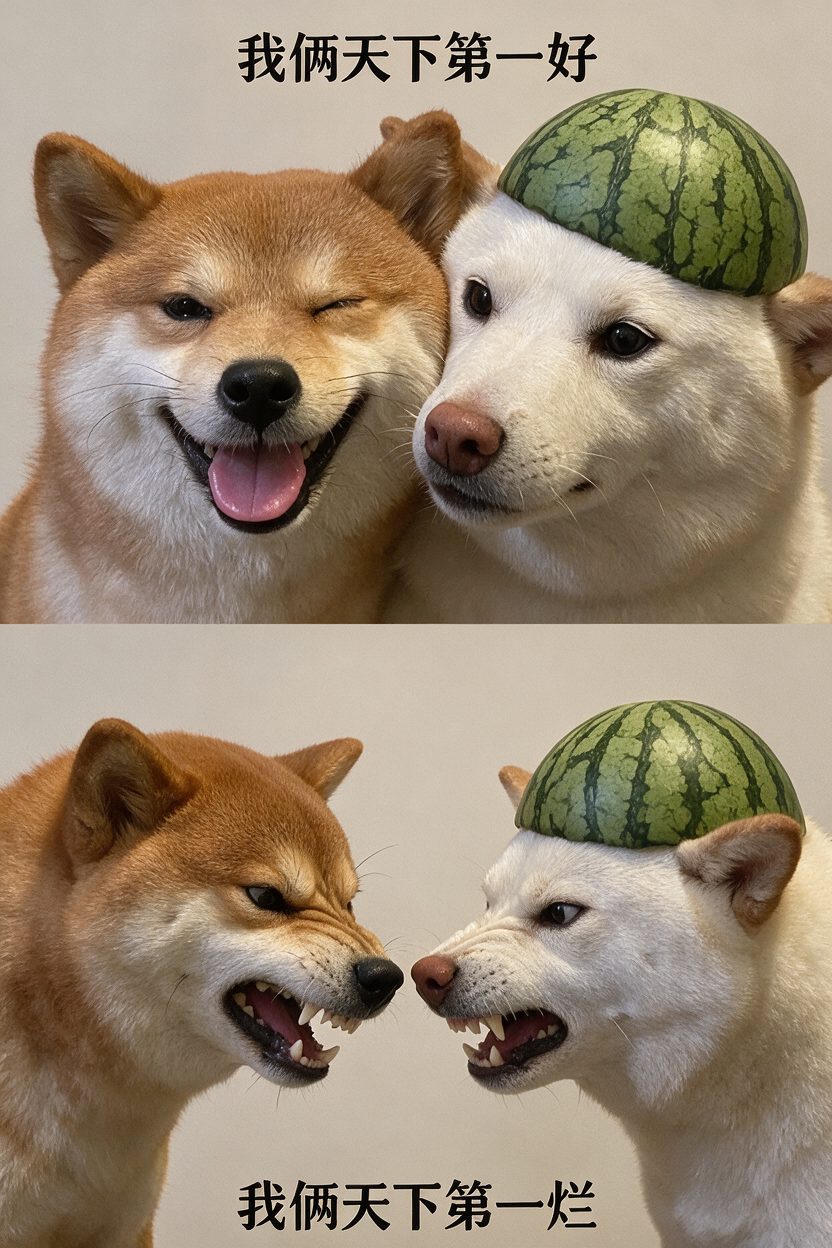
Best And Worst Dog Duo
Tekst na obrazNiskie ryzyko
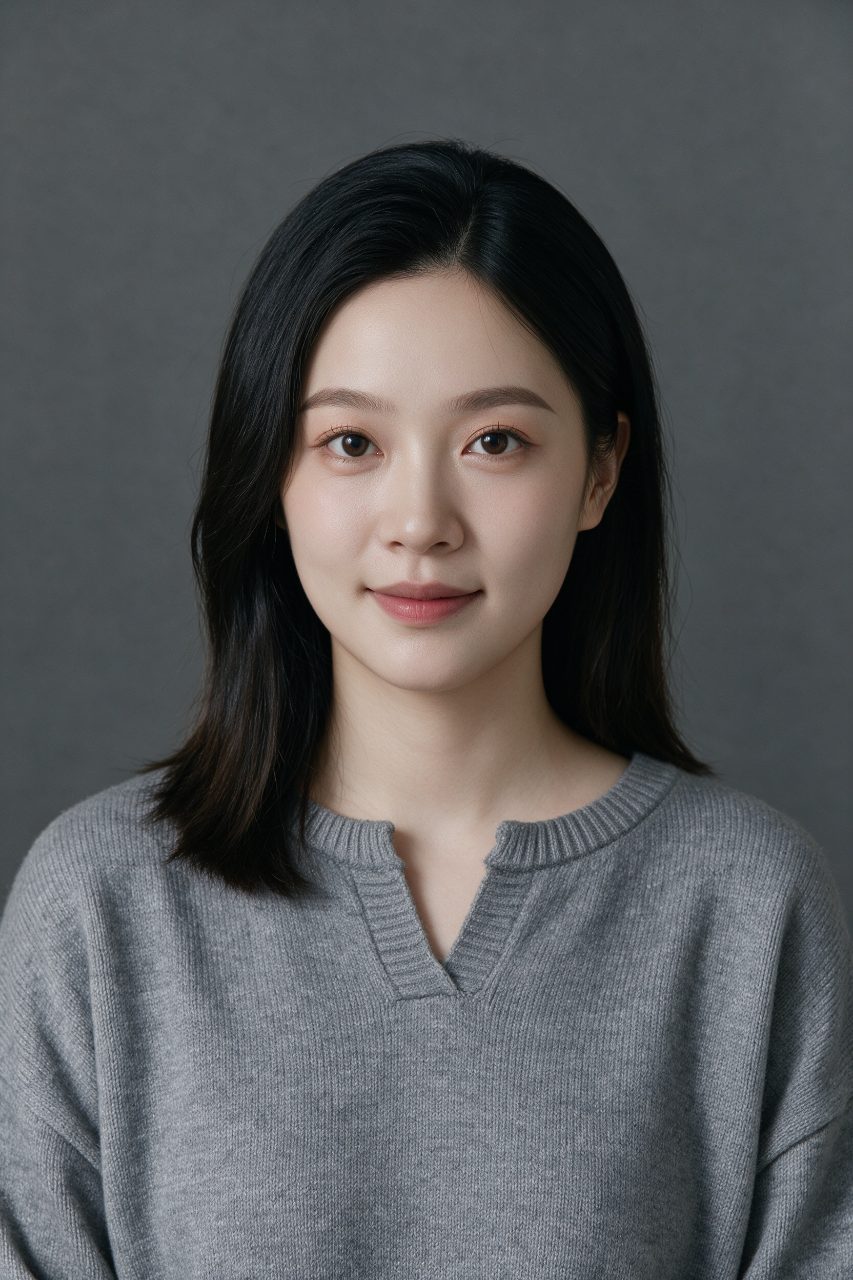
Woman Solo ID Photo
Tekst na obrazNiskie ryzyko
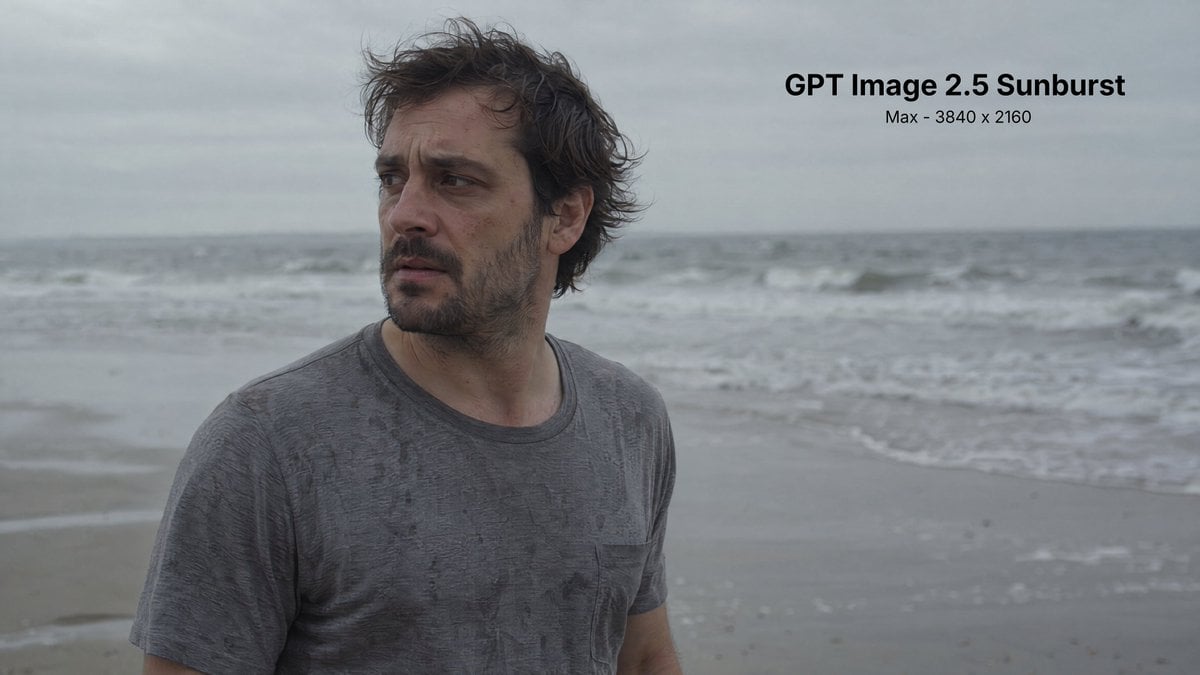
Man on Beach in Simple Film Shot
Tekst na obrazNiskie ryzyko
Ponowne wykorzystanie i źródło notatek
Użyj tego monitu bezpiecznie po zapoznaniu się ze sprawą.
- 1.Skopiuj monit lub otwórz go bezpośrednio w Dovoo za pomocą przycisku generowania.
- 2.Dostosuj zmienne, proporcje obrazu i obrazy referencyjne do własnego przypadku użycia.
- 3.Przed publikacją lub płatnym wykorzystaniem należy sprawdzić prawa autorskie do źródła, wymogi dotyczące atrybucji oraz ryzyko związane z marką lub podobizną.