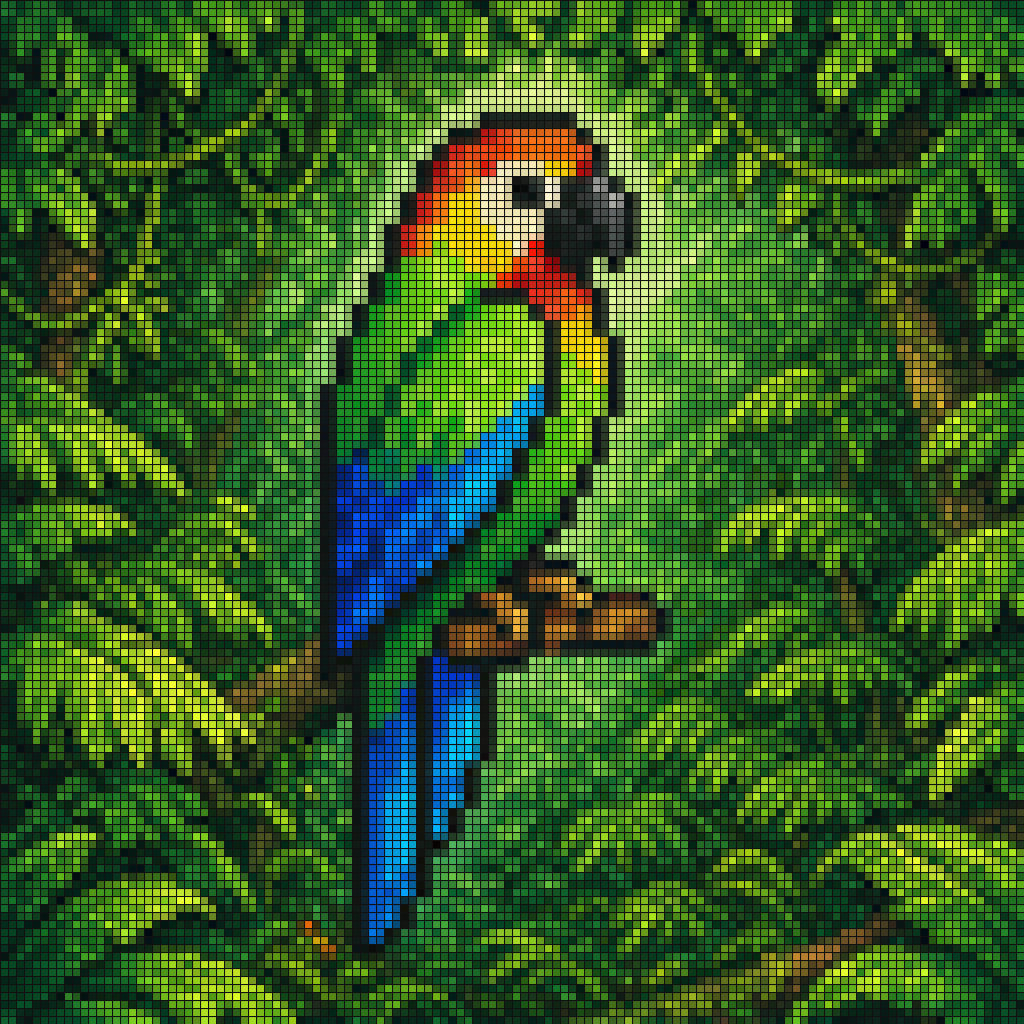
Pixel Mosaic Jungle Parrot
To polecenie generuje kolorową, kwadratową mozaikę w pikselach przedstawiającą tropikalną papugę wśród gęstego zielonego listowia, idealną do plakatów w stylu retro, tapet lub dekoracyjnej sztuki cyfrowej.
To jest przykładowy przykład GPT Image 2 dla Portret i charakter . Skorzystaj z poniższego przykładu gotowego do skopiowania, aby wygenerować podobne materiały wizualne i sprawdź atrybucję Awesome GPT Image 2 Prompts oraz prawa do użytku komercyjnego przed ponownym wykorzystaniem.
Potrzebujesz pełnego zestawu podpowiedzi? Użyj Portret i charakter aby uzyskać więcej powiązanych przykładów, odwiedź centrum tematyczne lub otwórz GPT Image 2 szybki katalog aby zobaczyć pełny przykładowy indeks, struktury wielokrotnego użytku i informacje o źródle.
Free 1K preview
Generate one preview image instantly, no sign-up required.
1062/4000
Opis
Monit o przygotowanie do kopiowania
A pixel-art style mosaic illustration of a tropical parrot perched on a short brown branch in the middle of dense jungle foliage, created as if assembled from a tight uniform square grid of tiny colored tiles with thin dark outlines around every square. The single bird is shown in side profile facing right, with a large curved black beak, a pale cream face, a bright red-orange forehead and throat, a vivid yellow neck, a bright green body, and long wings and tail feathers in saturated blue and cyan. The parrot is centered vertically and slightly left of center, standing upright on the branch, with the tail extending downward. Surround the bird with lush layered leaves in many shades of green, from deep forest green to lime, filling the entire frame with no sky visible. Use strong contrast, crisp black contouring, and a glowing light green area behind the parrot to separate it from the darker foliage. The overall image should look like retro pixel art or stained-glass mosaic, highly detailed, colorful, square format, and edge-to-edge tiled texture.
Best for
- - Portret i charakter visual exploration
- - Image generation and reference-image edits
- - Reusable briefs that keep source attribution visible
Change these parts
- - Subject, product, character, or scene
- - Aspect ratio, camera, lighting, and background
- - Brand, text, color, and output constraints
Recommended model and settings
- - Model: gpt-image-2
- - Input mode: Tekst na obraz
- - Aspect ratio: source
- - Commercial status: review original source
How to use this prompt
- 1. Copy the prompt and preserve its structure for the first test.
- 2. Replace the subject, context, and publishing channel.
- 3. Change one camera, lighting, or style variable per iteration.
- 4. Inspect the output, source, text, and rights before reuse.
Limitations, source, and reuse cautions
- - Generated output is an editable draft, not factual, legal, or rights evidence.
- - Review the linked source, people, brands, logos, text, and third-party media before commercial use.
Zaimportowano z Awesome GPT Image 2 Prompts . Wymagane jest podanie źródła. Status do użytku komercyjnego to allowed ; przed płatnym użyciem sprawdź prawa autorskie do źródła.
Więcej przypadków w tej kategorii
Priorytety według kategorii, zgodności trybu wprowadzania, jakości i niższego ryzyka.

Hell Hound Character Sheet Infographic
Tekst na obraz

Cute Speech Bubble Mascot Profile Icon
Tekst na obraz

Studio Portrait of Woman with Sunglasses
Tekst na obraz

Street Selfie with Cat in Matching Cap
Tekst na obraz

Morning Bed Stretching Legs Prompt
Tekst na obraz
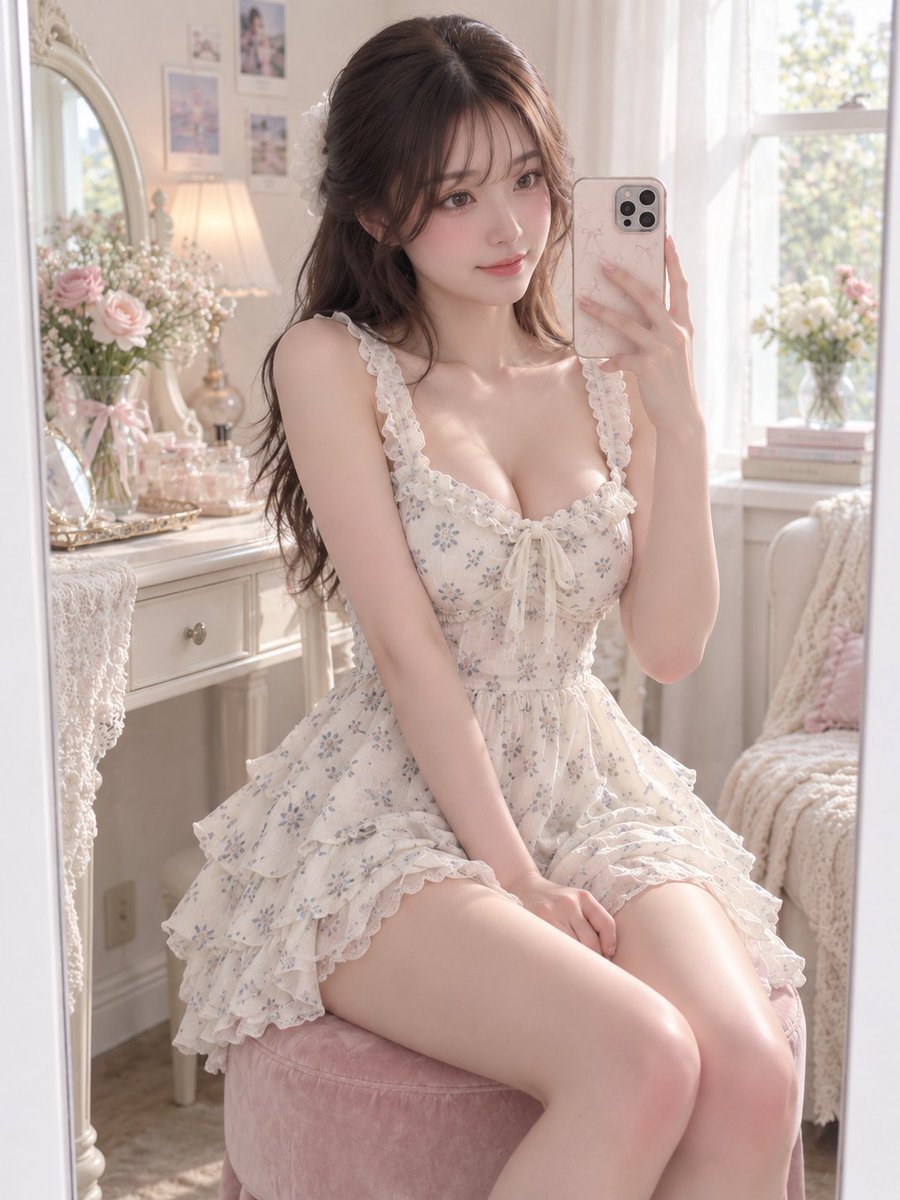
GPT Image 2 Prompt for Mirror Selfie with Flowers
Tekst na obraz
Ponowne wykorzystanie i źródło notatek
Użyj tego monitu bezpiecznie po zapoznaniu się ze sprawą.
- 1.Skopiuj monit lub otwórz go bezpośrednio w Dovoo za pomocą przycisku generowania.
- 2.Dostosuj zmienne, proporcje obrazu i obrazy referencyjne do własnego przypadku użycia.
- 3.Przed publikacją lub płatnym wykorzystaniem należy sprawdzić prawa autorskie do źródła, wymogi dotyczące atrybucji oraz ryzyko związane z marką lub podobizną.