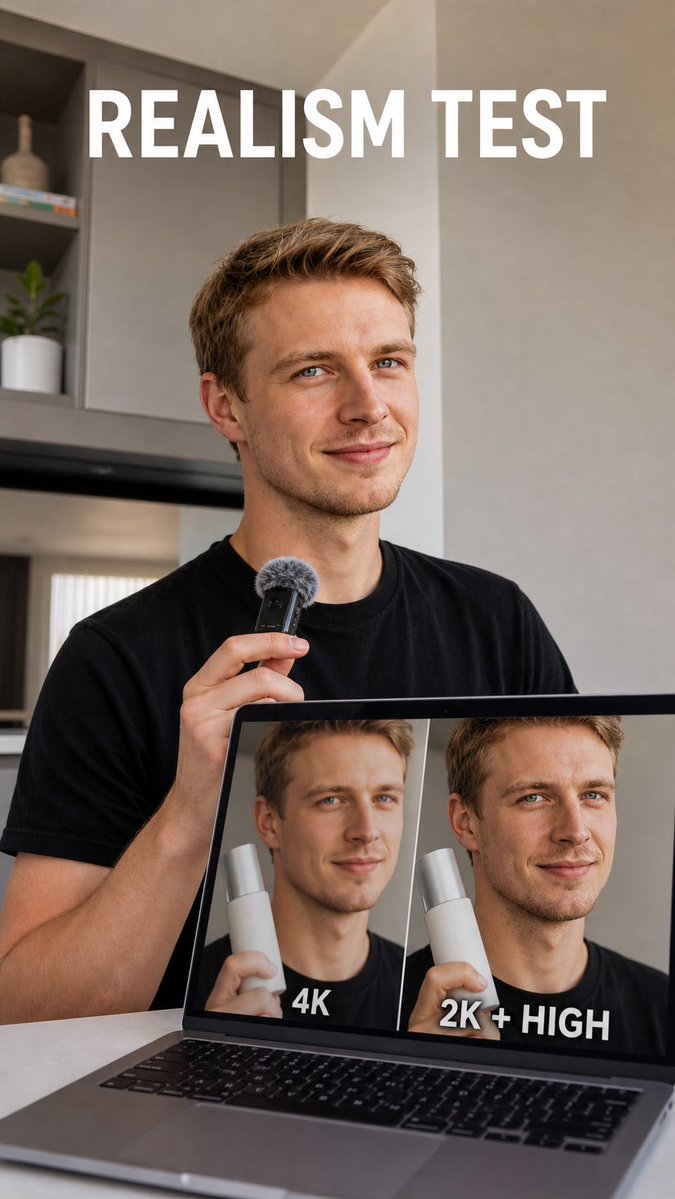
Realism Test UGC Ad
A realistic vertical creator-style ad showing a presenter comparing 4K versus 2K High image quality on a laptop screen.
Dit is een voorbeeld van een GPT Image 2 prompt voor Product & Commercieel . Gebruik de onderstaande kant-en-klare prompt om vergelijkbare afbeeldingen te genereren en controleer de Awesome GPT Image 2 Prompts en de rechten voor commercieel gebruik voordat u de afbeeldingen hergebruikt.
Heb je de volledige set prompts nodig? Gebruik dan de Product & Commercieel Ga naar het themacentrum voor meer gerelateerde voorbeelden, of open de GPT Image 2 prompt catalogus Voor de volledige voorbeeldenindex, herbruikbare structuren en bronvermelding.
Free 1K preview
Generate one preview image instantly, no sign-up required.
1301/4000
Snel
Schrijfklare prompt
Create a vertical realistic social media ad photo about AI image realism testing. Show a young adult white man with short blond hair, blue eyes, light stubble, and a slight confident smile, wearing a plain black T-shirt in a modern neutral-toned apartment or studio kitchen. He is seated behind an open laptop on a table and holds a small black handheld microphone with a gray furry windscreen near his chest, as if presenting a test result. The laptop screen is clearly visible and displays a side-by-side comparison with exactly 2 portrait panels of the same man holding a white cylindrical product: the left panel looks slightly soft, waxy, and blurry and is labeled “4K” in bold white text at the bottom; the right panel looks sharper and more natural and is labeled “2K + HIGH” in bold white text at the bottom. Add a large bold all-caps white headline at the top reading {argument name="headline text" default="REALISM TEST"}. Use natural window light, shallow depth of field, realistic skin texture, muted beige-gray walls, shelves with minimal decor and a small plant in the background, clean creator-testimonial composition, vertical 9:16 framing, high-end UGC ad aesthetic. Keep all text legible, use only the headline and the two laptop labels, no logos, no watermark, no extra UI elements.Vraagvariabelen
Bewerkbare argumentplaceholders in de prompt, met hun standaardwaarden.
Variabele
headline text
Standaard
REALISM TEST
Best for
- - Product & Commercieel visual exploration
- - Image generation and reference-image edits
- - Reusable briefs that keep source attribution visible
Change these parts
- - Subject, product, character, or scene
- - Aspect ratio, camera, lighting, and background
- - Brand, text, color, and output constraints
Recommended model and settings
- - Model: gpt-image-2
- - Input mode: Tekst naar afbeelding
- - Aspect ratio: source
- - Commercial status: review original source
How to use this prompt
- 1. Copy the prompt and preserve its structure for the first test.
- 2. Replace the subject, context, and publishing channel.
- 3. Change one camera, lighting, or style variable per iteration.
- 4. Inspect the output, source, text, and rights before reuse.
Limitations, source, and reuse cautions
- - Generated output is an editable draft, not factual, legal, or rights evidence.
- - Review the linked source, people, brands, logos, text, and third-party media before commercial use.
Geïmporteerd van Awesome GPT Image 2 Prompts . Naamsvermelding is vereist. Commercieel gebruik is toegestaan volgens de status allowed ; controleer de rechten van de bron voordat u het tegen betaling gebruikt.
Meer gevallen in deze categorie
Geprioriteerd op basis van categorie, compatibiliteit met invoermodus, kwaliteit en lager risico.
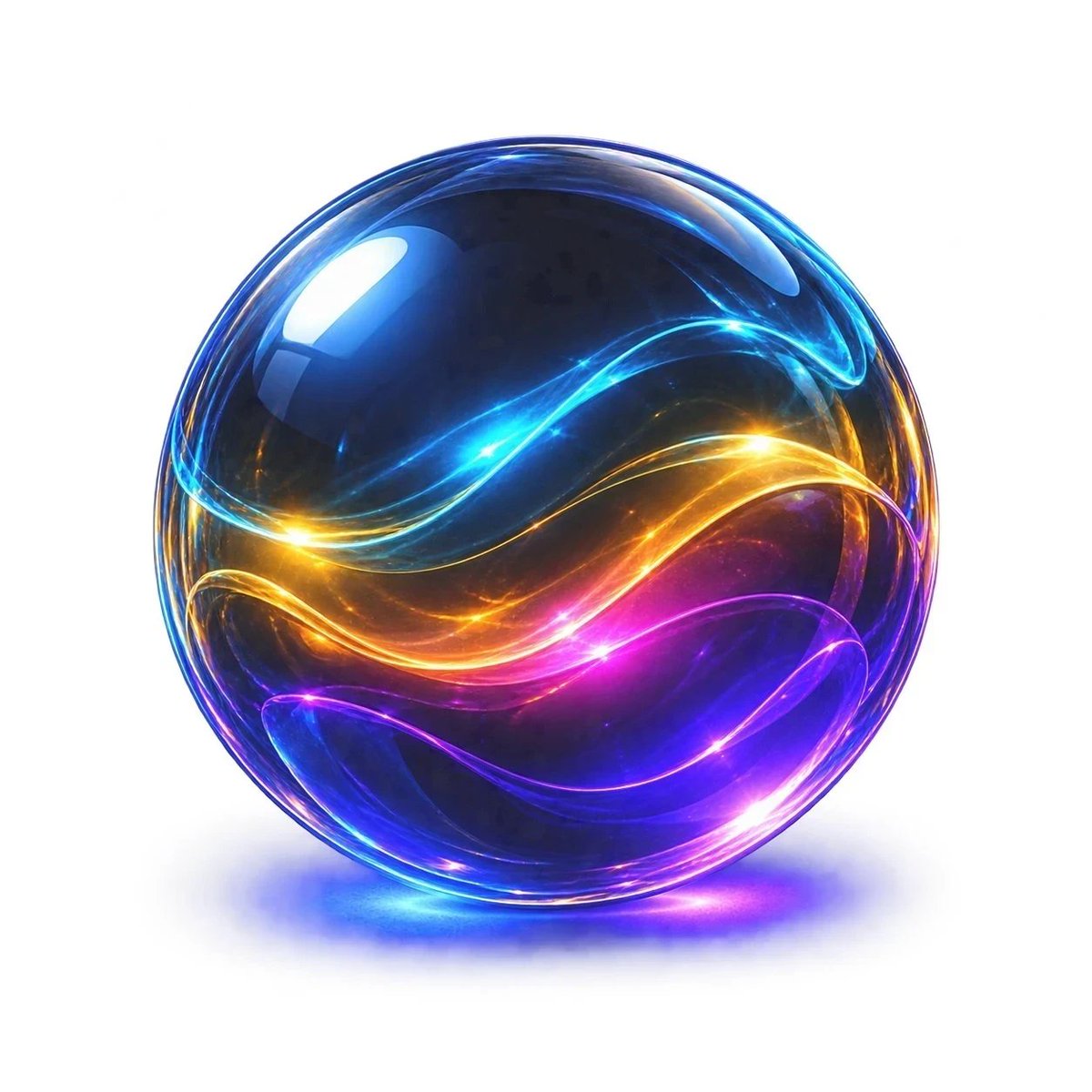
Neon Glass Energy Orb
Tekst naar afbeelding
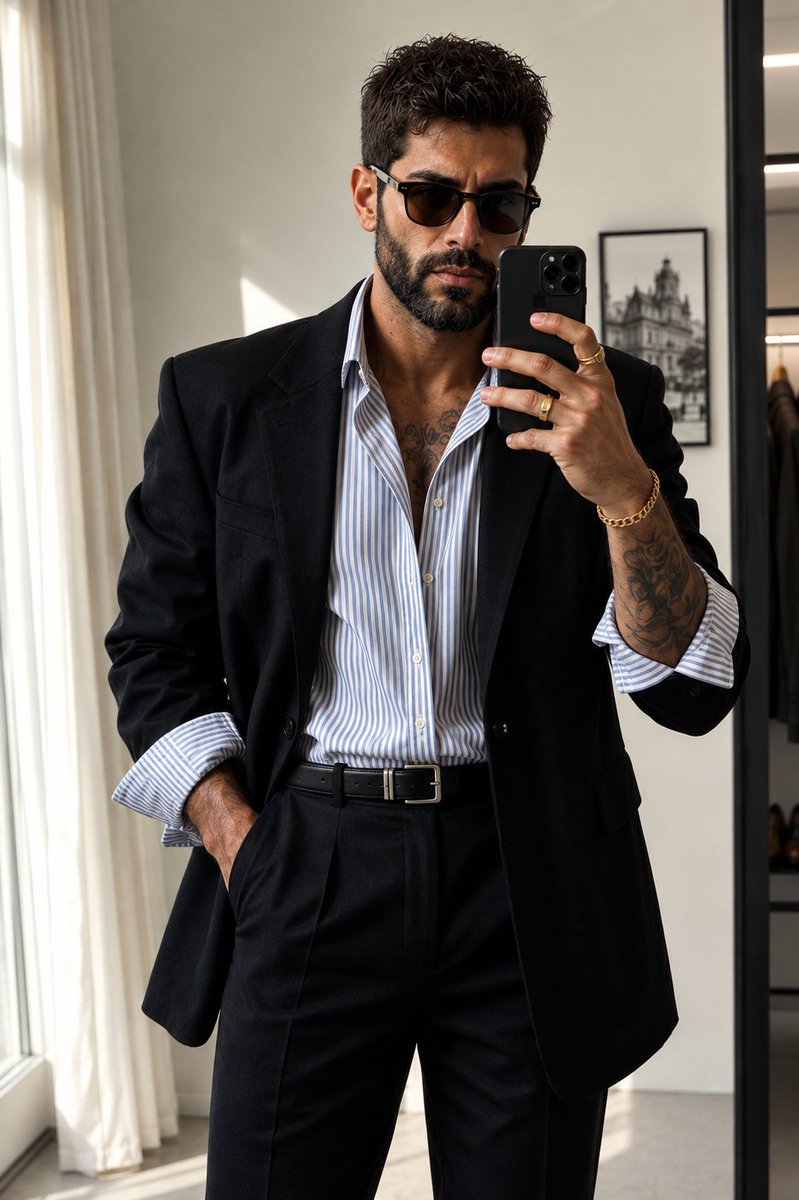
Minimalist Editorial Mirror Selfie
Tekst naar afbeelding
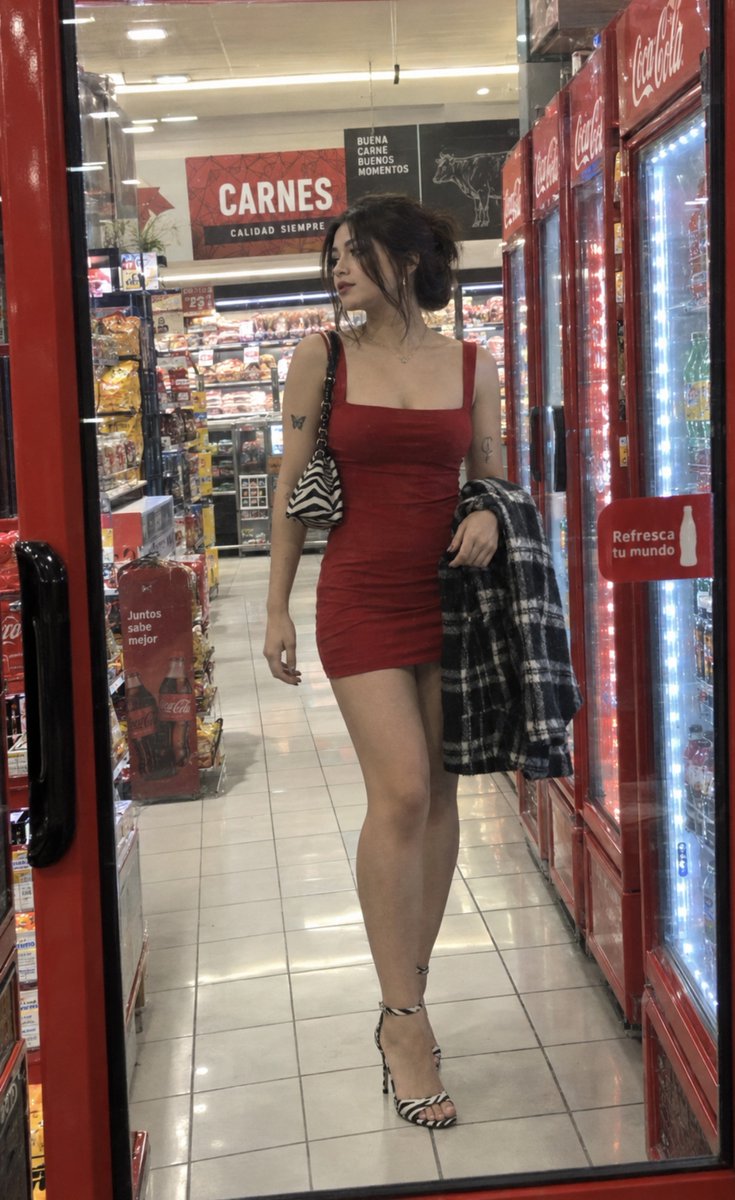
Convenience Store Candid Fashion Portrait
Tekst naar afbeelding
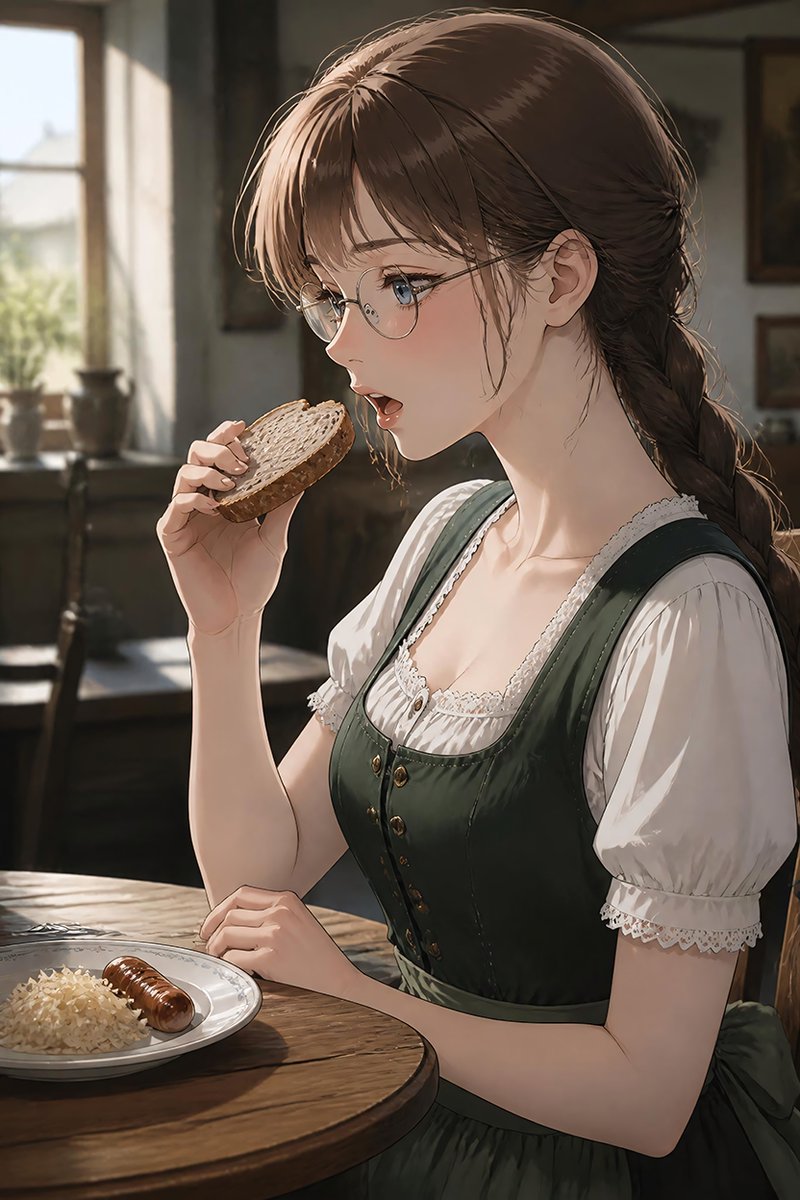
German Sausage Breakfast Plate
Tekst naar afbeelding
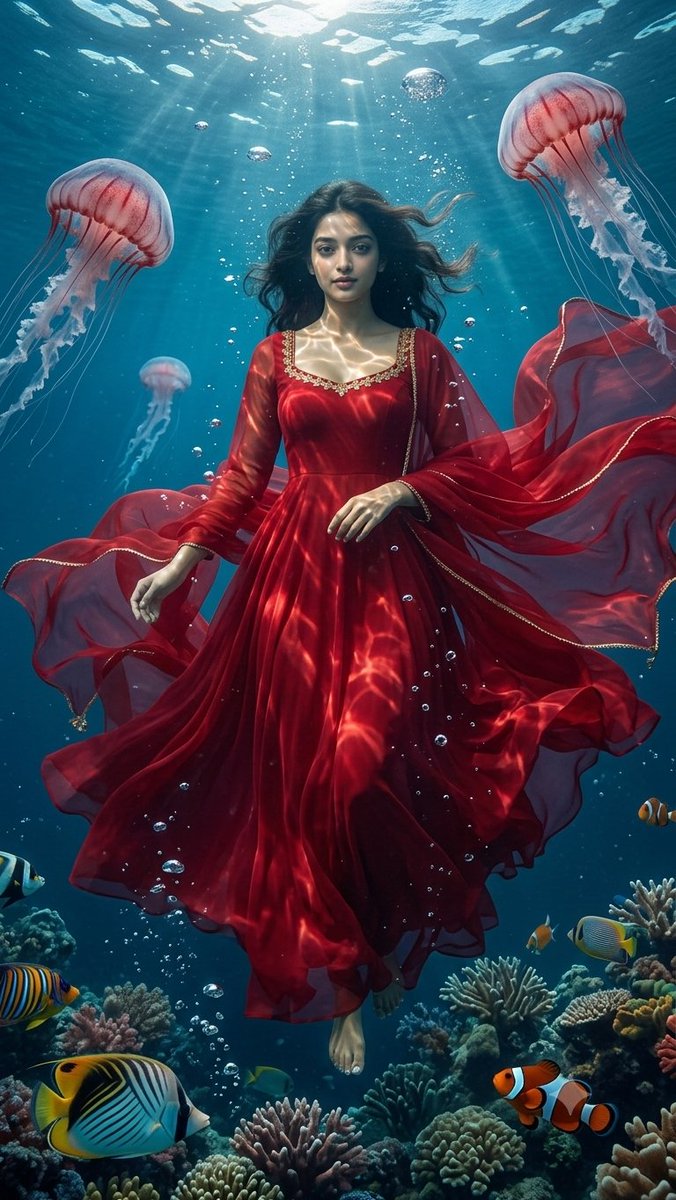
Underwater Red Dress Fantasy Portrait
Tekst naar afbeelding
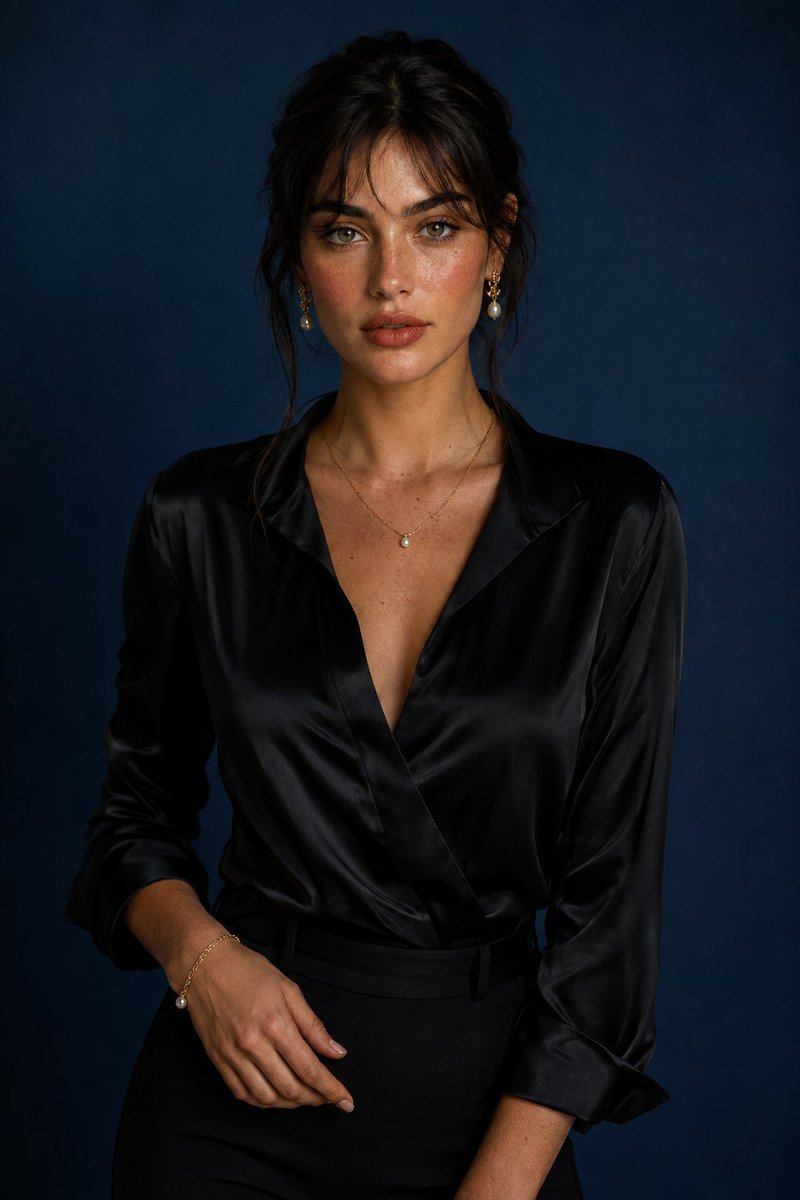
Luxury Studio Portrait with Blue Backdrop
Tekst naar afbeelding
Hergebruik en bronvermeldingen
Gebruik deze prompt veilig nadat u de casus hebt bekeken.
- 1.Kopieer de prompt of open deze direct in Dovoo met de knop 'Genereren'.
- 2.Pas de variabelen, beeldverhouding en referentieafbeeldingen aan uw eigen toepassing aan.
- 3.Controleer vóór publicatie of betaald gebruik de auteursrechten, de vereisten voor naamsvermelding en de risico's met betrekking tot merk of beeltenis.