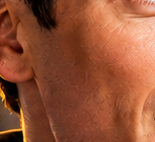
Macro Close-Up Skin Texture Portrait
Generates a tightly cropped photorealistic side portrait emphasizing warm lighting, facial anatomy, and AI-like skin texture artifacts.
Dit is een voorbeeld van een GPT Image 2 prompt voor Portret & Karakter . Gebruik de onderstaande kant-en-klare prompt om vergelijkbare afbeeldingen te genereren en controleer de Awesome GPT Image 2 Prompts en de rechten voor commercieel gebruik voordat u de afbeeldingen hergebruikt.
Heb je de volledige set prompts nodig? Gebruik dan de Portret & Karakter Ga naar het themacentrum voor meer gerelateerde voorbeelden, of open de GPT Image 2 prompt catalogus Voor de volledige voorbeeldenindex, herbruikbare structuren en bronvermelding.
Free 1K preview
Generate one preview image instantly, no sign-up required.
1070/4000
Snel
Schrijfklare prompt
Create an extreme close-up photorealistic portrait crop of the left side of an adult man's face and neck, showing the ear, jawline, cheek, lower eye edge, and throat in warm golden sunlight. The subject has {argument name="skin tone" default="medium tan skin"}, short dark hair barely visible at the top, and no visible clothing except a small dark collar edge near the bottom. Frame the composition tightly so the ear sits on the left side, the cheek and jaw fill the right side, and the neck extends downward, with the mouth mostly out of frame and only a hint of the eye at the top right. Emphasize realistic skin pores, fine facial hair, neck folds, dimples, and subtle uneven texture, including slightly strange repetitive mottled micro-patterns and over-sharpened texture artifacts across the cheek and neck as if from repeated AI image edits. Use shallow depth of field, high-detail macro photography, warm orange rim lighting, soft shadows, and a dark blurred background with a thin yellow highlight line behind the neck. No text, no watermark, no extra objects.Vraagvariabelen
Bewerkbare argumentplaceholders in de prompt, met hun standaardwaarden.
Variabele
skin tone
Standaard
medium tan skin
Best for
- - Portret & Karakter visual exploration
- - Image generation and reference-image edits
- - Reusable briefs that keep source attribution visible
Change these parts
- - Subject, product, character, or scene
- - Aspect ratio, camera, lighting, and background
- - Brand, text, color, and output constraints
Recommended model and settings
- - Model: gpt-image-2
- - Input mode: Tekst naar afbeelding
- - Aspect ratio: source
- - Commercial status: review original source
How to use this prompt
- 1. Copy the prompt and preserve its structure for the first test.
- 2. Replace the subject, context, and publishing channel.
- 3. Change one camera, lighting, or style variable per iteration.
- 4. Inspect the output, source, text, and rights before reuse.
Limitations, source, and reuse cautions
- - Generated output is an editable draft, not factual, legal, or rights evidence.
- - Review the linked source, people, brands, logos, text, and third-party media before commercial use.
Geïmporteerd van Awesome GPT Image 2 Prompts . Naamsvermelding is vereist. Commercieel gebruik is toegestaan volgens de status allowed ; controleer de rechten van de bron voordat u het tegen betaling gebruikt.
Meer gevallen in deze categorie
Geprioriteerd op basis van categorie, compatibiliteit met invoermodus, kwaliteit en lager risico.

Photorealistic Woman Reference Sheet
Tekst naar afbeelding
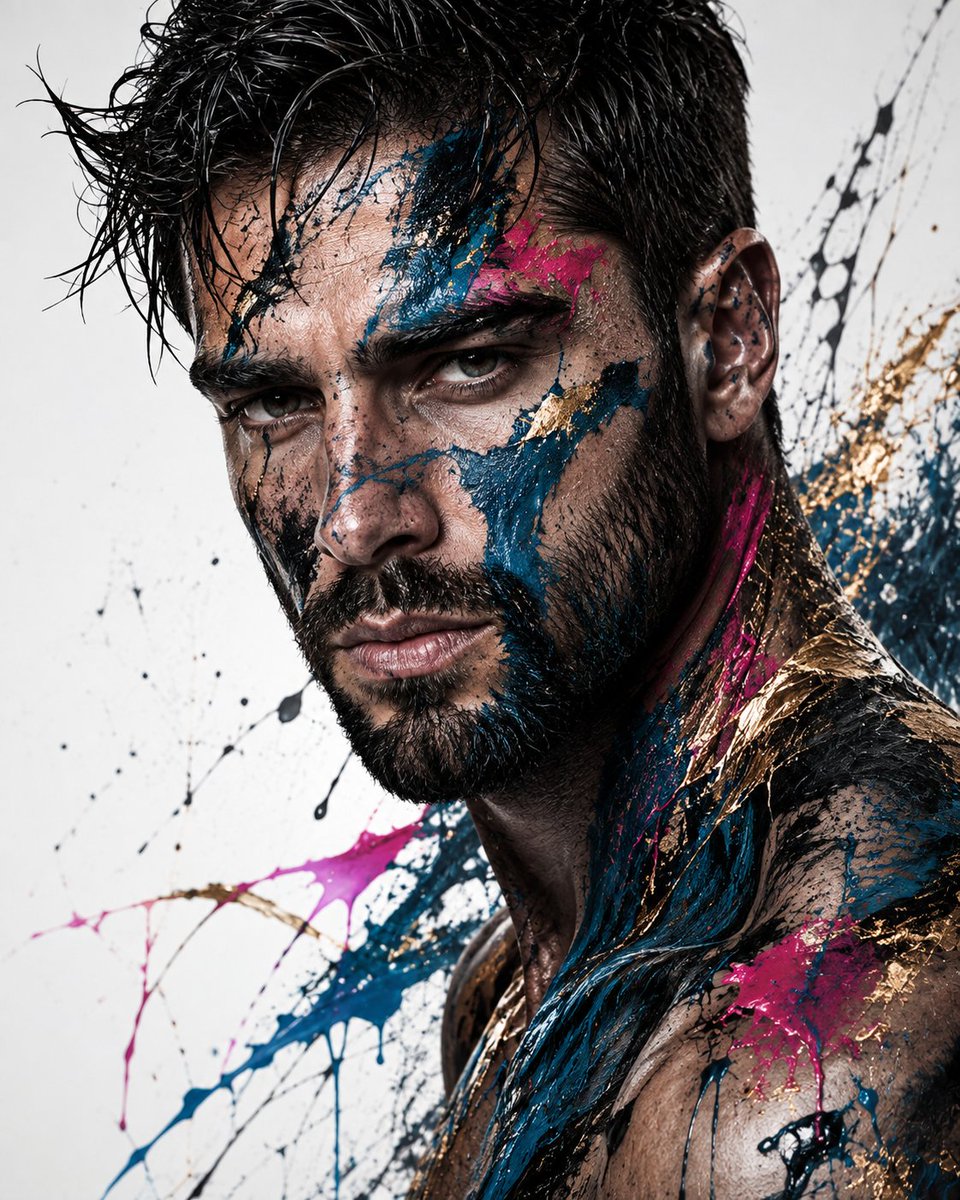
Editorial Male Portrait with Paint Splashes
Tekst naar afbeelding
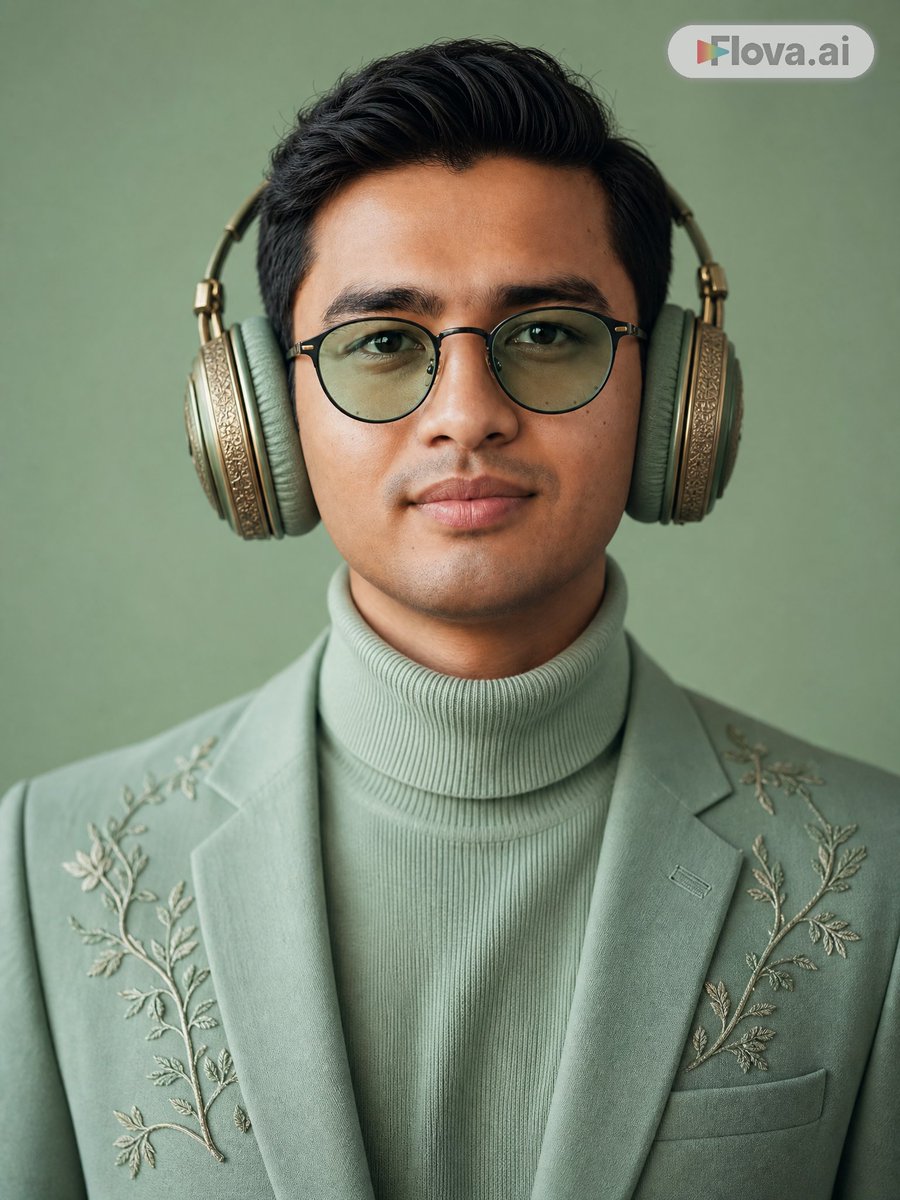
Mint Green Audiophile Portrait
Tekst naar afbeelding
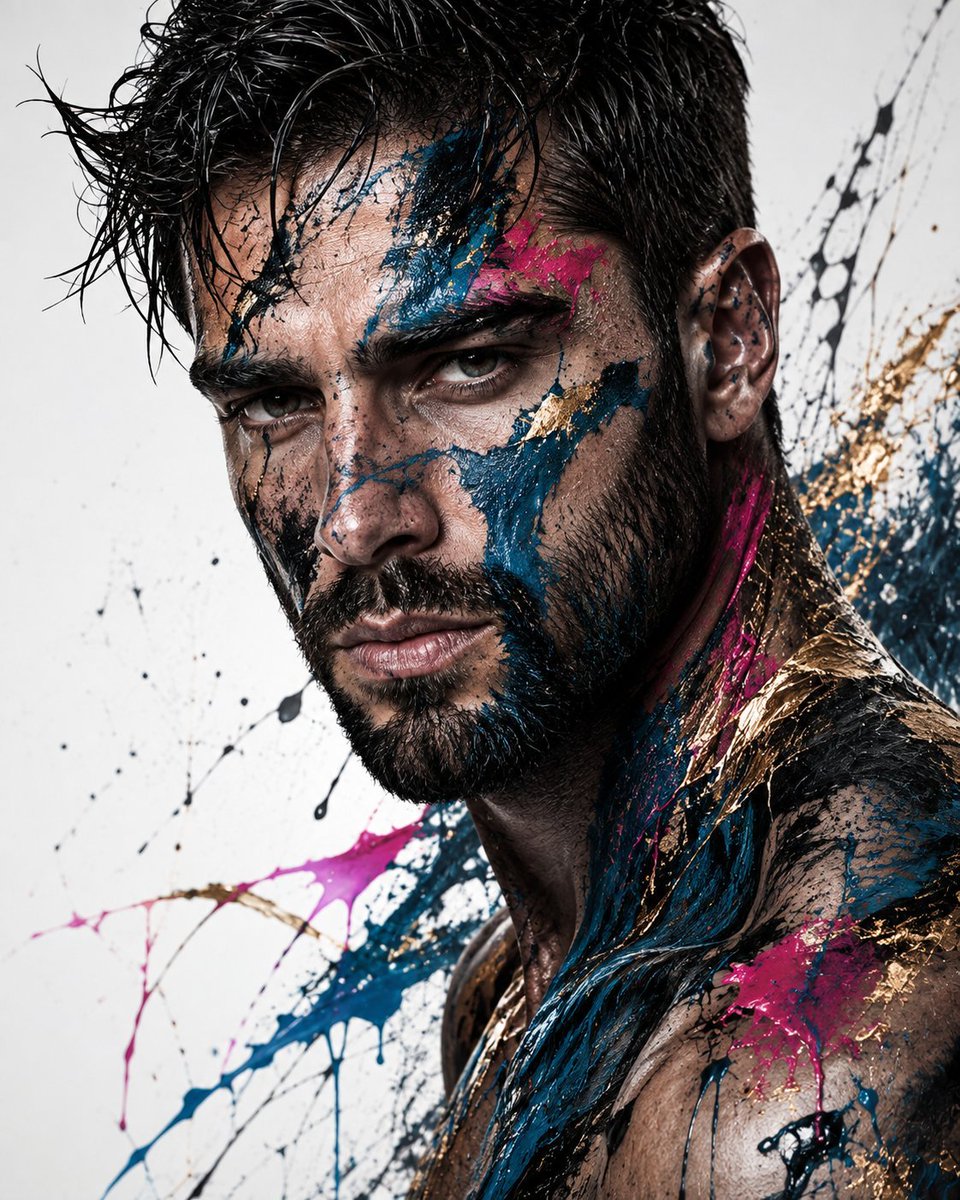
Abstract Fine-Art Editorial Portrait
Tekst naar afbeelding
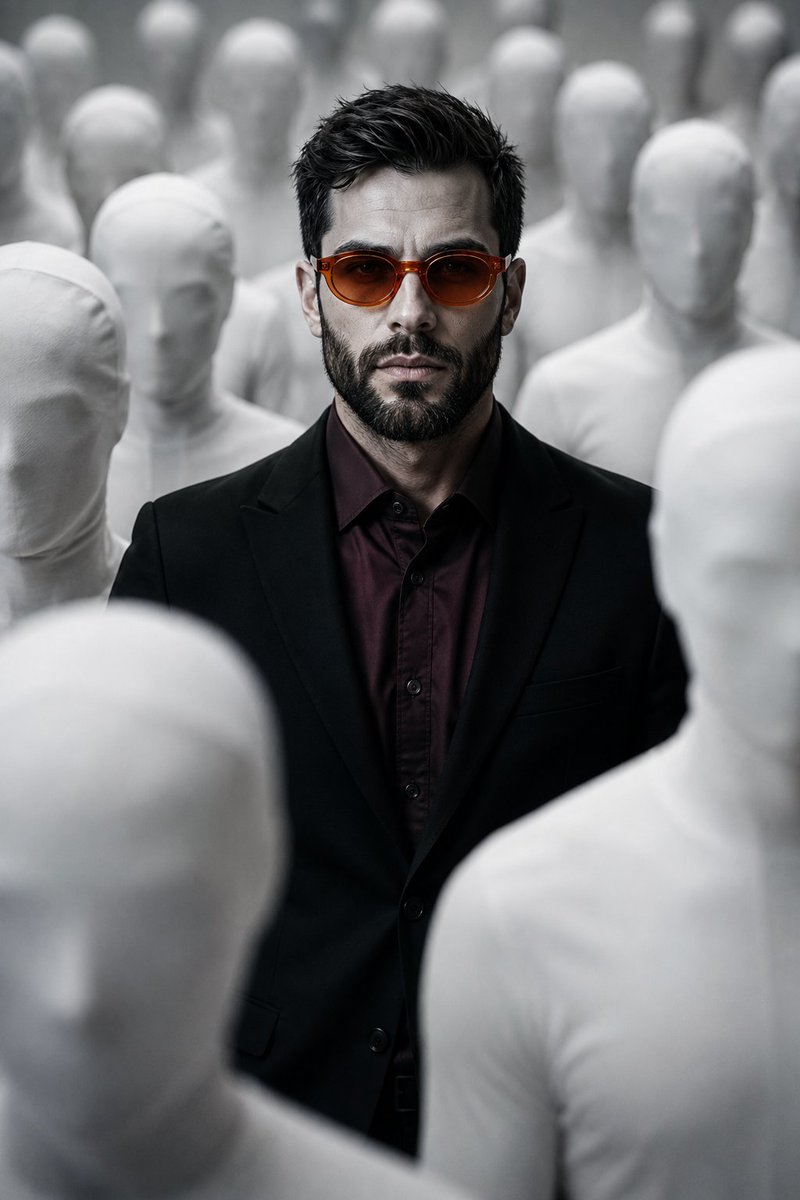
Surreal Man in Crowd of Faceless Figures
Tekst naar afbeelding
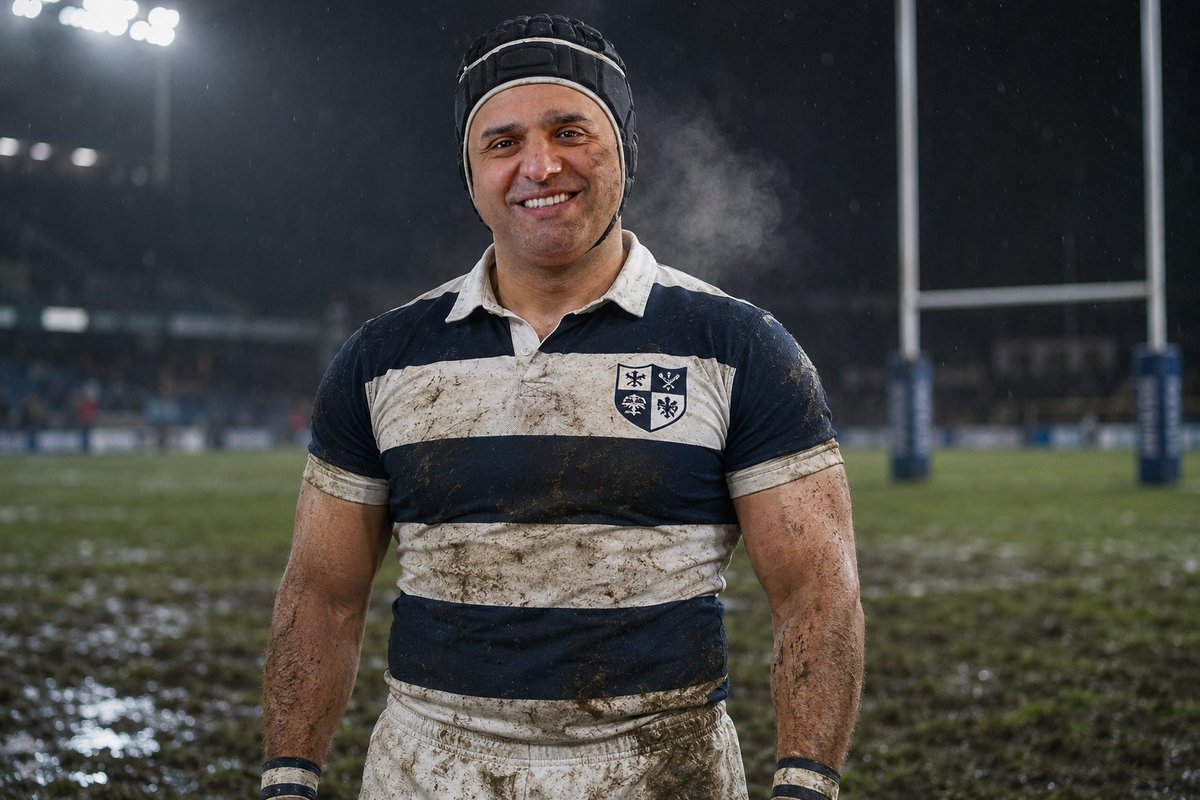
Night Rugby Player Portrait
Tekst naar afbeelding
Hergebruik en bronvermeldingen
Gebruik deze prompt veilig nadat u de casus hebt bekeken.
- 1.Kopieer de prompt of open deze direct in Dovoo met de knop 'Genereren'.
- 2.Pas de variabelen, beeldverhouding en referentieafbeeldingen aan uw eigen toepassing aan.
- 3.Controleer vóór publicatie of betaald gebruik de auteursrechten, de vereisten voor naamsvermelding en de risico's met betrekking tot merk of beeltenis.