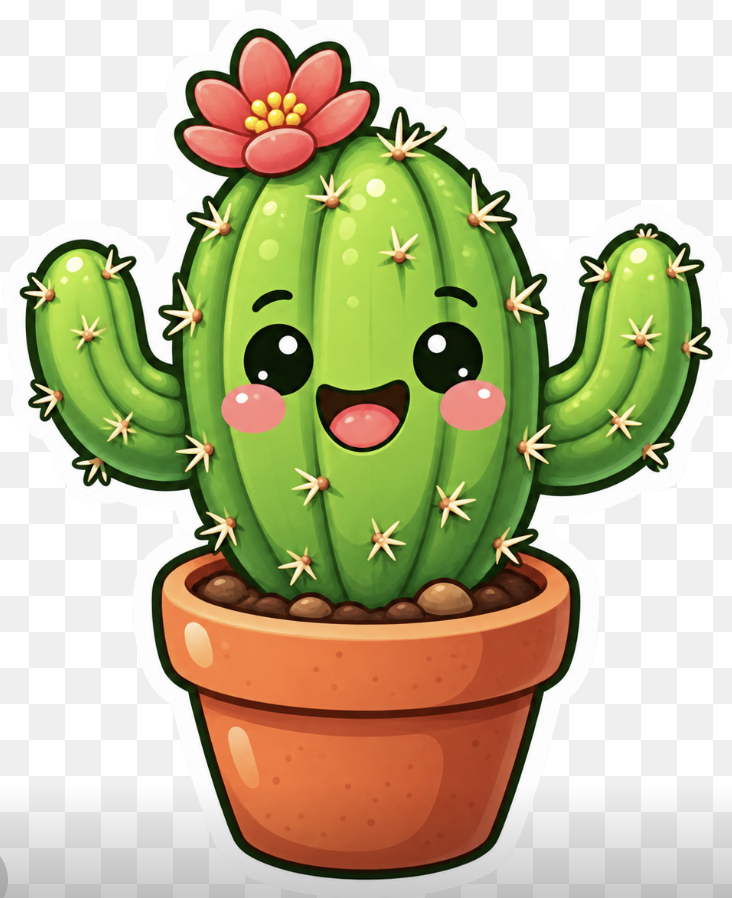
Kawaii Cactus Sticker
A cheerful sticker-style potted cactus mascot illustration for cute icons, decals, posters, or pet-themed graphic workflows.
Dit is een voorbeeld van een GPT Image 2 prompt voor Portret & Karakter . Gebruik de onderstaande kant-en-klare prompt om vergelijkbare afbeeldingen te genereren en controleer de Awesome GPT Image 2 Prompts en de rechten voor commercieel gebruik voordat u de afbeeldingen hergebruikt.
Heb je de volledige set prompts nodig? Gebruik dan de Portret & Karakter Ga naar het themacentrum voor meer gerelateerde voorbeelden, of open de GPT Image 2 prompt catalogus Voor de volledige voorbeeldenindex, herbruikbare structuren en bronvermelding.
Free 1K preview
Generate one preview image instantly, no sign-up required.
1295/4000
Snel
Schrijfklare prompt
Create a cute kawaii sticker-style illustration of a smiling green cactus in a terracotta flower pot on a transparent checkerboard background. The cactus should have one large rounded central barrel body with vertical ribbing and two raised curved arms, one on each side. Give it a happy face with two glossy black oval eyes with white highlights, pink circular blush cheeks, and an open smiling mouth with a dark interior and pink tongue. Add many small pale yellow star-shaped spines with orange bases across the cactus: 28 visible spine clusters total, including 11 on the central cactus body, 9 on the left arm/left side, and 8 on the right arm/right side. Place a large red-pink flower on the upper left of the cactus crown with 7 rounded petals and a cluster of 8 yellow pollen dots in the center. The pot should be warm orange terracotta with a thick rounded rim, darker orange shading, glossy white highlight spots, tiny speckles, and visible brown pebbles/soil at the top. Use bright saturated colors, soft gradients, shiny highlights, thick dark green/black cartoon outlines, and a clean white sticker border around the whole cactus and pot. Center the subject, crop close but keep the entire pot and arms visible, square composition, cheerful mascot icon style, no text, no watermark.
Best for
- - Portret & Karakter visual exploration
- - Image generation and reference-image edits
- - Reusable briefs that keep source attribution visible
Change these parts
- - Subject, product, character, or scene
- - Aspect ratio, camera, lighting, and background
- - Brand, text, color, and output constraints
Recommended model and settings
- - Model: gpt-image-2
- - Input mode: Tekst naar afbeelding
- - Aspect ratio: source
- - Commercial status: review original source
How to use this prompt
- 1. Copy the prompt and preserve its structure for the first test.
- 2. Replace the subject, context, and publishing channel.
- 3. Change one camera, lighting, or style variable per iteration.
- 4. Inspect the output, source, text, and rights before reuse.
Limitations, source, and reuse cautions
- - Generated output is an editable draft, not factual, legal, or rights evidence.
- - Review the linked source, people, brands, logos, text, and third-party media before commercial use.
Geïmporteerd van Awesome GPT Image 2 Prompts . Naamsvermelding is vereist. Commercieel gebruik is toegestaan volgens de status allowed ; controleer de rechten van de bron voordat u het tegen betaling gebruikt.
Meer gevallen in deze categorie
Geprioriteerd op basis van categorie, compatibiliteit met invoermodus, kwaliteit en lager risico.

Cute Speech Bubble Mascot Profile Icon
Tekst naar afbeelding

Street Selfie with Cat in Matching Cap
Tekst naar afbeelding

Playful Morning Selfie Portrait
Tekst naar afbeelding

Studio Portrait of Woman with Sunglasses
Tekst naar afbeelding

Morning Bed Stretching Legs Prompt
Tekst naar afbeelding
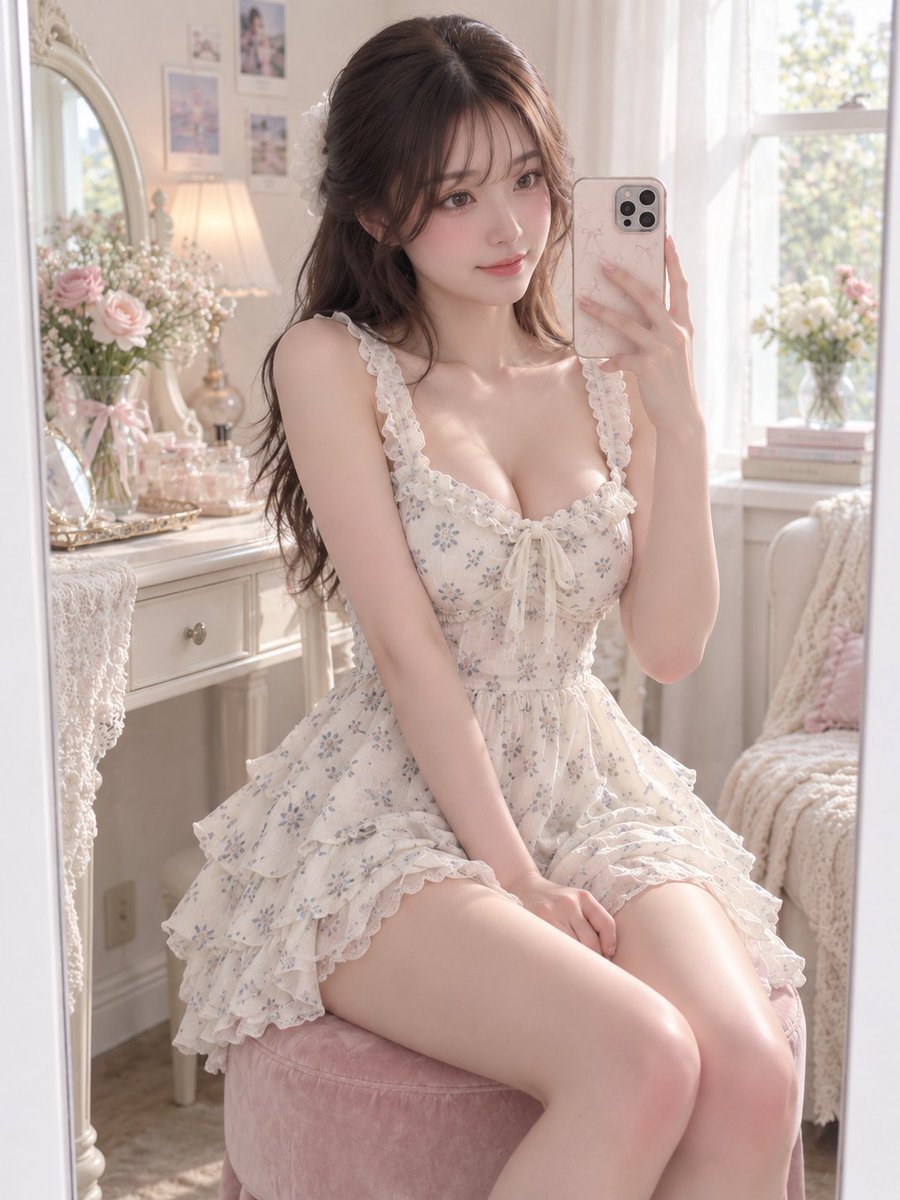
GPT Image 2 Prompt for Mirror Selfie with Flowers
Tekst naar afbeelding
Hergebruik en bronvermeldingen
Gebruik deze prompt veilig nadat u de casus hebt bekeken.
- 1.Kopieer de prompt of open deze direct in Dovoo met de knop 'Genereren'.
- 2.Pas de variabelen, beeldverhouding en referentieafbeeldingen aan uw eigen toepassing aan.
- 3.Controleer vóór publicatie of betaald gebruik de auteursrechten, de vereisten voor naamsvermelding en de risico's met betrekking tot merk of beeltenis.