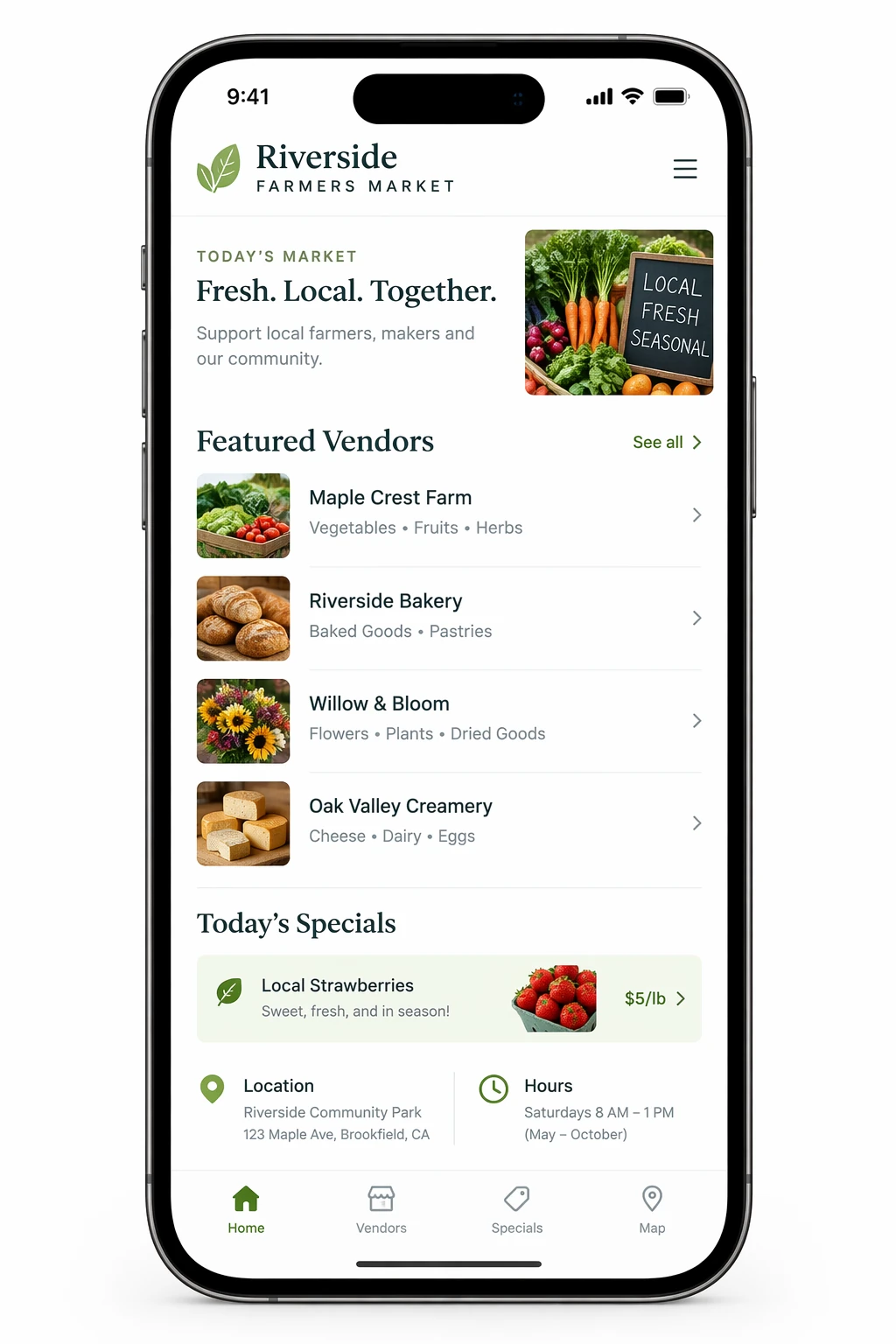
Farmers Market App UI in an iPhone Frame
Source-attributed GPT Image 2.5 image prompt from the Awesome GPT Image 2.5 Prompts repository.
Dit is een voorbeeld van een GPT Image 2.5 prompt voor Grafisch ontwerp & poster . Gebruik de onderstaande kant-en-klare prompt om vergelijkbare afbeeldingen te genereren en controleer de Awesome GPT Image 2.5 Prompts en de rechten voor commercieel gebruik voordat u de afbeeldingen hergebruikt.
Heb je de volledige set prompts nodig? Gebruik dan de Grafisch ontwerp & poster Ga naar het themacentrum voor meer gerelateerde voorbeelden, of open de GPT Image 2.5 prompt catalogus Voor de volledige voorbeeldenindex, herbruikbare structuren en bronvermelding.
Snel
Schrijfklare prompt
Create a realistic mobile app UI mockup for a local farmers market. Show today’s market with a simple header, a short list of vendors with small photos and categories, a small “Today’s specials” section, and basic information for location and hours. Design it to be practical, and easy to use. White background, subtle natural accent colors, clear typography, and minimal decoration. It should look like a real, well-designed, beautiful app for a small local market. Place the UI mockup in an iPhone frame.
Best for
- - Grafisch ontwerp & poster visual exploration
- - Image generation and reference-image edits
- - Reusable briefs that keep source attribution visible
Change these parts
- - Subject, product, character, or scene
- - Aspect ratio, camera, lighting, and background
- - Brand, text, color, and output constraints
Recommended model and settings
- - Model: gpt-image-2-5
- - Input mode: Tekst naar afbeelding
- - Aspect ratio: source
- - Commercial status: restricted
How to use this prompt
- 1. Copy the prompt and preserve its structure for the first test.
- 2. Replace the subject, context, and publishing channel.
- 3. Change one camera, lighting, or style variable per iteration.
- 4. Inspect the output, source, text, and rights before reuse.
Limitations, source, and reuse cautions
- - Generated output is an editable draft, not factual, legal, or rights evidence.
- - Review the linked source, people, brands, logos, text, and third-party media before commercial use.
Geïmporteerd van Awesome GPT Image 2.5 Prompts . Naamsvermelding is vereist. Commercieel gebruik is toegestaan volgens de status restricted ; controleer de rechten van de bron voordat u het tegen betaling gebruikt.
Meer gevallen in deze categorie
Geprioriteerd op basis van categorie, compatibiliteit met invoermodus, kwaliteit en lager risico.
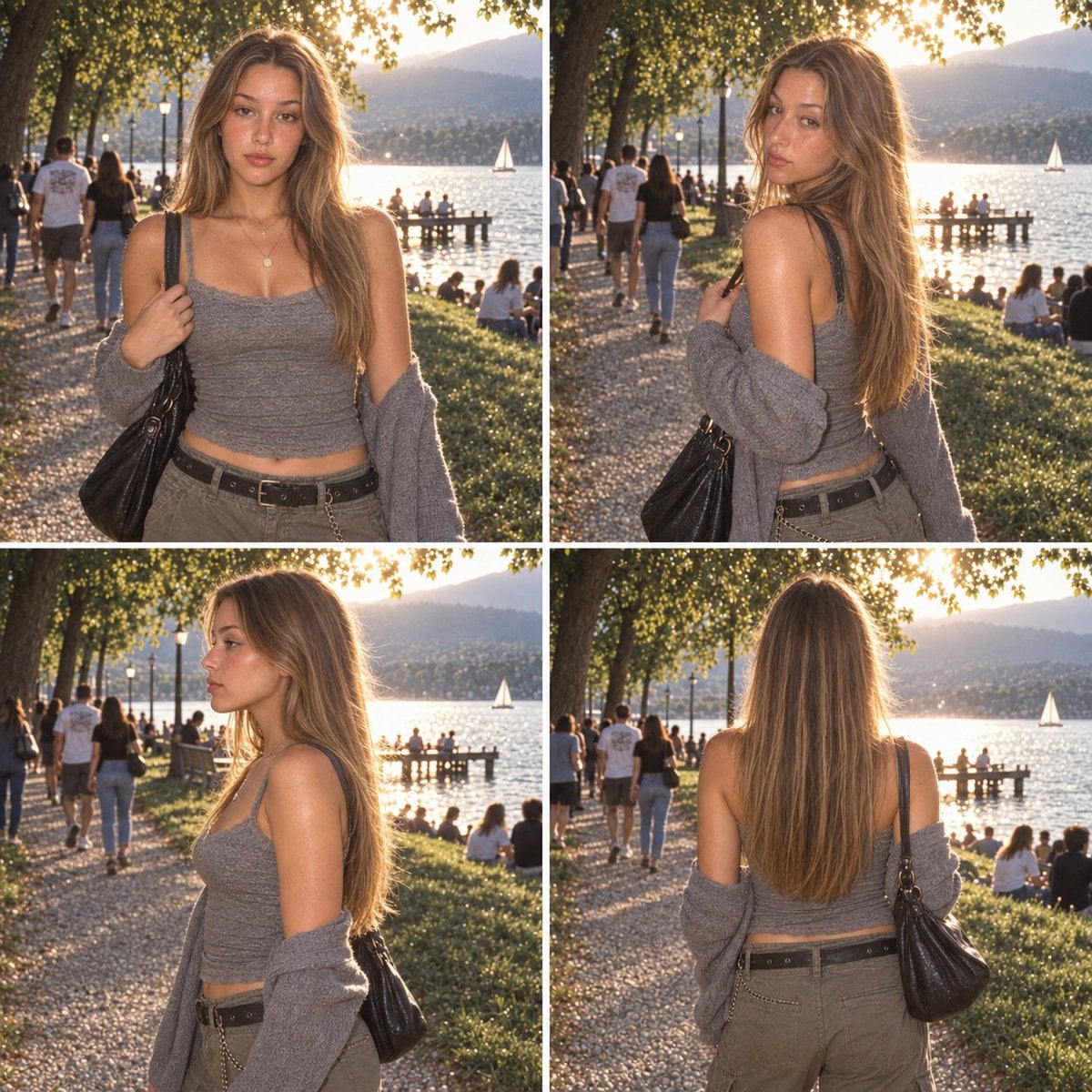
Multi-Panel Film Character Reference Sheet
Tekst naar afbeeldingLaag risico
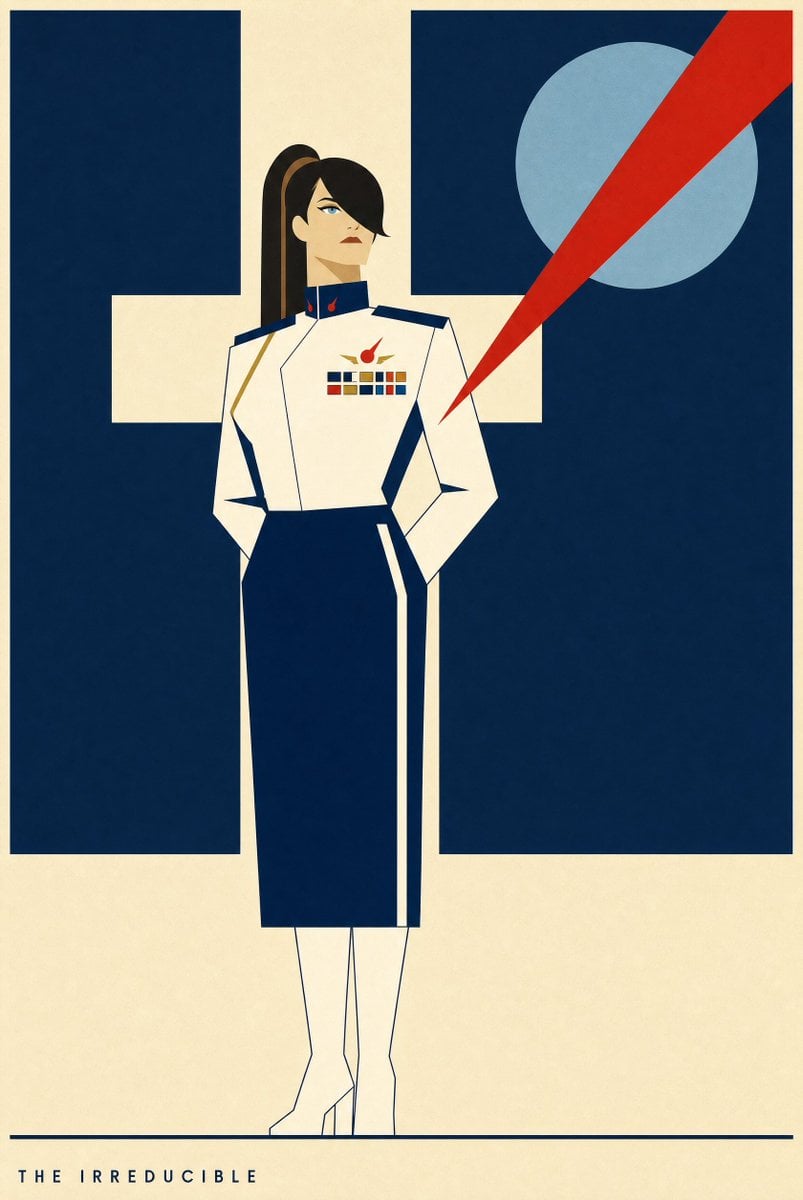
Portrait Of A Woman In Uniform
Tekst naar afbeeldingLaag risico
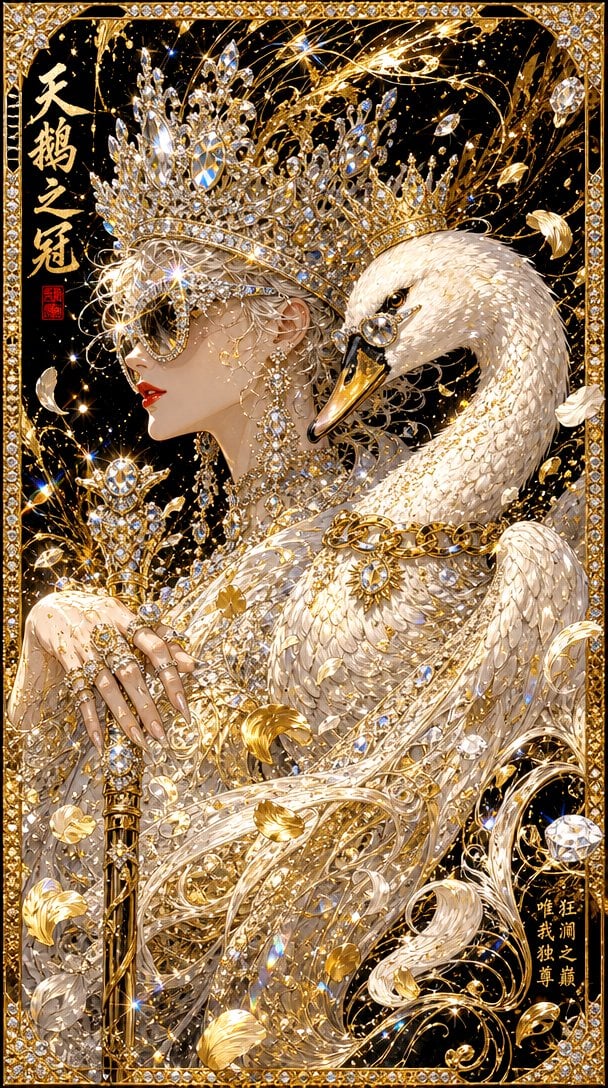
Radiant Princess with Diamond Tiara
Tekst naar afbeeldingLaag risico
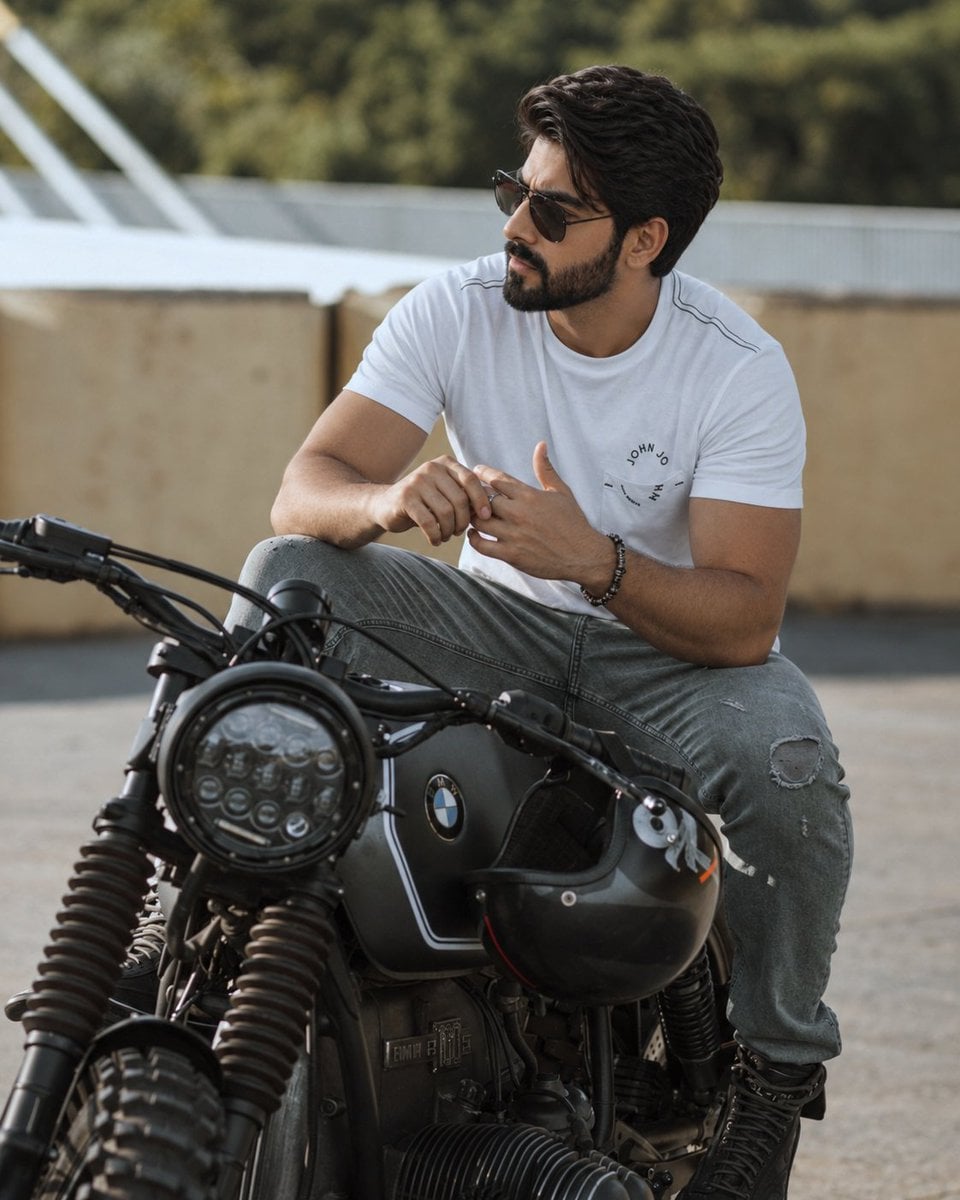
Hyper-Realistic Cinematic Portrait on a Motorcycle
Tekst naar afbeeldingLaag risico
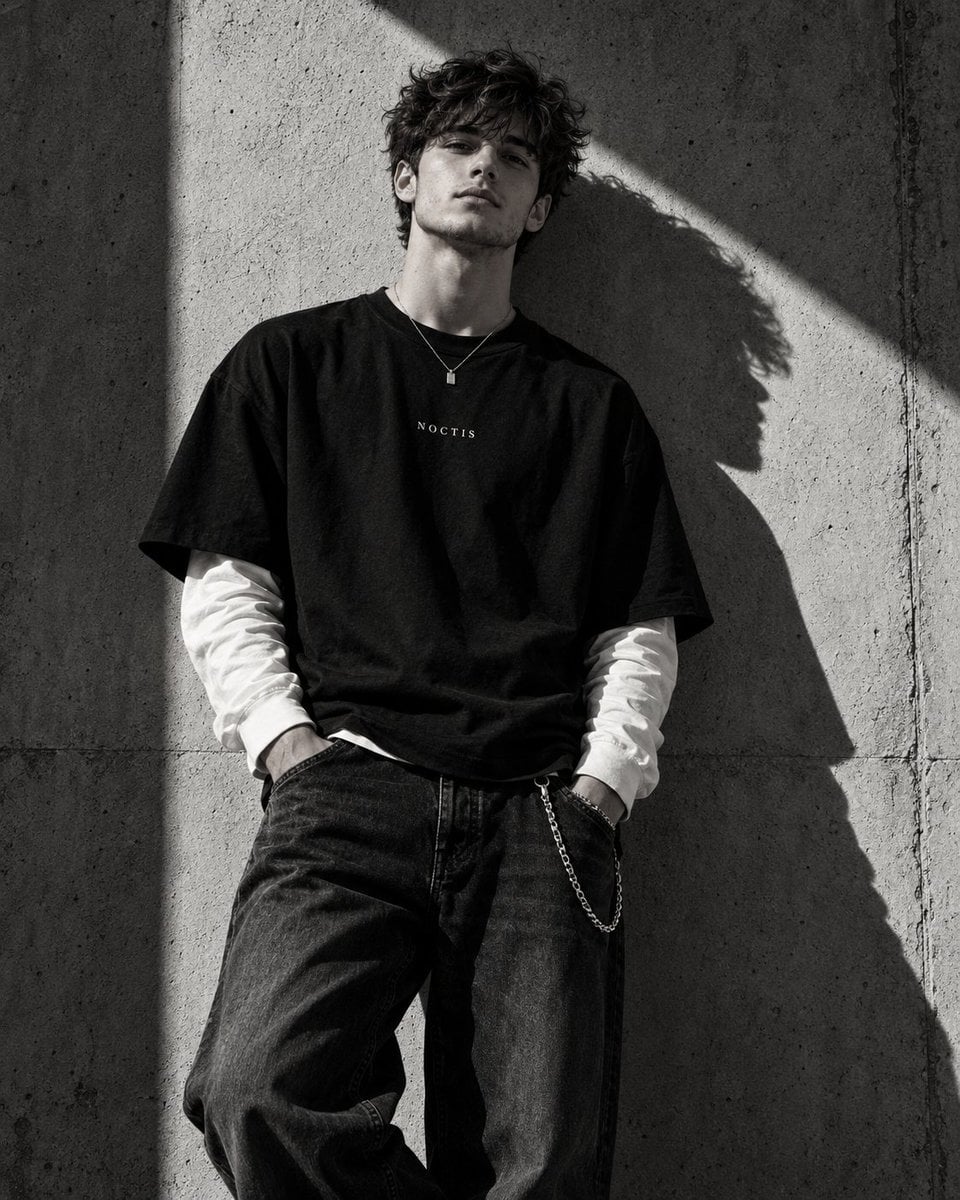
High-Fashion Black and White Editorial Portrait
Tekst naar afbeeldingLaag risico
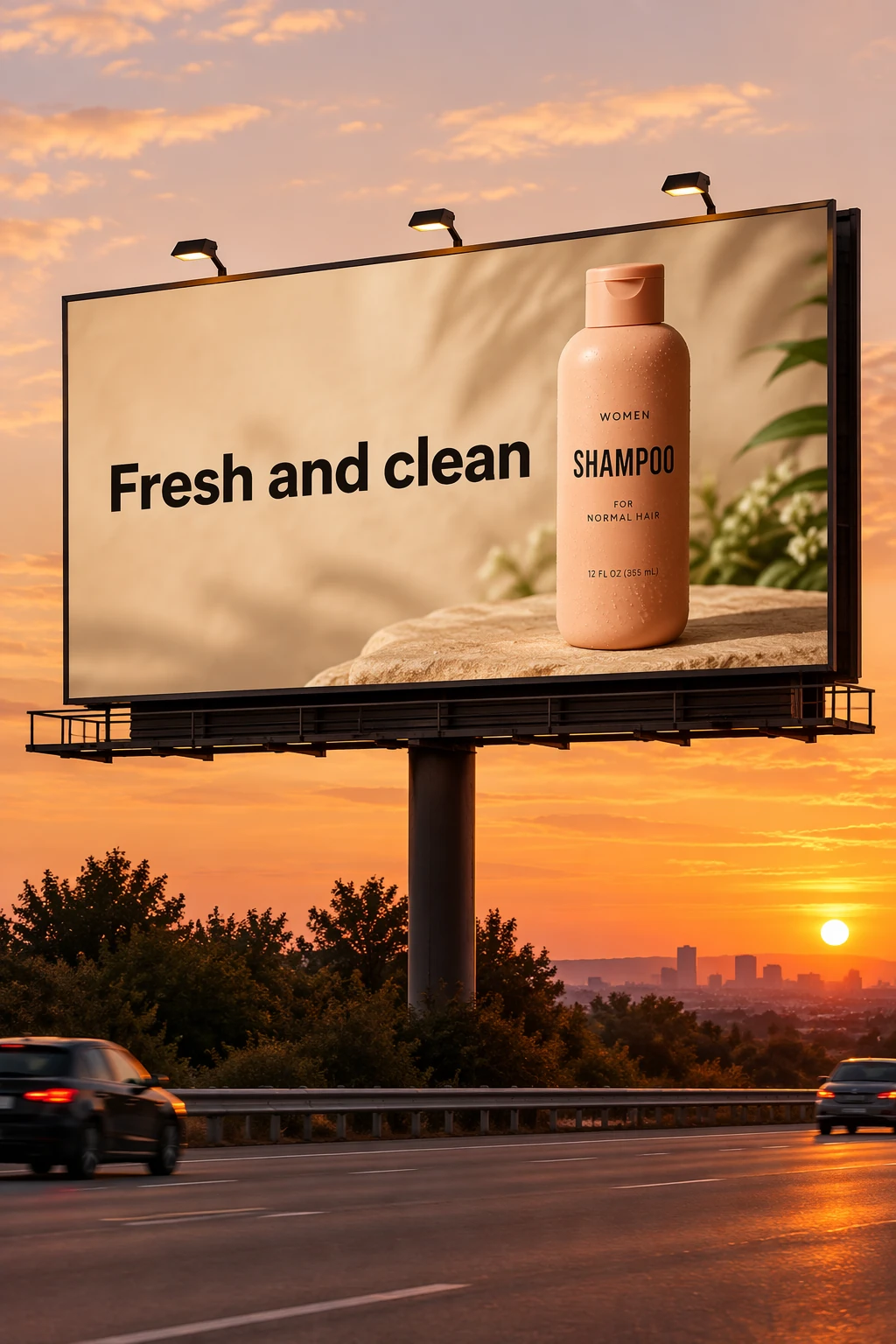
Billboard Mockup with Exact Headline
Tekst naar afbeeldingLaag risico
Hergebruik en bronvermeldingen
Gebruik deze prompt veilig nadat u de casus hebt bekeken.
- 1.Kopieer de prompt of open deze direct in Dovoo met de knop 'Genereren'.
- 2.Pas de variabelen, beeldverhouding en referentieafbeeldingen aan uw eigen toepassing aan.
- 3.Controleer vóór publicatie of betaald gebruik de auteursrechten, de vereisten voor naamsvermelding en de risico's met betrekking tot merk of beeltenis.