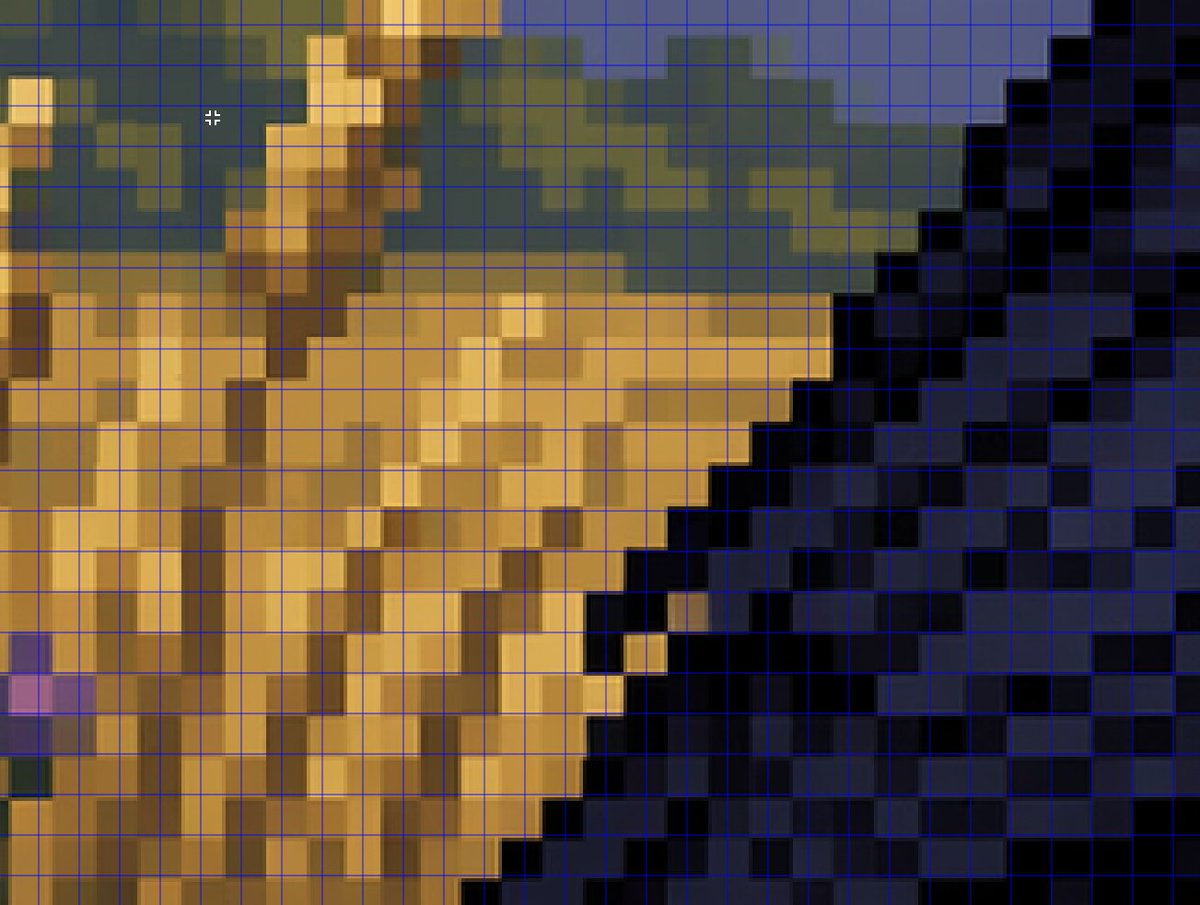
Ingezoomde analyse van een nep-pixelkunstraster
Deze prompt genereert een gedetailleerde analyse-achtige afbeelding die illustreert hoe door AI gemaakte, pixel-art-achtige visualisaties niet netjes aansluiten op een echt pixelraster.
Dit is een voorbeeld van een GPT Image 2 prompt voor Andere inspiratie . Gebruik de onderstaande kant-en-klare prompt om vergelijkbare afbeeldingen te genereren en controleer de Awesome GPT Image 2 Prompts en de rechten voor commercieel gebruik voordat u de afbeeldingen hergebruikt.
Heb je de volledige set prompts nodig? Gebruik dan de Andere inspiratie Ga naar het themacentrum voor meer gerelateerde voorbeelden, of open de GPT Image 2 prompt catalogus Voor de volledige voorbeeldenindex, herbruikbare structuren en bronvermelding.
Free 1K preview
Generate one preview image instantly, no sign-up required.
1075/4000
Snel
Schrijfklare prompt
A tightly zoomed-in comparison image demonstrating fake pixel-art rendering, showing a low-resolution-looking scene enlarged on screen with a thin bright blue square grid overlay across the entire frame. The composition is an abstract close crop of a pixel-art-style environment: sandy tan and ochre blocky forms on the left and center, a dark navy and black stepped diagonal mass on the right, muted olive-green and slate-blue shapes along the upper background, and a few lighter golden highlights. Every edge looks staircase-like and blocky at first glance, but the colors softly blur and blend within the apparent squares instead of aligning perfectly to the grid, creating the impression of pixel art that breaks down under inspection. Include a small white crosshair cursor near the upper left quadrant to suggest image analysis in an editor. The overall look should feel like a screenshot from a graphics program or social media demonstration about how AI can imitate retro game art aesthetics without producing true grid-perfect pixel art, with no text labels visible.
Best for
- - Andere inspiratie visual exploration
- - Image generation and reference-image edits
- - Reusable briefs that keep source attribution visible
Change these parts
- - Subject, product, character, or scene
- - Aspect ratio, camera, lighting, and background
- - Brand, text, color, and output constraints
Recommended model and settings
- - Model: gpt-image-2
- - Input mode: Tekst naar afbeelding
- - Aspect ratio: source
- - Commercial status: review original source
How to use this prompt
- 1. Copy the prompt and preserve its structure for the first test.
- 2. Replace the subject, context, and publishing channel.
- 3. Change one camera, lighting, or style variable per iteration.
- 4. Inspect the output, source, text, and rights before reuse.
Limitations, source, and reuse cautions
- - Generated output is an editable draft, not factual, legal, or rights evidence.
- - Review the linked source, people, brands, logos, text, and third-party media before commercial use.
Geïmporteerd van Awesome GPT Image 2 Prompts . Naamsvermelding is vereist. Commercieel gebruik is toegestaan volgens de status allowed ; controleer de rechten van de bron voordat u het tegen betaling gebruikt.
Meer gevallen in deze categorie
Geprioriteerd op basis van categorie, compatibiliteit met invoermodus, kwaliteit en lager risico.

MotoGP POV Cornering Shot
Tekst naar afbeelding

Cute Focus Desk Flat Lay and Kawaii Illustration
Tekst naar afbeelding

Studio Portrait of Woman with Sunglasses
Tekst naar afbeelding

Street Selfie with Cat in Matching Cap
Tekst naar afbeelding

Cute Speech Bubble Mascot Profile Icon
Tekst naar afbeelding

Tuxedo Cat Photo and Line Art Diptych
Tekst naar afbeelding
Hergebruik en bronvermeldingen
Gebruik deze prompt veilig nadat u de casus hebt bekeken.
- 1.Kopieer de prompt of open deze direct in Dovoo met de knop 'Genereren'.
- 2.Pas de variabelen, beeldverhouding en referentieafbeeldingen aan uw eigen toepassing aan.
- 3.Controleer vóór publicatie of betaald gebruik de auteursrechten, de vereisten voor naamsvermelding en de risico's met betrekking tot merk of beeltenis.