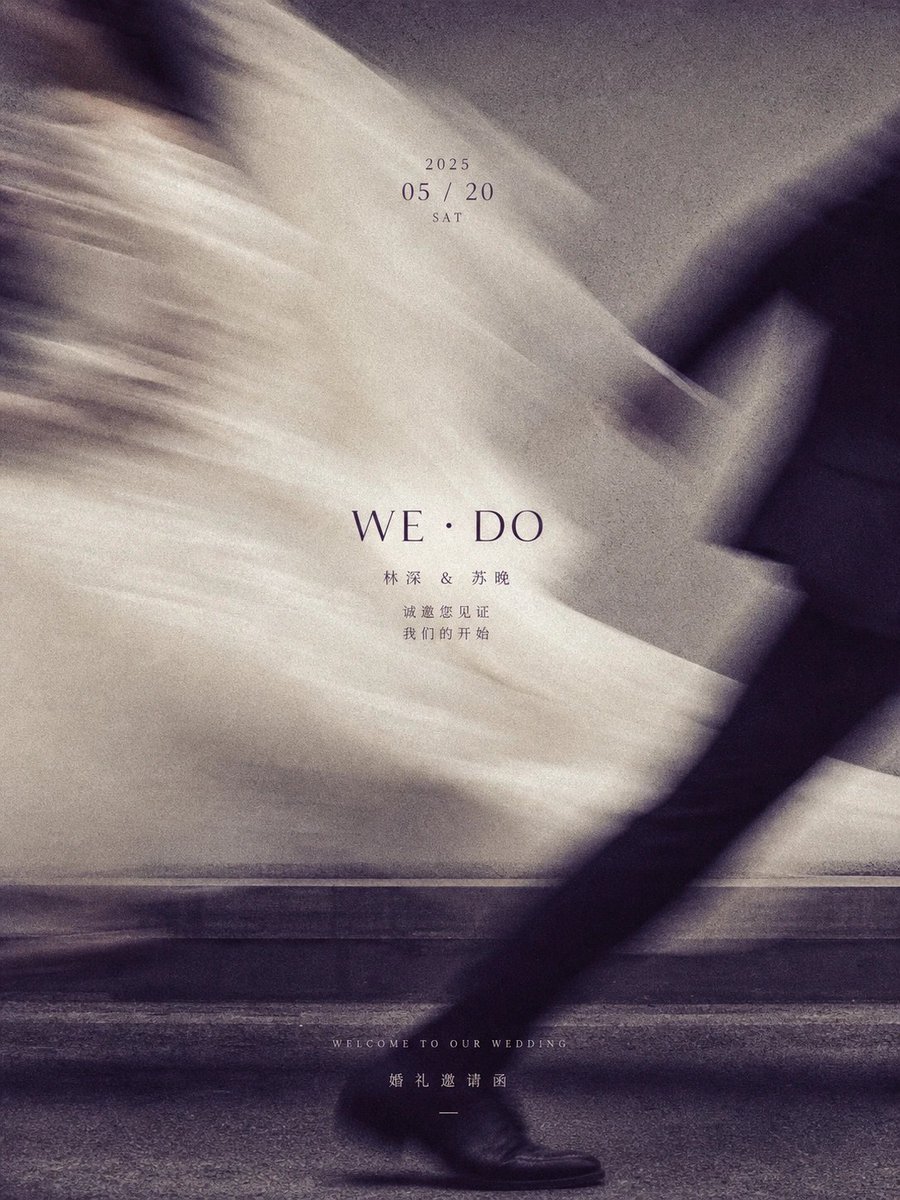
Artistic Motion-Blur Wedding Invitation Poster
A stylish wedding invitation design featuring a motion-blurred photo of a couple and elegant typography.
Dit is een voorbeeld van een GPT Image 2 prompt voor Grafisch ontwerp & poster . Gebruik de onderstaande kant-en-klare prompt om vergelijkbare afbeeldingen te genereren en controleer de Awesome GPT Image 2 Prompts en de rechten voor commercieel gebruik voordat u de afbeeldingen hergebruikt.
Heb je de volledige set prompts nodig? Gebruik dan de Grafisch ontwerp & poster Ga naar het themacentrum voor meer gerelateerde voorbeelden, of open de GPT Image 2 prompt catalogus Voor de volledige voorbeeldenindex, herbruikbare structuren en bronvermelding.
Free 1K preview
Generate one preview image instantly, no sign-up required.
265/4000
Snel
Schrijfklare prompt
创建一张垂直构图的婚礼邀请函海报,具有艺术感和高级时尚美学。背景是一张黑白动感模糊照片,展示一对情侣擦肩而过;新娘的白色婚纱在左侧和中央形成飘逸、空灵的模糊效果,而右侧可见新郎深色西装的腿部。在中心叠加优雅的排版:'2025' 位于 '05 / 20' 和 'SAT' 上方。其下方是大号衬线字体文本 'WE · DO',接着是Chinese姓名 '林深 & 苏晚' 以及较小字体的文本 '诚邀您见证 我们的开始'。在底部,包含小号英文文本 'WELCOME TO OUR WEDDING' 和Chinese文本 '婚礼邀请函'。
Best for
- - Grafisch ontwerp & poster visual exploration
- - Image generation and reference-image edits
- - Reusable briefs that keep source attribution visible
Change these parts
- - Subject, product, character, or scene
- - Aspect ratio, camera, lighting, and background
- - Brand, text, color, and output constraints
Recommended model and settings
- - Model: gpt-image-2
- - Input mode: Tekst naar afbeelding
- - Aspect ratio: source
- - Commercial status: review original source
How to use this prompt
- 1. Copy the prompt and preserve its structure for the first test.
- 2. Replace the subject, context, and publishing channel.
- 3. Change one camera, lighting, or style variable per iteration.
- 4. Inspect the output, source, text, and rights before reuse.
Limitations, source, and reuse cautions
- - Generated output is an editable draft, not factual, legal, or rights evidence.
- - Review the linked source, people, brands, logos, text, and third-party media before commercial use.
Geïmporteerd van Awesome GPT Image 2 Prompts . Naamsvermelding is vereist. Commercieel gebruik is toegestaan volgens de status allowed ; controleer de rechten van de bron voordat u het tegen betaling gebruikt.
Meer gevallen in deze categorie
Geprioriteerd op basis van categorie, compatibiliteit met invoermodus, kwaliteit en lager risico.

Girl in Swimsuit on Orange Stairs
Tekst naar afbeelding

Nokia Photo with Handwritten Diary Doodles
Tekst naar afbeelding
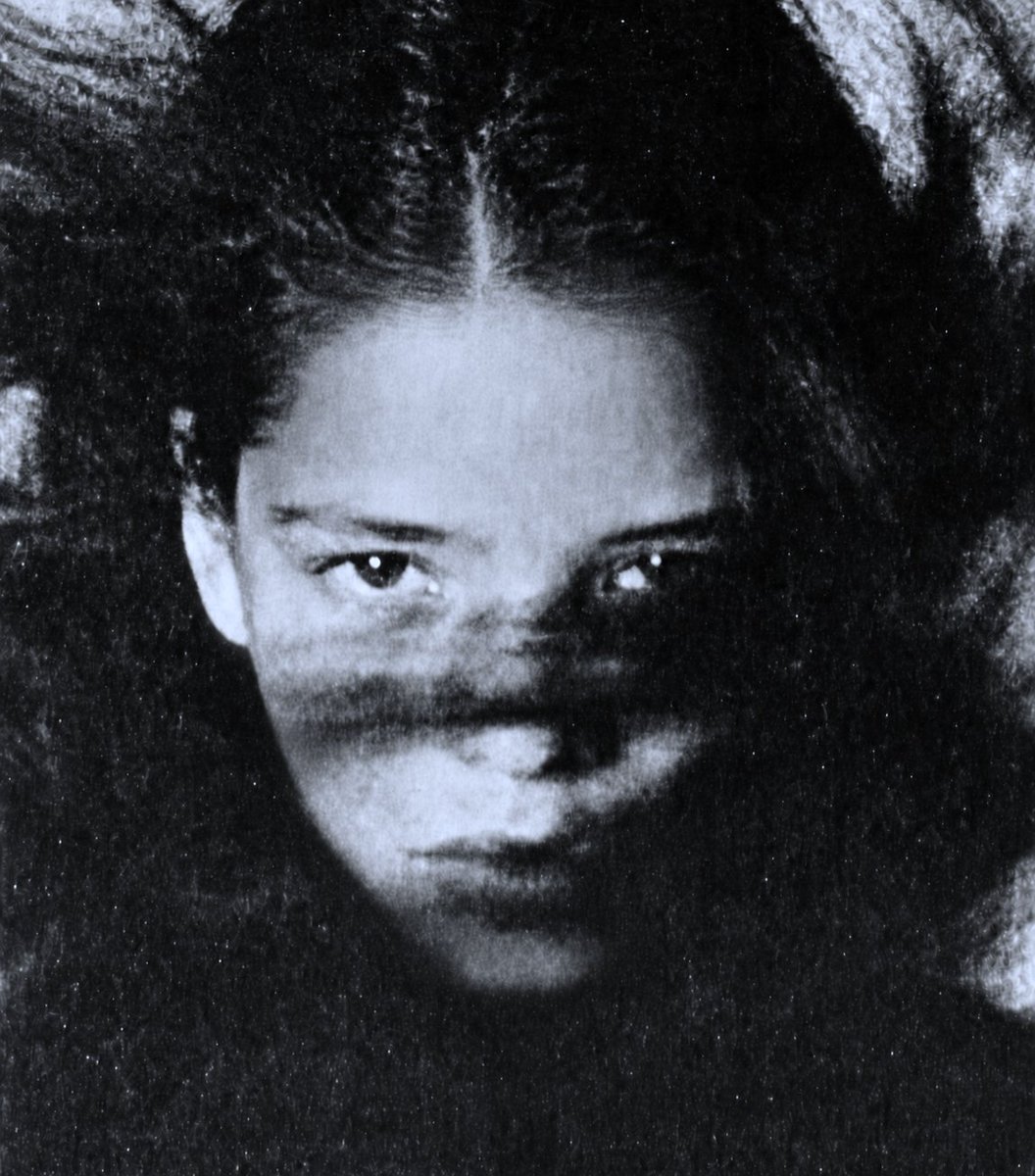
Vintage Black and White Portrait
Tekst naar afbeelding
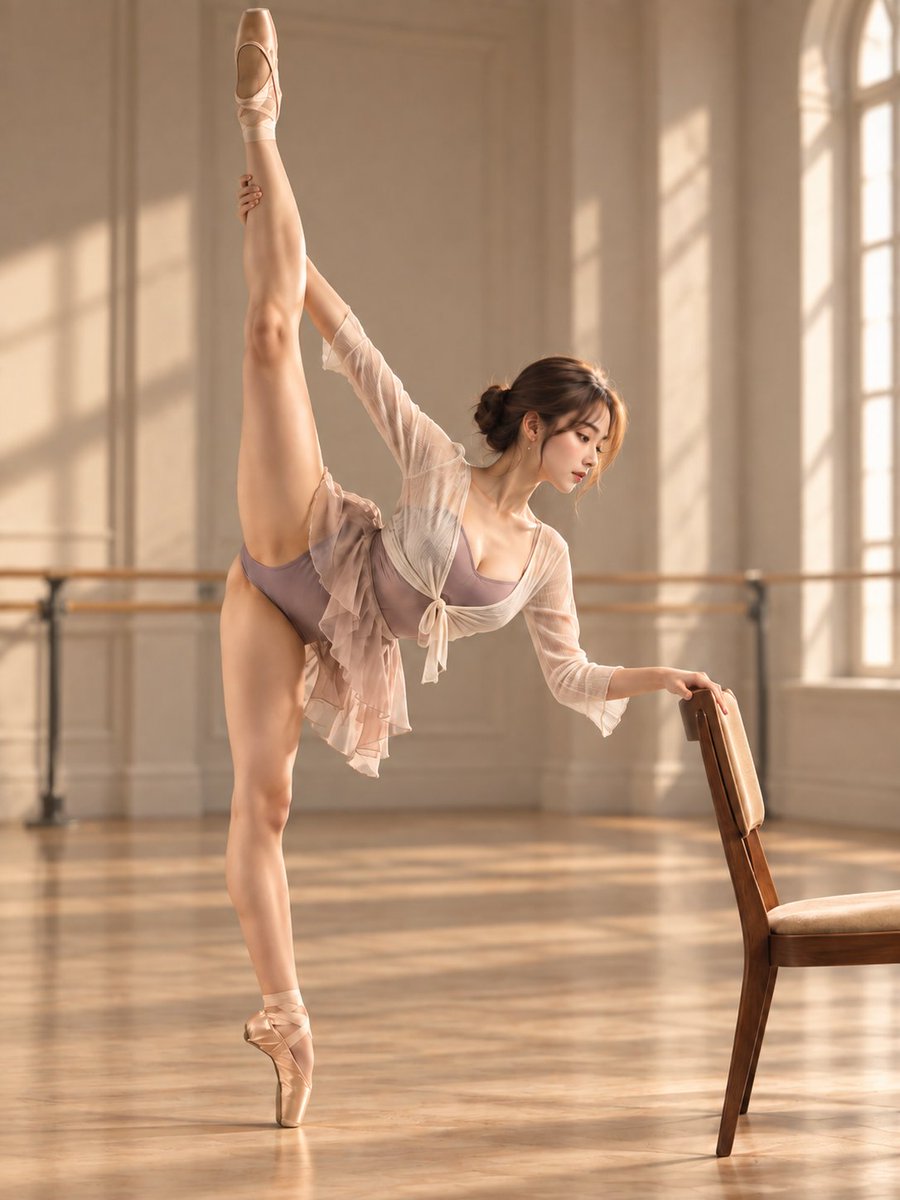
Ballet Morning Practice Prompt
Tekst naar afbeelding
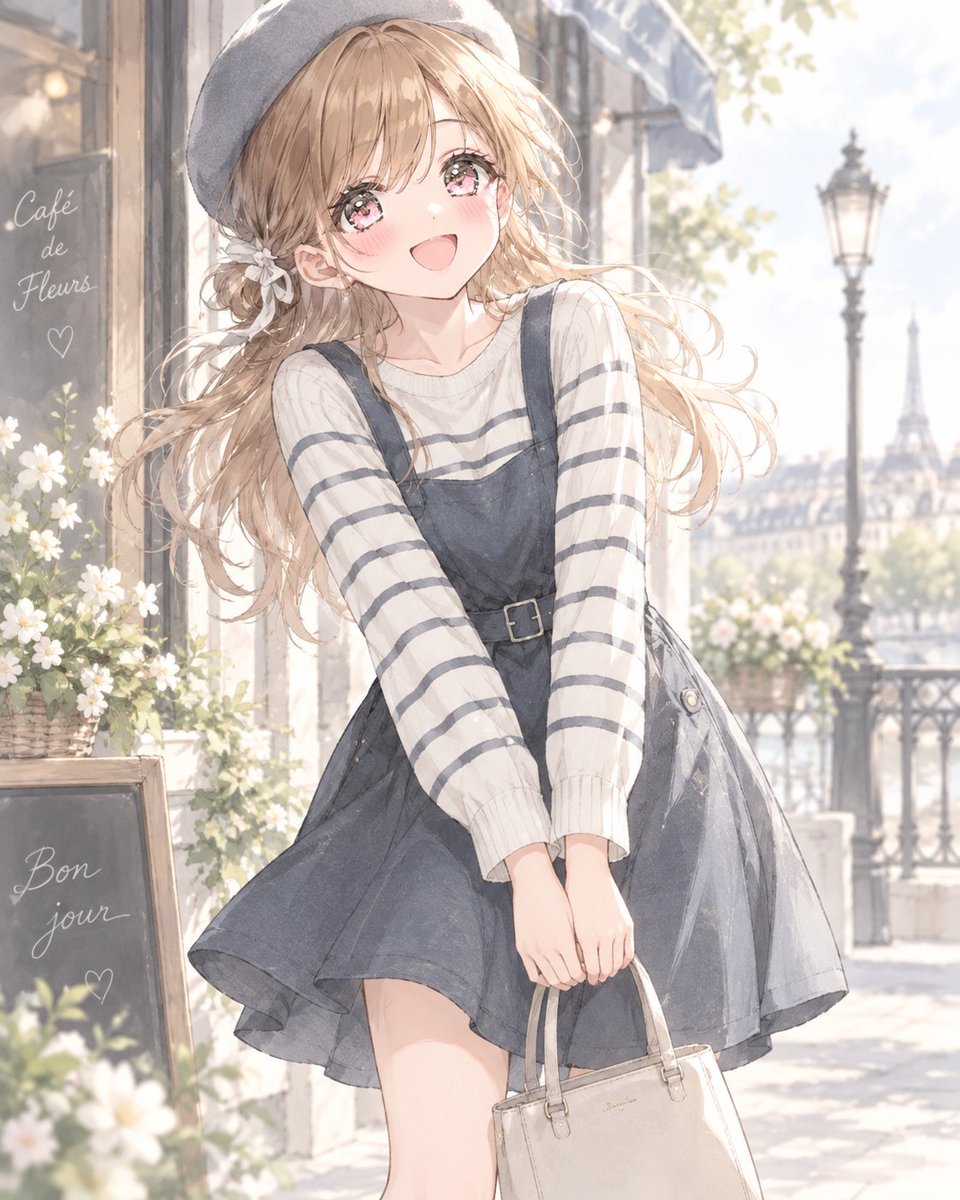
GPT Image French Casual Outfit
Tekst naar afbeelding
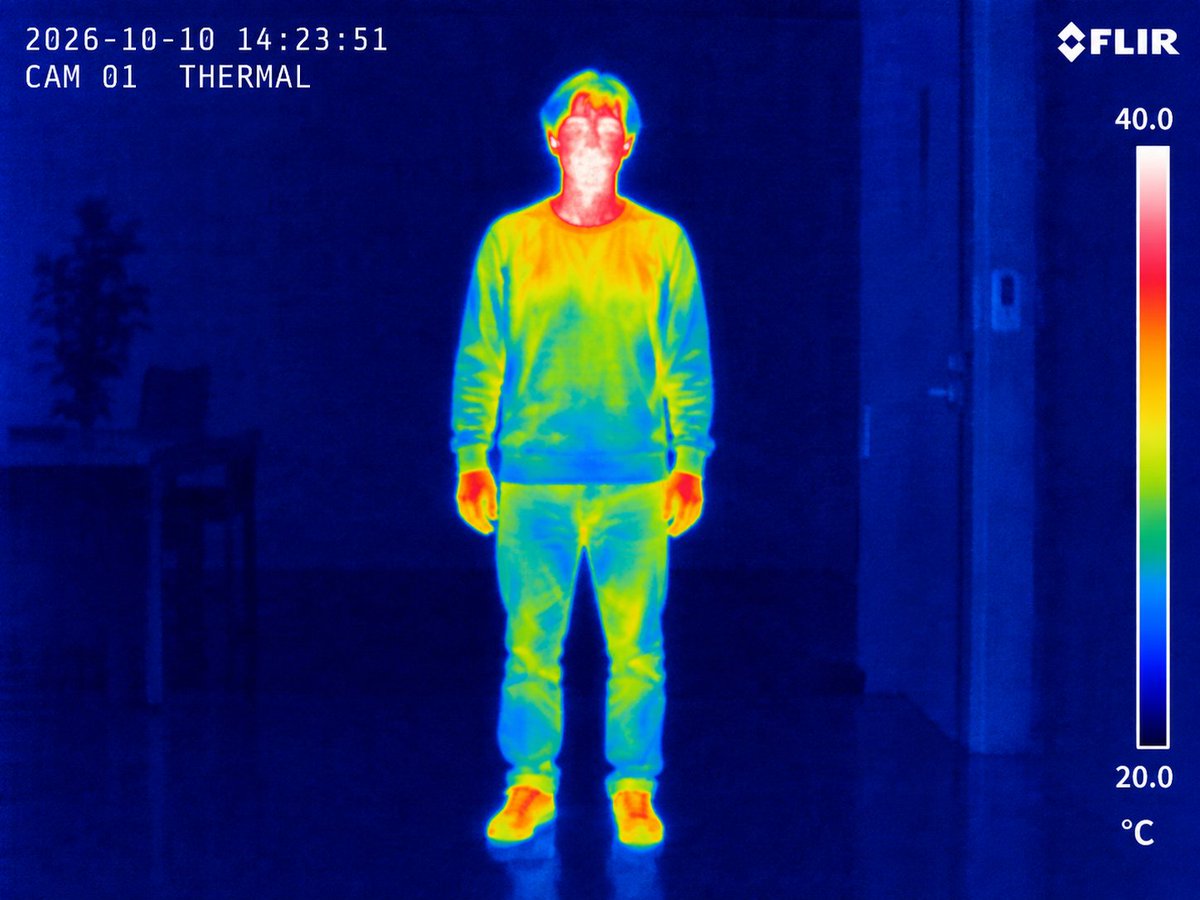
Thermal Imaging Photo of Person
Tekst naar afbeelding
Hergebruik en bronvermeldingen
Gebruik deze prompt veilig nadat u de casus hebt bekeken.
- 1.Kopieer de prompt of open deze direct in Dovoo met de knop 'Genereren'.
- 2.Pas de variabelen, beeldverhouding en referentieafbeeldingen aan uw eigen toepassing aan.
- 3.Controleer vóór publicatie of betaald gebruik de auteursrechten, de vereisten voor naamsvermelding en de risico's met betrekking tot merk of beeltenis.