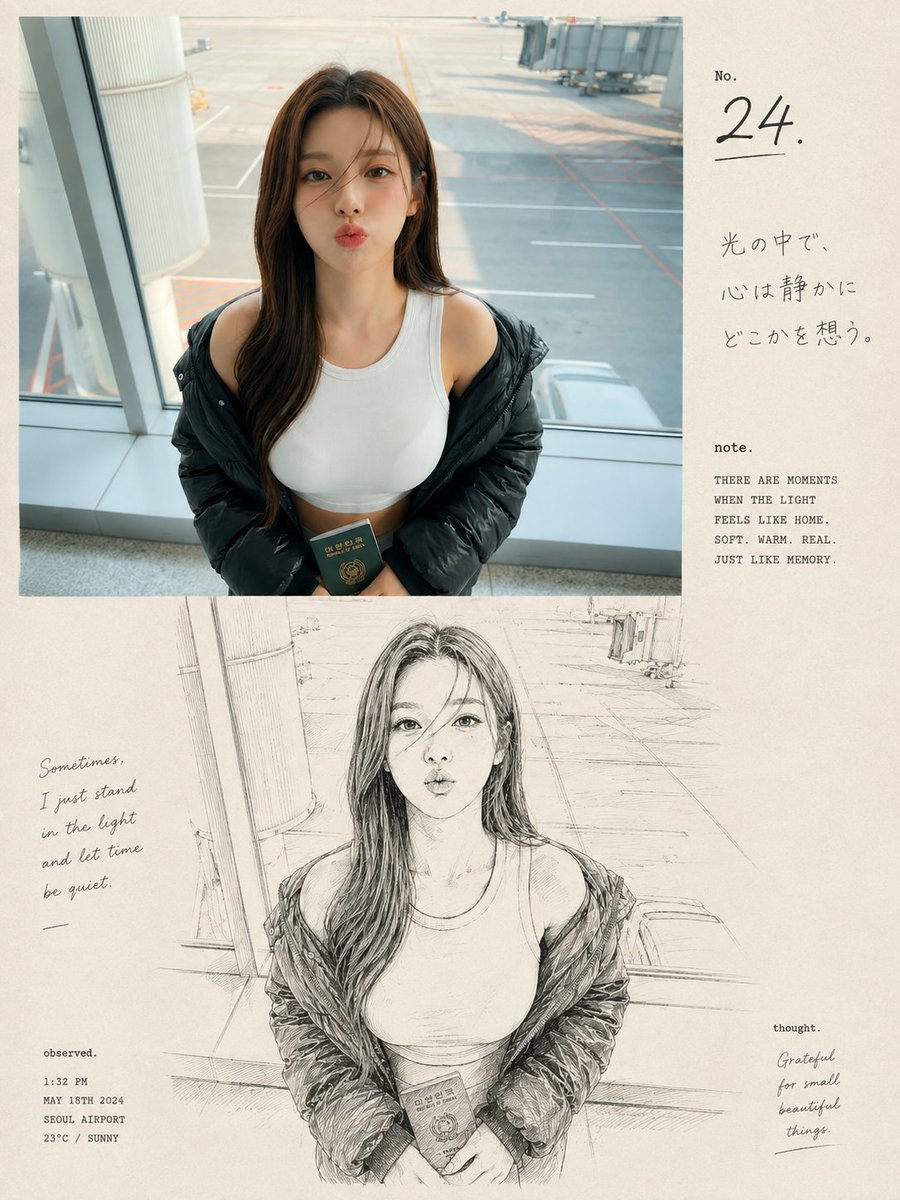
Airport Passport Artbook Page
A complex prompt for a dual-section artbook page that mixes a realistic airport photograph with a Japanese-inspired ink sketch of a woman holding a passport.
Dit is een voorbeeld van een GPT Image 2 prompt voor Illustratie & Kunst . Gebruik de onderstaande kant-en-klare prompt om vergelijkbare afbeeldingen te genereren en controleer de Awesome GPT Image 2 Prompts en de rechten voor commercieel gebruik voordat u de afbeeldingen hergebruikt.
Heb je de volledige set prompts nodig? Gebruik dan de Illustratie & Kunst Ga naar het themacentrum voor meer gerelateerde voorbeelden, of open de GPT Image 2 prompt catalogus Voor de volledige voorbeeldenindex, herbruikbare structuren en bronvermelding.
Free 1K preview
Generate one preview image instantly, no sign-up required.
2218/4000
Snel
Schrijfklare prompt
A premium nostalgic editorial photo-and-sketch artbook page featuring a {argument name="subject" default="young East Asian woman at an airport terminal"}, arranged in a clean vertical 3:4 composition. The upper section shows an ultra-realistic candid photograph of the woman standing beside a large airport window, wearing a fitted white sleeveless top with a black puffer jacket casually slipping off her shoulders. She has long dark-brown hair falling naturally over one shoulder and holds a dark green Korean passport gently with both hands near her waist. Her pose is relaxed and natural, with her head turned to the side as she gazes thoughtfully toward the airport runway.

Behind her, realistic airport architecture, glass windows, the runway, painted ground lines, and a boarding gate create an authentic travel atmosphere. Soft natural daylight enters through the window, with subtle film grain, realistic skin texture, authentic colors, shallow depth of field, and an intimate candid photography feeling.

The lower section transforms the exact same woman, clothing, pose, airport environment, and composition into a detailed loose black-and-white hand-drawn ink illustration on warm cream-colored textured paper. Use expressive imperfect lines, delicate cross-hatching, subtle sketch shading, realistic anatomy, and a handmade Japanese-inspired visual diary aesthetic.

Add elegant minimalist editorial typography in the surrounding cream negative space: a small “No. 24.” title, subtle Japanese handwritten-style text, a short poetic caption reading “{argument name="caption" default="Sometimes, I just stand in the light and let time be quiet."}”, and tiny documentary-style notes such as time, date, location, and weather. Include understated words like “note.”, “observed.”, and “thought.” around the layout.

Warm off-white paper texture, slightly imperfect ink printing, sophisticated contemporary photography journal design, nostalgic analog mood, generous negative space, cohesive transition between realistic photograph and sketch illustration, emotionally warm, highly detailed, premium artbook aesthetic, no watermark, no logos, vertical {argument name="aspect ratio" default="3:4"} aspect ratio.
Vraagvariabelen
Bewerkbare argumentplaceholders in de prompt, met hun standaardwaarden.
Variabele
subject
Standaard
young East Asian woman at an airport terminal
Variabele
caption
Standaard
Sometimes, I just stand in the light and let time be quiet.
Variabele
aspect ratio
Standaard
3:4
Best for
- - Illustratie & Kunst visual exploration
- - Image generation and reference-image edits
- - Reusable briefs that keep source attribution visible
Change these parts
- - Subject, product, character, or scene
- - Aspect ratio, camera, lighting, and background
- - Brand, text, color, and output constraints
Recommended model and settings
- - Model: gpt-image-2
- - Input mode: Tekst naar afbeelding
- - Aspect ratio: source
- - Commercial status: review original source
How to use this prompt
- 1. Copy the prompt and preserve its structure for the first test.
- 2. Replace the subject, context, and publishing channel.
- 3. Change one camera, lighting, or style variable per iteration.
- 4. Inspect the output, source, text, and rights before reuse.
Limitations, source, and reuse cautions
- - Generated output is an editable draft, not factual, legal, or rights evidence.
- - Review the linked source, people, brands, logos, text, and third-party media before commercial use.
Geïmporteerd van Awesome GPT Image 2 Prompts . Naamsvermelding is vereist. Commercieel gebruik is toegestaan volgens de status allowed ; controleer de rechten van de bron voordat u het tegen betaling gebruikt.
Meer gevallen in deze categorie
Geprioriteerd op basis van categorie, compatibiliteit met invoermodus, kwaliteit en lager risico.
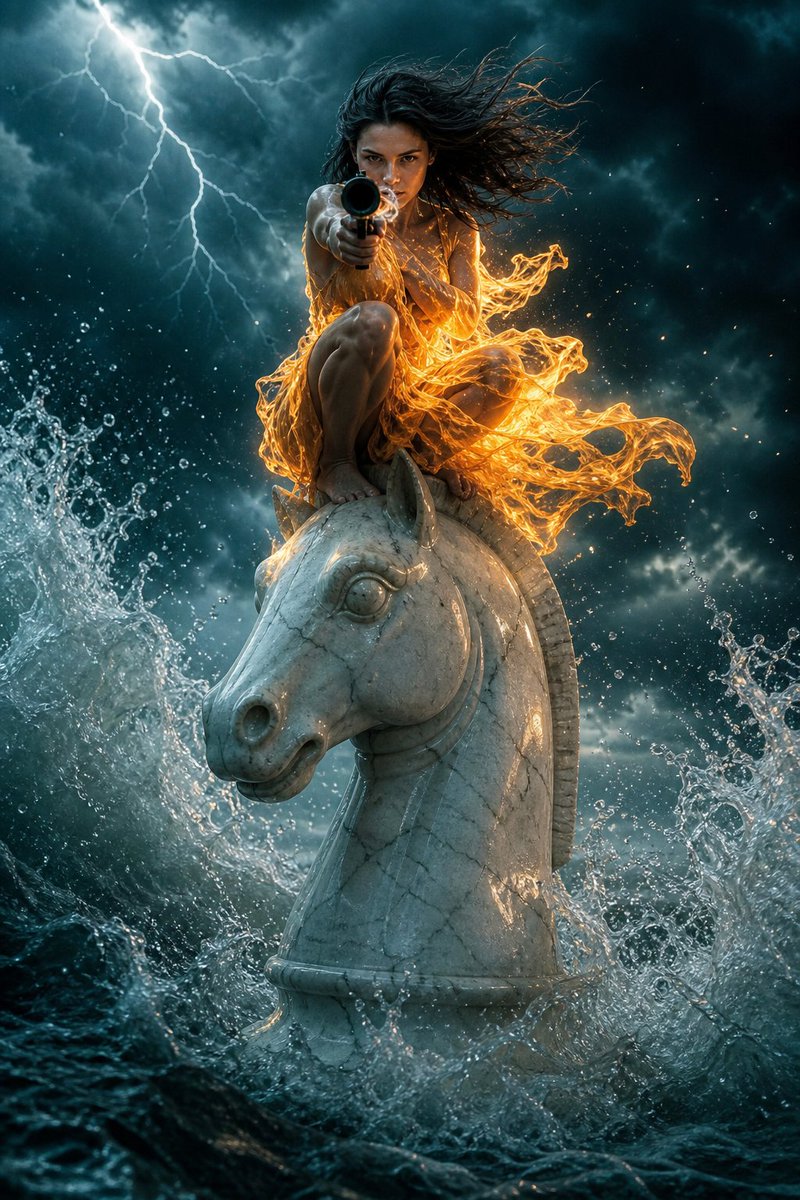
Surreal Action Sea Chess Knight
Tekst naar afbeelding
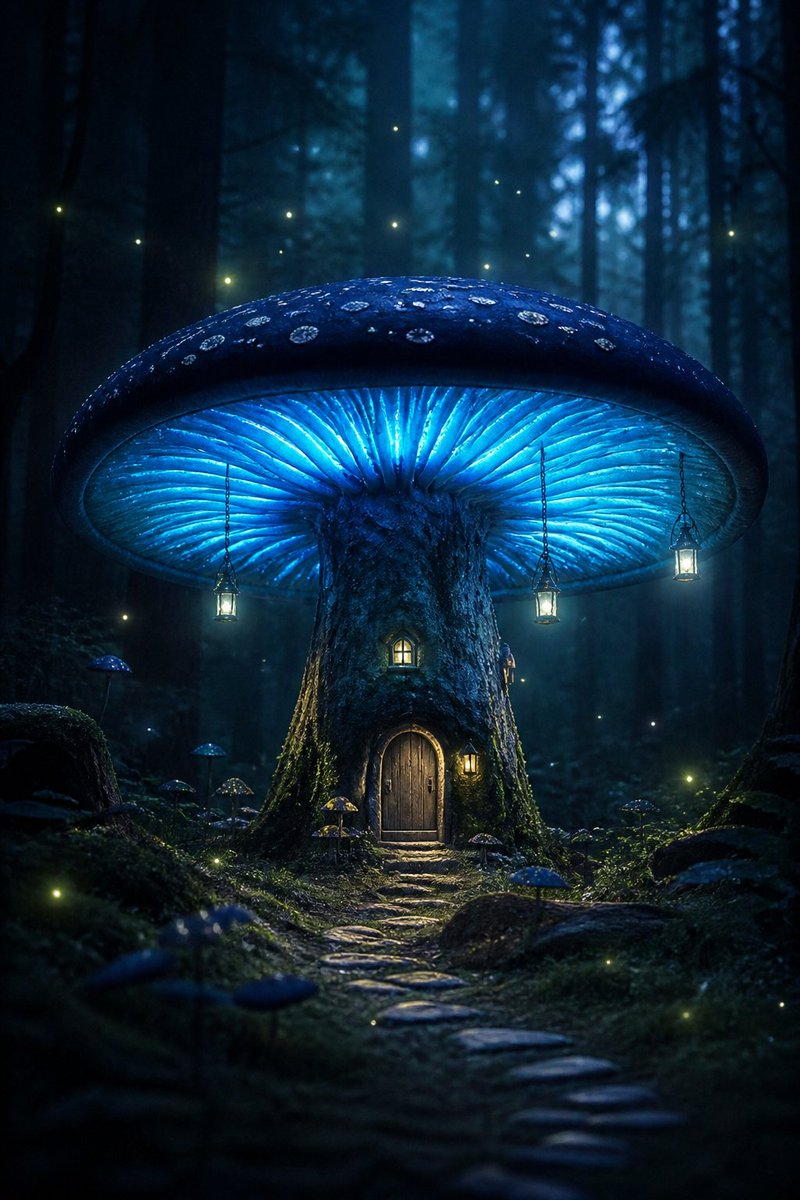
Bioluminescent Giant Mushroom in Dark Forest
Tekst naar afbeelding
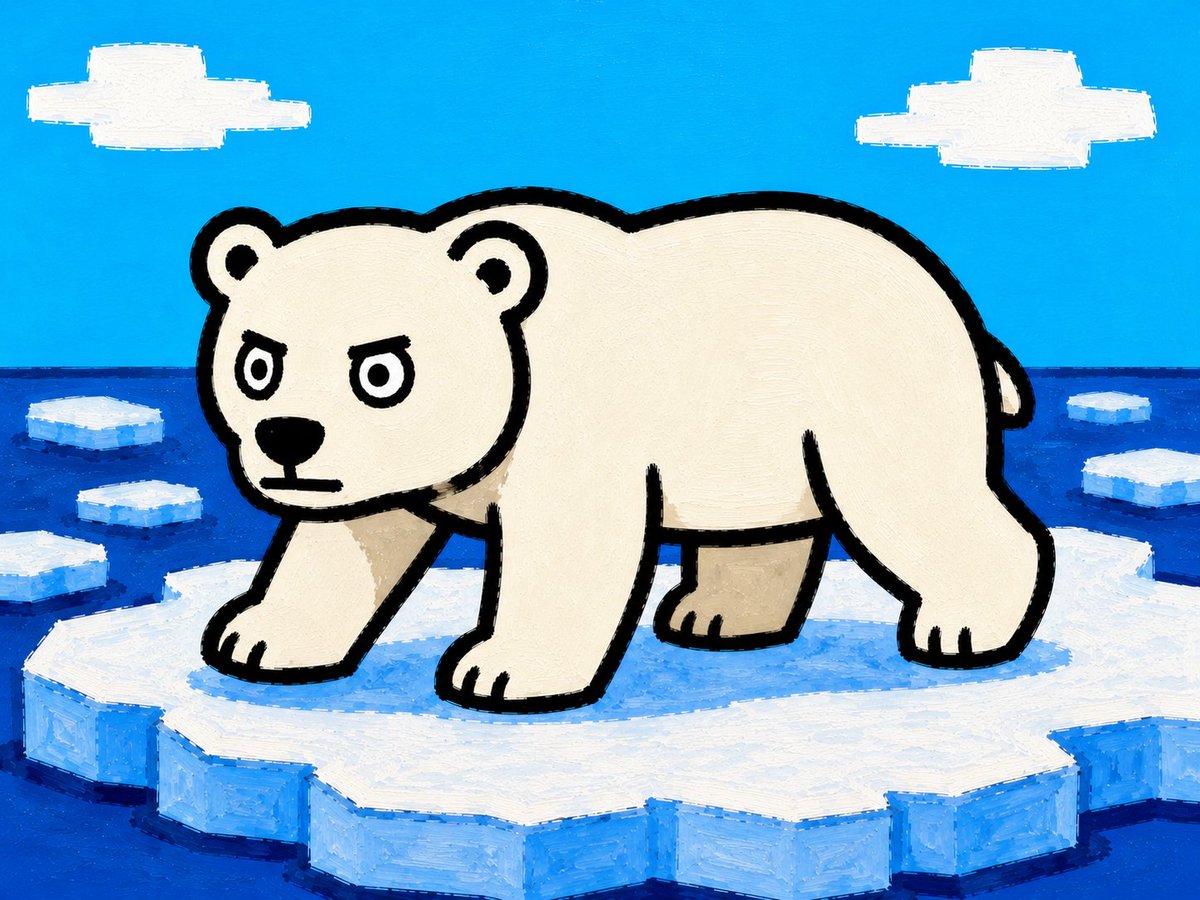
Cartoon Polar Bear on Ice Floe
Tekst naar afbeelding
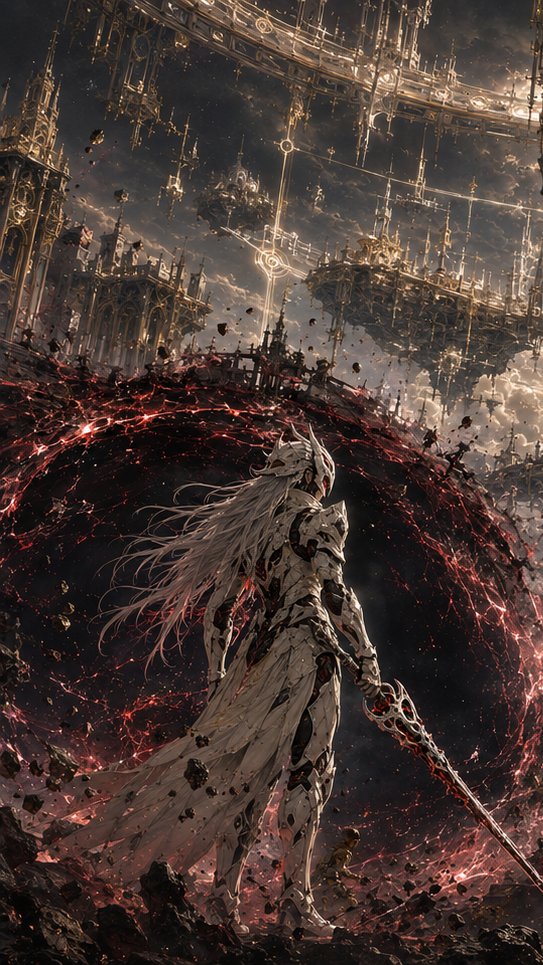
The God Kneels Narrative Scene
Tekst naar afbeelding
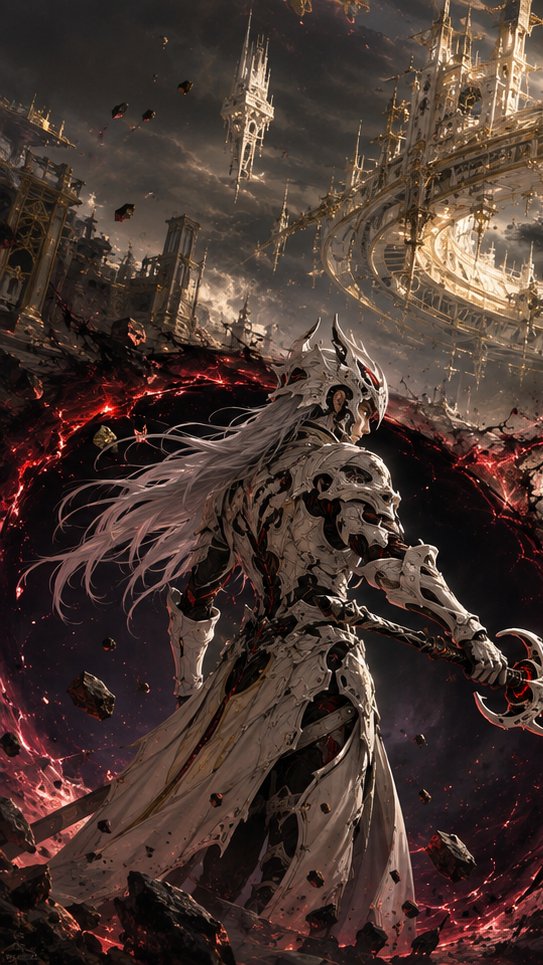
Choice of the Void Scene
Tekst naar afbeelding
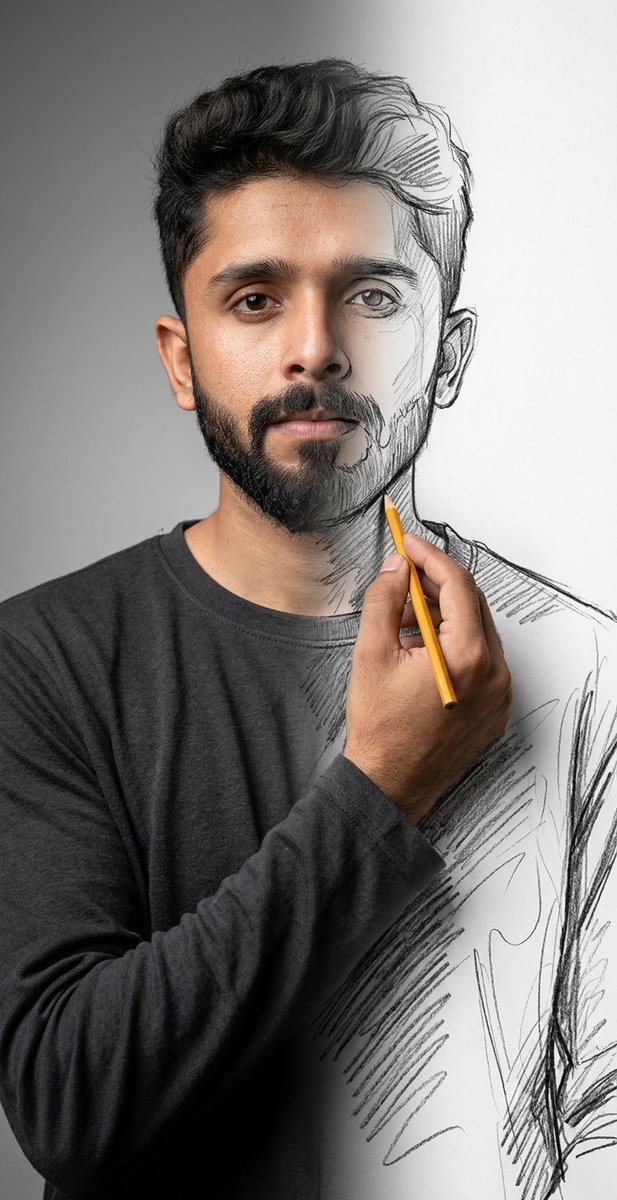
Surreal Mixed-Media Charcoal Portrait
Tekst naar afbeelding
Hergebruik en bronvermeldingen
Gebruik deze prompt veilig nadat u de casus hebt bekeken.
- 1.Kopieer de prompt of open deze direct in Dovoo met de knop 'Genereren'.
- 2.Pas de variabelen, beeldverhouding en referentieafbeeldingen aan uw eigen toepassing aan.
- 3.Controleer vóór publicatie of betaald gebruik de auteursrechten, de vereisten voor naamsvermelding en de risico's met betrekking tot merk of beeltenis.