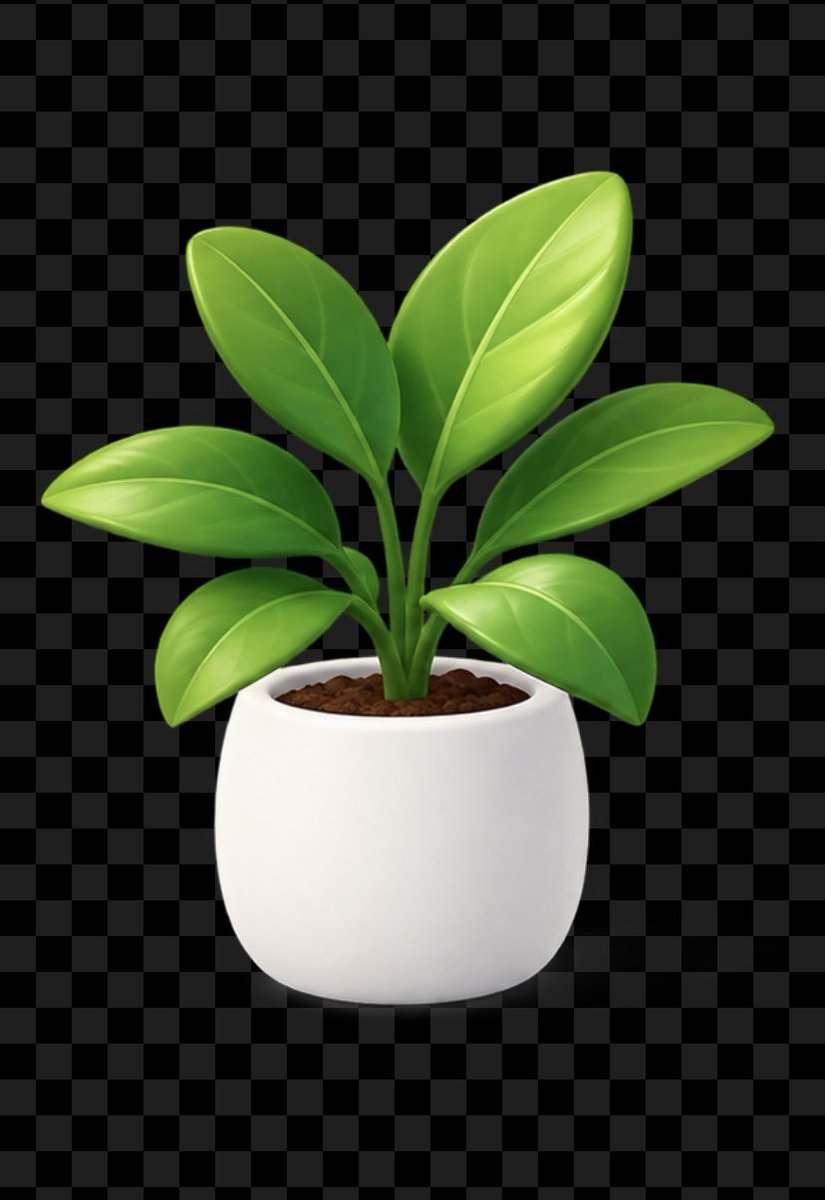
Glossy Potted Plant Asset
Generates a polished transparent-background potted plant icon suitable for product mockups, UI stickers, and marketing assets.
Dette er et tilfelle av en GPT Image 2 -ledetekst for Produkt og kommersiell . Bruk den kopieringsklare ledeteksten nedenfor for å generere lignende visuelle elementer, og gjennomgå Awesome GPT Image 2 Prompts -attribusjonen pluss kommersielle bruksrettigheter før gjenbruk.
Trenger du hele settet med ledetekster? Bruk Produkt og kommersiell emnehub for flere relaterte eksempler, eller åpne GPT Image 2 rask katalog for den fullstendige eksempelindeksen, gjenbrukbare strukturer og kildeattribusjon.
Free 1K preview
Generate one preview image instantly, no sign-up required.
1201/4000
Spørsmål
Klar til kopiering
Create a clean reusable product asset of a stylized houseplant in a pot on a transparent background, previewed over a dark gray checkerboard transparency grid. Center the subject vertically and horizontally on a portrait canvas. The plant has exactly 7 visible glossy oval leaves: one large upright leaf at the top right, one medium upright leaf at the top left, one long horizontal leaf extending right, one long horizontal leaf extending left, one smaller lower-left leaf, one rounded lower-right leaf, and one small central emerging leaf partly hidden between stems. Use bright fresh green gradients with smooth highlights, subtle central veins and curved side veins, thick green stems clustered from the soil. The pot is a simple rounded white ceramic planter with a wide oval opening, soft shadows, minimal texture, and dark brown pebbly soil visible at the top. Use polished 3D icon / clay-render style, soft studio lighting from the upper left, gentle ambient occlusion under leaves and pot, crisp edges suitable for stickers or UI assets. No text, no logo, no watermark, no extra objects. Keep the background actually transparent, with the checkerboard only representing transparency if shown.
Best for
- - Produkt og kommersiell visual exploration
- - Image generation and reference-image edits
- - Reusable briefs that keep source attribution visible
Change these parts
- - Subject, product, character, or scene
- - Aspect ratio, camera, lighting, and background
- - Brand, text, color, and output constraints
Recommended model and settings
- - Model: gpt-image-2
- - Input mode: Tekst til bilde
- - Aspect ratio: source
- - Commercial status: review original source
How to use this prompt
- 1. Copy the prompt and preserve its structure for the first test.
- 2. Replace the subject, context, and publishing channel.
- 3. Change one camera, lighting, or style variable per iteration.
- 4. Inspect the output, source, text, and rights before reuse.
Limitations, source, and reuse cautions
- - Generated output is an editable draft, not factual, legal, or rights evidence.
- - Review the linked source, people, brands, logos, text, and third-party media before commercial use.
Importert fra Awesome GPT Image 2 Prompts . Attribusjon kreves. Status for kommersiell bruk er allowed ; sjekk kilderettighetene før betalt bruk.
Flere saker i denne kategorien
Prioritert etter kategori, kompatibilitet med inndatamodus, kvalitet og lavere risiko.

Codex Silver Token Product Shot
Tekst til bilde
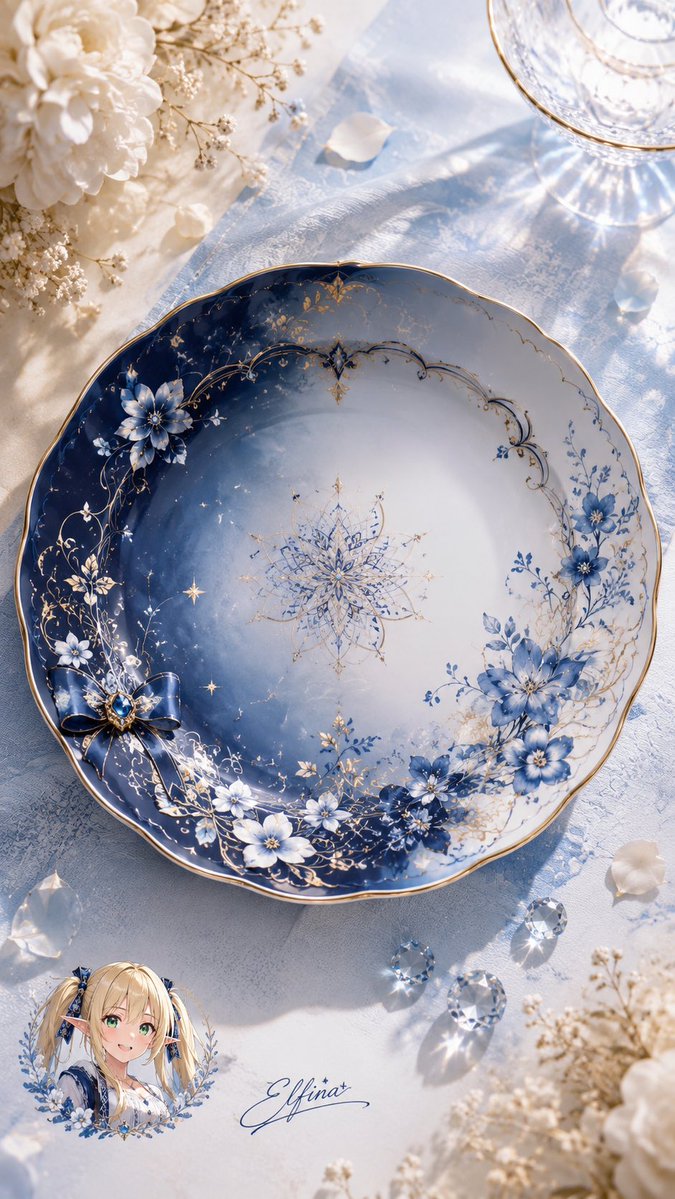
Elfina Fantasy Porcelain Plate
Tekst til bilde
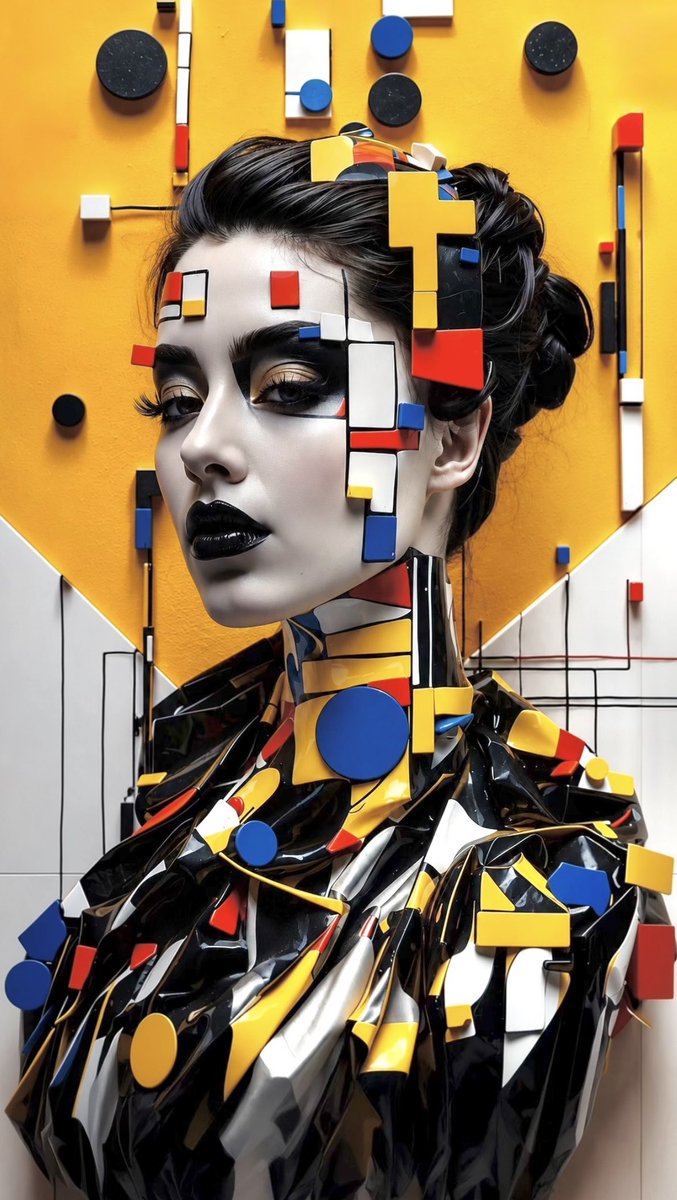
Avant-Garde Bauhaus Fashion Portrait
Tekst til bilde

Professional Studio Portrait in Tweed Suit
Tekst til bilde

Miniature London Paper-Craft Diorama
Tekst til bilde
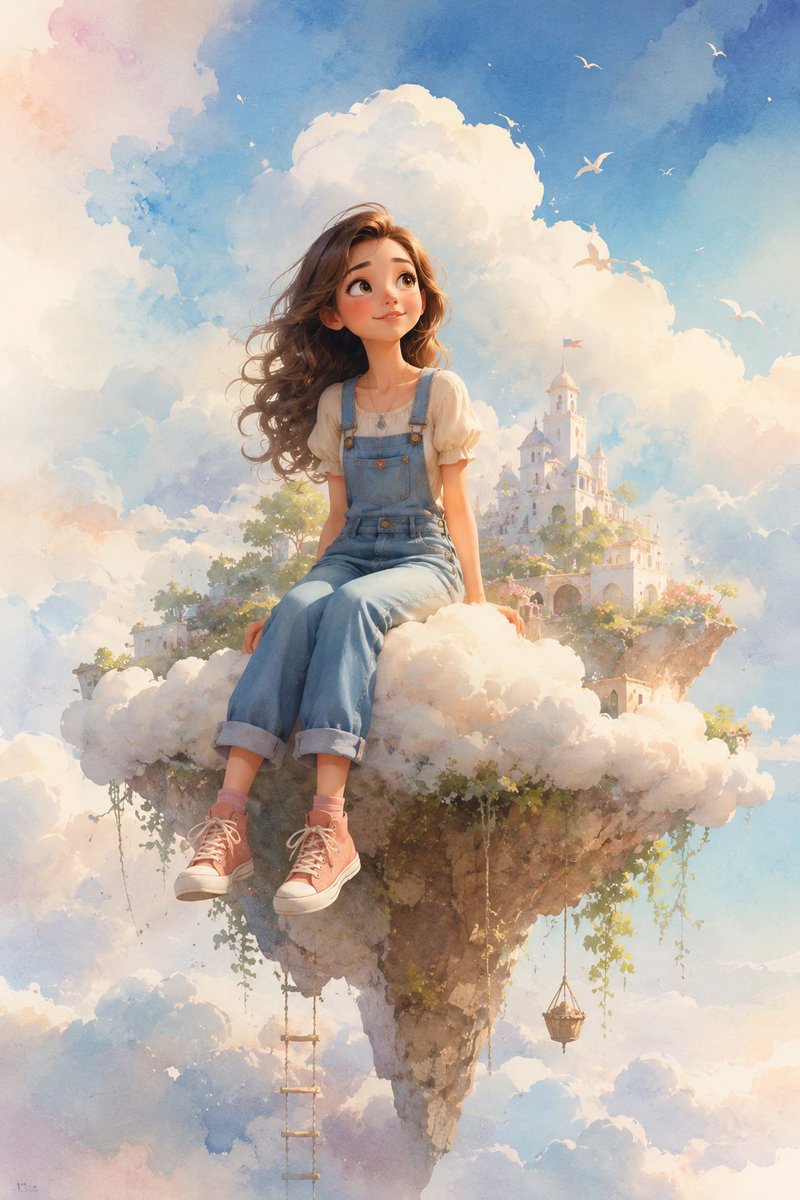
Dreamy Whimsical 3D Cartoon Render
Tekst til bildeMiddels risiko
Gjenbruk og kildenotater
Bruk denne ledeteksten på en trygg måte etter at du har forhåndsvist saken.
- 1.Kopier ledeteksten eller åpne den direkte i Dovoo med genereringsknappen.
- 2.Juster variabler, sideforhold og referansebilder for ditt eget brukstilfelle.
- 3.Før publisering eller betalt bruk, kontroller kilderettigheter, krav til kreditering og risikoer knyttet til merkevare eller likhet.