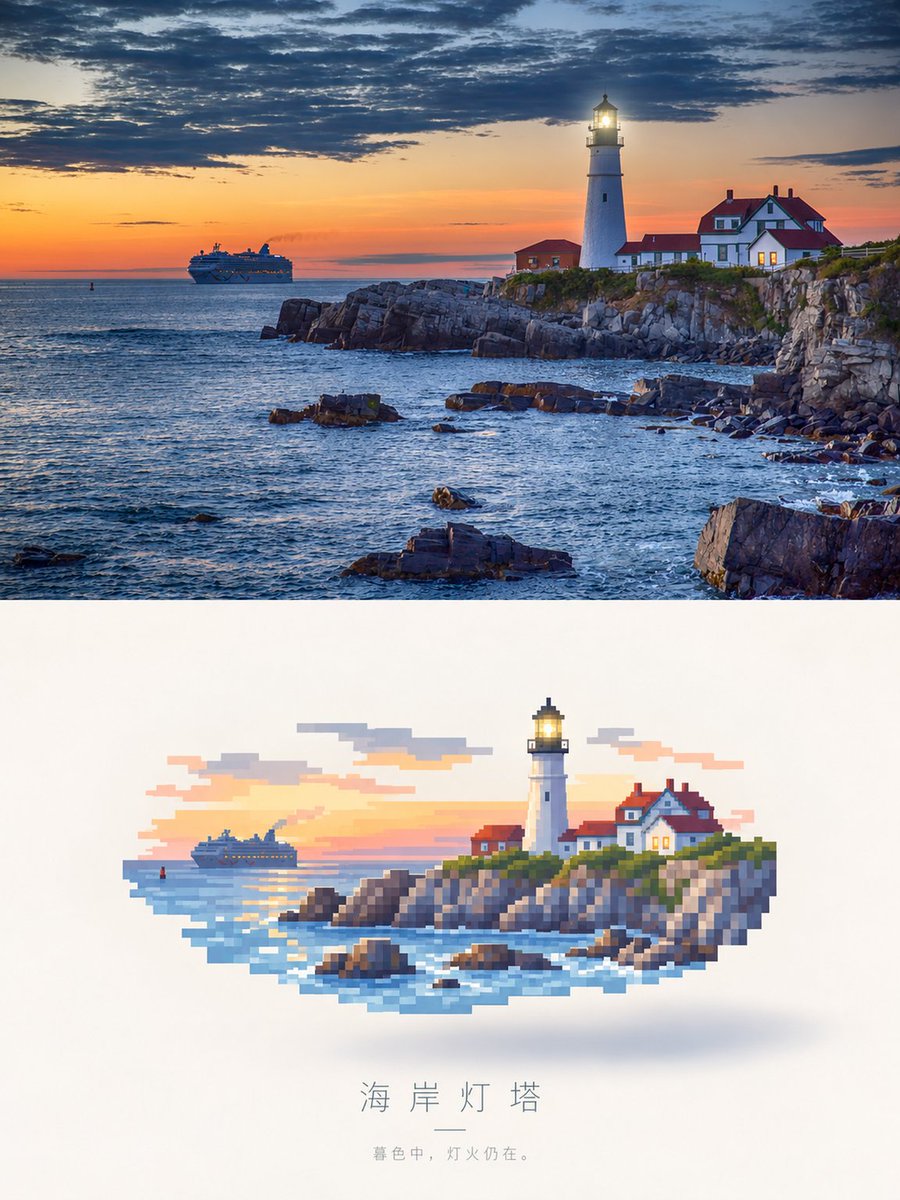
Photorealistic Lighthouse to Pixel Art
A split-screen prompt that transforms a realistic sunset lighthouse scene into a floating pixel art aesthetic.
Dette er et tilfelle av en GPT Image 2 -ledetekst for Illustrasjon og kunst . Bruk den kopieringsklare ledeteksten nedenfor for å generere lignende visuelle elementer, og gjennomgå Awesome GPT Image 2 Prompts -attribusjonen pluss kommersielle bruksrettigheter før gjenbruk.
Trenger du hele settet med ledetekster? Bruk Illustrasjon og kunst emnehub for flere relaterte eksempler, eller åpne GPT Image 2 rask katalog for den fullstendige eksempelindeksen, gjenbrukbare strukturer og kildeattribusjon.
Free 1K preview
Generate one preview image instantly, no sign-up required.
Free text preview doesn’t preserve reference-image consistency.
760/4000
Spørsmål
Klar til kopiering
Create a vertical, side-by-side comparison image. The upper panel is a realistic landscape painting: a white lighthouse stands on a rocky coastal cliff, the light is bright, next to a red-roofed keeper's cottage, at sunset. In the distance, a cruise ship sails under a dramatic sky, with dark clouds and orange light shining through. The lower panel shows the exact same scene, but reimagined as a pixel art illustration floating in the center against a clean white background. The pixel art uses large, blocky pixels with a soft shadow underneath, and the color scheme matches the photo above. Below the pixel art, include the Chinese title “Coastal Lighthouse,” followed by a small horizontal line and the subtitle “In the twilight, the lights are still on.”
Best for
- - Illustrasjon og kunst visual exploration
- - Image generation and reference-image edits
- - Reusable briefs that keep source attribution visible
Change these parts
- - Subject, product, character, or scene
- - Aspect ratio, camera, lighting, and background
- - Brand, text, color, and output constraints
Recommended model and settings
- - Model: gpt-image-2
- - Input mode: Bilde til bilde
- - Aspect ratio: source
- - Commercial status: review original source
How to use this prompt
- 1. Copy the prompt and preserve its structure for the first test.
- 2. Replace the subject, context, and publishing channel.
- 3. Change one camera, lighting, or style variable per iteration.
- 4. Inspect the output, source, text, and rights before reuse.
Limitations, source, and reuse cautions
- - Generated output is an editable draft, not factual, legal, or rights evidence.
- - Review the linked source, people, brands, logos, text, and third-party media before commercial use.
Importert fra Awesome GPT Image 2 Prompts . Attribusjon kreves. Status for kommersiell bruk er allowed ; sjekk kilderettighetene før betalt bruk.
Flere saker i denne kategorien
Prioritert etter kategori, kompatibilitet med inndatamodus, kvalitet og lavere risiko.
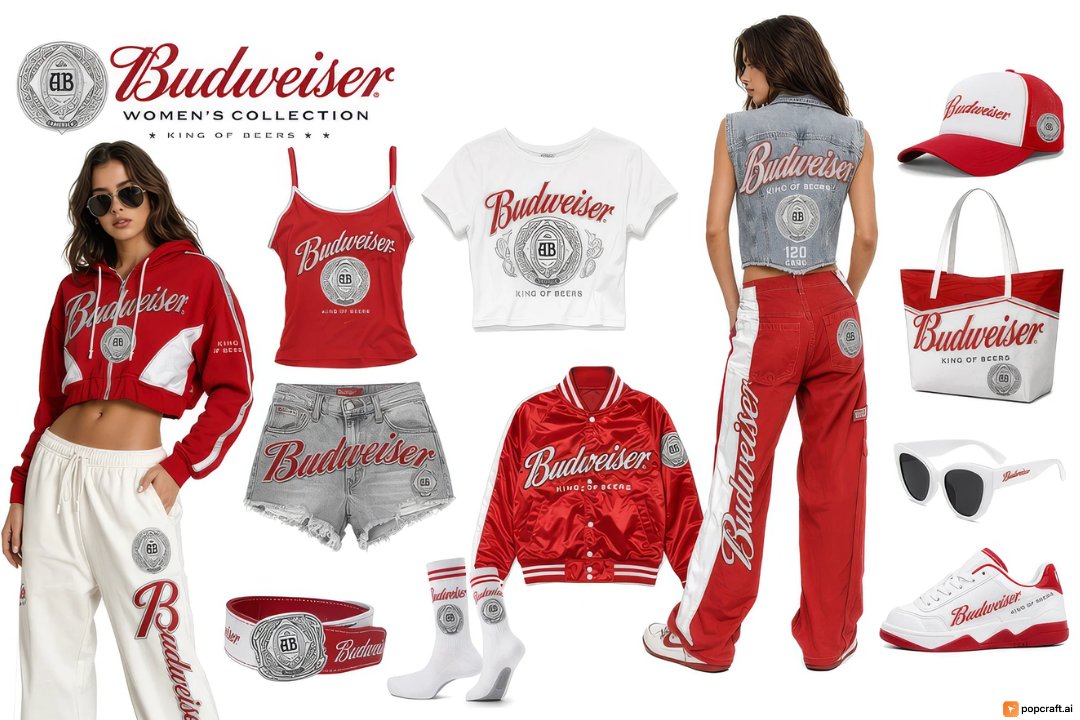
Budweiser Streetwear Fashion Concept Board
Bilde til bilde
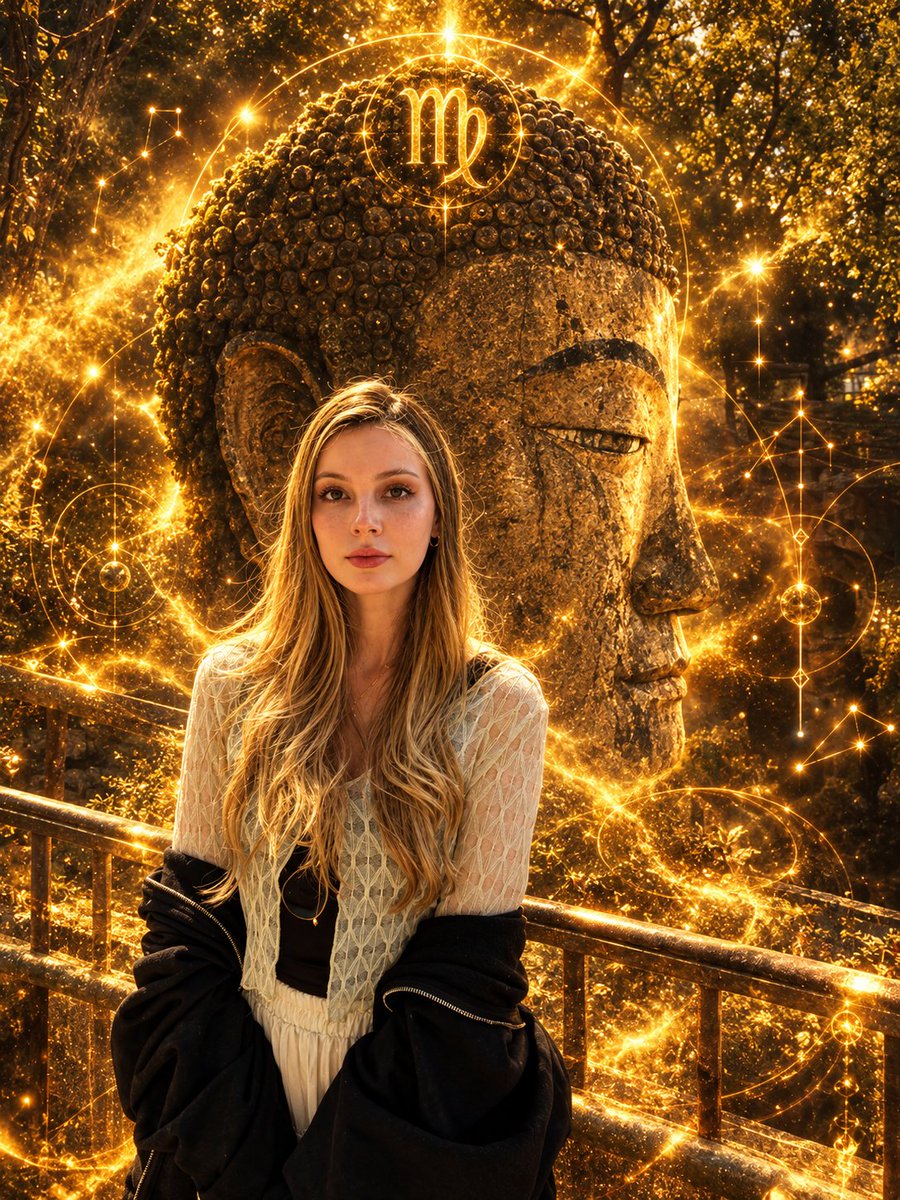
Virgo Zodiac Portrait with Golden Cosmic Energy
Bilde til bilde
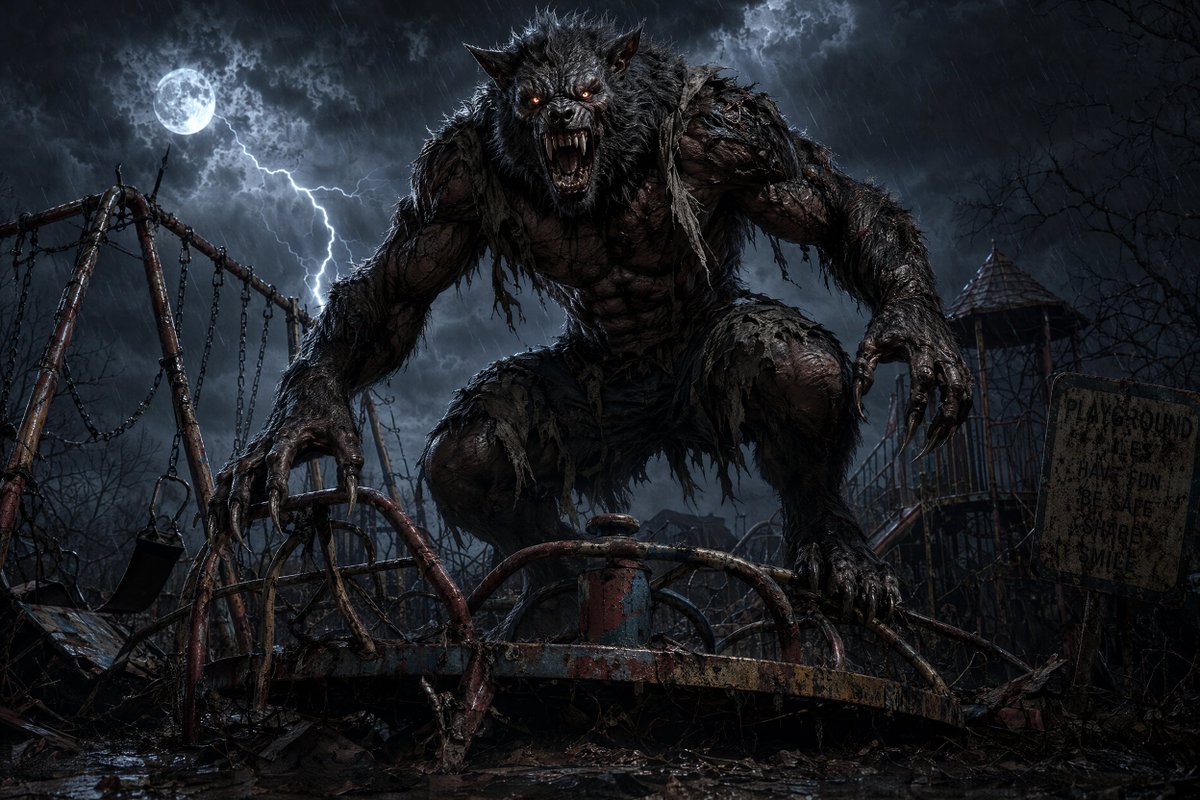
Werewolf at Abandoned Playground
Tekst til bilde
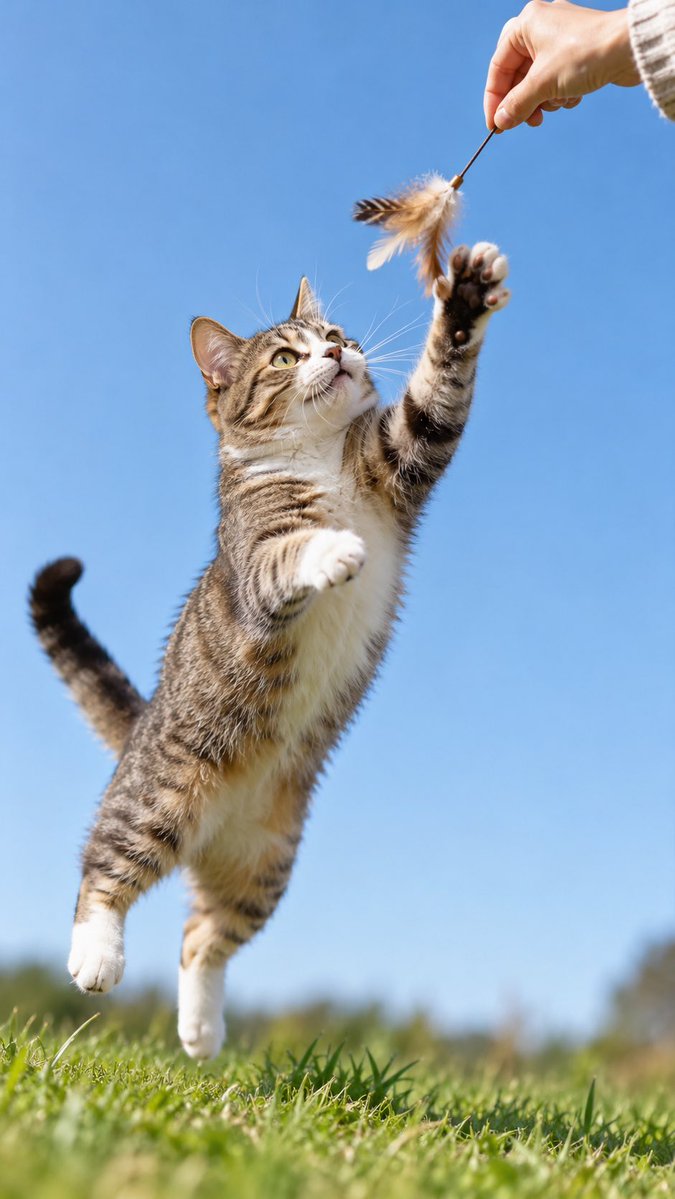
GPT-Image-2 Wildlife Photography Prompt
Tekst til bilde
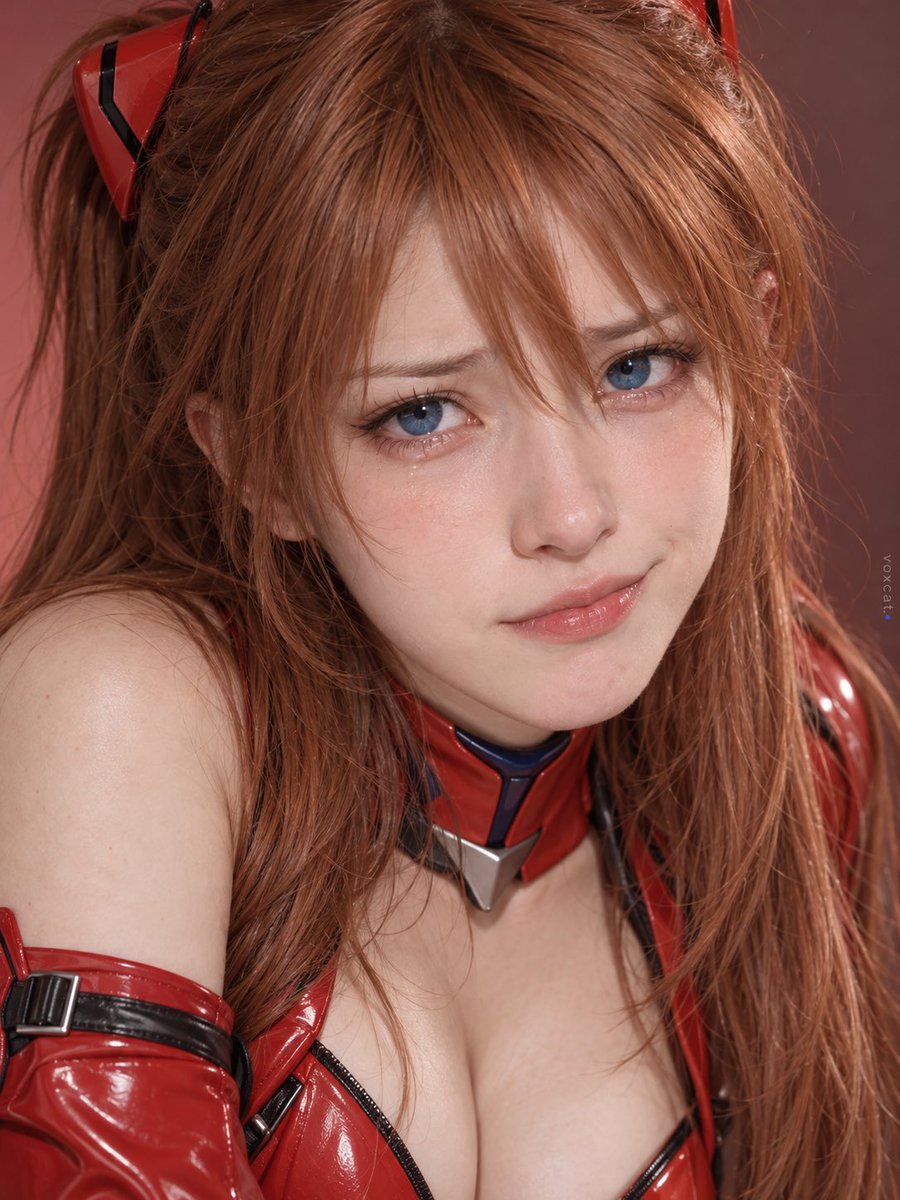
Multi-Symbol Composite Expression System
Bilde til bilde

Girl in Swimsuit on Orange Stairs
Tekst til bilde
Gjenbruk og kildenotater
Bruk denne ledeteksten på en trygg måte etter at du har forhåndsvist saken.
- 1.Kopier ledeteksten eller åpne den direkte i Dovoo med genereringsknappen.
- 2.Juster variabler, sideforhold og referansebilder for ditt eget brukstilfelle.
- 3.Før publisering eller betalt bruk, kontroller kilderettigheter, krav til kreditering og risikoer knyttet til merkevare eller likhet.