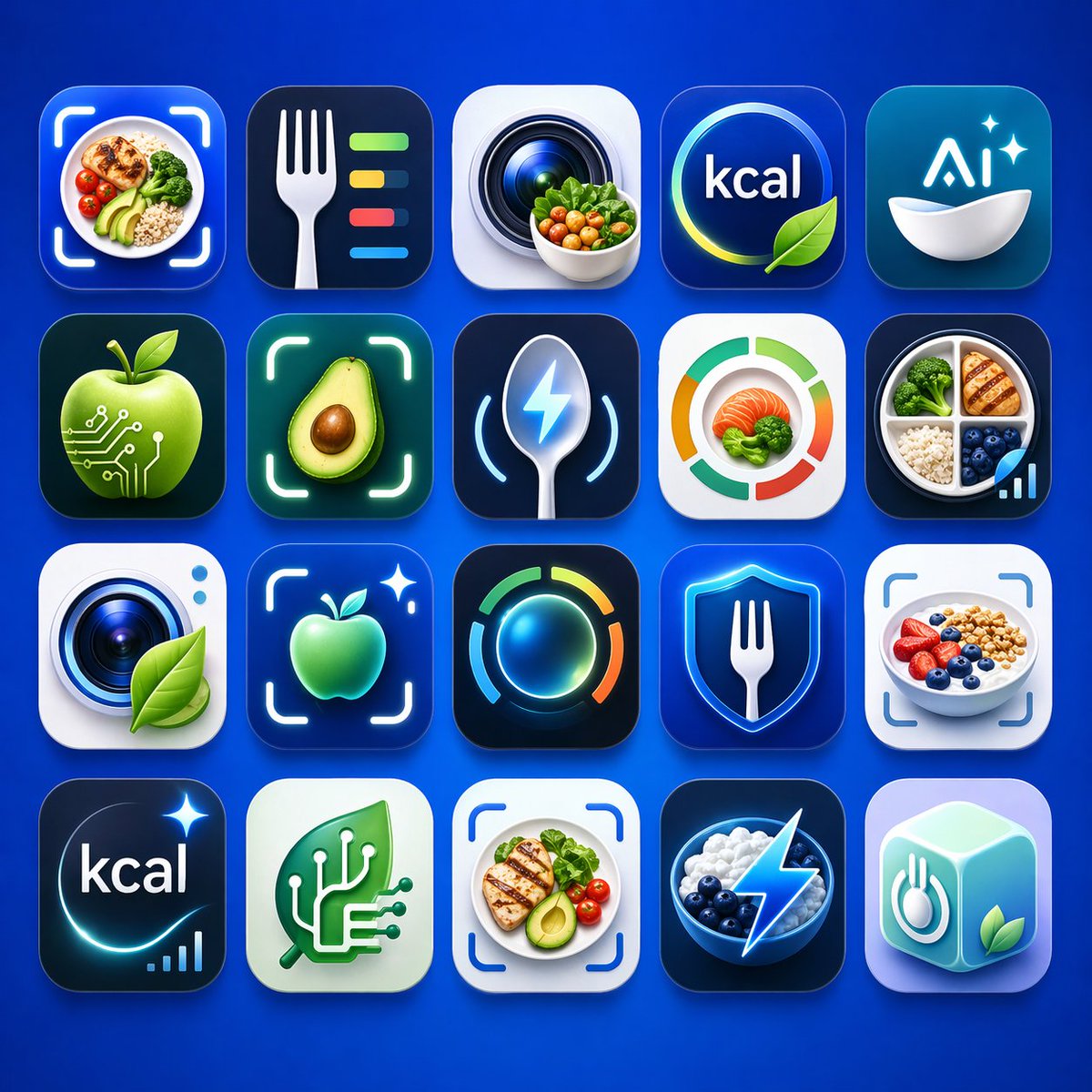
Logo-rutenett for app for sunn ernæring
Denne prompten genererer et polert sett med 20 sammenhengende appikonkonsepter for kalorisporing, matskanning og AI-ernæringsmerkevarebygging, ideelt for utforskning av applogoer eller produktpresentasjoner.
Dette er et tilfelle av en GPT Image 2 -ledetekst for Produkt og kommersiell . Bruk den kopieringsklare ledeteksten nedenfor for å generere lignende visuelle elementer, og gjennomgå Awesome GPT Image 2 Prompts -attribusjonen pluss kommersielle bruksrettigheter før gjenbruk.
Trenger du hele settet med ledetekster? Bruk Produkt og kommersiell emnehub for flere relaterte eksempler, eller åpne GPT Image 2 rask katalog for den fullstendige eksempelindeksen, gjenbrukbare strukturer og kildeattribusjon.
Free 1K preview
Generate one preview image instantly, no sign-up required.
2696/4000
Spørsmål
Klar til kopiering
A clean presentation grid of 20 modern mobile app logo concepts for nutrition, calorie tracking, healthy eating, food recognition, and AI wellness tools, shown on a vivid electric-blue background with soft studio lighting and subtle shadows. Arrange the icons in 4 rows by 5 columns, evenly spaced, each as a glossy rounded-square app tile with premium iOS-style depth, smooth gradients, glassy highlights, and crisp 3D-rendered detail. The color palette should center on saturated blues, cyan, teal, white, lime green, and small accents of orange and yellow. Include exactly 20 distinct icon designs: 1) a meal bowl with avocado, grains, broccoli, and cherry tomatoes framed by a camera scan bracket, 2) a white fork beside four horizontal nutrition bars in green, yellow, red, and blue on a dark navy tile, 3) a camera lens with a small bowl of vegetables in front, 4) a circular blue badge with the text {argument name="headline text" default="kcal"} and a green leaf overlapping the lower edge, 5) a teal-blue icon with the text {argument name="brand text" default="Ai"} above a white bowl and two sparkles, 6) a glossy green apple with circuit traces and nodes suggesting food-tech AI, 7) a halved avocado centered inside a glowing scan frame, 8) a metallic spoon with a blue lightning bolt symbol and curved tracking lines, 9) a circular segmented nutrition meter in green, orange, and red around salmon and broccoli, 10) a divided plate containing grilled chicken, broccoli, rice, blueberries, and a small ascending analytics bar chart, 11) a camera lens on a white tile with a green leaf attached, 12) a glowing green apple inside a scan bracket with a sparkle, 13) a luminous circular activity ring in blue, green, yellow, and orange on a dark tile, 14) a blue shield with a white fork in the center, 15) a yogurt or oatmeal bowl topped with strawberries, blueberries, and granola inside a scan bracket, 16) a dark navy calorie icon with the text {argument name="calorie text" default="kcal"}, a curved glow, one sparkle, and a tiny bar chart, 17) a mint-green square with a white circuit-tree or branching chip motif, 18) a plated healthy meal with grilled chicken, avocado, tomatoes, and greens inside a scan bracket, 19) a dark bowl of blueberries and white yogurt or cream with a bright electric lightning bolt overlay, 20) a pastel aqua 3D cube icon featuring a fork-and-plate symbol on one face and a green leaf on another. Make the overall style highly polished, slightly futuristic, commercially viable for App Store branding, with consistent visual language across all 20 icons, no extra text beyond the visible short labels, and a premium AI-generated product-design aesthetic.Promptvariabler
Redigerbare argumentplassholdere funnet i ledeteksten, med standardverdiene.
Variabel
headline text
Misligholde
kcal
Variabel
brand text
Misligholde
Ai
Variabel
calorie text
Misligholde
kcal
Best for
- - Produkt og kommersiell visual exploration
- - Image generation and reference-image edits
- - Reusable briefs that keep source attribution visible
Change these parts
- - Subject, product, character, or scene
- - Aspect ratio, camera, lighting, and background
- - Brand, text, color, and output constraints
Recommended model and settings
- - Model: gpt-image-2
- - Input mode: Tekst til bilde
- - Aspect ratio: source
- - Commercial status: review original source
How to use this prompt
- 1. Copy the prompt and preserve its structure for the first test.
- 2. Replace the subject, context, and publishing channel.
- 3. Change one camera, lighting, or style variable per iteration.
- 4. Inspect the output, source, text, and rights before reuse.
Limitations, source, and reuse cautions
- - Generated output is an editable draft, not factual, legal, or rights evidence.
- - Review the linked source, people, brands, logos, text, and third-party media before commercial use.
Importert fra Awesome GPT Image 2 Prompts . Attribusjon kreves. Status for kommersiell bruk er allowed ; sjekk kilderettighetene før betalt bruk.
Flere saker i denne kategorien
Prioritert etter kategori, kompatibilitet med inndatamodus, kvalitet og lavere risiko.

Matte Black B.AI Keyboard Keycap
Tekst til bilde

Studio Portrait of Woman with Sunglasses
Tekst til bilde

Cute Speech Bubble Mascot Profile Icon
Tekst til bilde

Tuxedo Cat Photo and Line Art Diptych
Tekst til bilde

Luxury Travel Fashion Portrait Prompt
Tekst til bilde

Autumn Cozy Casual Outfit Prompt
Tekst til bilde
Gjenbruk og kildenotater
Bruk denne ledeteksten på en trygg måte etter at du har forhåndsvist saken.
- 1.Kopier ledeteksten eller åpne den direkte i Dovoo med genereringsknappen.
- 2.Juster variabler, sideforhold og referansebilder for ditt eget brukstilfelle.
- 3.Før publisering eller betalt bruk, kontroller kilderettigheter, krav til kreditering og risikoer knyttet til merkevare eller likhet.